 Visual inspiration
 Visual inspiration
 Visual inspiration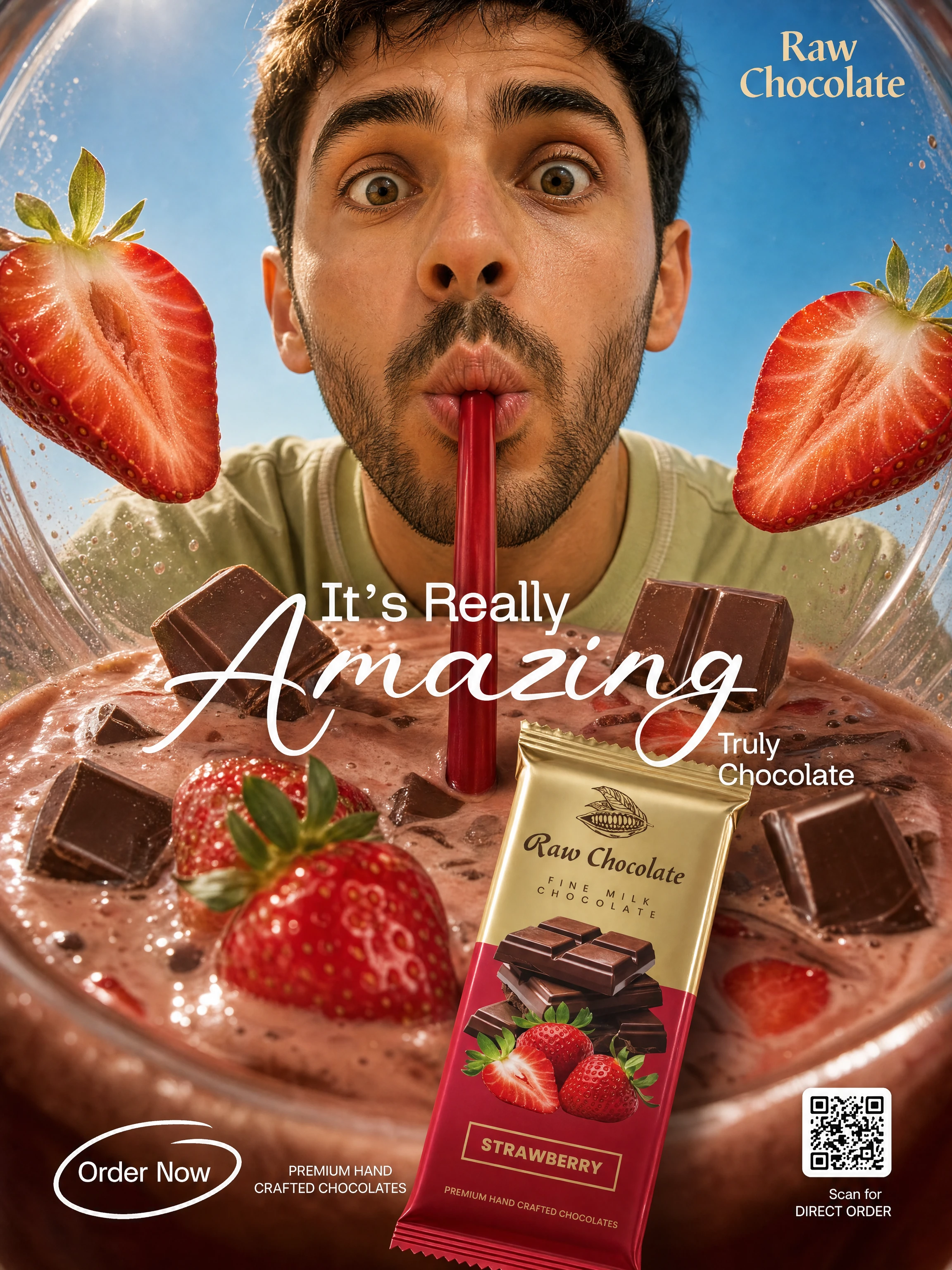
 Visual inspiration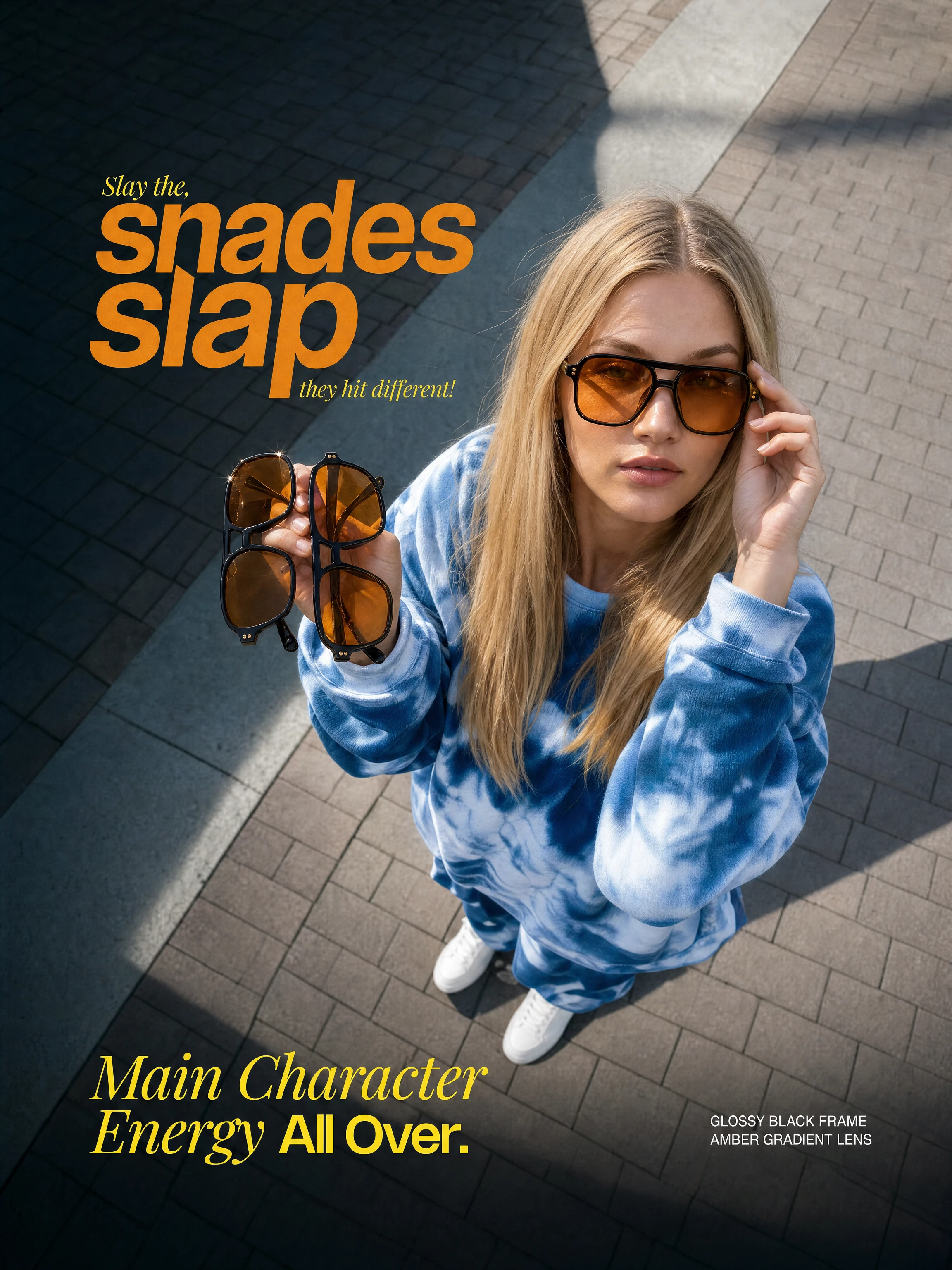
 Visual inspiration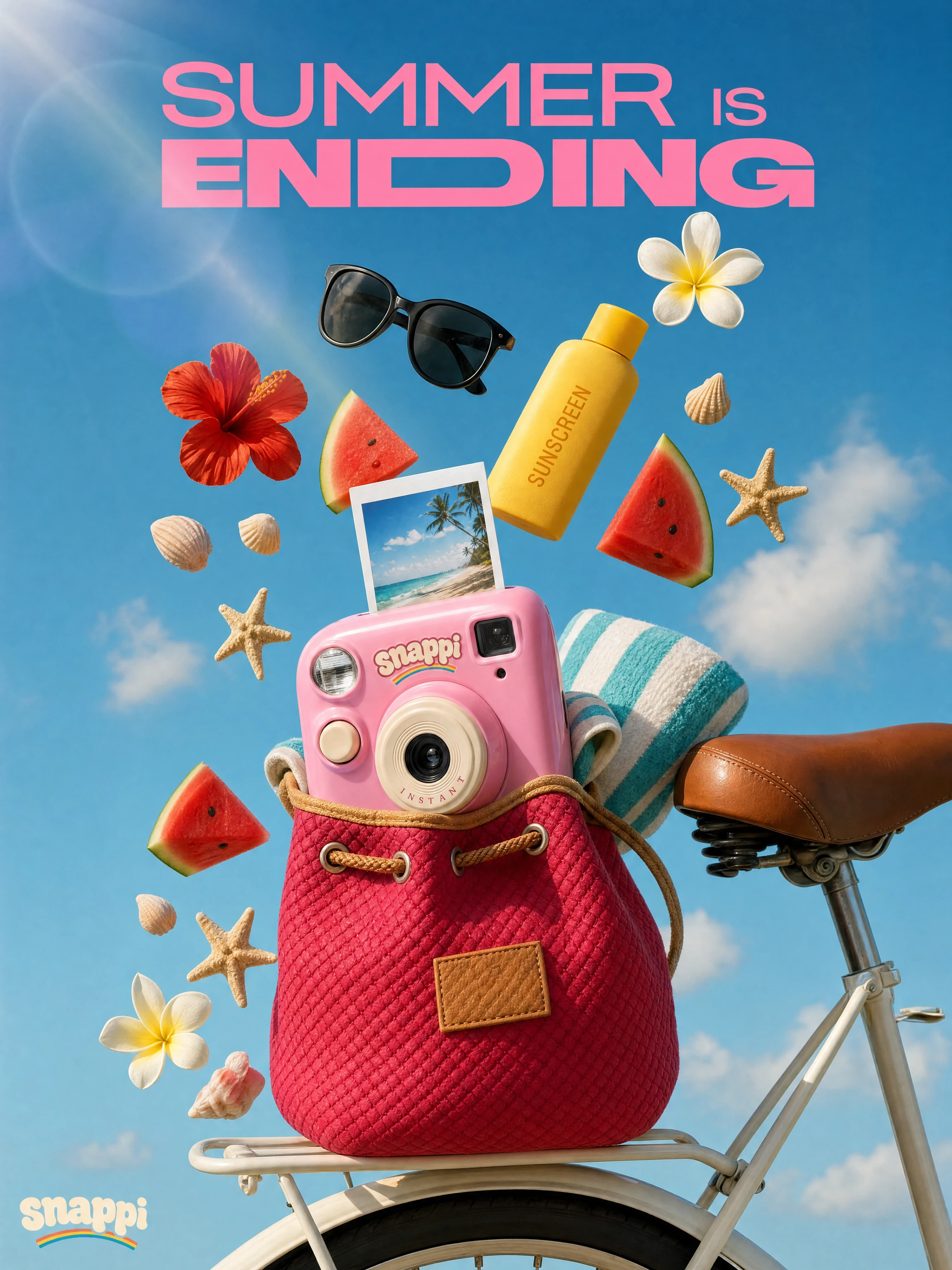
 Visual inspiration


Brand presets contain a name, color and description. They are saved on this device. Use the preset link to place that direction into a new image prompt; it is not automatically applied to every generation.
Open brand presetsThe creative workspace built for your ideas
Create images,videos,audio, at scale
Create images, video and audio with the available models. Check your settings, review each result and keep your work together.
Your creative toolkit
One place to create, review and keep your work
Start with an image, a video or an audio idea. Choose a tool, review its settings and keep the results that work for your project.
Create images
Describe a subject or add a reference, then choose an image model and format.
Create video
Explore text-to-video and image-to-video with the options available for each model.
Create audio
Open the audio studio to choose music, speech or sound generation.
Reusable workflows
Configure connected generation steps, review the total credit cost and run when ready.
Clothing concepts
Upload your own images to explore clothing variations. Review fit and fine details.
Product photography
Use a product reference to explore a different scene, background or lighting direction.
Brand presets
Save a name, color and visual direction on this device, then reuse them in an image prompt.
Image editing
Upload a reference and describe the change you want. Review the result before downloading.
From an idea to your next draft
Keep a useful direction, provide references and improve the result one step at a time.
Add a product or character image you have permission to use. Describe what to keep and what to change; consistency depends on the model and the reference.
Try referencesUse the image editor to request a change, then inspect the output. Results can vary; download the version you want to keep.
Open the editorChoose a model for your idea
These links open the exact model shown. Review the available settings and credit cost in the workspace.
GPT Image 2
Create an image from your prompt or reference. Review the available size and aspect-ratio settings.
Open this model →Nano Banana 2
Create an image from your prompt or reference. Review the available size and aspect-ratio settings.
Open this model →Kling 3.0 Turbo
Create a video clip from text or a reference frame. Check duration and other supported options.
Open this model →Credits for the work you choose
One-time credit packs. No automatic renewal. Generation costs depend on the selected model and settings.
Starter
$9 one-time
400 credits · 30 days validity
Standard
$49 one-time
2,500 credits · 90 days validity
Premium
$99 one-time
6,000 credits · 365 days validity
Frequently asked questions
Do I need an account?
You can browse tools and examples without signing in. Uploading files, generating and saving results require an account. Sign in to check your current balance; any welcome credits depend on the offer shown for your account.
How much does a generation cost?
Review the model and credit cost in the generation form before submitting. Each submission is charged separately. Credit packs are one-time purchases with the validity period shown on the pricing page.
View credit packs →What will I receive?
The selected model returns a raster image. Available dimensions and formats depend on the model. Results are not layered design files; review details and any text before use.
Are the examples a guarantee of my results?
No. Examples illustrate creative directions. Outputs vary with your prompt, references, model and settings. Check details, text and suitability before sharing or using a result.