Start with a clear reference
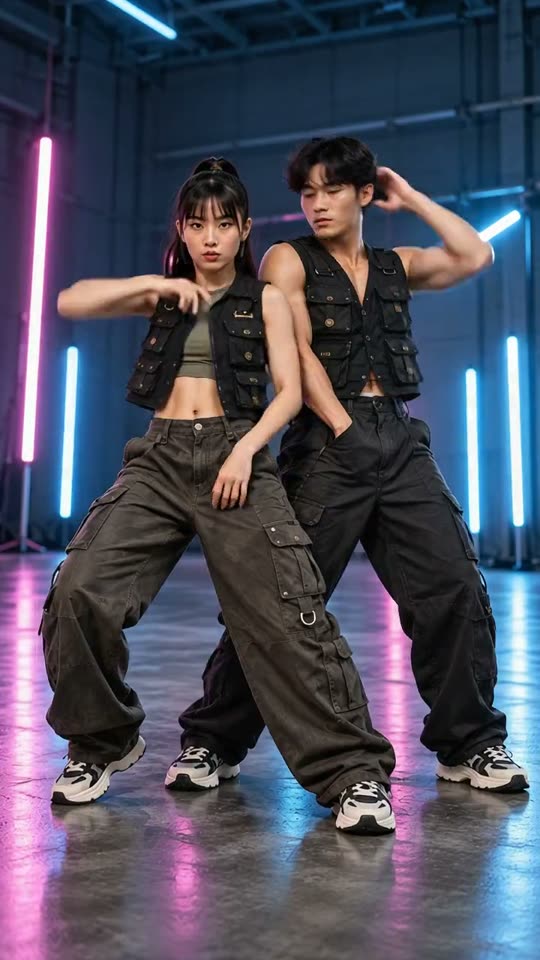
Use one sharp, full-body photo. For two dancers, upload a photo that already includes both people.
A2O Lite NEON AI
Use one sharp, full-body photo. For two dancers, upload a photo that already includes both people.
Model: Kling 3.0 Turbo
Video length follows the selected setting. Exact choreography and original music are not included.
Check both faces during turns and close-ups. Watch hands and feet before you keep the take.
From photo to idea
A bright studio keeps the dancers easy to read. A gallery adds depth; a carnival makes the scene playful. Pick the setting that supports the people in your photo, then keep the movement brief enough to stay recognizable.
Use one sharp, full-body photo. For two dancers, upload a photo that already includes both people.
A short AI dance interpretation using your photo and chosen scene. Select 5 or 10 seconds in settings.
Check both faces during turns and close-ups. Watch hands and feet before you keep the take.
This page uses one starting image for video. For a duo, prepare a single photo with both people visible; separate portraits are not interpreted as separate dancer identities.
Use JPG, PNG or WebP, up to 10 MB per image. Choose a clear photo you own or have permission to use, without covered faces or heavy filters.
Tasks appear in the creations area and My creations. Preview and download a completed result there. If a task fails, check its status and your credit history.
The quote uses the selected settings. Account credits and plan terms are shown on the pricing page. Pricing
No results yet. Start a task in a creative tool; your saved results will appear here.