Start with a clear reference
Upload one photo with both adults fully visible. Keep the figures separated and leave room around their feet.
Neon Dance AI
Upload one photo with both adults fully visible. Keep the figures separated and leave room around their feet.
Model: Kling 3.0 Turbo
Video length follows the selected setting. Exact choreography and original music are not included.
Watch the distance between dancers, mirrored reflections and crossing arms. Similar poses can merge during fast movement.
From photo to idea
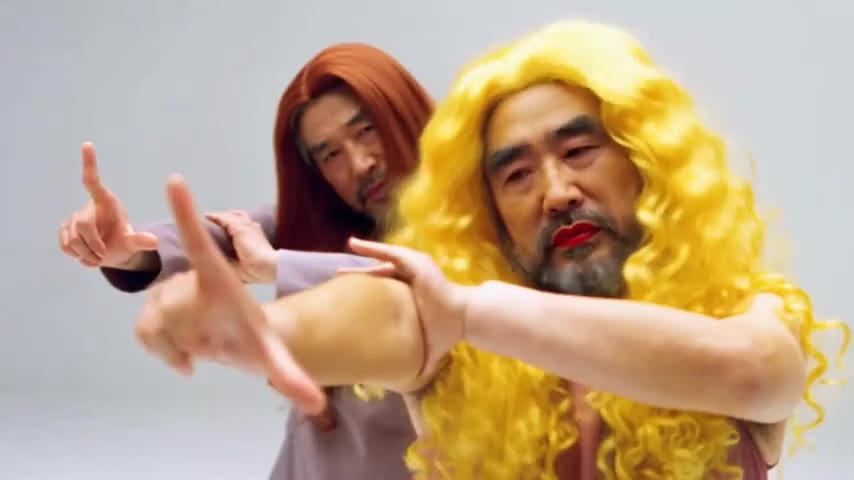
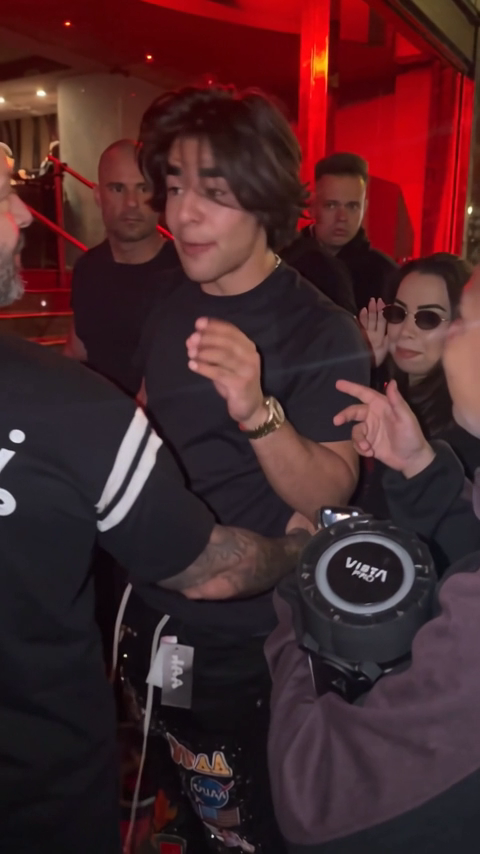
The vest scene emphasizes bold silhouettes against colored light. The studio scene gives the movement a quieter setting. Use a balanced group photo so the model has similar detail for each dancer.
Upload one photo with both adults fully visible. Keep the figures separated and leave room around their feet.
A duo dance concept generated from one starting photo. Output follows the 5- or 10-second setting shown here.
Watch the distance between dancers, mirrored reflections and crossing arms. Similar poses can merge during fast movement.
Start with a clear photo containing both people, with different silhouettes and no overlapping faces. Preview the whole clip and shorten busy motion if the identities blend.
Use JPG, PNG or WebP, up to 10 MB per image. Choose a clear photo you own or have permission to use, without covered faces or heavy filters.
Tasks appear in the creations area and My creations. Preview and download a completed result there. If a task fails, check its status and your credit history.
The quote uses the selected settings. Account credits and plan terms are shown on the pricing page. Pricing
No results yet. Start a task in a creative tool; your saved results will appear here.