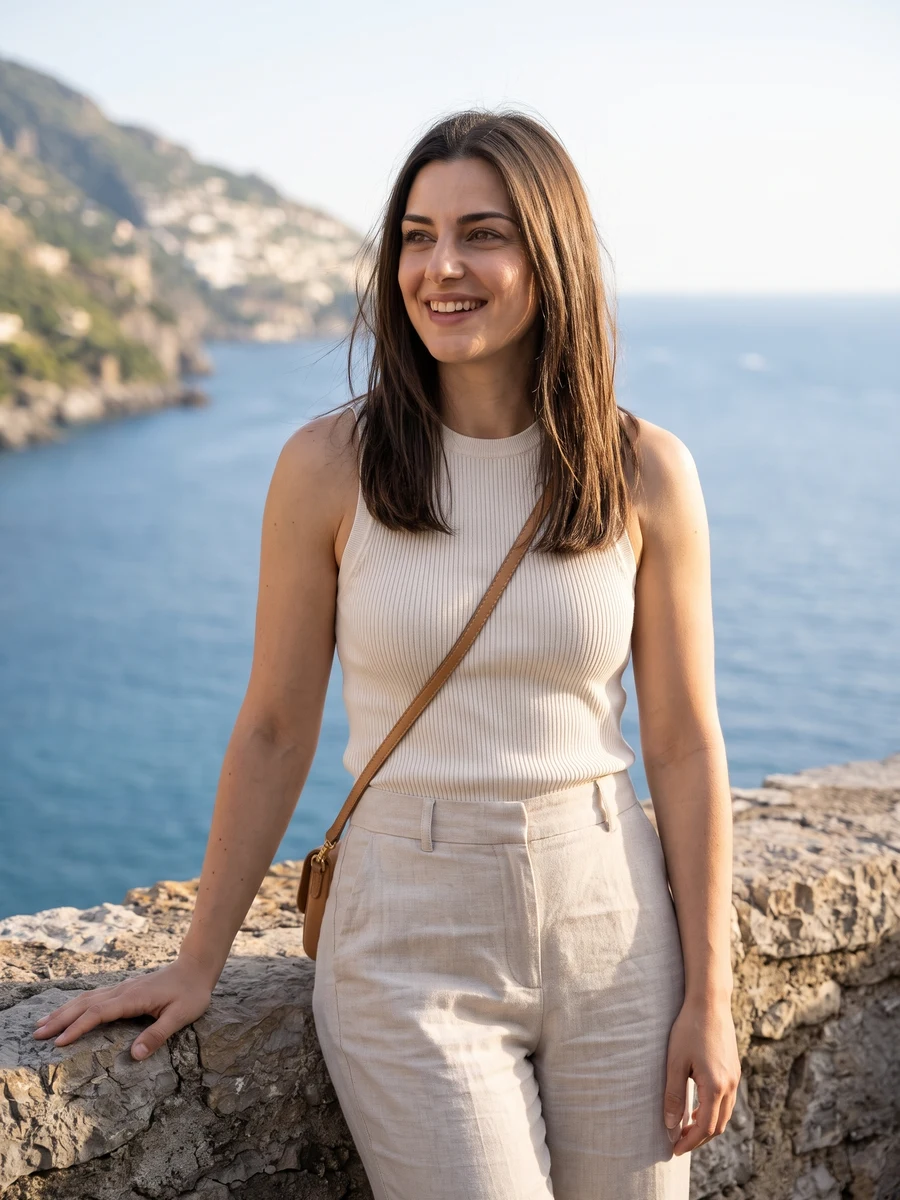
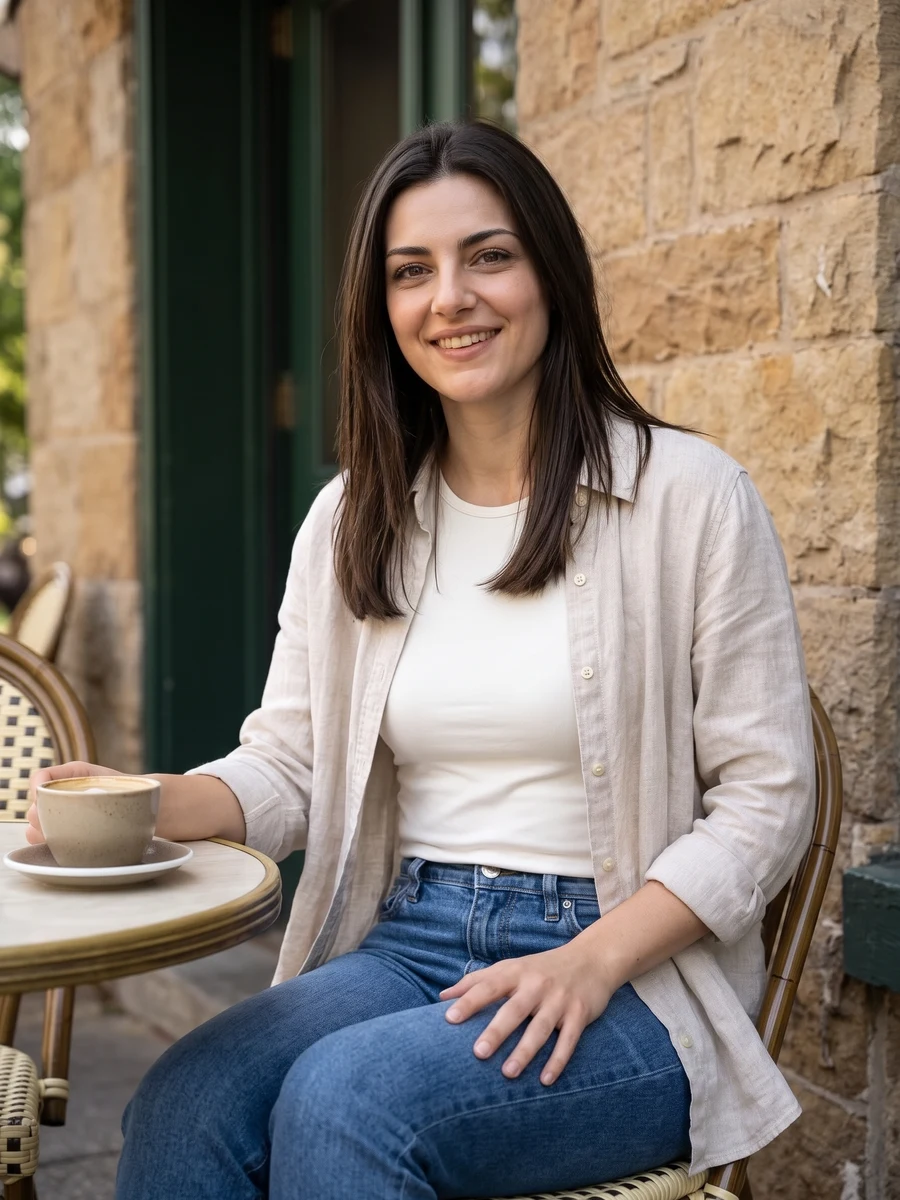
Start with a clear reference
Add the person first, then the garment or outfit reference. Clear fabric, edges and an unobstructed pose help.
AI Clothes Changer
Add the person first, then the garment or outfit reference. Clear fabric, edges and an unobstructed pose help.
Model: GPT Image 2
AI can redraw faces and fine details. Review the complete result before use.
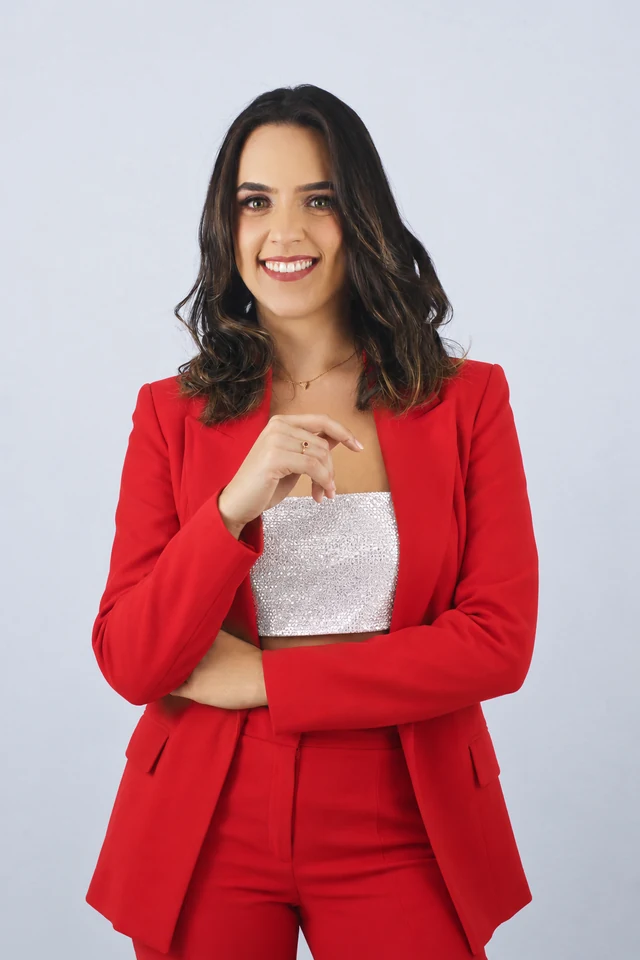
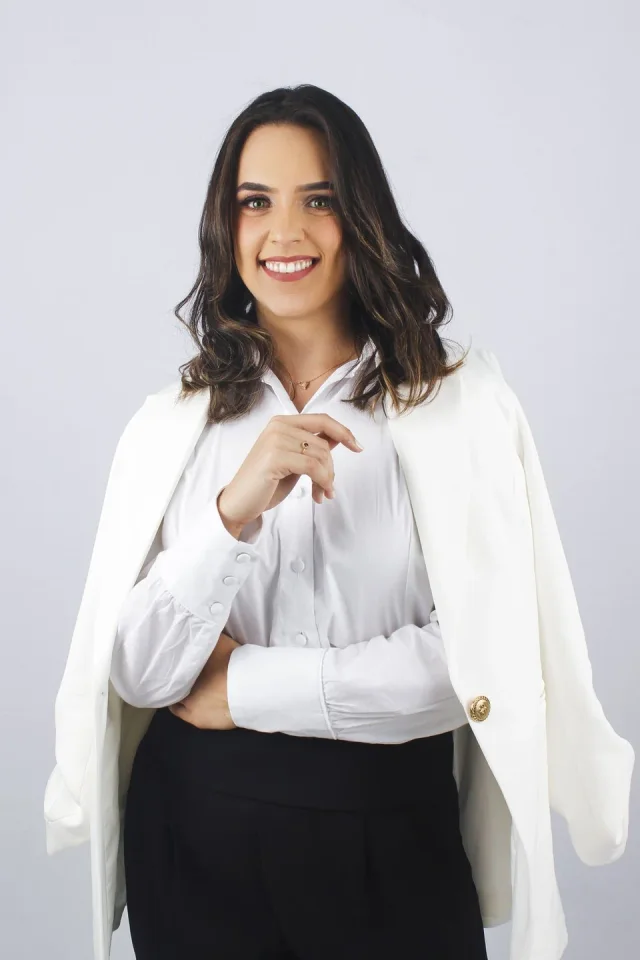 ↔
Compare the face, hands, garment seams and printed details with both inputs. This is a styling preview, not a fit measurement.
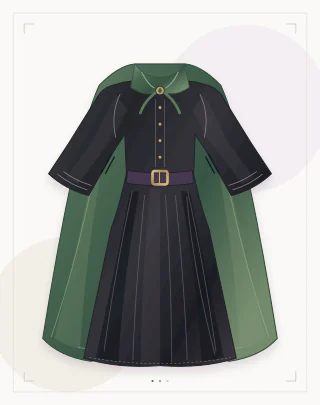
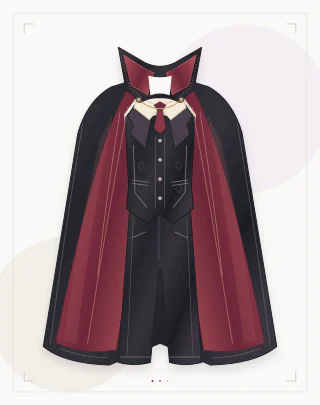
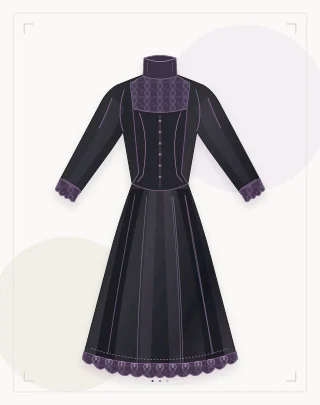
From photo to idea
A clothing photo communicates cut, color and texture more clearly than a long description. Keep the original pose simple and use the optional instructions to say which garment to replace and what should remain.
Add the person first, then the garment or outfit reference. Clear fabric, edges and an unobstructed pose help.
One AI image edit based on your person photo and clothing reference. Choose the canvas shape and resolution before generating.
Compare the face, hands, garment seams and printed details with both inputs. This is a styling preview, not a fit measurement.
This workflow edits an existing photo using a person image and a garment reference. It is useful for visual styling experiments; it does not measure fit or predict how clothing will sit on a real body.
Choose a person photo where the area to edit is visible and the pose is simple. A garment reference with an uncluttered background makes the cut, color and texture easier to read. Crop away unrelated items, but keep sleeves and hems that matter to the edit.
Ask to replace one garment, and explicitly preserve the face, pose and background where possible. Separate styling choices such as color from factual requirements such as a printed logo. If the first result changes too much, simplify the request instead of adding several new edits at once.
Compare the output with both inputs. Check fingers, fabric boundaries, seams, buttons, text and patterns. A generated preview can invent details, so it is unsuitable as an unqualified representation of an item for sale. Obtain permission for the person and clothing imagery you upload.
Replace only the jacket with the jacket in the clothing reference. Preserve the person’s face, pose, trousers and background. Keep the original lighting direction; do not add accessories.
This is an AI styling preview, not a fitting room or size recommendation. Review the displayed edit cost before submitting.
No. The image shows a visual interpretation of clothing. It does not measure the body, model fabric behavior or verify that a specific size fits. Check logos and stitching before using it in a listing.
Use JPG, PNG or WebP, up to 10 MB per image. Choose a clear photo you own or have permission to use, without covered faces or heavy filters.
Tasks appear in the creations area and My creations. Preview and download a completed result there. If a task fails, check its status and your credit history.
The quote uses the selected settings. Account credits and plan terms are shown on the pricing page. Pricing
No results yet. Start a task in a creative tool; your saved results will appear here.