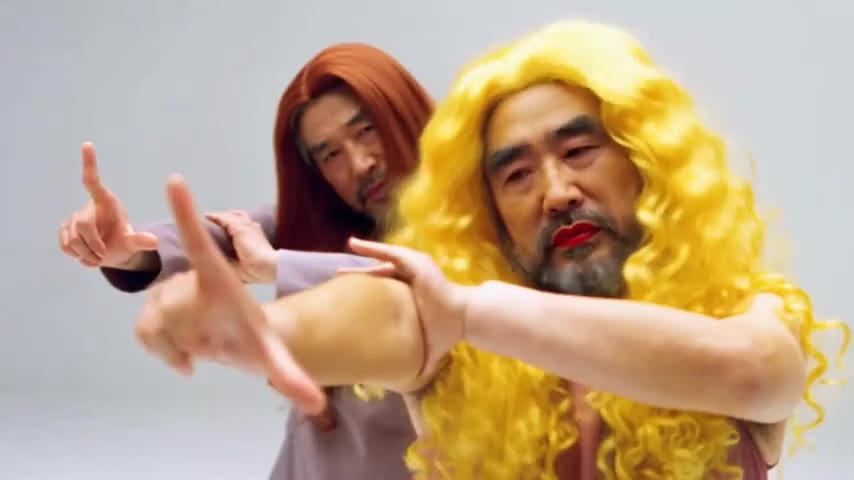
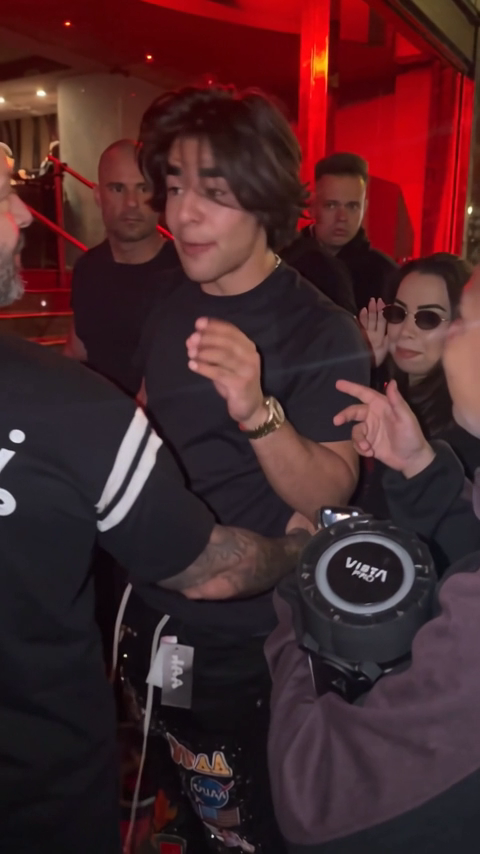
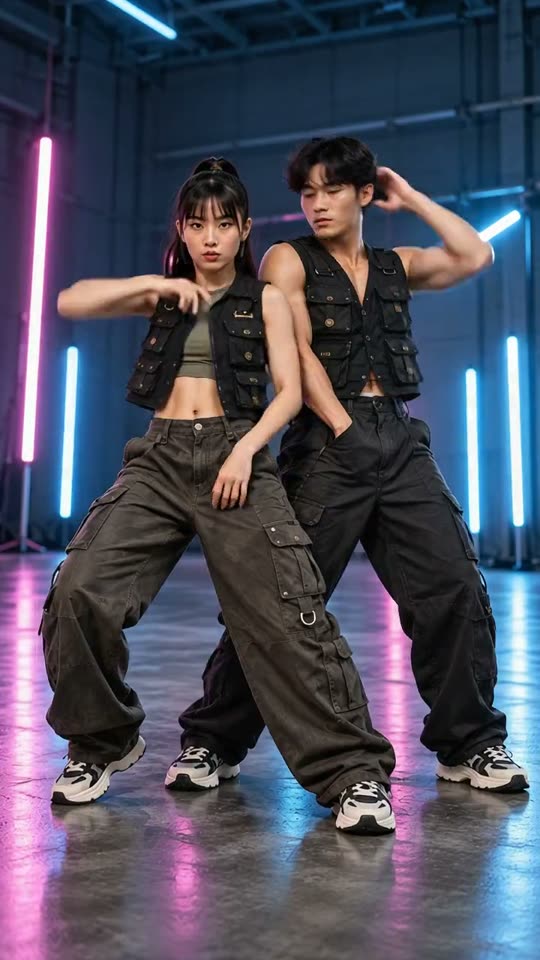
Start with a clear reference
Use one clear photo of the subject. For a couple or a person with a pet, include everyone in the same starting image.
PumpkinMorph
Use one clear photo of the subject. For a couple or a person with a pet, include everyone in the same starting image.
Model: Kling 3.0 Turbo
Video length follows the selected setting. Exact choreography and original music are not included.
Check the neck, costume boundaries and any extra limbs. Keep the subject recognizable until the intended reveal.
From photo to idea
A pumpkin reveal works best when the head has space around it. A costume transition needs a visible outfit. Choose the effect that your starting photo can support instead of asking one clip to do everything.
Use one clear photo of the subject. For a couple or a person with a pet, include everyone in the same starting image.
A short Halloween transformation. Review the selected effect and length before spending credits.
Check the neck, costume boundaries and any extra limbs. Keep the subject recognizable until the intended reveal.
Use a front-facing photo with visible shoulders and space above and beside the head. Tight face crops leave little room for the pumpkin shape and can make the reveal abrupt.
Use JPG, PNG or WebP, up to 10 MB per image. Choose a clear photo you own or have permission to use, without covered faces or heavy filters.
Tasks appear in the creations area and My creations. Preview and download a completed result there. If a task fails, check its status and your credit history.
The quote uses the selected settings. Account credits and plan terms are shown on the pricing page. Pricing
No results yet. Start a task in a creative tool; your saved results will appear here.