Halloween portraits | Photo & Video Studio
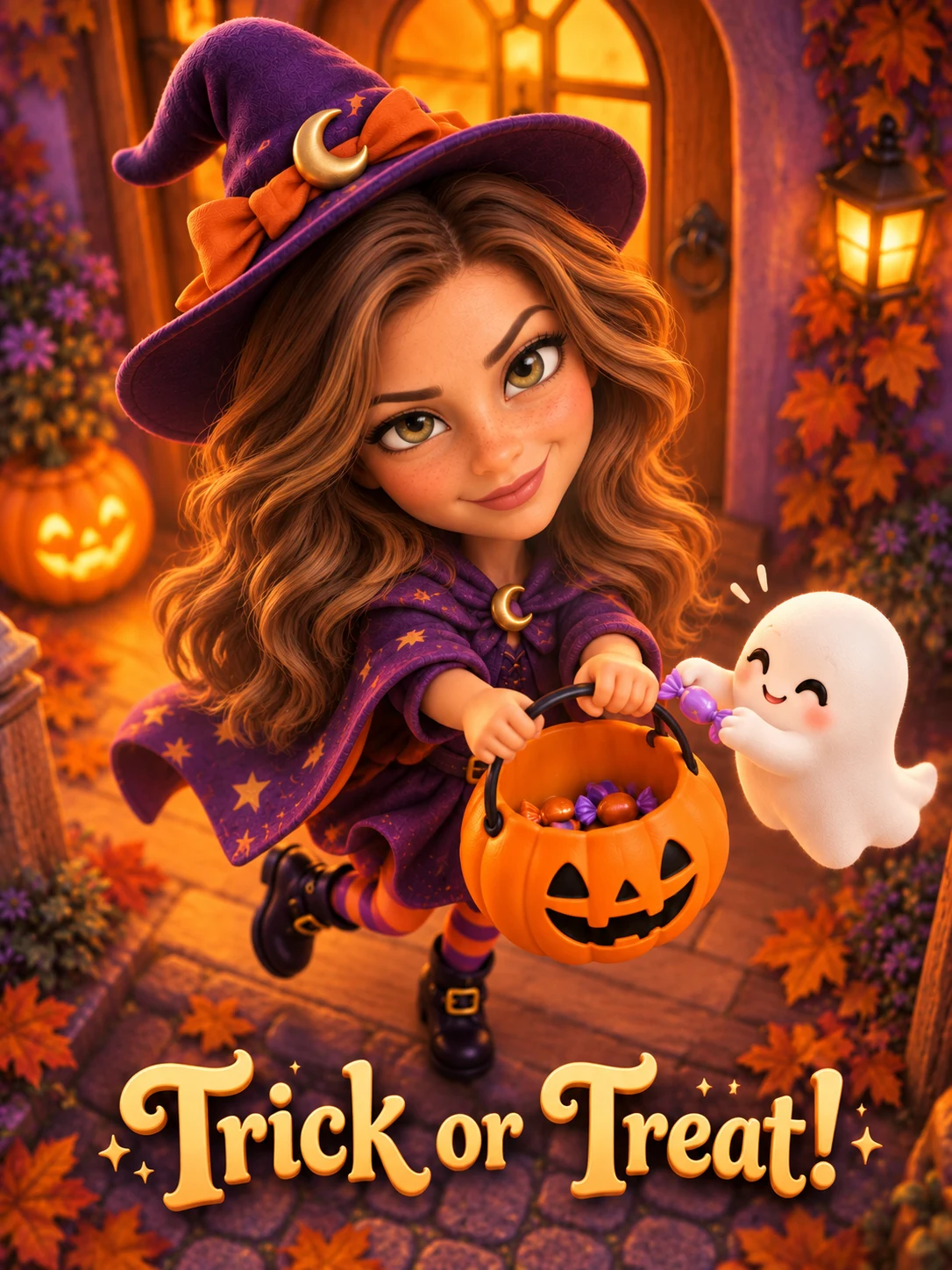
Pick a candy-lit porch, a moonlit rooftop or a friendly ghost scene. Bring one photo; leave the costume to the image.
Explore tools for portraits, product scenes and image edits.
Pick a candy-lit porch, a moonlit rooftop or a friendly ghost scene. Bring one photo; leave the costume to the image.
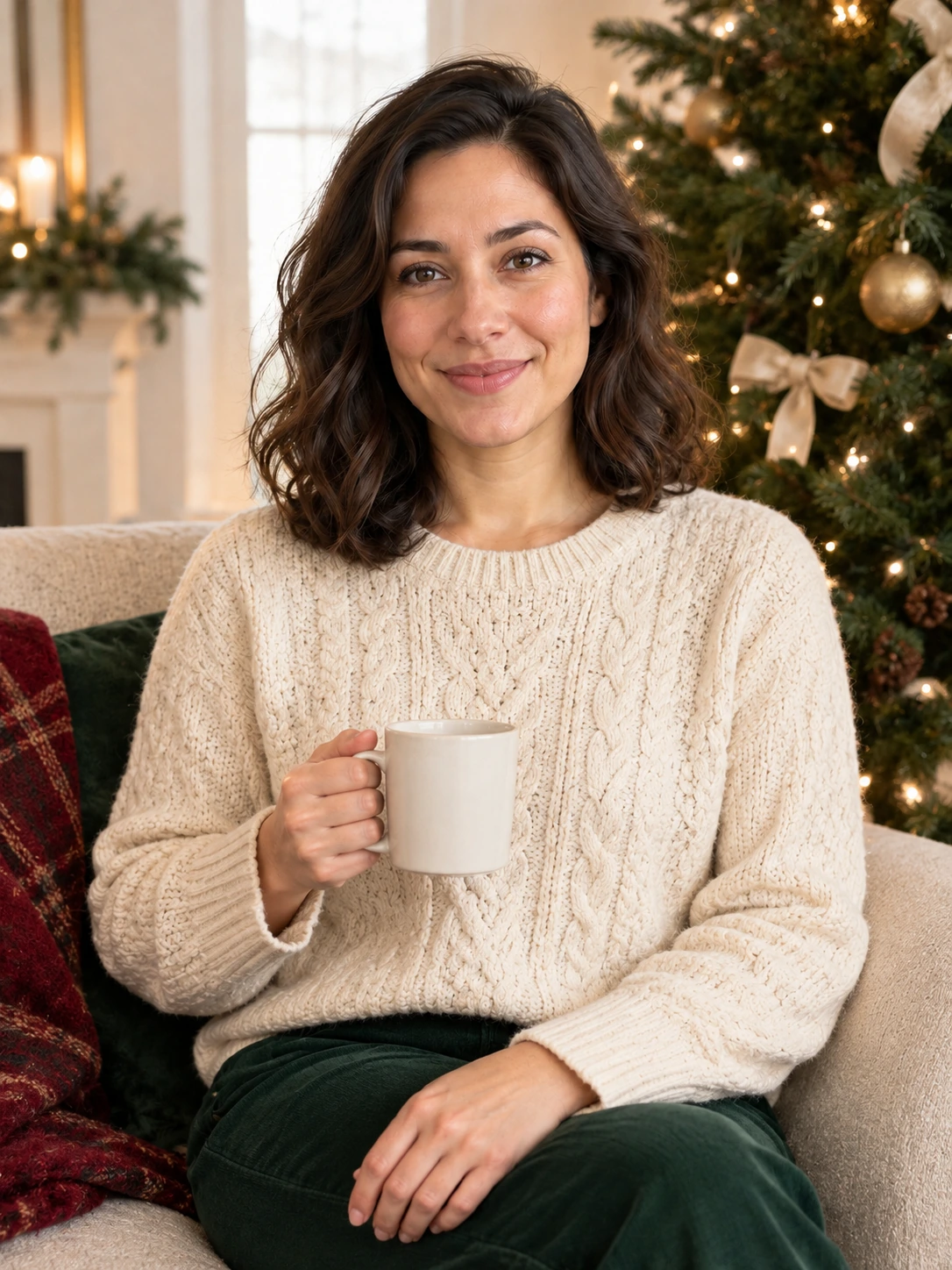
Create a warm fireside portrait, a tiny snow-globe scene or a festive group photo. Choose the mood before you upload.
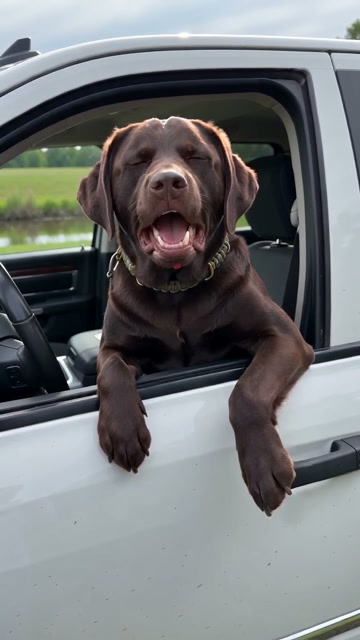
Put a person or pet in a pickup scene or a tiny toy car. Build a short, deadpan roadside reaction from one clear photo.
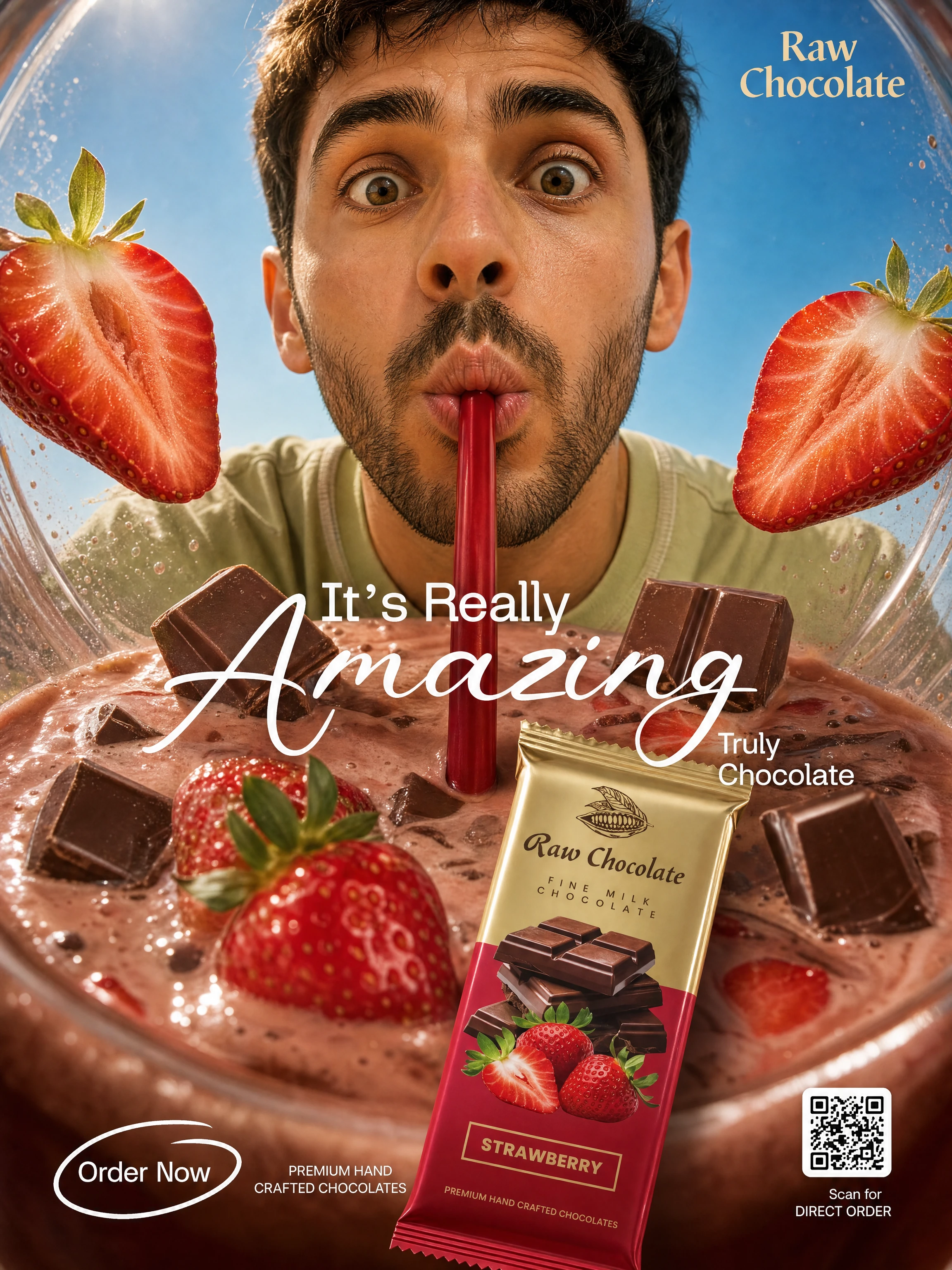
Choose a recording booth, street cypher or rooftop stage. Shape a short rap-performance visual around your portrait.
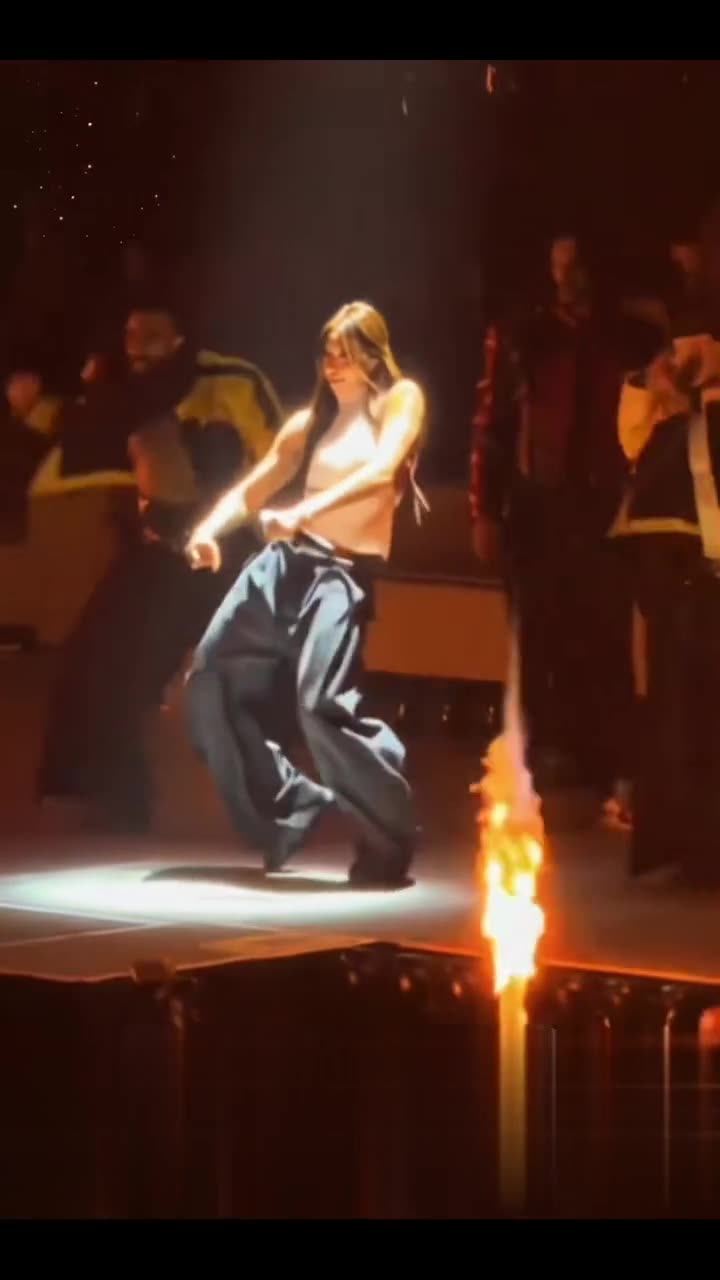
Choose your own outfit, sharp tailoring or an oversized coat. Create a playful stage-dance scene with confident movement and warm lights.
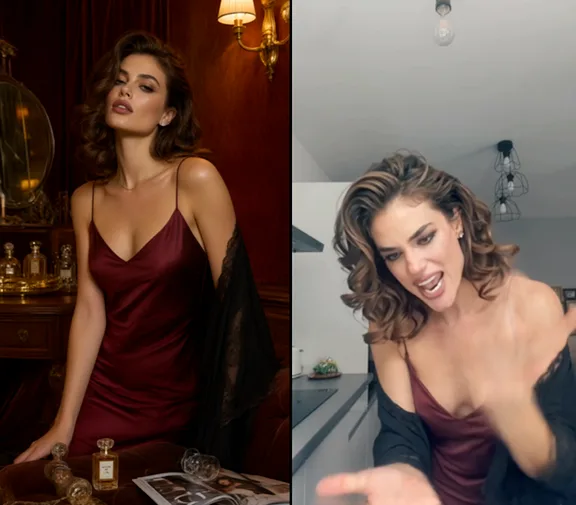
Make a mock-serious dance moment from a clear photo. Strong poses, small steps and an exaggerated expression carry the joke.
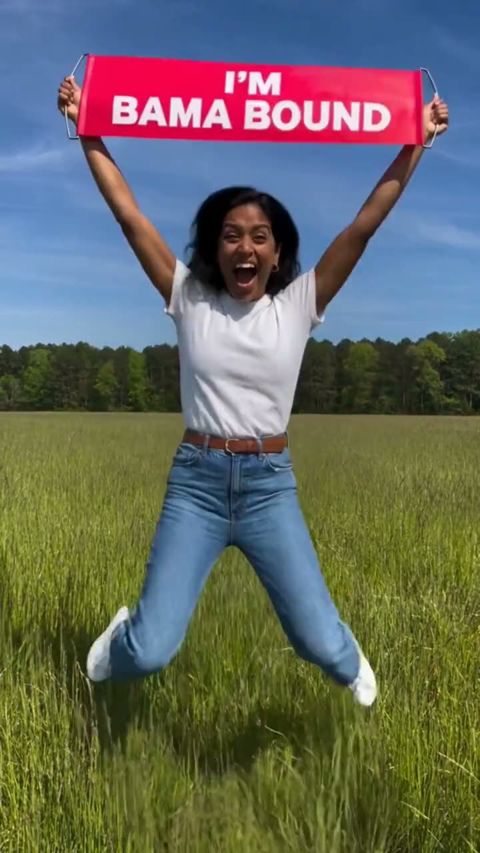
Place yourself beneath a red banner in a sunlit field. Build a playful announcement scene with a clear face and a simple reveal.
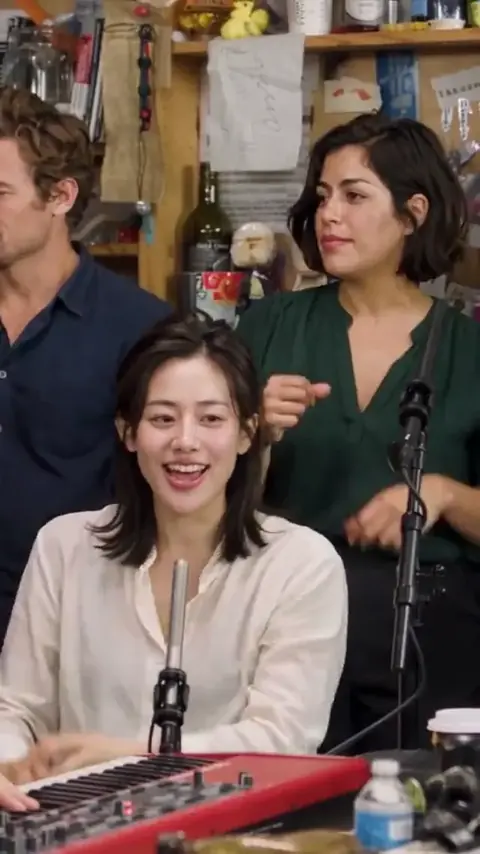
Create an intimate desk-concert visual from a band photo. Bookshelves, warm light and restrained performance bring the room together.
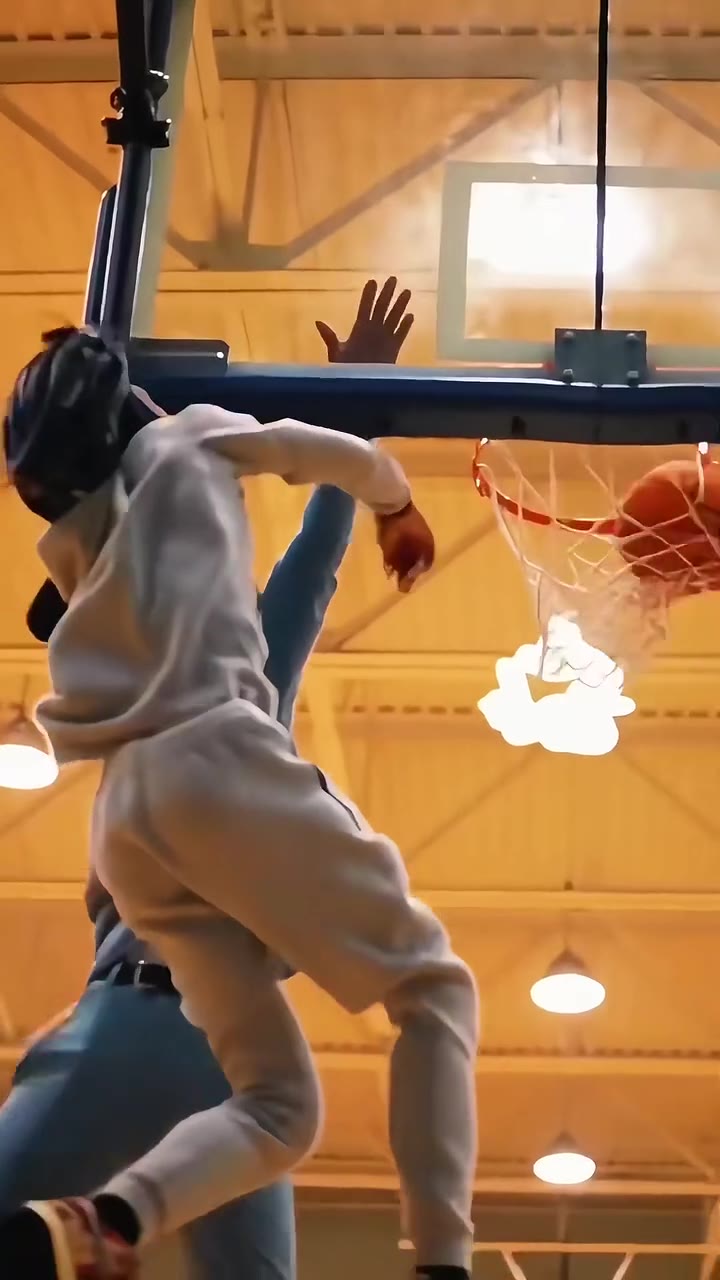
Choose a gym finish or an open-court slam. Turn a clear sports photo into a short basketball action scene.
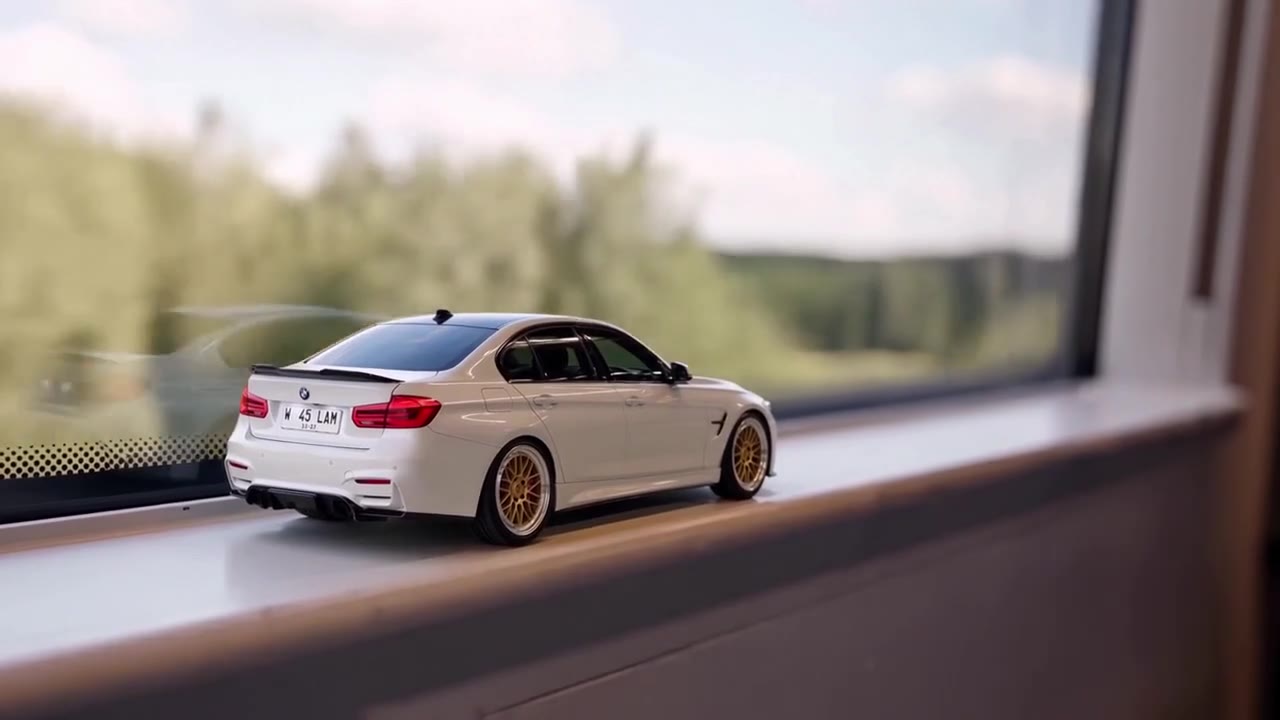
Move a model car from a tabletop-sized scene into an imagined full-size drive. Pick a coastal route, city tunnel or sunset road.
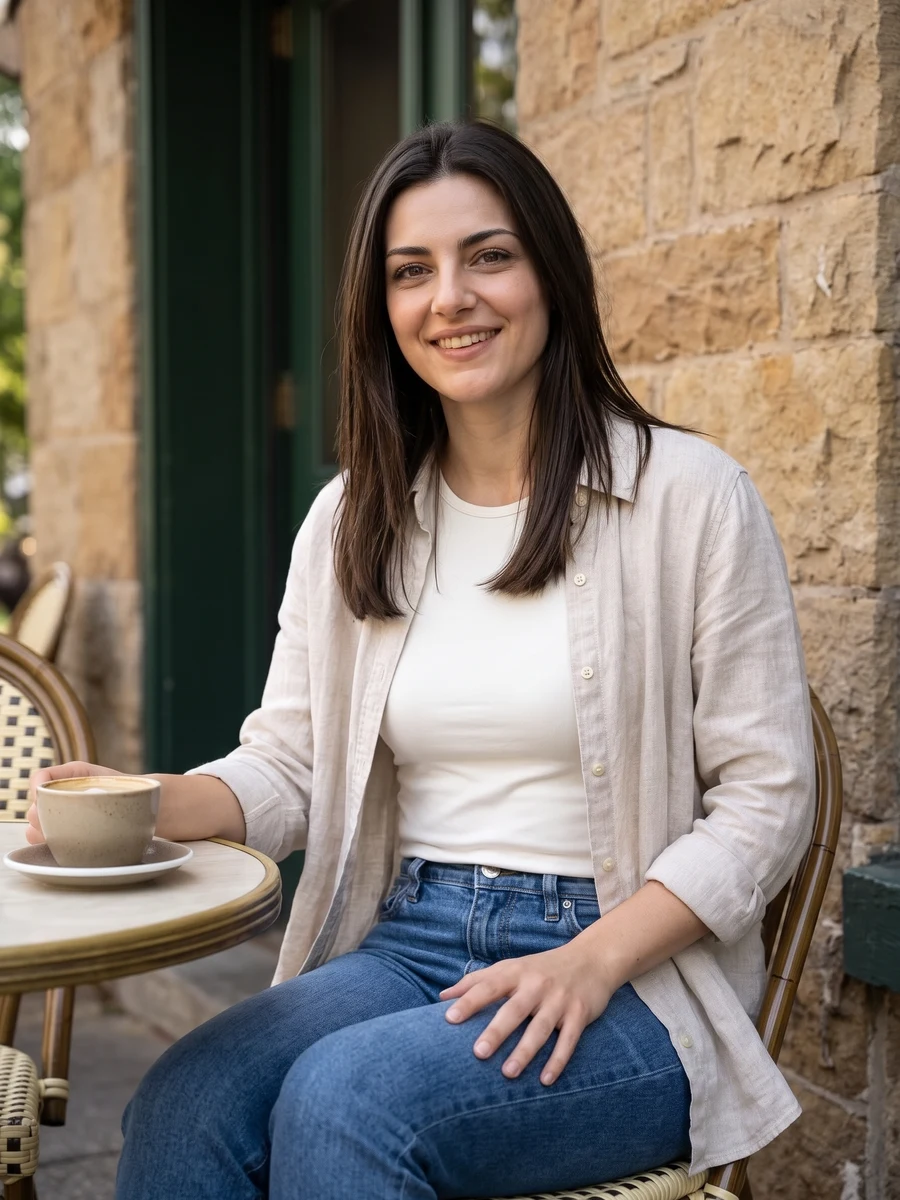
Easygoing portraits for personal profiles: soft daylight, relaxed clothes and a setting that feels lived in.
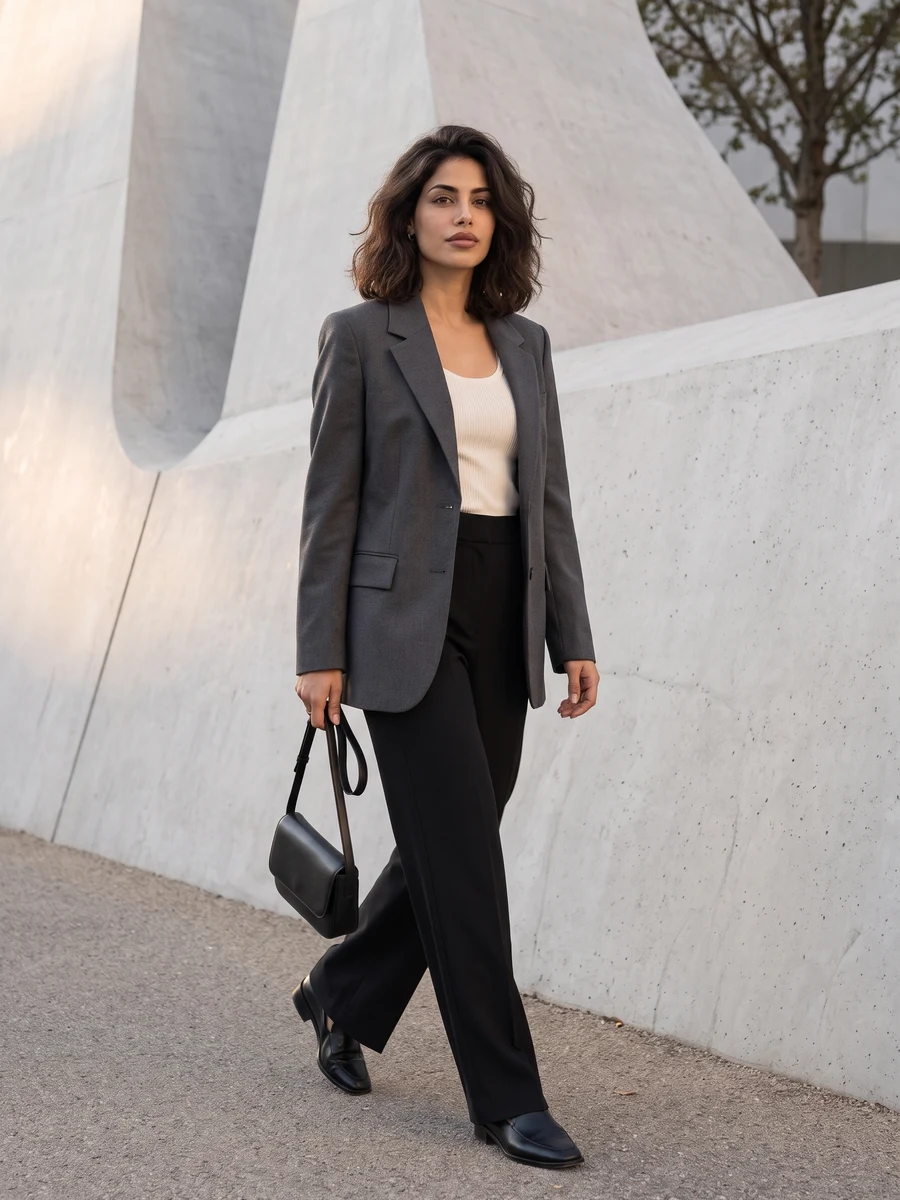
Build an editorial portrait around tailoring, streetwear or a bolder silhouette. Let the city add context without hiding the person.
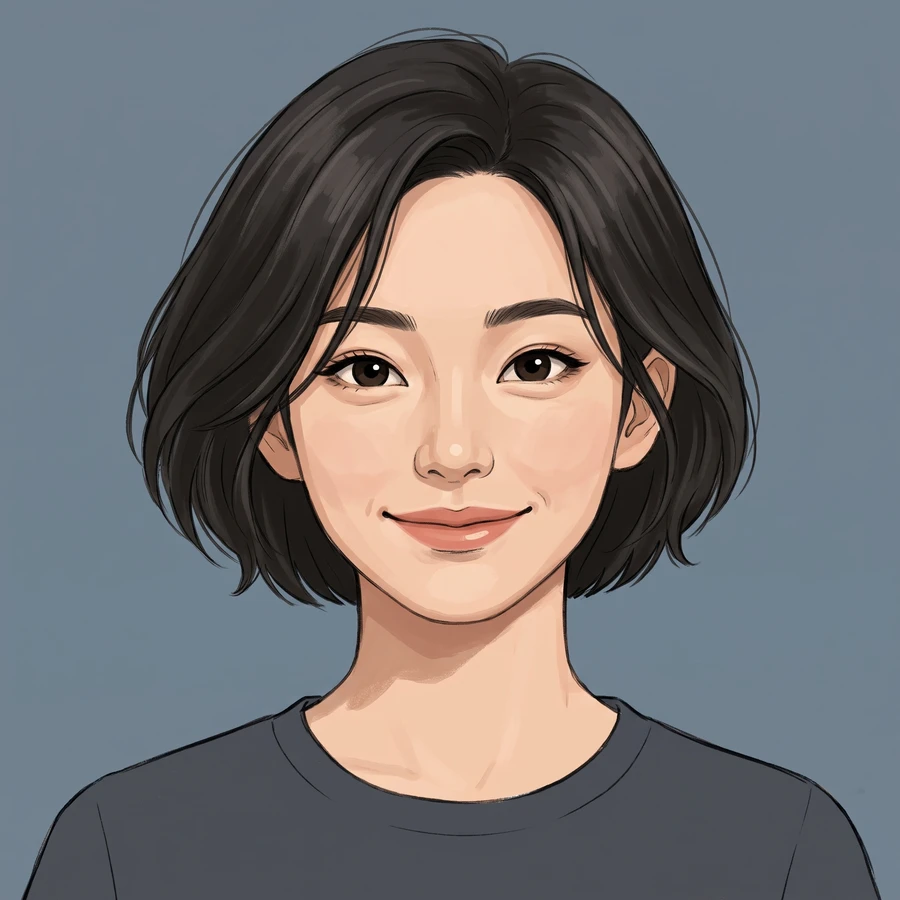
Explore illustrated, painted and sketched versions of your portrait. Choose a medium before adjusting color or background.
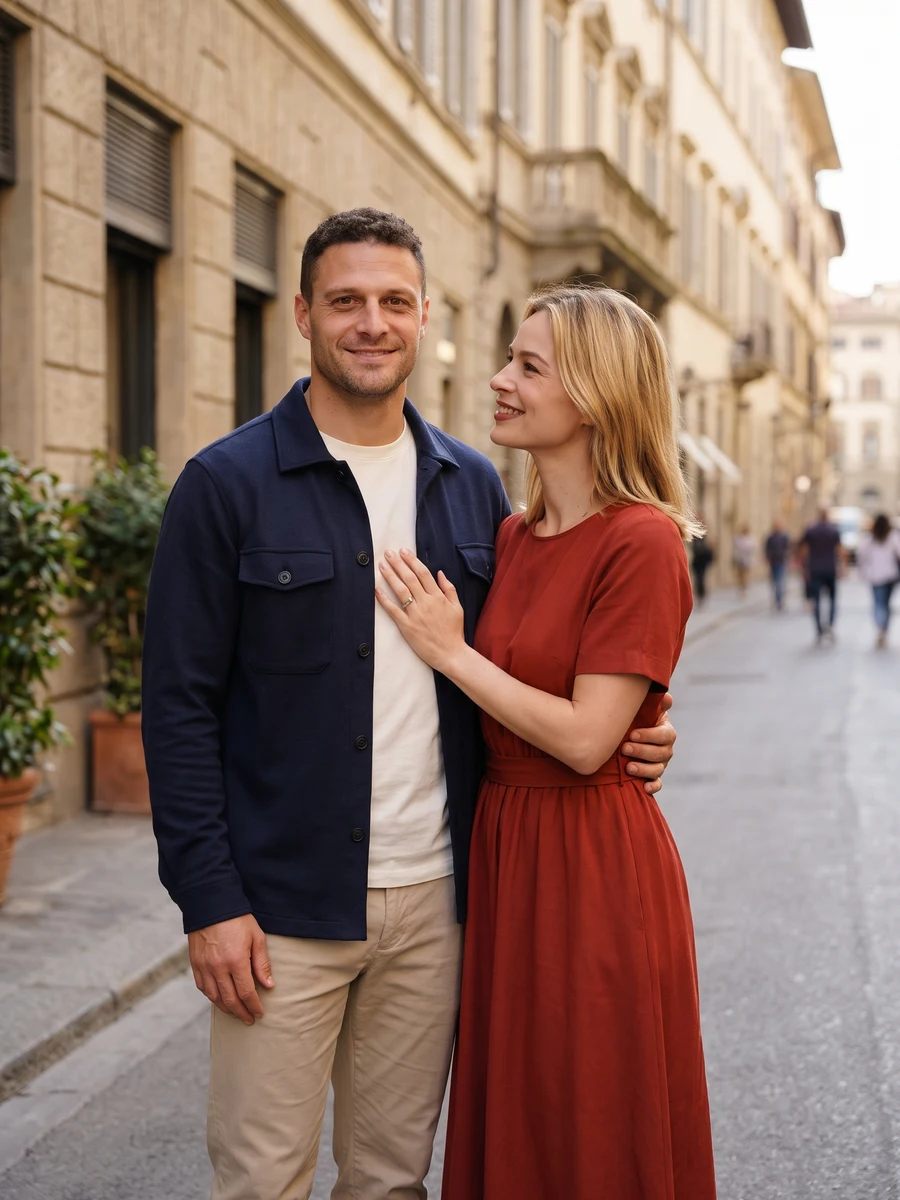
Bring two separate portraits or one photo together. Choose a quiet home scene, a city date or an open-air escape.
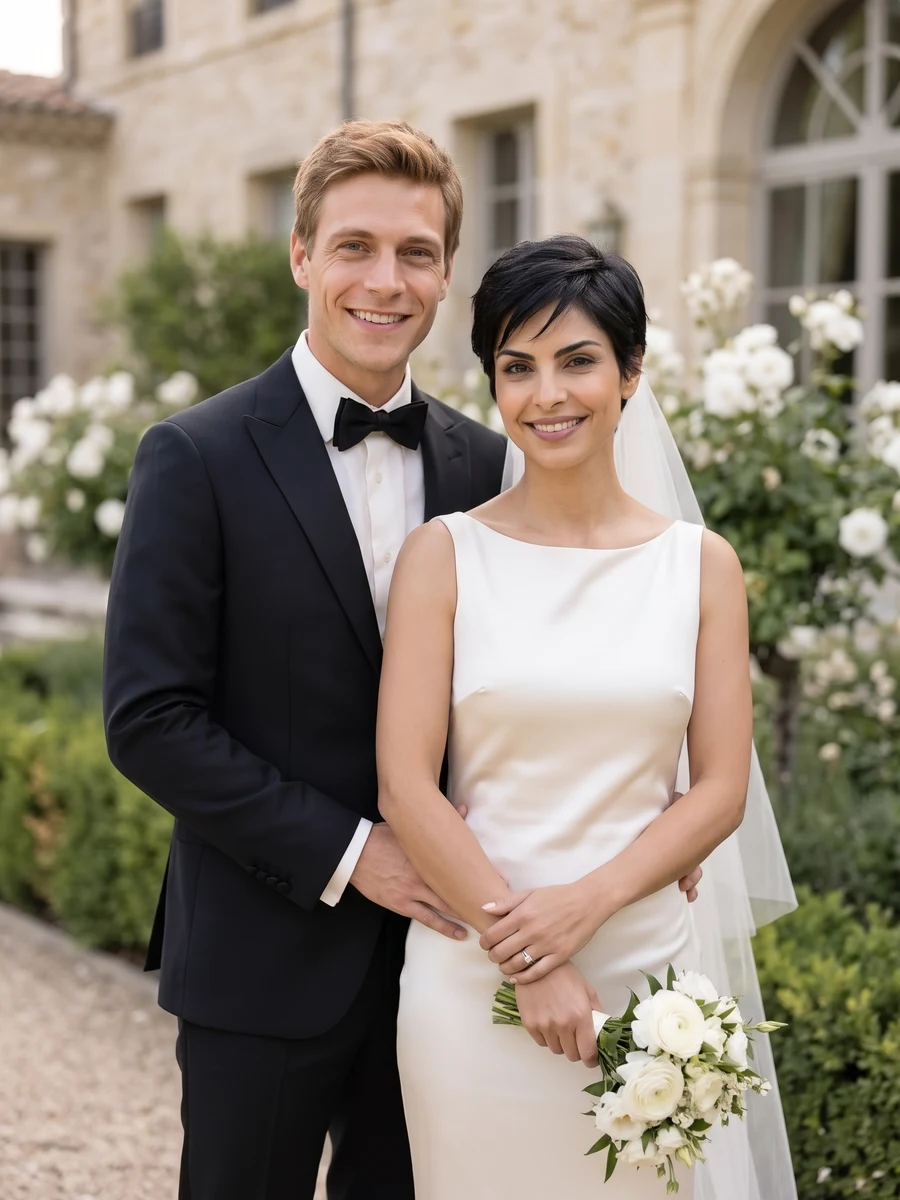
Explore a garden ceremony, coastal light or classic formal portrait. Use your faces to guide the scene; wedding clothes are optional in the input.
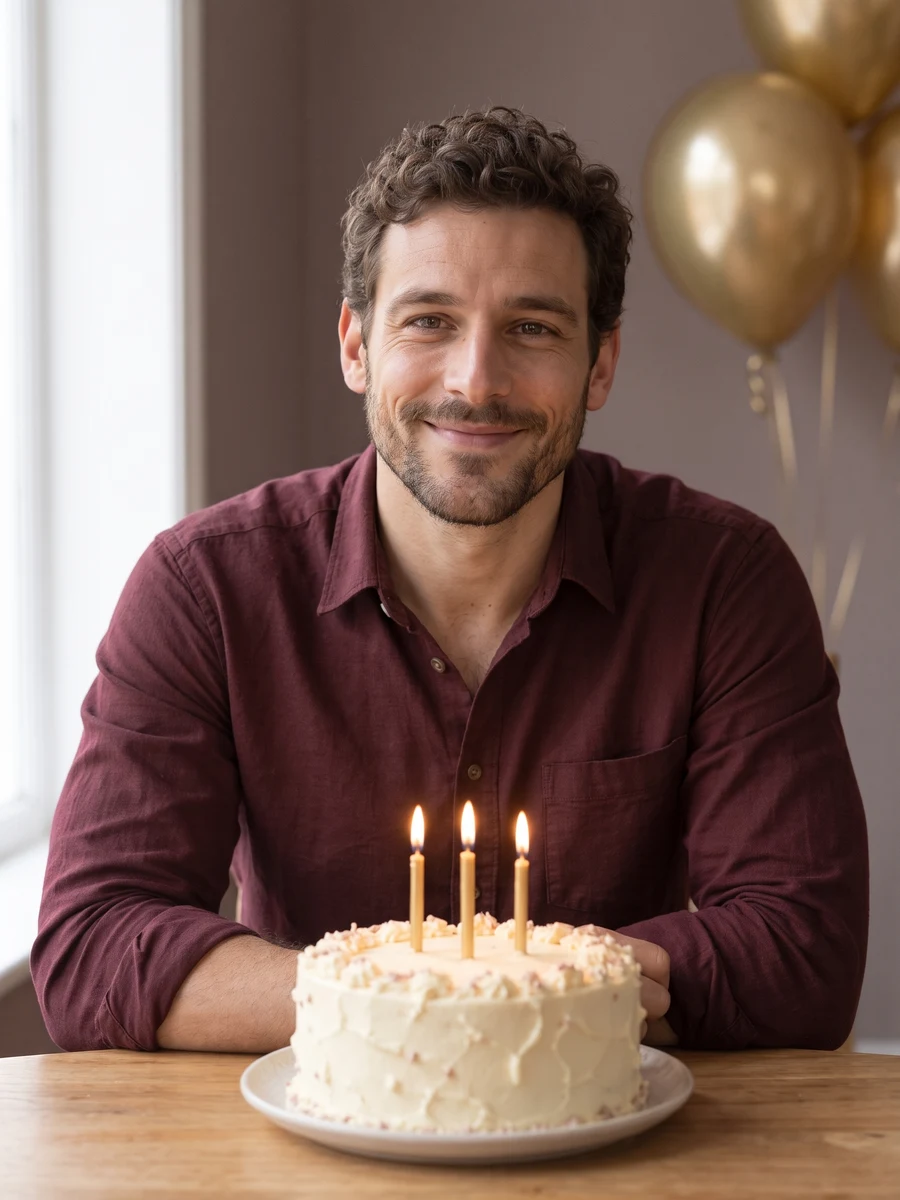
Choose a candlelit gathering, a dressed-up party or a relaxed picnic. Make a birthday portrait around the person rather than a crowded set.
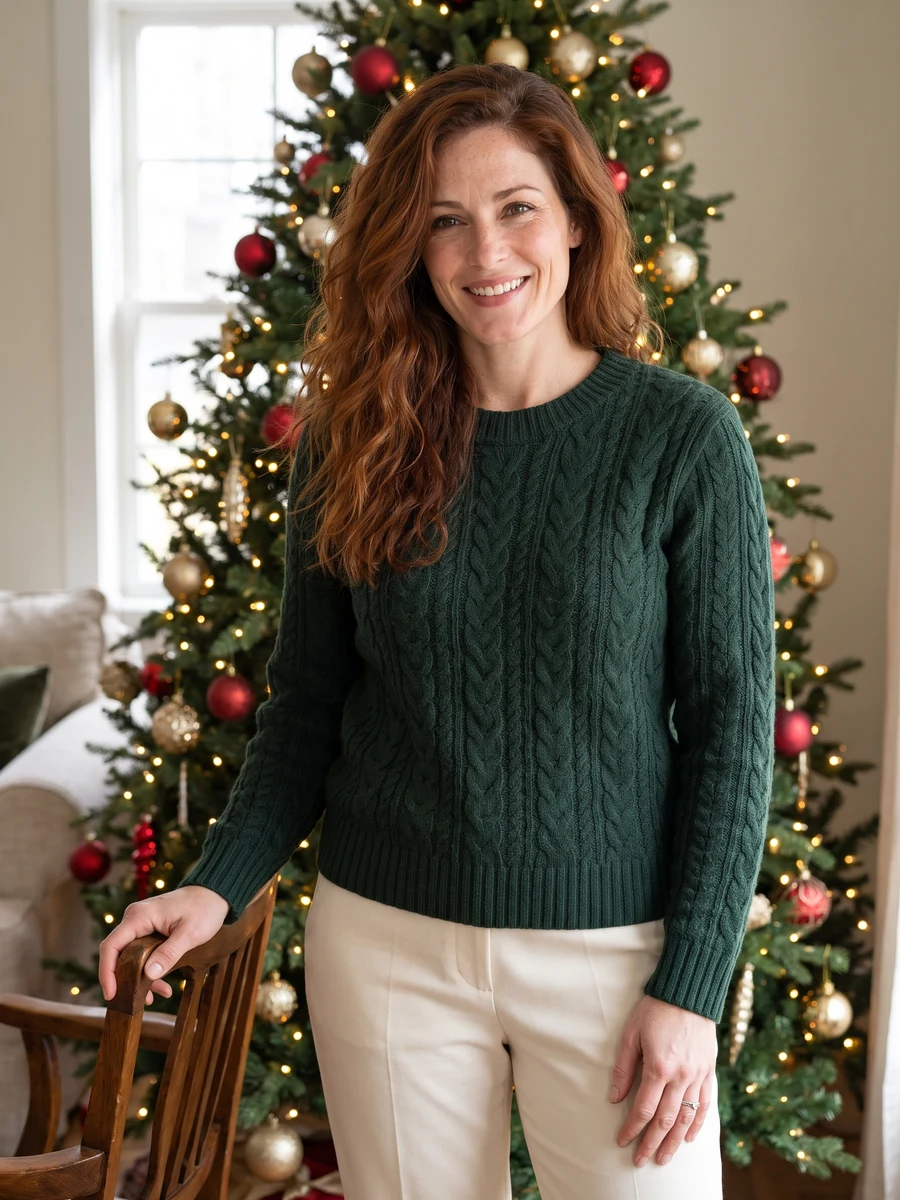
Build a photographic holiday portrait with a classic tree, minimal Nordic room or golden festive light.
Turn a photo into a five-second cafe table mix-up. Choose your role, try one free 768P video, or buy a one-time pack. Eligible packs offer 2K.
Make a five-second flex-to-heart video from a portrait. Start with one free 768P video; choose a one-time 3, 10 or 30-video pack when you want more.
Bring a solo or duo photo into a playful dance scene. Choose the set; keep the spotlight.
Give a portrait or pet photo a freestyle scene with shoulder movement and a confident camera stare.
Turn a duo photo into a dance concept with a vest look or a mirrored studio setting.
Build a party walk-in from your photo, with a camera stare and a look that fits your joke.
Put a portrait into an invisible-motorbike chase, with a low riding pose and a cinematic road scene.
Choose a pumpkin reveal, a costume transition or a pet scene, then animate a clear starting photo.
Turn a photo into a transparent cutout for a layout, product draft or profile image.
Create a vogue-inspired dance interpretation from a portrait, cosplay photo or original character.
Stage a fictional window comedy with a burger, a wave, a couple or a curious pet.
Start a product-video concept with a clear photo and a factual selling point for your ad brief.
Explore a new portrait setting from your own photo, from a work profile to a celebration.
Choose a deadpan hop-and-knock scene, from a quiet solo to a hallway entrance.
Turn one photo into a 15-second cafecito dance. Pick a Bonito Bonito scene, set the format, and see the Pixany credit quote before creating.
Make a 7-second Bicep Heart clip from one photo. Choose a flex-and-heart portrait or a playful paw pose for your pet.
Turn a solo portrait, a group photo or two portraits into a Fancy Cafe video about taking the wrong seat.
Upload a food photo and make a W Chews or L Nibbles reaction. Pick the verdict, choose an ending move and optionally cast an adult diner.
Cast one to five adults in a vertical Keep On Steppin-inspired court dance. Assign each dancer by photo order and choose silent or generated sound.
Cast one or two portraits in a Say It Right-inspired baile charme dance under warm Rio street lights.
Plan a short AI rap performance from one or two photos, draft editable lyrics, or take a song brief into Pixany’s music studio.
Cast one or two photos in a short elevator conversation inspired by the I Love the Smiths moment. Choose the listener, speaker or both.
Create a 15-second outfit showcase from one photo. Move from a pink sofa to a teal rug in a vertical overhead video.
Make a toy-to-real car reveal with one vehicle photo. Choose a rainy expressway, sunset circuit or coastal road and a 10- or 15-second clip.
Find prompts for product shots, portraits, design and imagined places. Copy one as text or open it as an editable draft in the image studio.

Explore one raster logo concept at a time from a brand brief. The selected transparent-image model requests PNG output, rather than editable SVG.
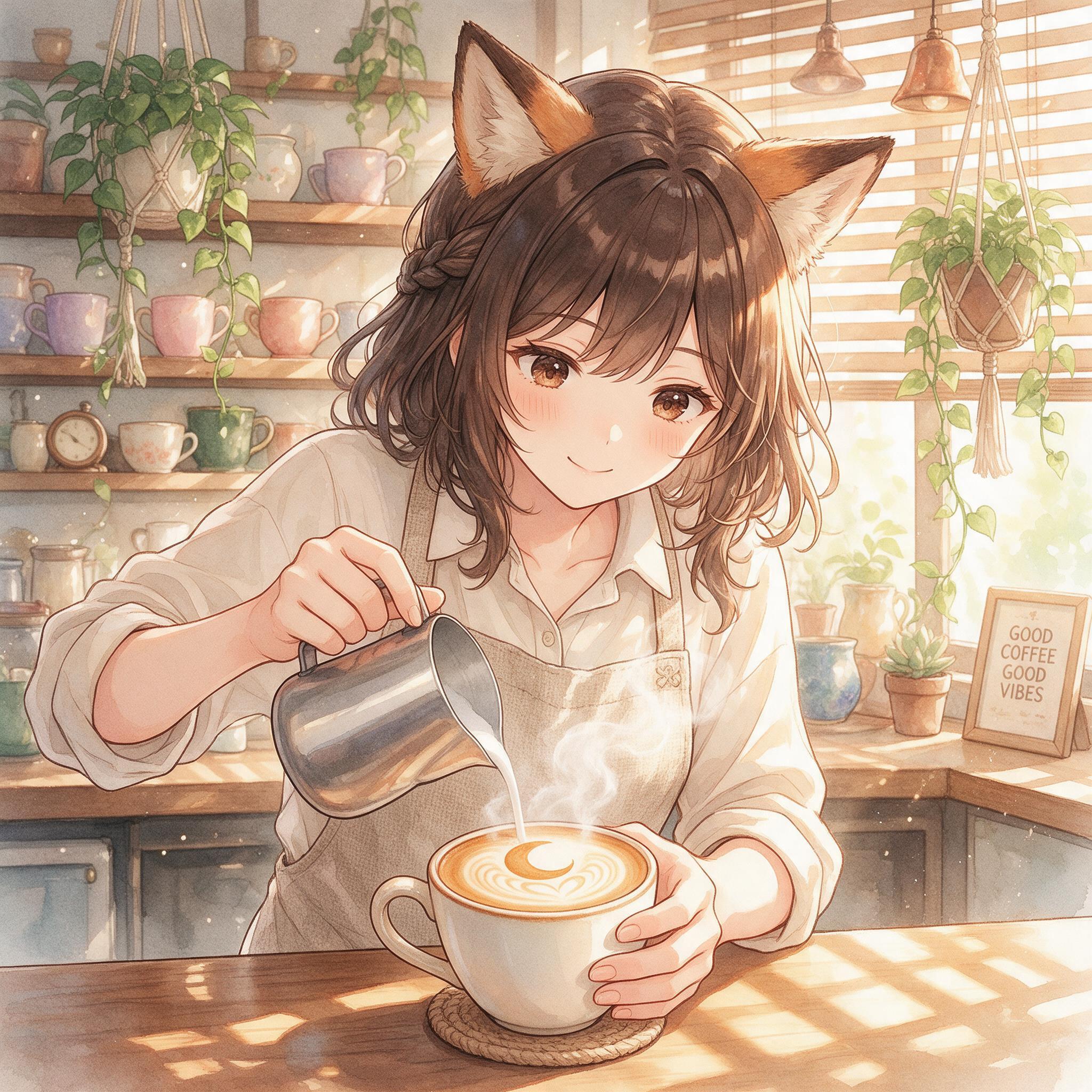
Describe an original character or scene using broad visual traits, then review the generated image.
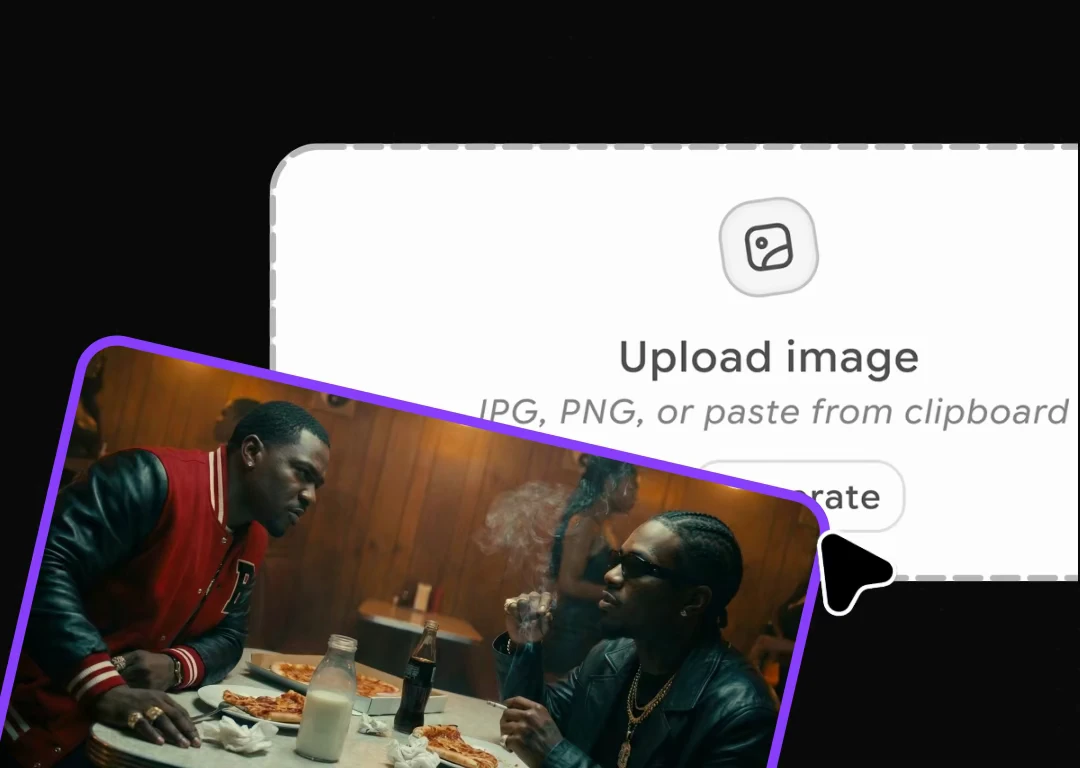
Generate a 16:9 image concept, then refine the title and layout in an editor before publishing.
Upload a video and review its enhancement options and displayed credit cost.
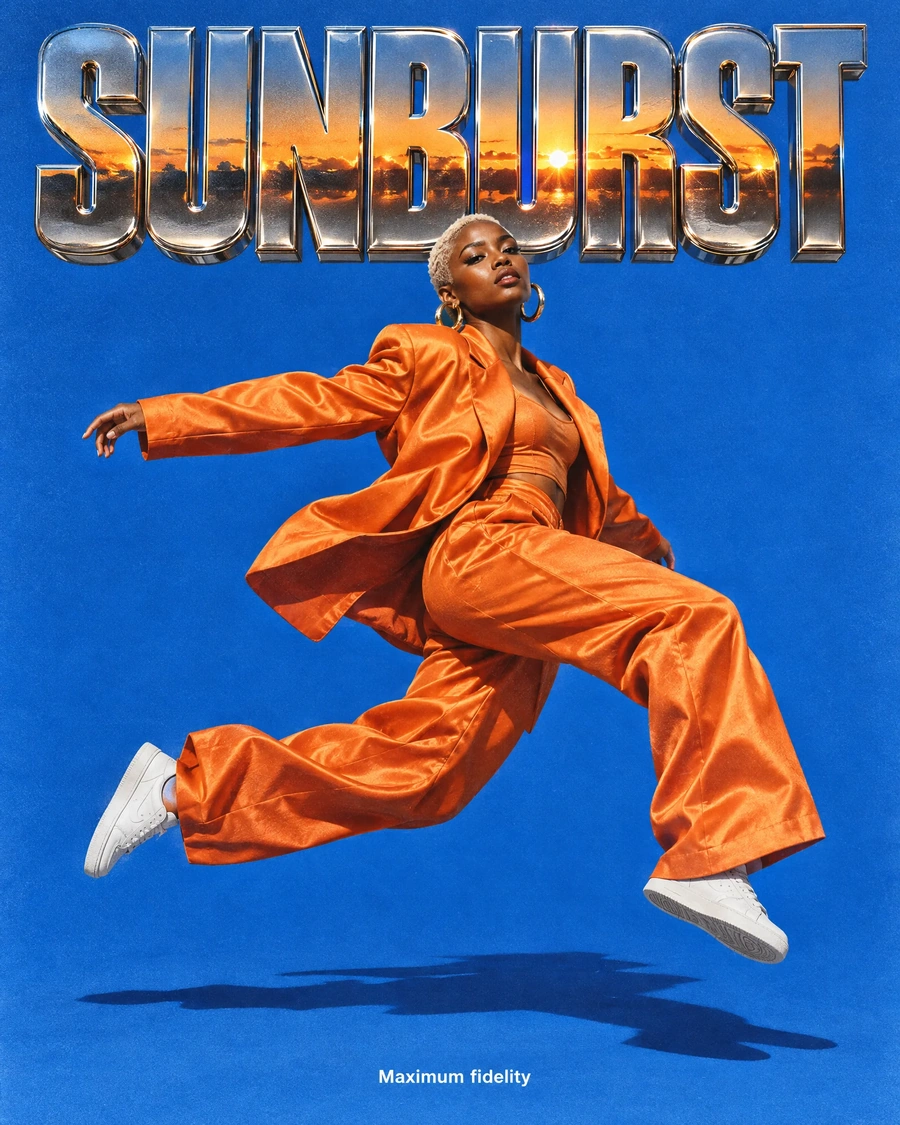
Create or edit images with GPT Image 2. The workspace opens with this model selected.
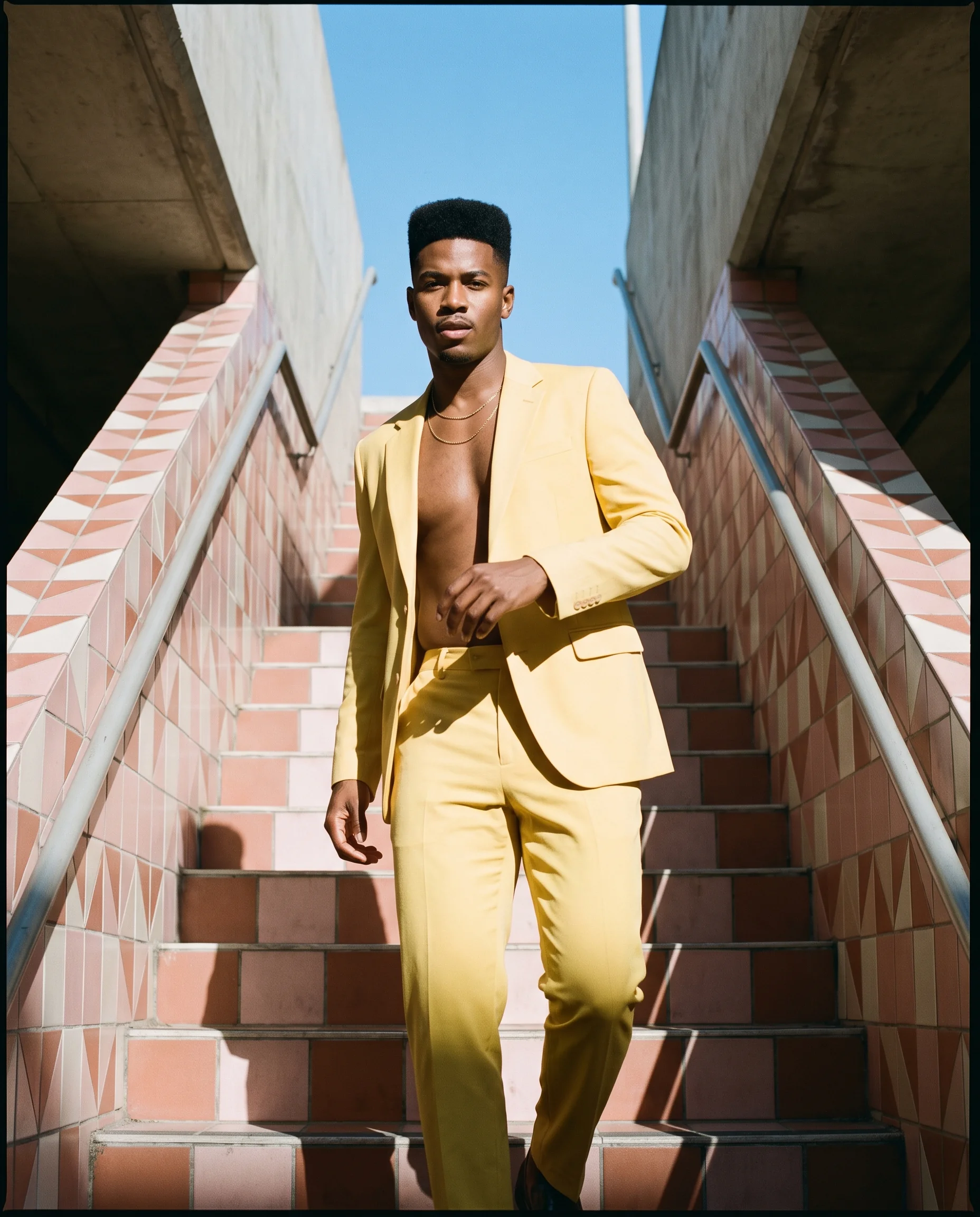
Create image variations with Nano Banana 2 and review the available settings in the workspace.
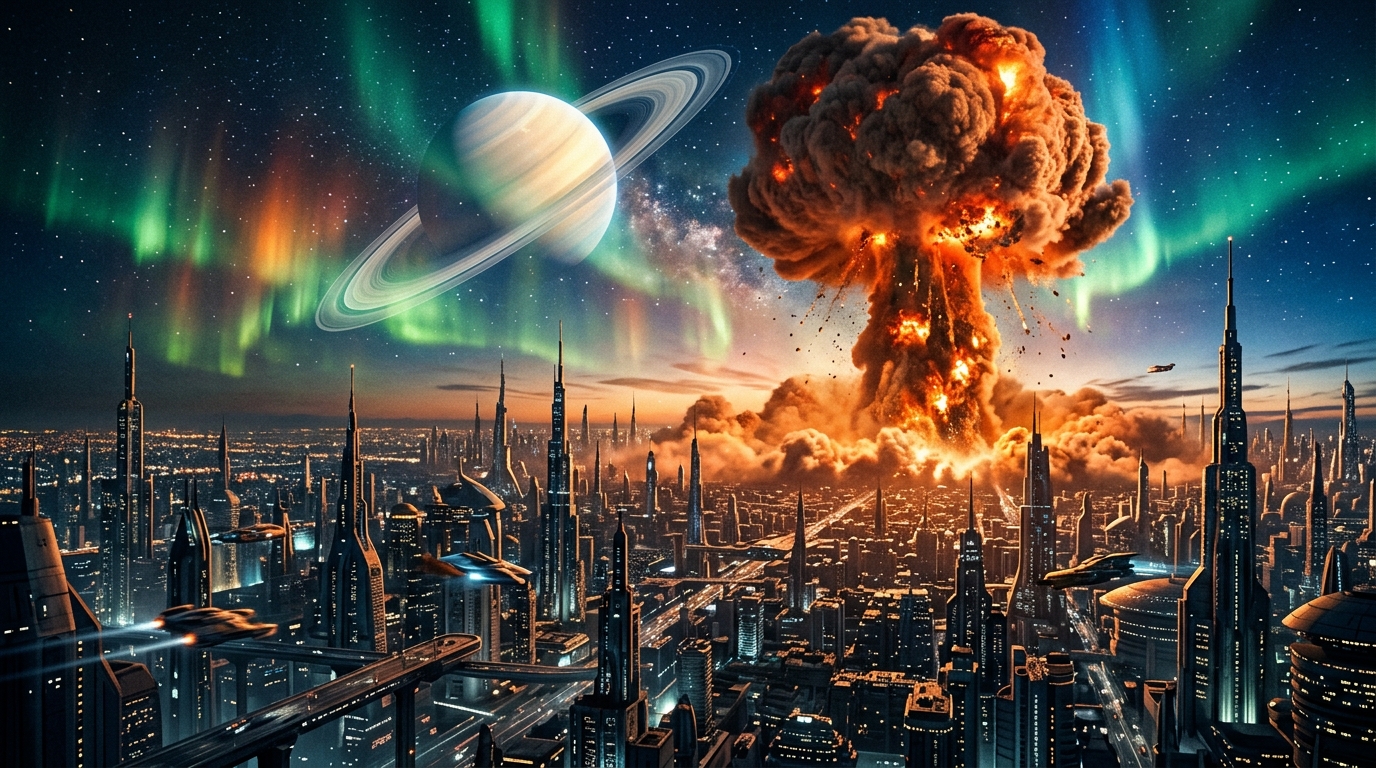
Explore video ideas with Kling 3.0 Turbo and review the supported duration and other settings.
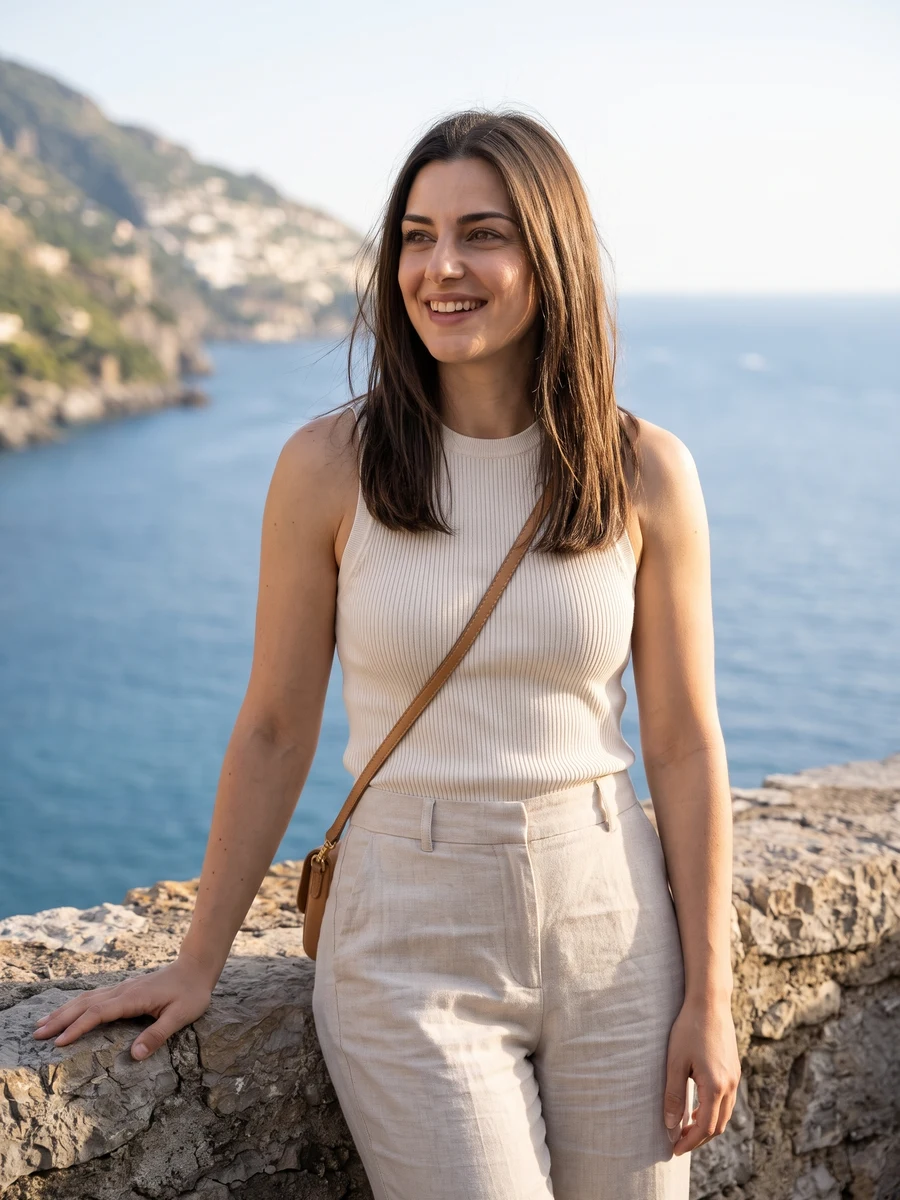
From a work profile to a weekend portrait, find a setting for the version of you that you want to share. Start with a clear photo.
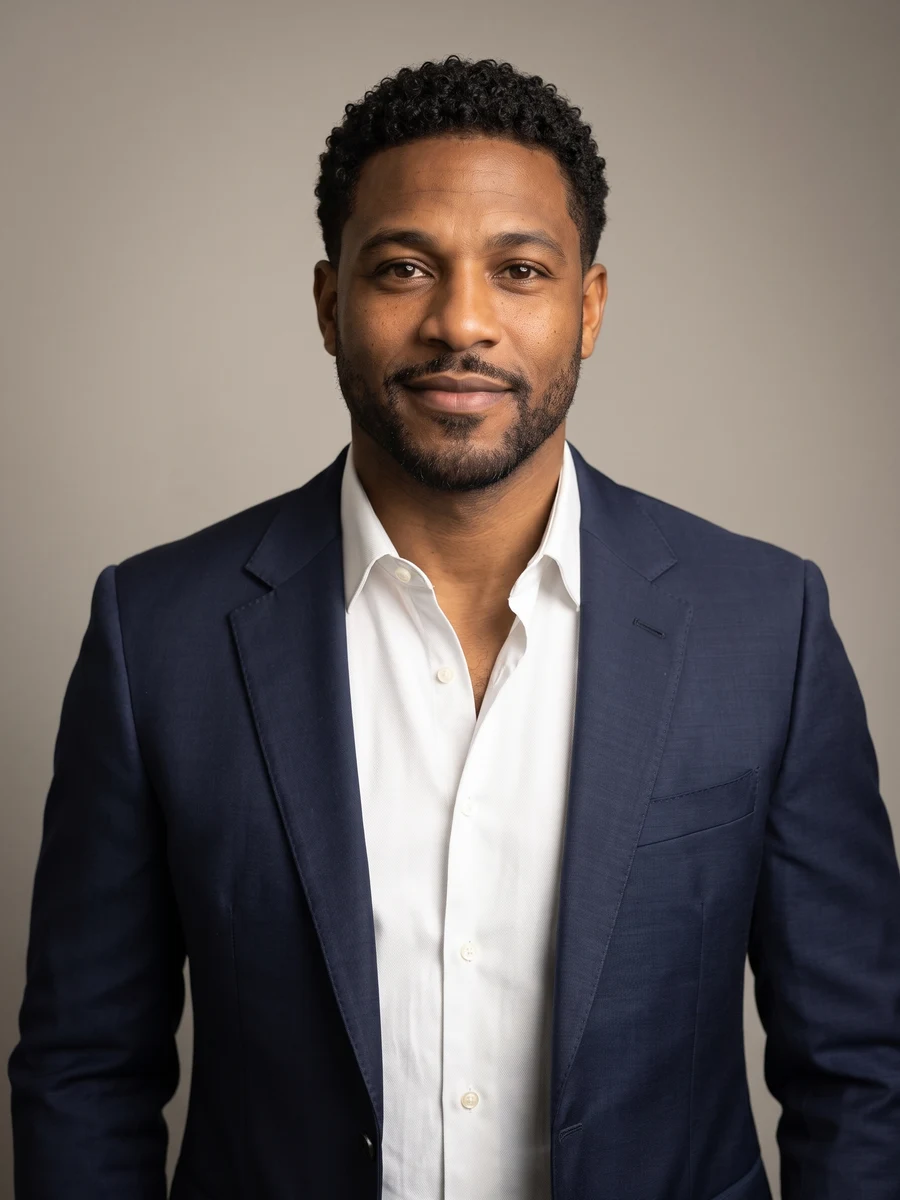
Create a considered head-and-shoulders portrait for your profile, team page or speaker bio. Choose the level of formality that fits your work.
Create a portrait variation from a reference you have permission to use. Review identity, features and details.
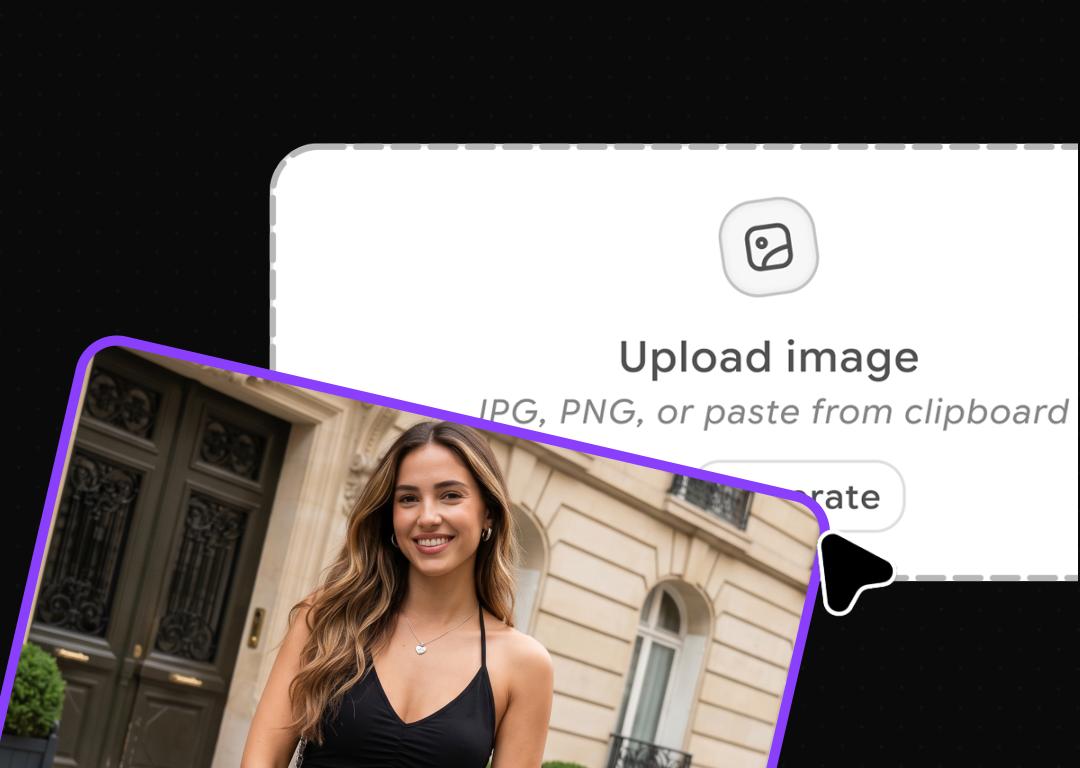
Use your own reference photo to explore a hairstyle concept. Results are a visual idea, not a guaranteed salon outcome.
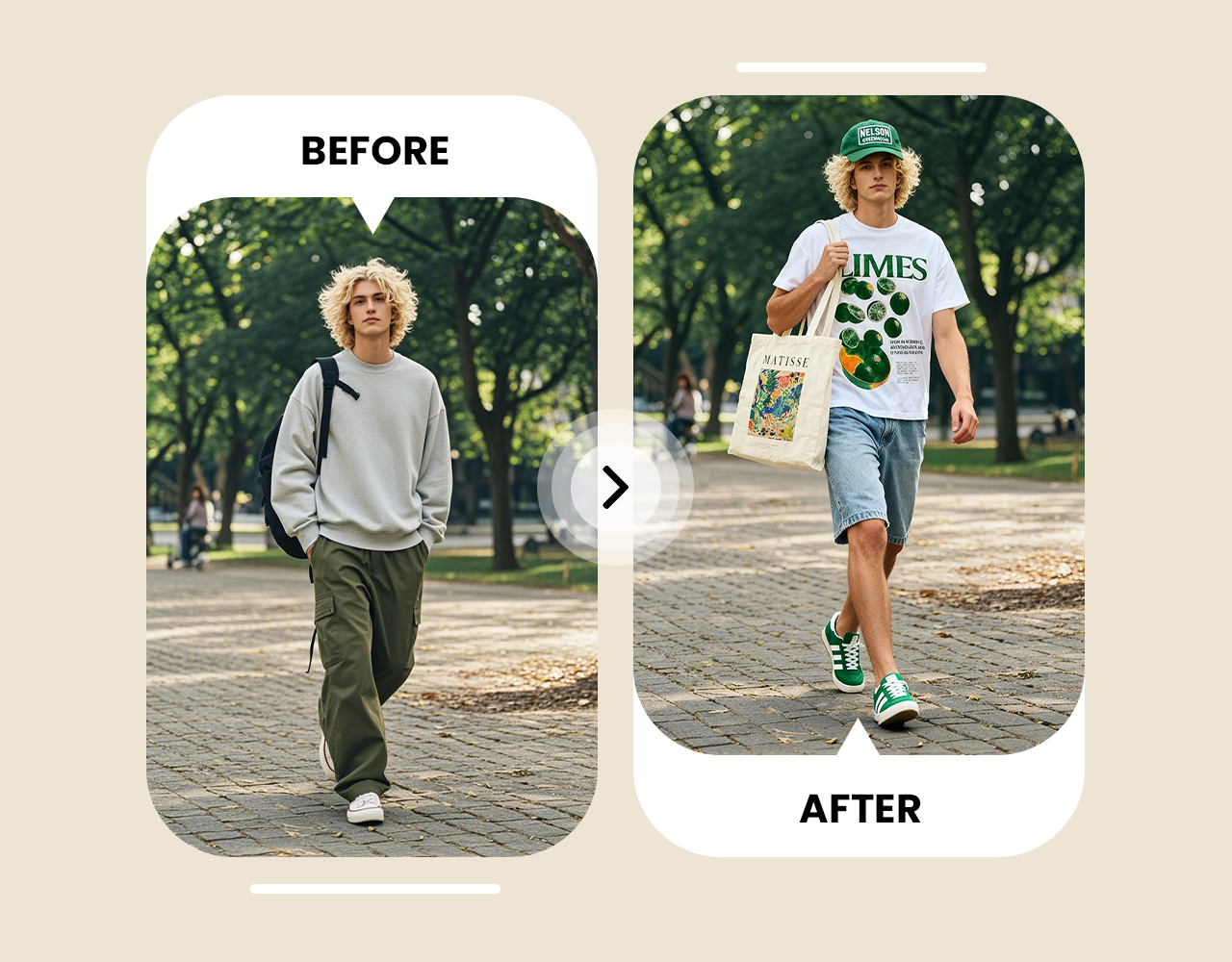
Add a portrait and a clothing reference to explore the look before you change your wardrobe.
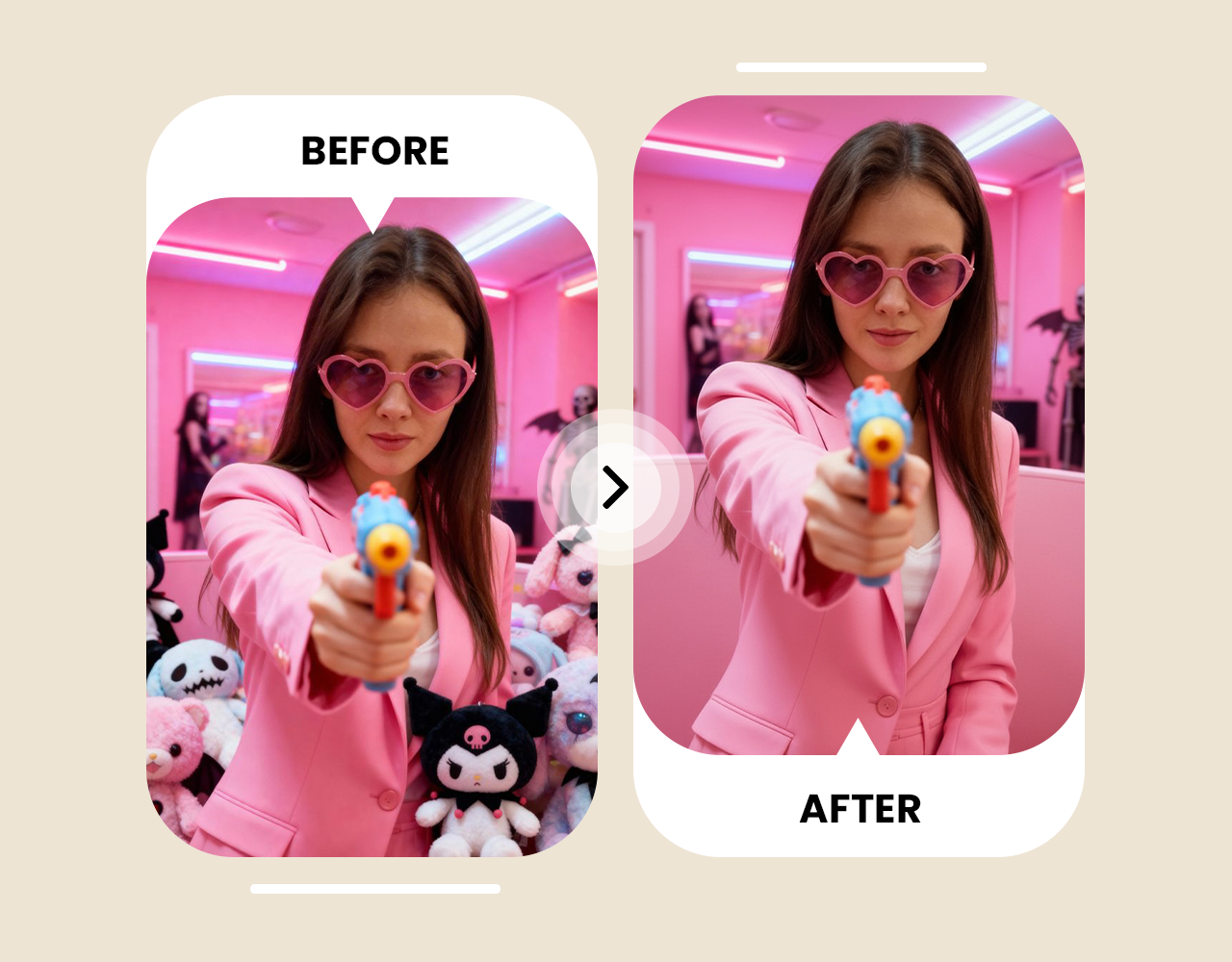
Upload a photo and describe the object to remove. Check the filled area and surrounding details.
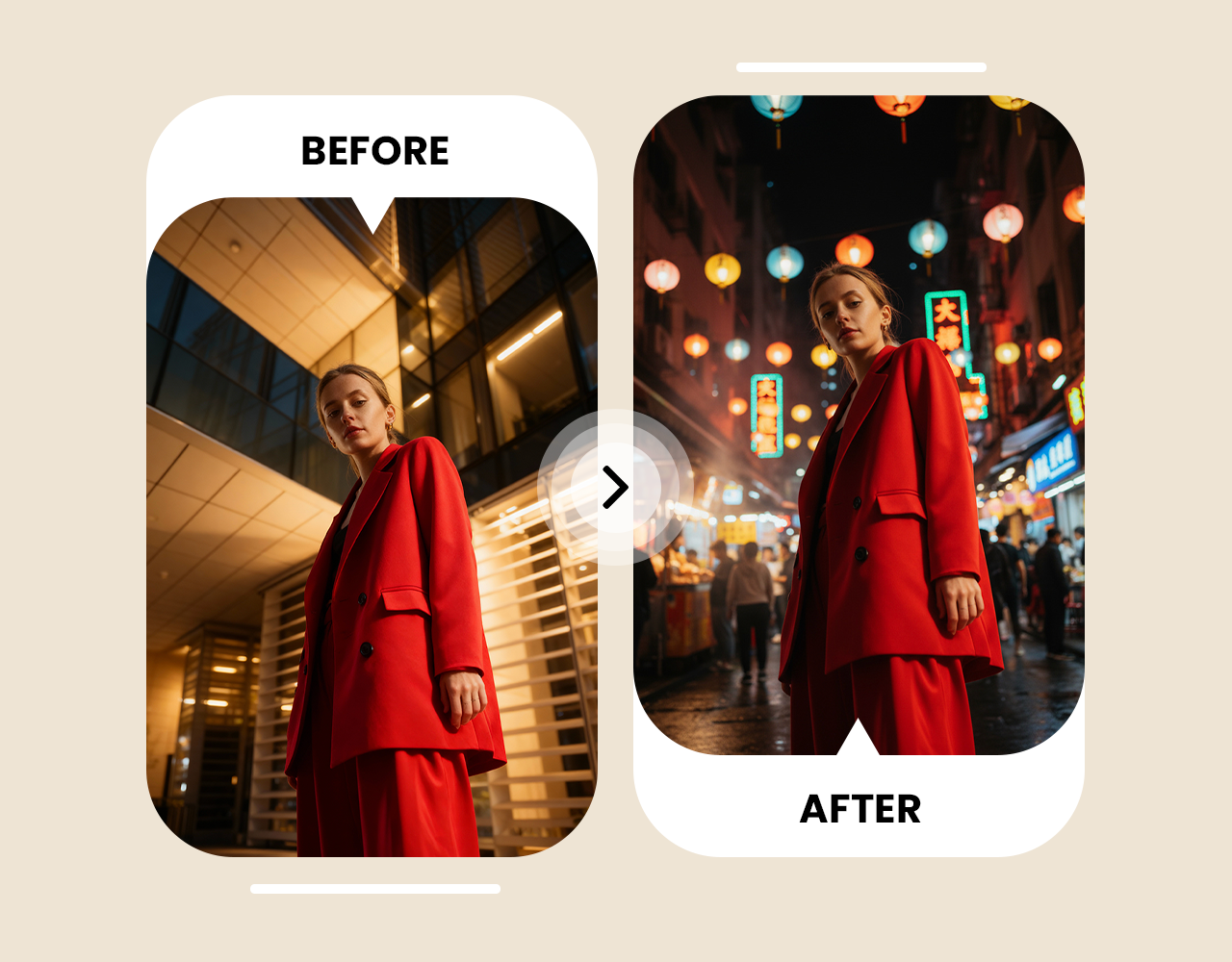
Upload an image and describe a new setting or background. Review how the subject and lighting fit together.
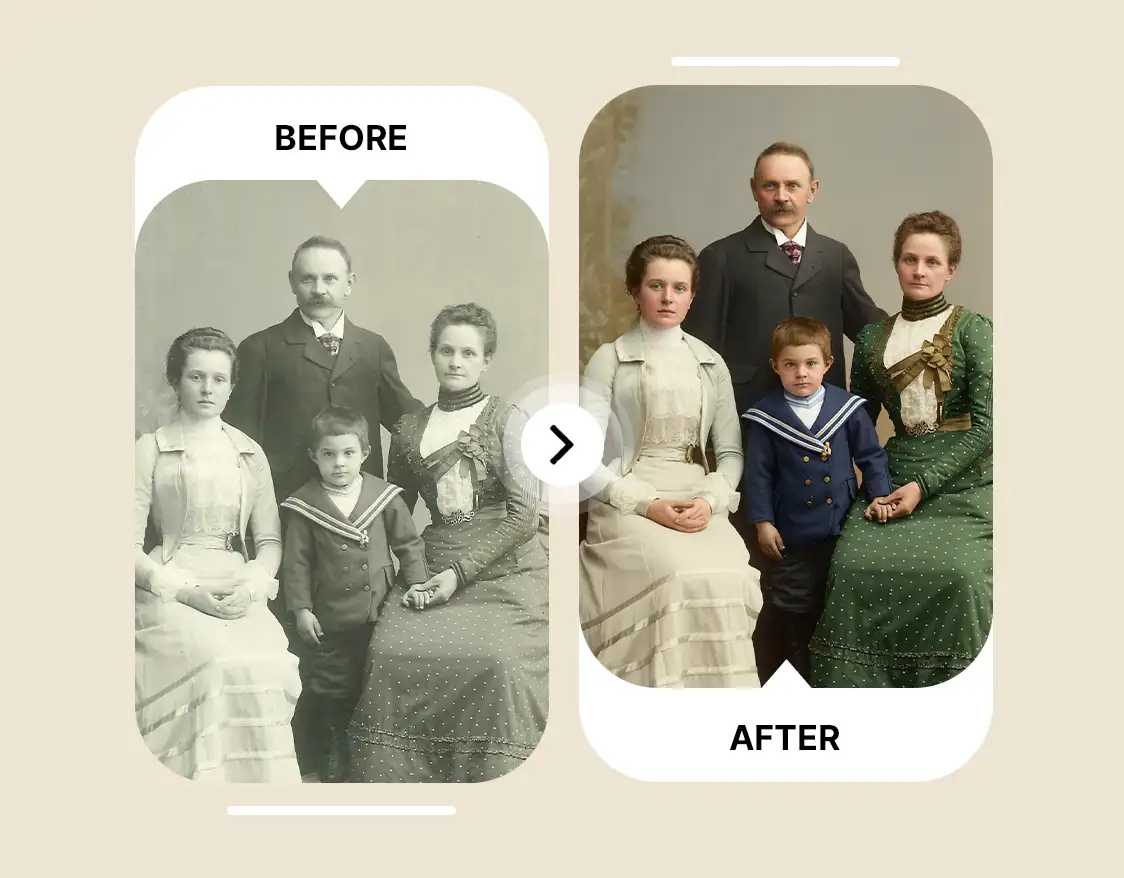
Explore a restoration of your photo. AI may invent details, so compare the result with your original.