Start with a clear reference
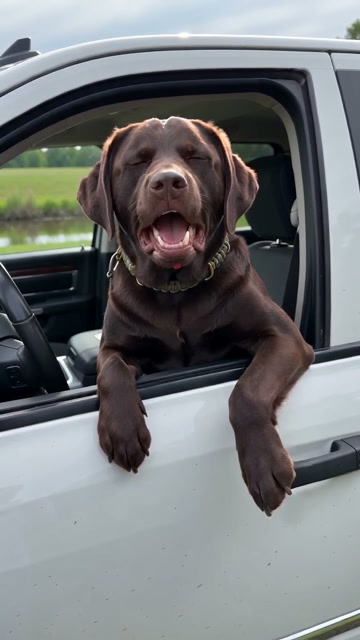
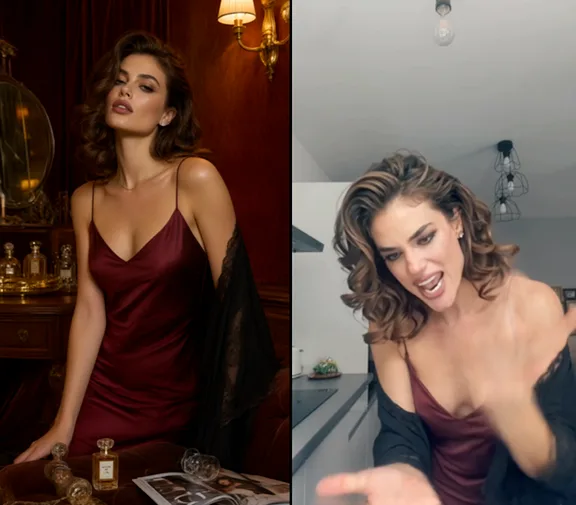
Choose a front-facing portrait with the head, shoulders and outfit visible. For pets, keep the eyes unobstructed.
Dame Hombro
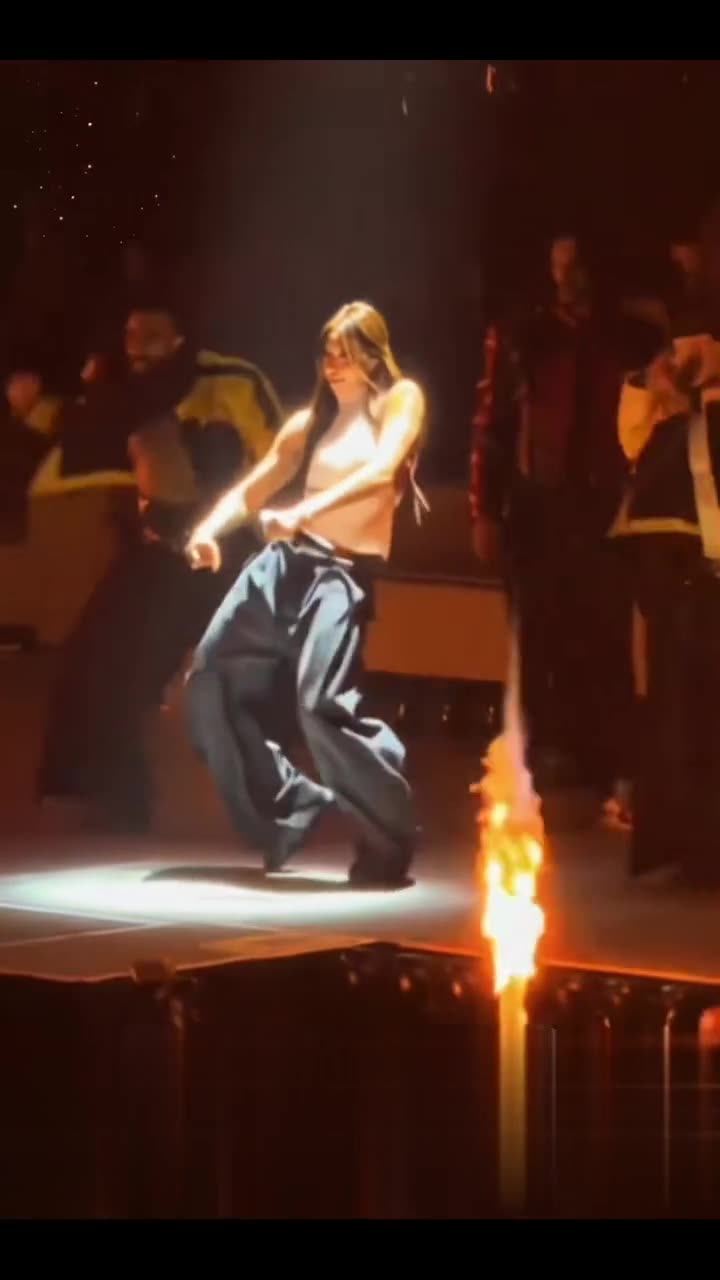
Look for a stable face, natural shoulder motion and a clear final stare. A pet version should keep its fur and proportions.
From photo to idea
The joke comes from the contrast: a familiar face taking a freestyle performance seriously. Leave space around the shoulders and choose a simple background so the gesture reads on a phone.
Choose a front-facing portrait with the head, shoulders and outfit visible. For pets, keep the eyes unobstructed.
MiniMax-H3 creates one five-second video per video allowance. The trial and all packs allow 768P; the 10- and 30-video packs also offer 2K, subject to provider acceptance, which is not yet tested. Results are saved to your library for preview and download.
Look for a stable face, natural shoulder motion and a clear final stare. A pet version should keep its fur and proportions.
One-time payment
Start with one trial video. Choose a subscription or one-time credits for more videos.
1 × 5s · 768P
Try one videoYour trial or a previously purchased video allowance is used first. You can also pay with general credits.
Choose a plan that fits your needsThe original track is not attached by this page. Preview the generated audio, if any, and add music you are allowed to use in your editing or publishing app.
Use JPG, PNG or WebP, up to 10 MB per image. Choose a clear photo you own or have permission to use, without covered faces or heavy filters.
Tasks appear in the creations area and My creations. Preview and download a completed result there. If a task fails, check its status and your credit history.
Your trial or a previously purchased video allowance is used first. You can also pay with general credits. Pricing
No results yet. Start a task in a creative tool; your saved results will appear here.