Start with a clear reference
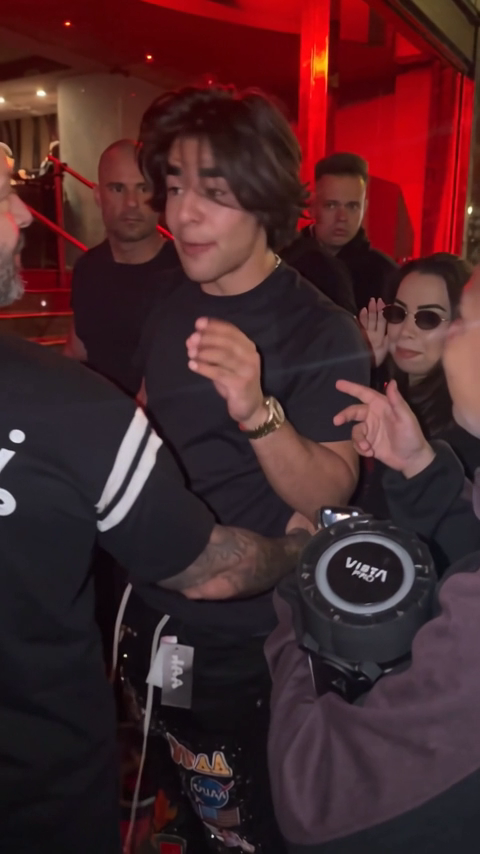
Use a clear, front-facing adult or pet photo. A head-to-knees crop gives the walk-in more space.
Bby Wow AI
Use a clear, front-facing adult or pet photo. A head-to-knees crop gives the walk-in more space.
Model: Kling 3.0 Turbo
Video length follows the selected setting. Exact choreography and original music are not included.
Review the face during the stare and fingers near the mouth. Costume details and expressions can change between frames.
From photo to idea
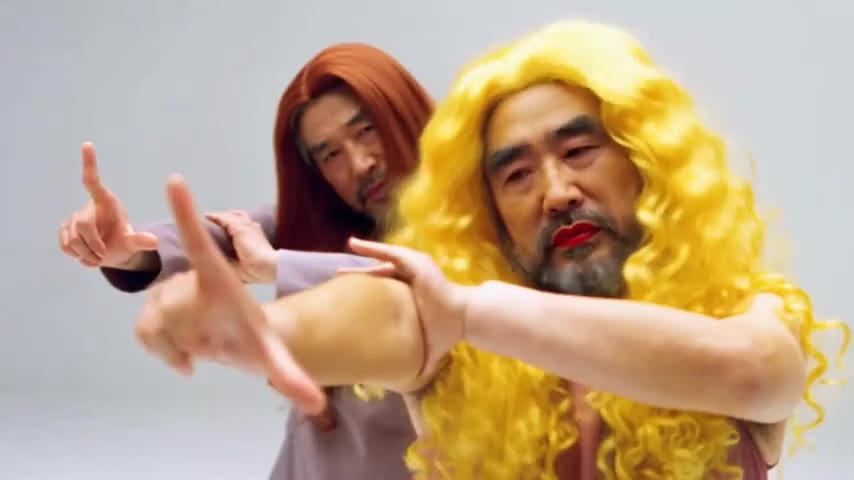
Start with a calm approach, pause for eye contact, then turn into the party. Original keeps the outfit as a reference; costume presets ask for a different look. Choose one idea and let the short clip focus on it.
Use a clear, front-facing adult or pet photo. A head-to-knees crop gives the walk-in more space.
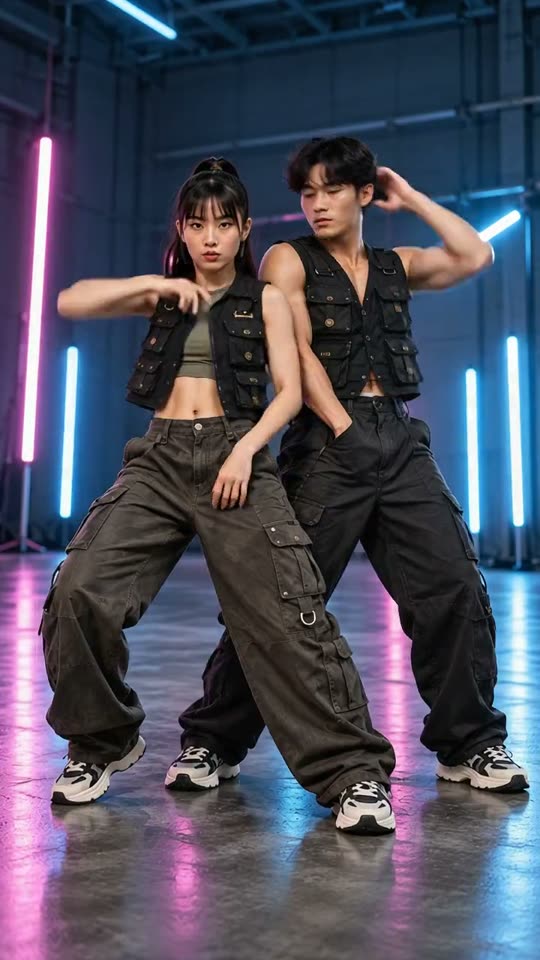
A short party-entrance interpretation with your selected look. This page offers 5 or 10 seconds rather than a fixed nine-second template.
Review the face during the stare and fingers near the mouth. Costume details and expressions can change between frames.
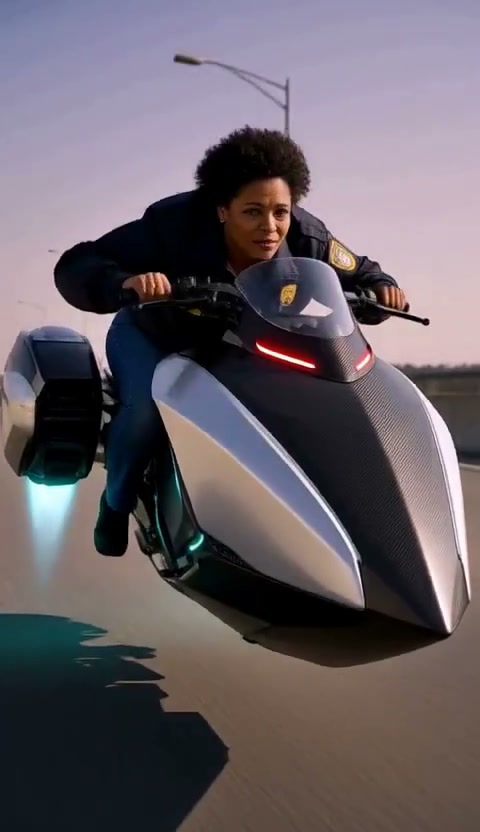
Original walk-in asks to retain your clothing. Cowboy, Security guard and other looks request wardrobe changes. Inspect the final result for both likeness and clothing detail.
Use JPG, PNG or WebP, up to 10 MB per image. Choose a clear photo you own or have permission to use, without covered faces or heavy filters.
Tasks appear in the creations area and My creations. Preview and download a completed result there. If a task fails, check its status and your credit history.
The quote uses the selected settings. Account credits and plan terms are shown on the pricing page. Pricing
No results yet. Start a task in a creative tool; your saved results will appear here.