Start with a clear reference
Choose a recent, well-lit selfie. For two-person portraits, open the couple or wedding scene to choose separate photos or an existing photo together.
Portrait studio
Choose a recent, well-lit selfie. For two-person portraits, open the couple or wedding scene to choose separate photos or an existing photo together.
Model: GPT Image 2
AI can redraw faces and fine details. Review the complete result before use.
Check that the face still feels like you. Clothing, hands, jewelry and small text can change; review the full image before sharing.
From photo to idea
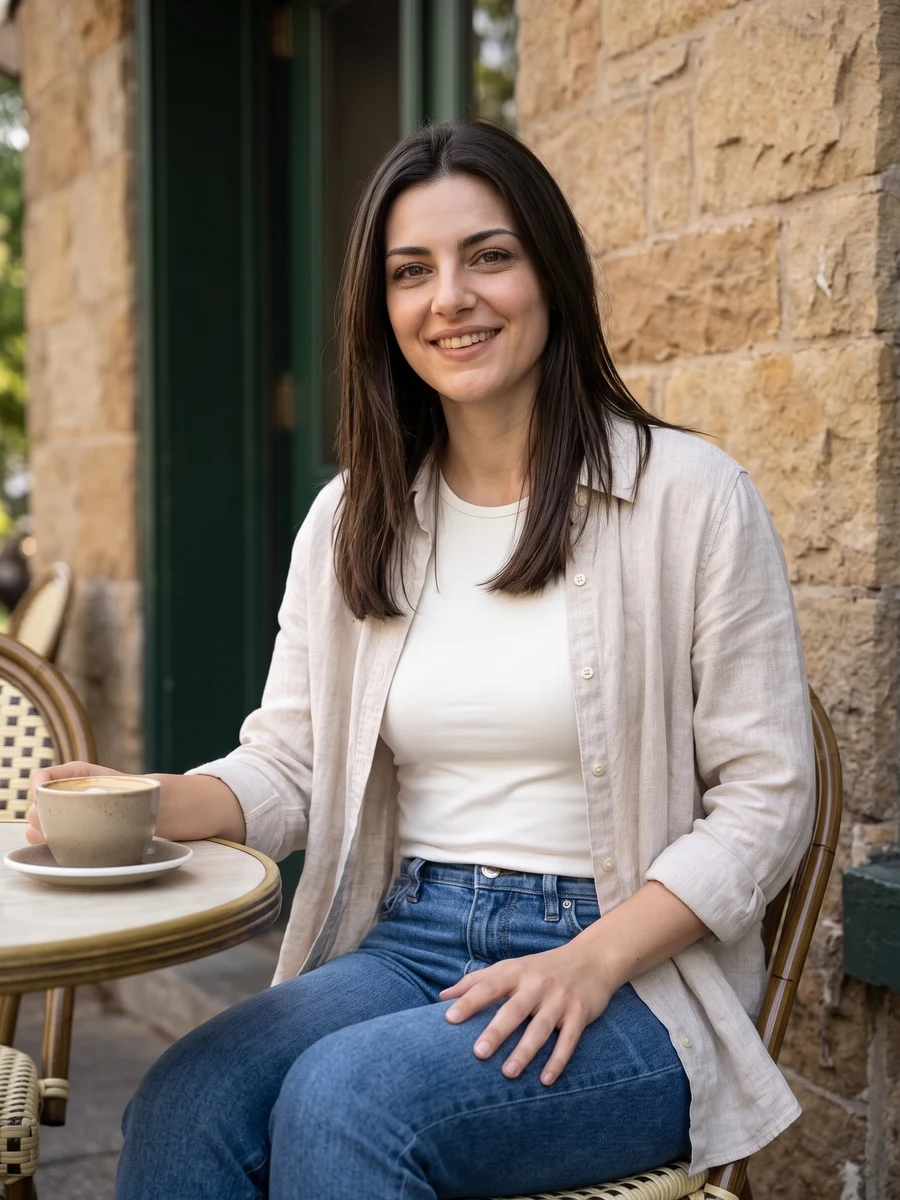
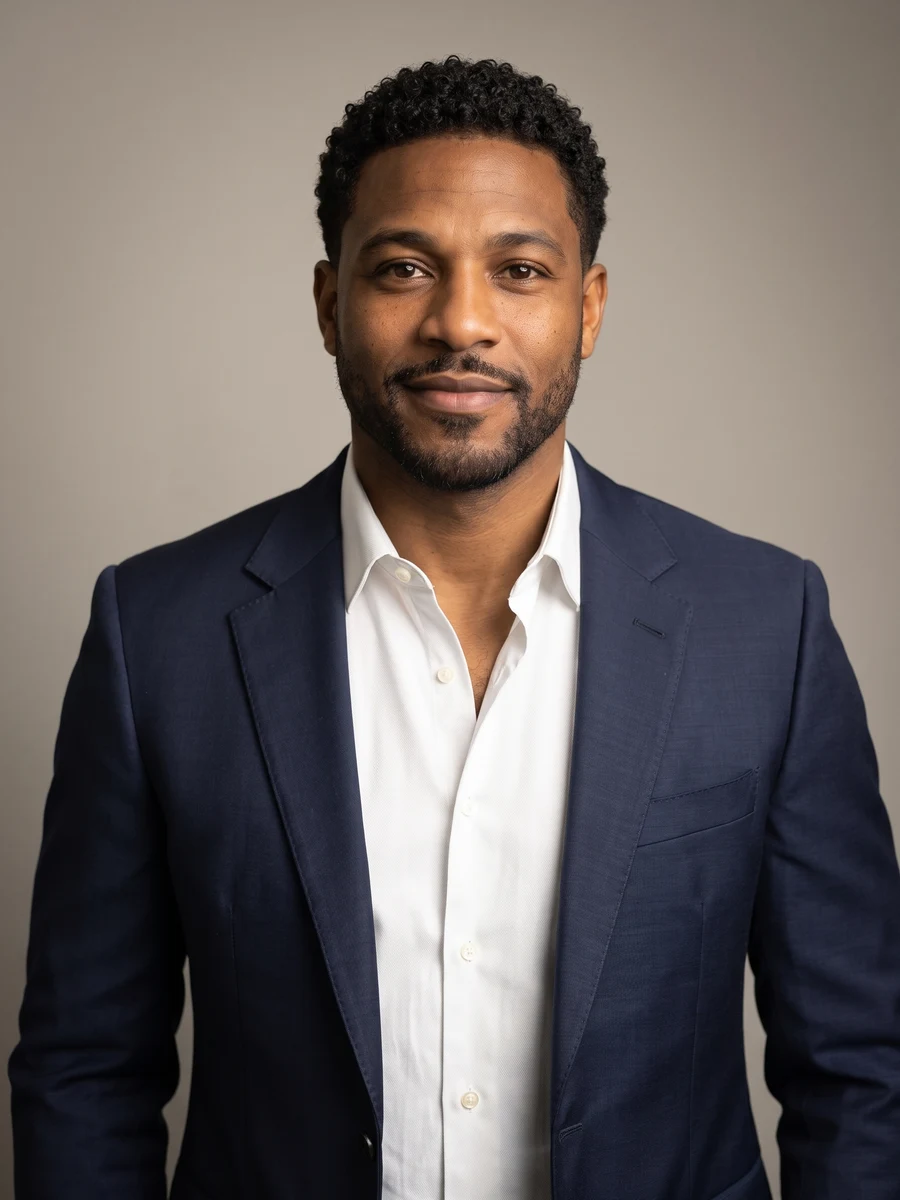
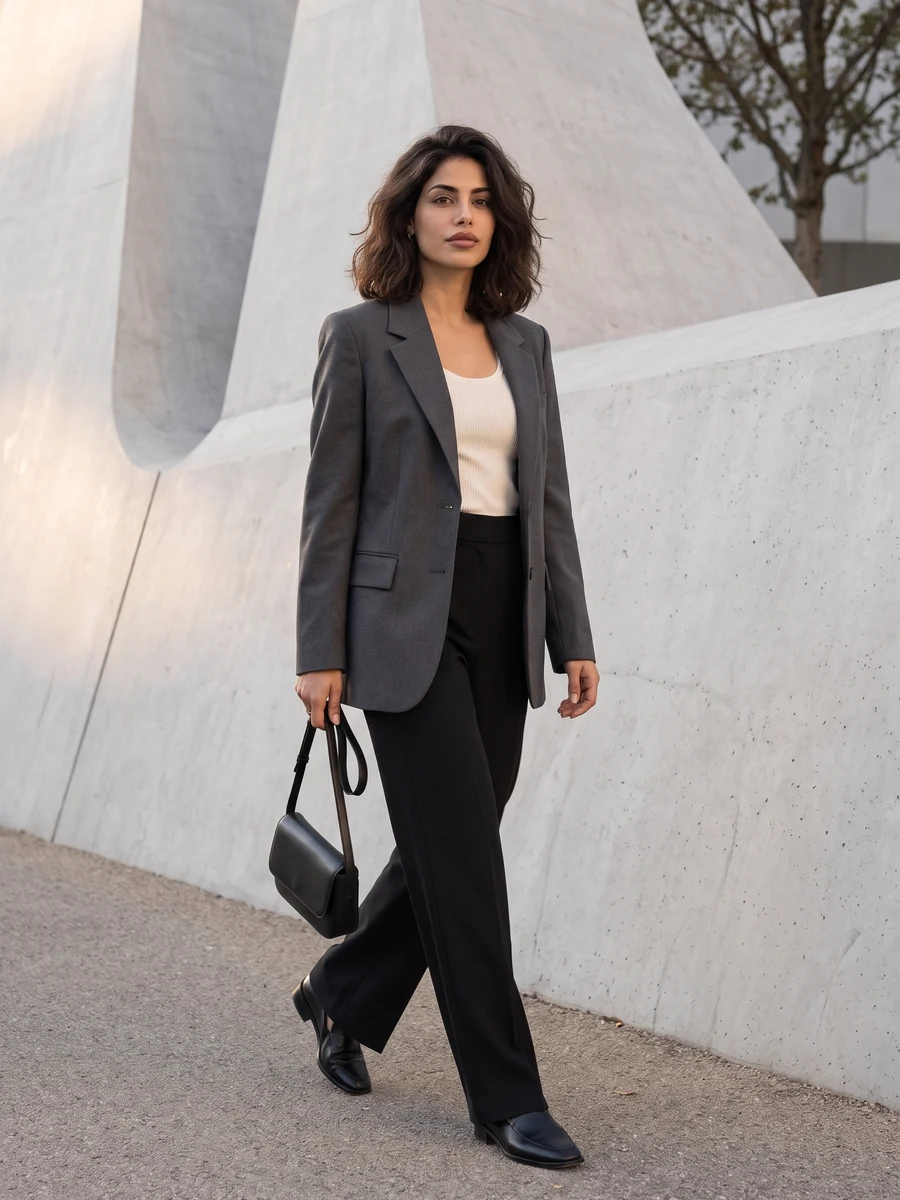
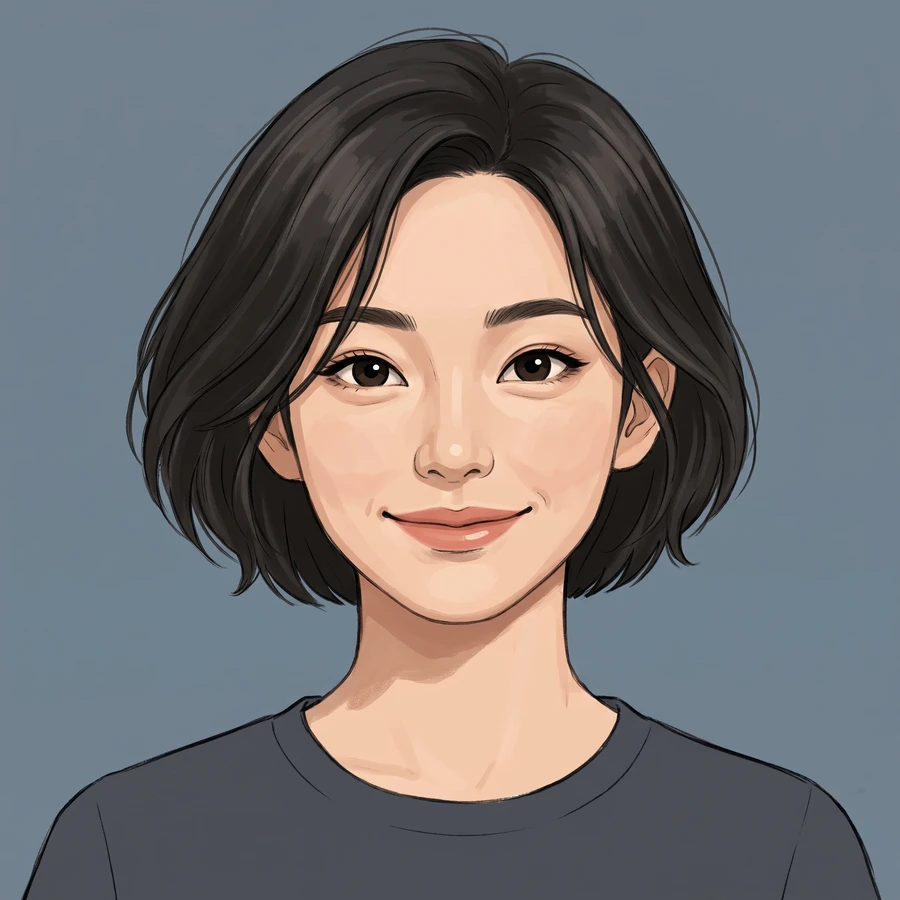
Professional profiles need a clear expression and a useful crop. Lifestyle portraits leave more room for the setting; avatars explore a different medium. Open a scene for its own looks, photo tips and controls.
Choose a recent, well-lit selfie. For two-person portraits, open the couple or wedding scene to choose separate photos or an existing photo together.
A new portrait from your photo and selected direction. The scene pages offer more specific looks for work, everyday life and celebrations.
Check that the face still feels like you. Clothing, hands, jewelry and small text can change; review the full image before sharing.
Choose Professional headshots for a work profile, Everyday portraits for a casual image or Avatars for an illustrated look. Each scene has its own style choices.
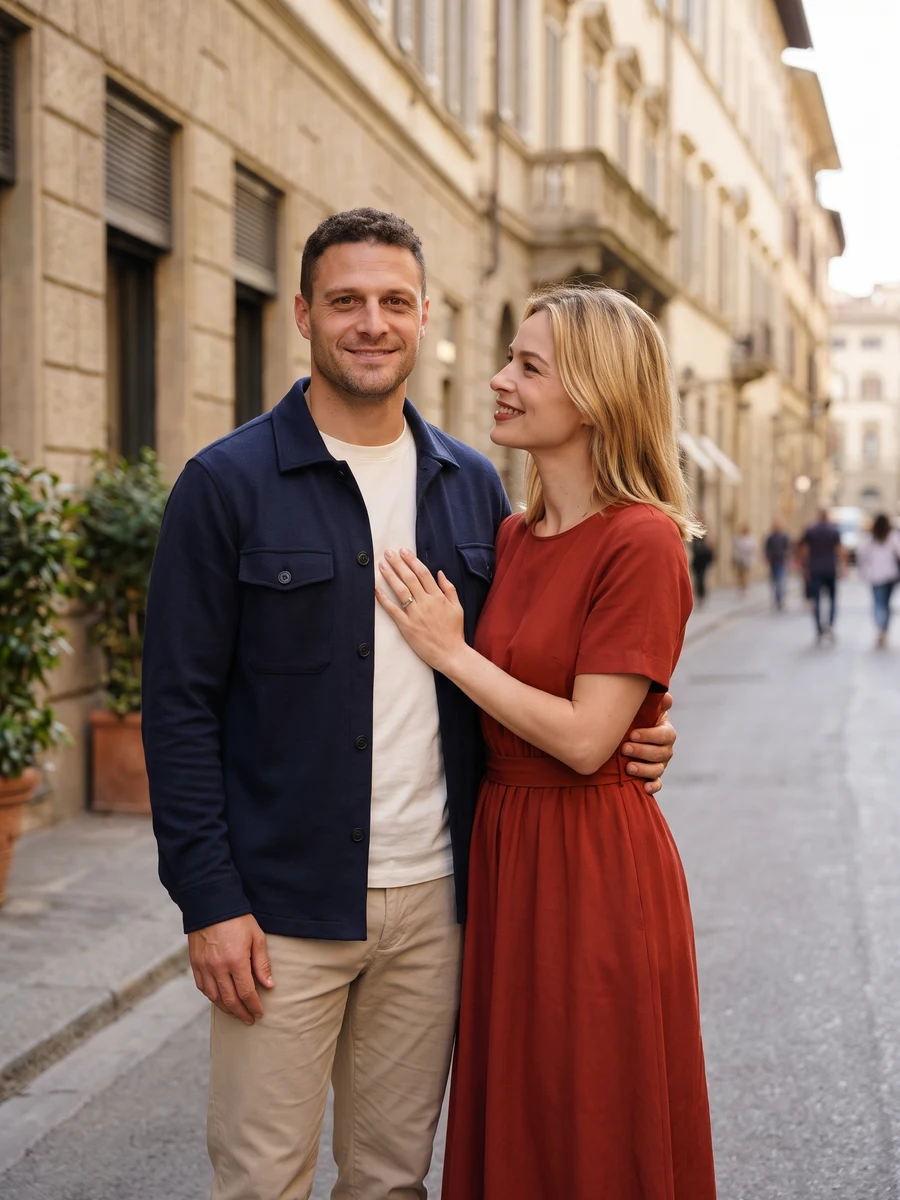
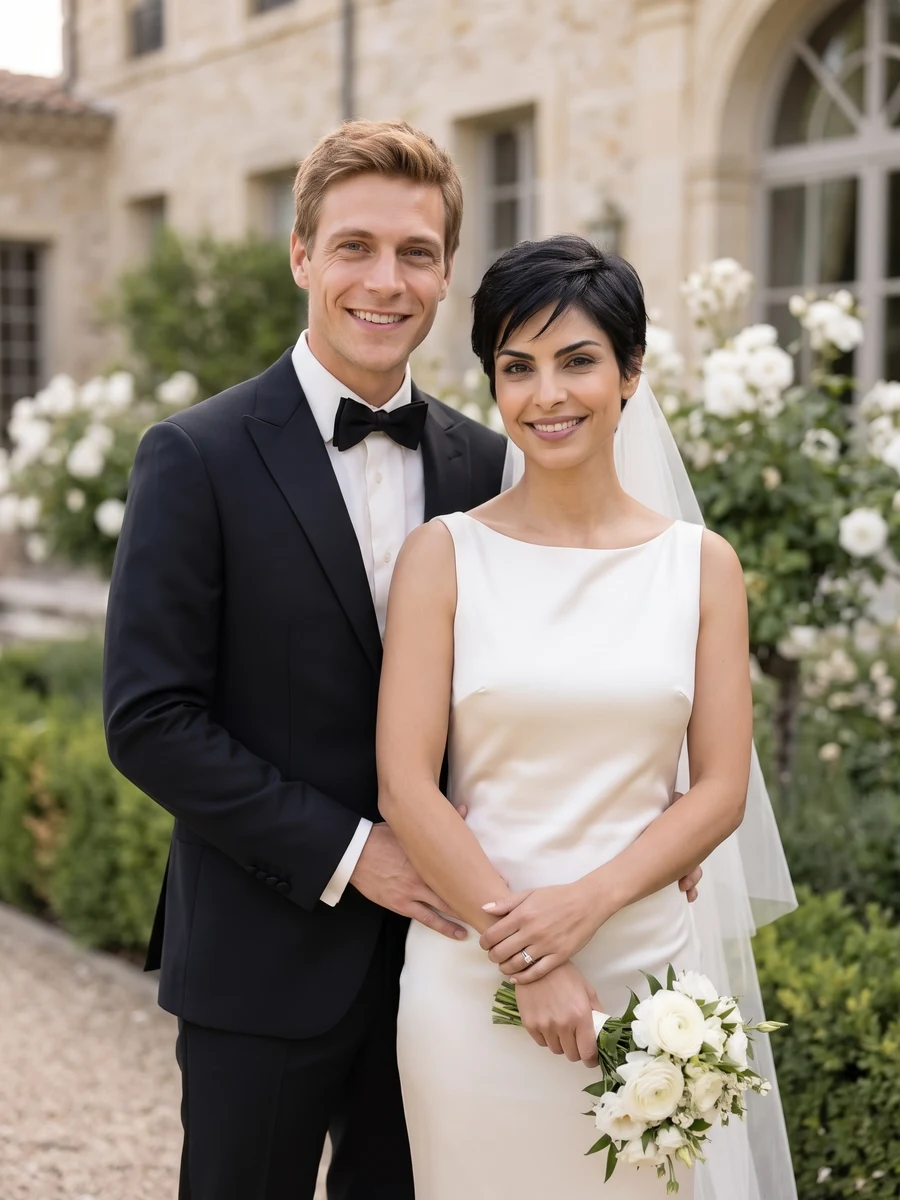
Open Couple portraits or Wedding portraits. Those pages let you use two separate adult photos or one existing photo together.
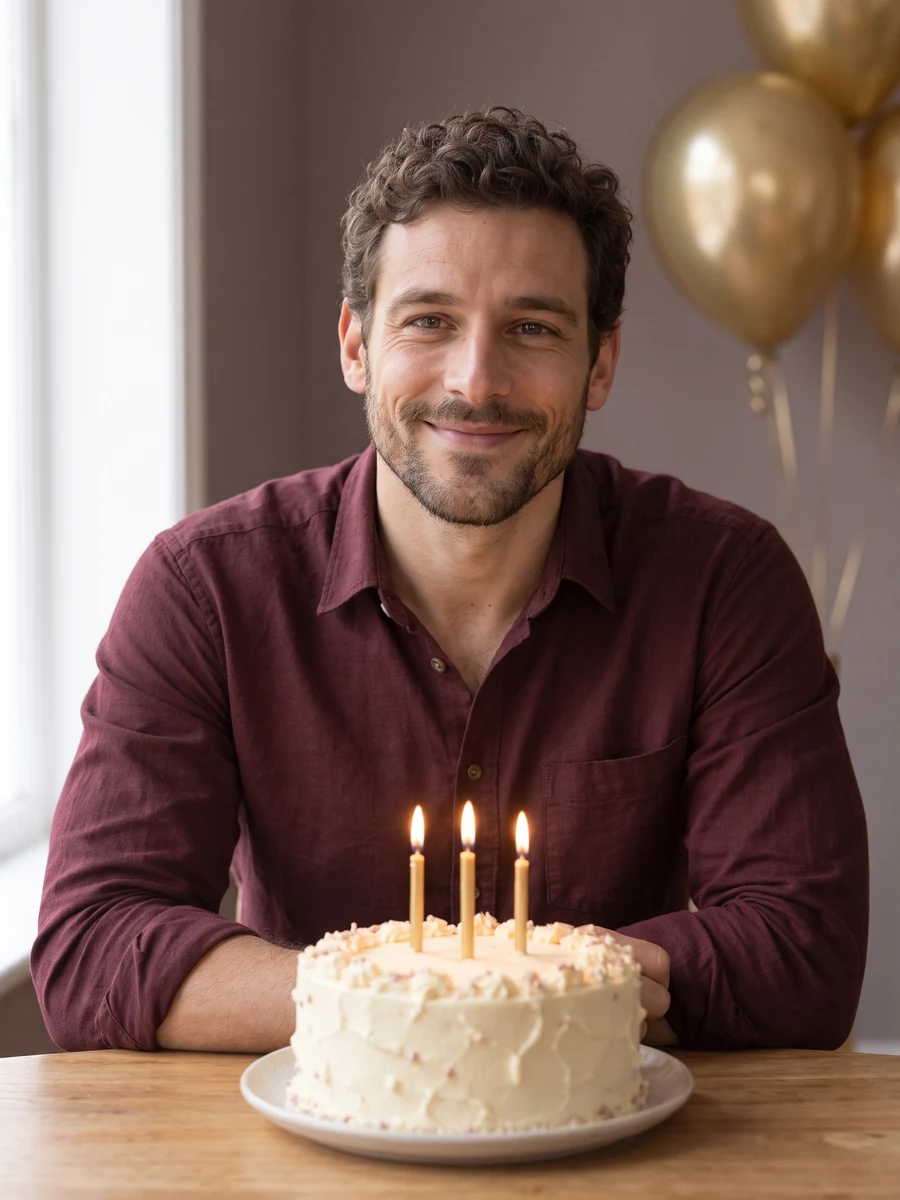
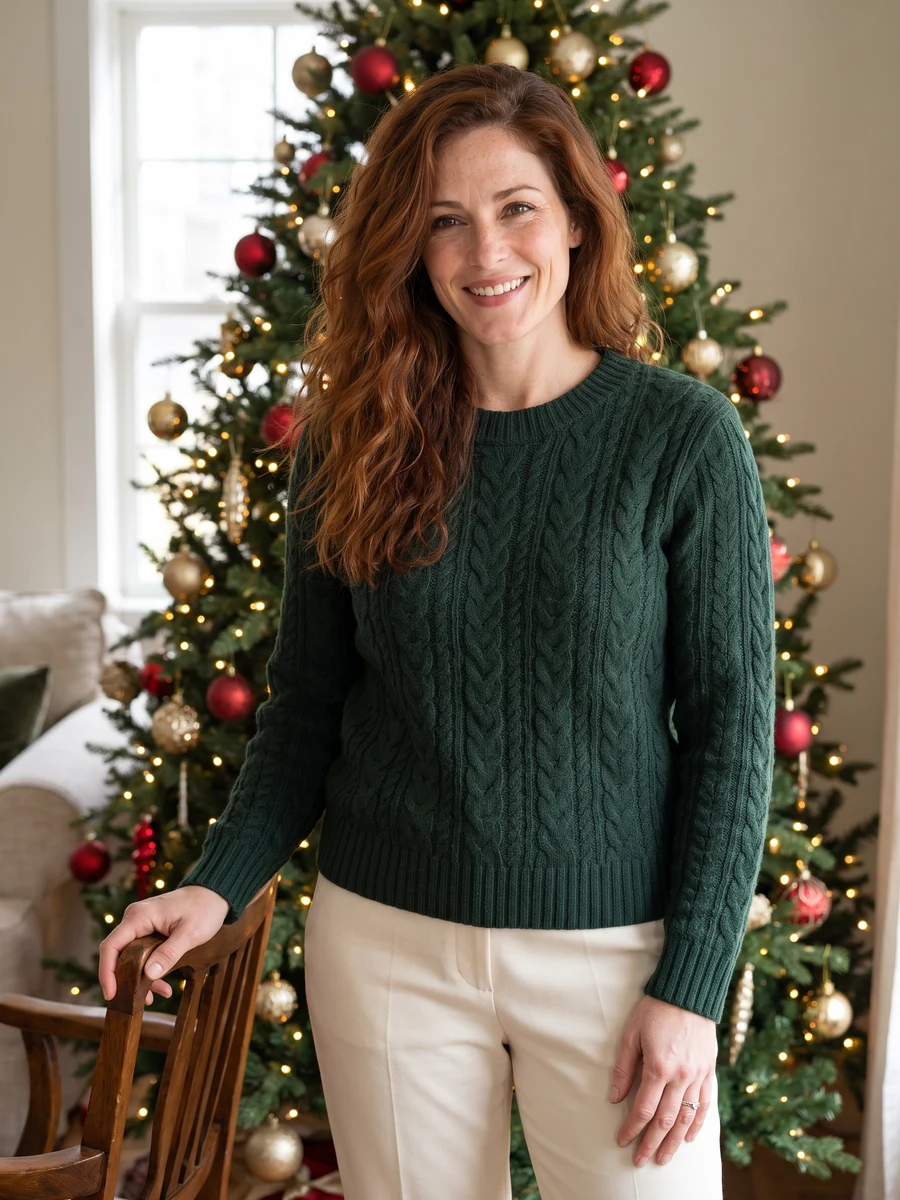
The gallery contains reference examples from the source collection. They illustrate scene ideas and are not claimed as results from your current model.
The quote uses the selected settings. Account credits and plan terms are shown on the pricing page. Pricing
No results yet. Start a task in a creative tool; your saved results will appear here.