Start with a clear reference
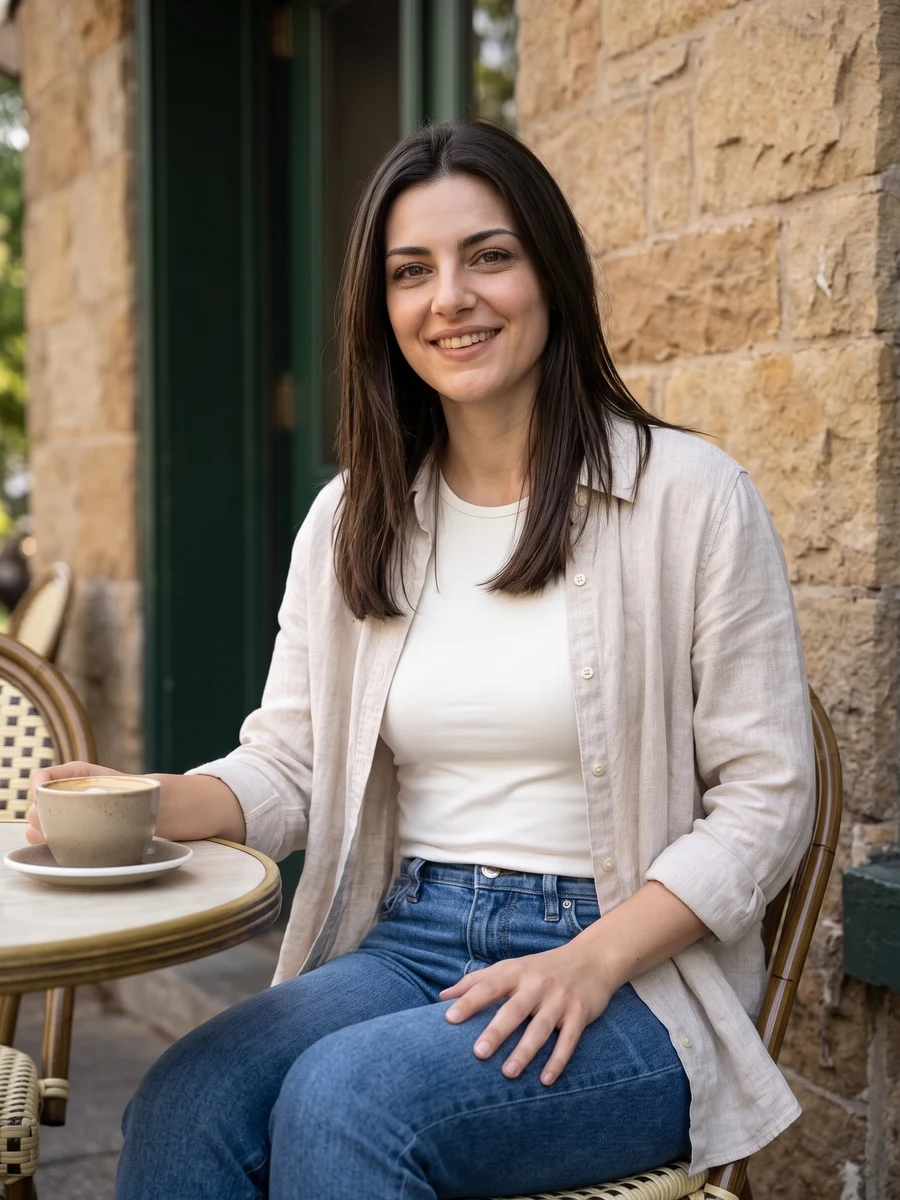
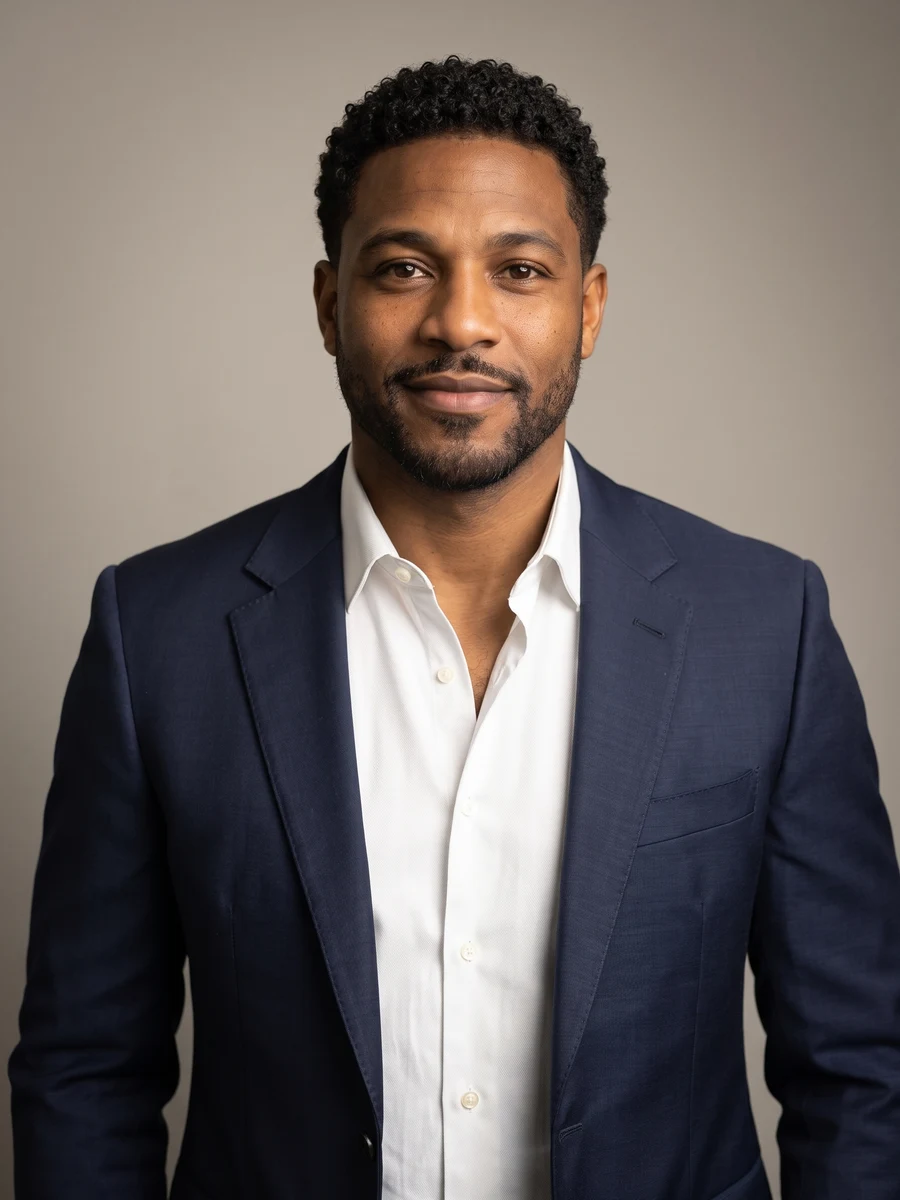
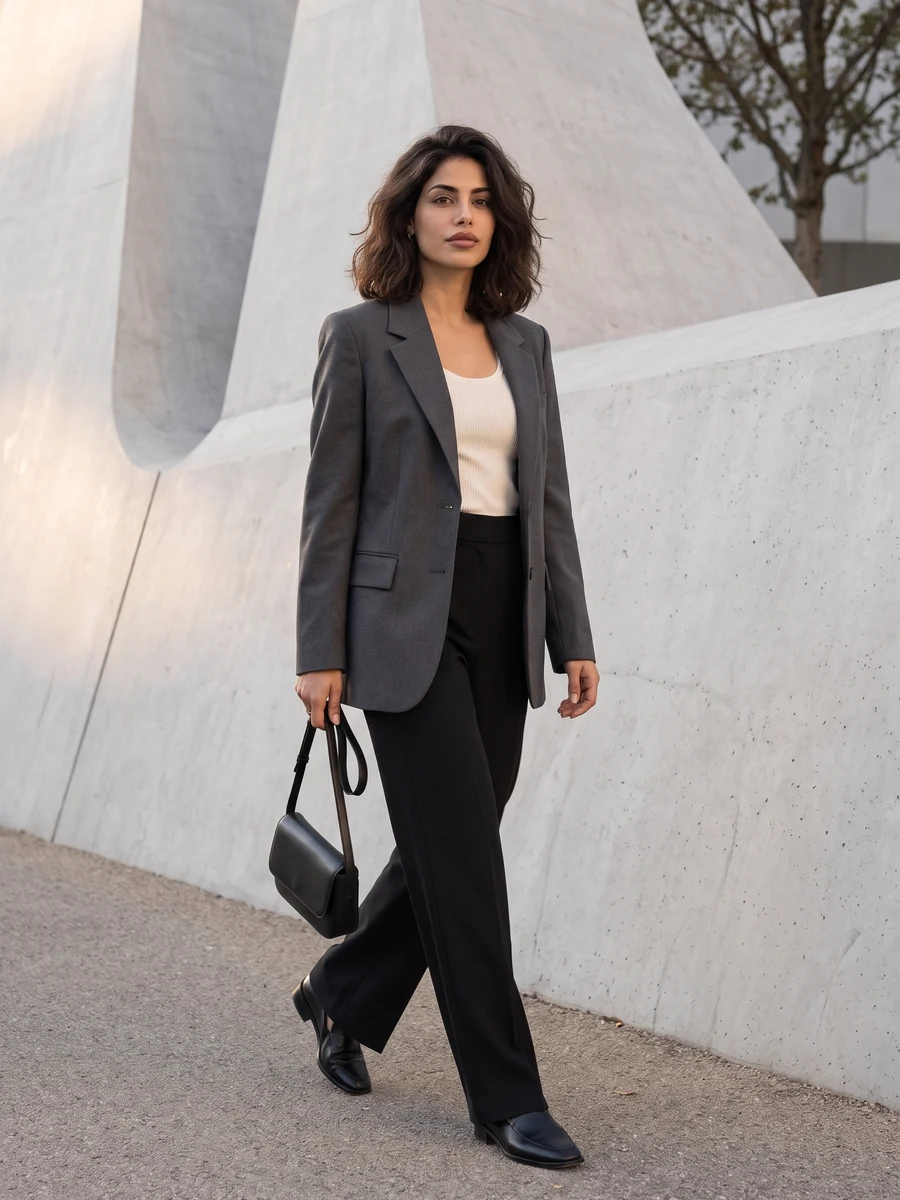
Start from a real photo with the whole head visible rather than an already stylized avatar.
Artistic avatars
Start from a real photo with the whole head visible rather than an already stylized avatar.
Model: GPT Image 2
AI can redraw faces and fine details. Review the complete result before use.
Check the face shape and hairstyle before selecting an avatar for a small circular crop.
From photo to idea
Different media simplify different details. Digital color can favor clean shapes, watercolor can soften edges, and graphite can emphasize light and facial structure. Decide which features should remain recognizable before adding decorative background directions.
Start from a real photo with the whole head visible rather than an already stylized avatar.
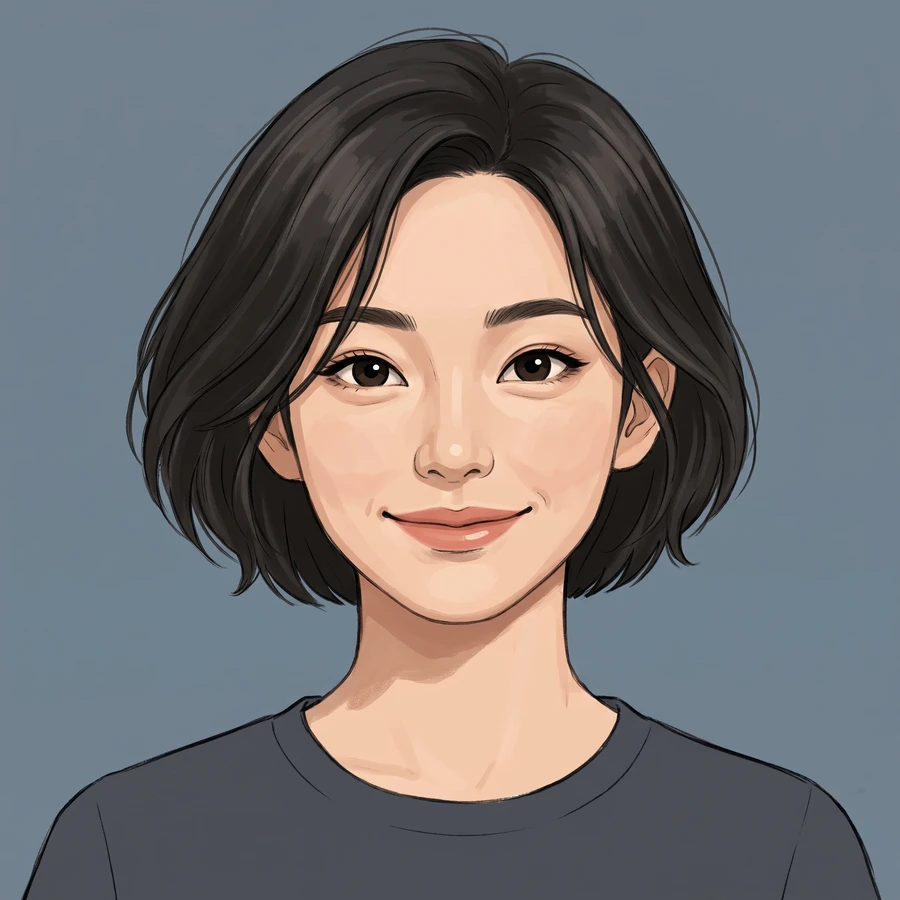
An illustrated or painted avatar that explores the selected medium. Test its silhouette, contrast and face visibility at the small size you intend to use.
Check the face shape and hairstyle before selecting an avatar for a small circular crop.
Start from a real photo with the whole head visible rather than an already stylized avatar.
Check the face shape and hairstyle before selecting an avatar for a small circular crop.
Choose Full set for 4 different shots, or One shot for 1, 2 or 4 versions of one angle. The button shows the total credit quote. Images become available individually; failed jobs use the existing per-task credit-return flow.
The quote uses the selected settings. Account credits and plan terms are shown on the pricing page. Pricing
No results yet. Start a task in a creative tool; your saved results will appear here.