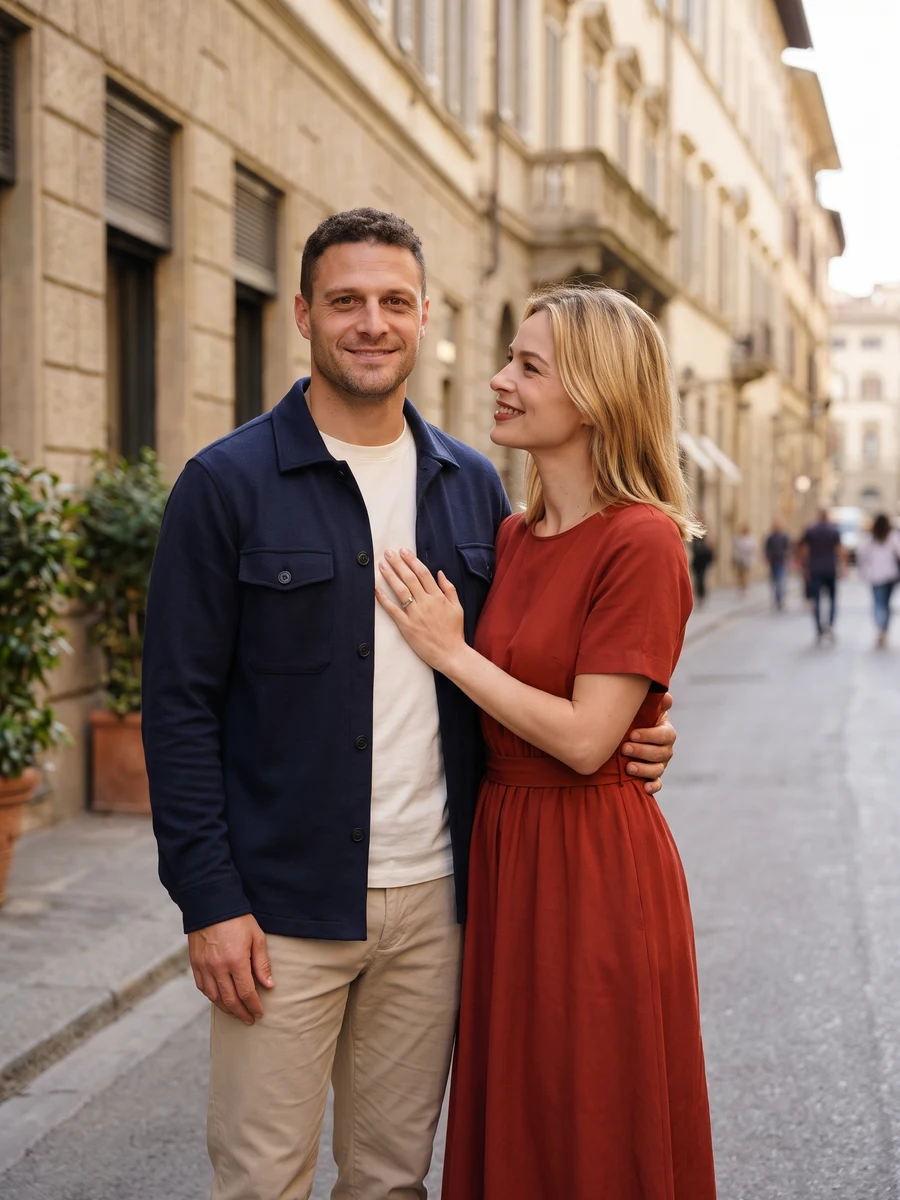
Start with a clear reference
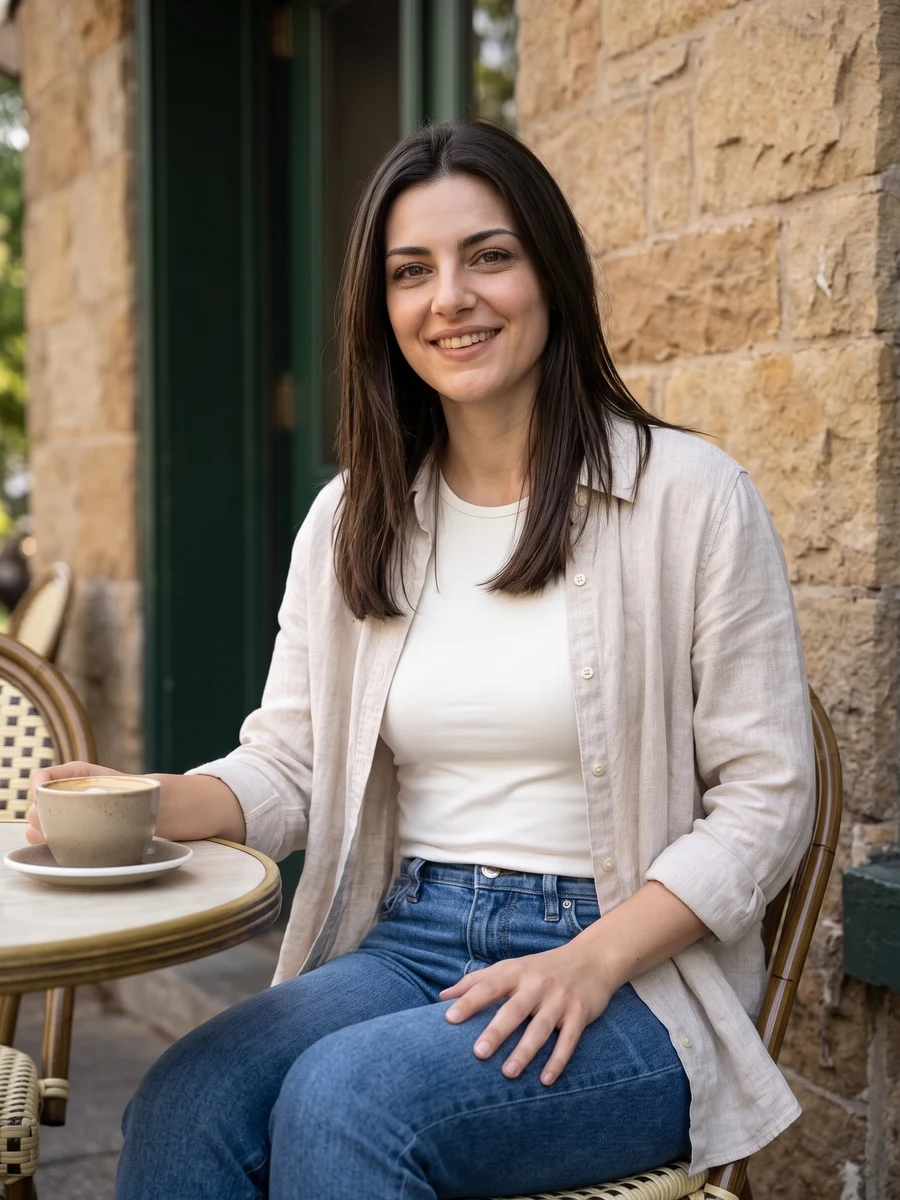
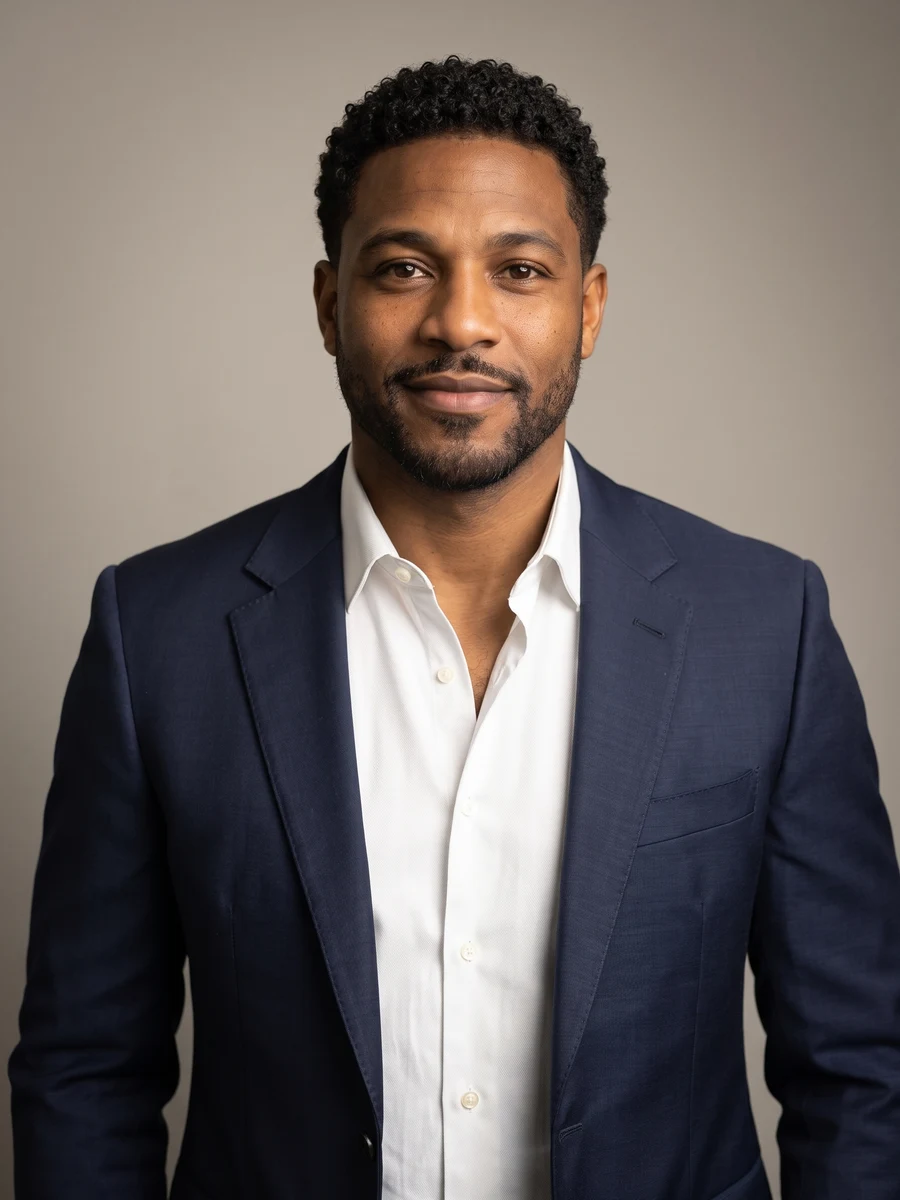
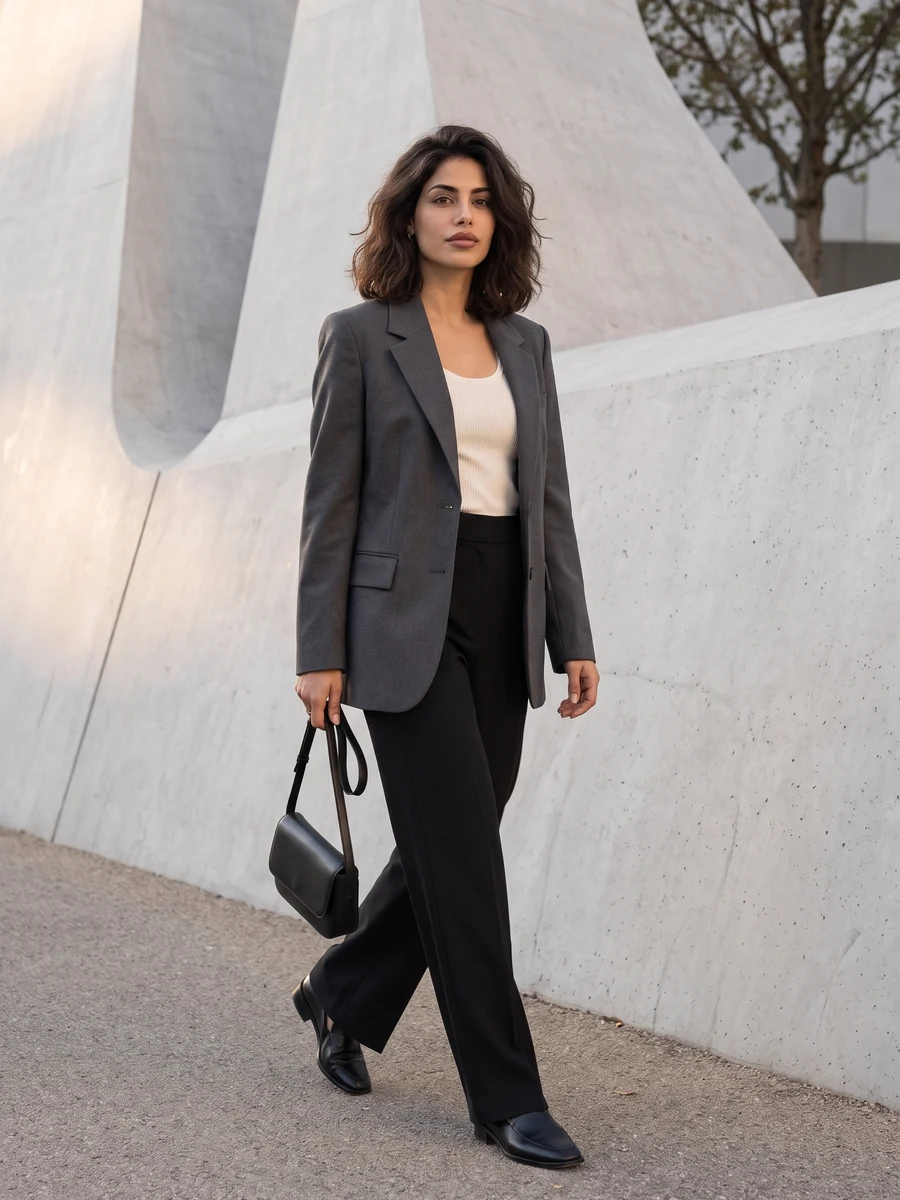
Upload separate clear adult portraits or one photo together. Keep both faces free of veils and heavy shadows.
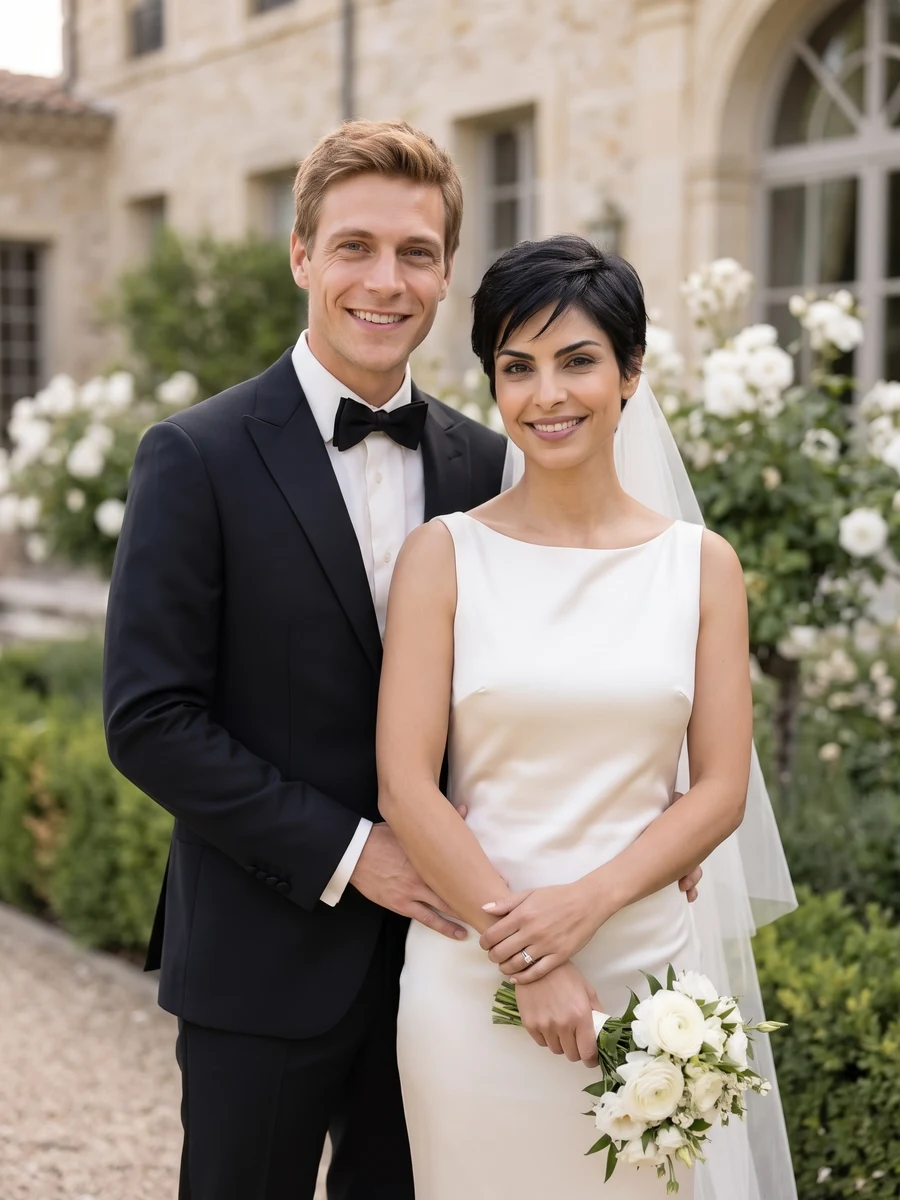
Wedding portraits
Upload separate clear adult portraits or one photo together. Keep both faces free of veils and heavy shadows.
Model: GPT Image 2
AI can redraw faces and fine details. Review the complete result before use.
Examine both faces, rings, fingers and fabric. Treat the result as a creative portrait, not a photograph of an event.
From photo to idea
A formal studio view, a garden scene and coastal light create different kinds of portraits. Choose the atmosphere first, then specify clothing and flowers. Clear adult reference faces matter more than having wedding garments in the original photos.
Upload separate clear adult portraits or one photo together. Keep both faces free of veils and heavy shadows.
A creative wedding portrait in the selected setting. Use it to explore a visual idea or create a keepsake, while keeping it distinct from photographs of an actual ceremony.
Examine both faces, rings, fingers and fabric. Treat the result as a creative portrait, not a photograph of an event.
Upload separate clear adult portraits or one photo together. Keep both faces free of veils and heavy shadows.
Examine both faces, rings, fingers and fabric. Treat the result as a creative portrait, not a photograph of an event.
Choose Full set for 6 different shots, or One shot for 1, 2 or 4 versions of one angle. The button shows the total credit quote. Images become available individually; failed jobs use the existing per-task credit-return flow.
The quote uses the selected settings. Account credits and plan terms are shown on the pricing page. Pricing
No results yet. Start a task in a creative tool; your saved results will appear here.