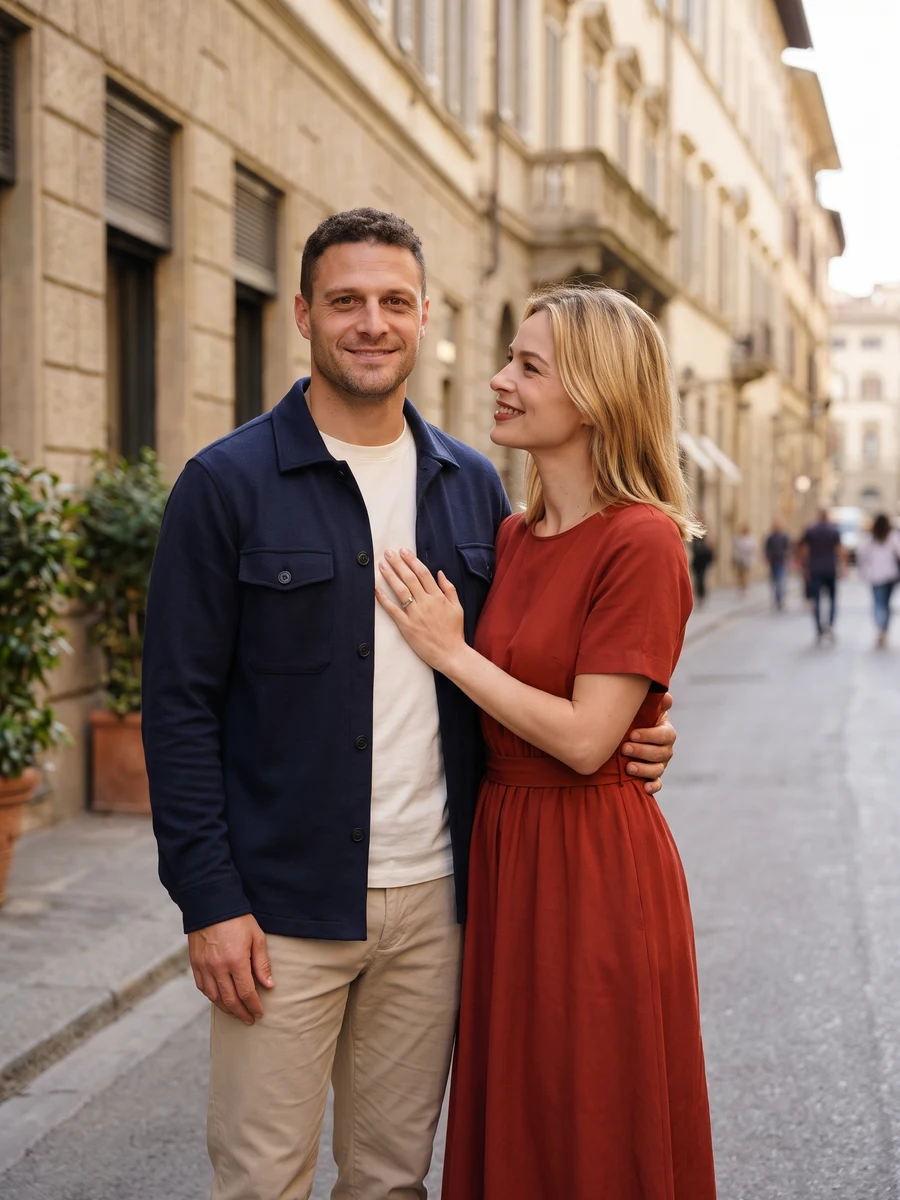
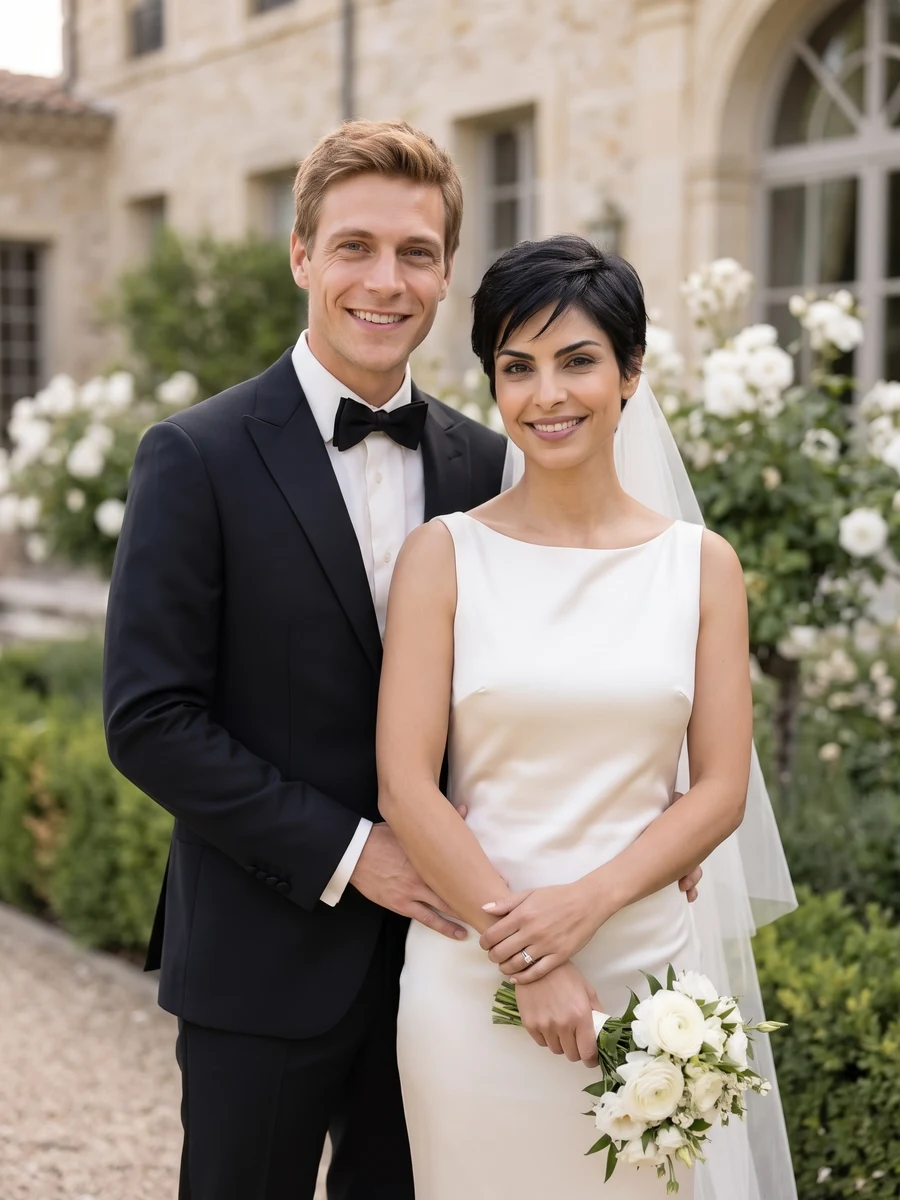
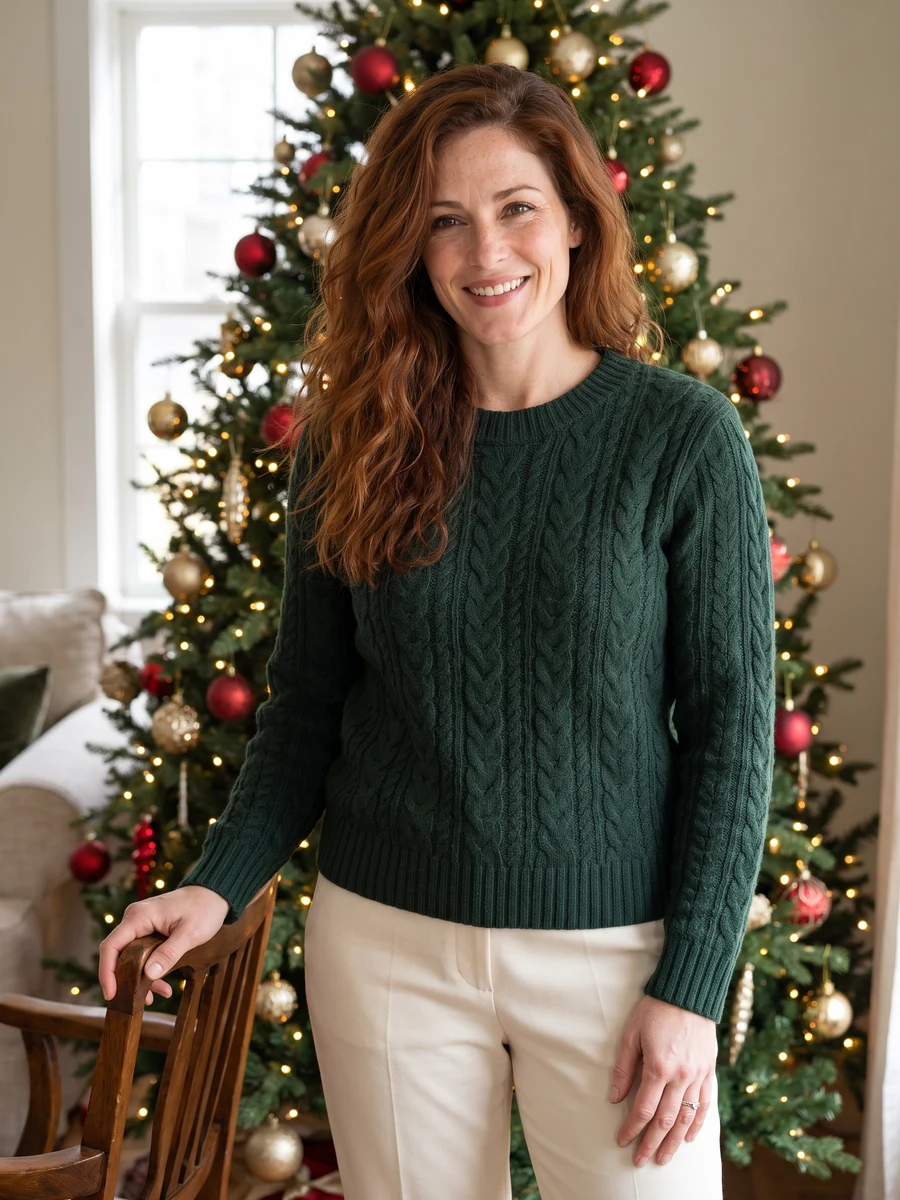
Start with a clear reference
Use a recent face photo without beauty filters; keep the eyes at a natural level.
Professional headshots
Use a recent face photo without beauty filters; keep the eyes at a natural level.
Model: GPT Image 2
AI can redraw faces and fine details. Review the complete result before use.
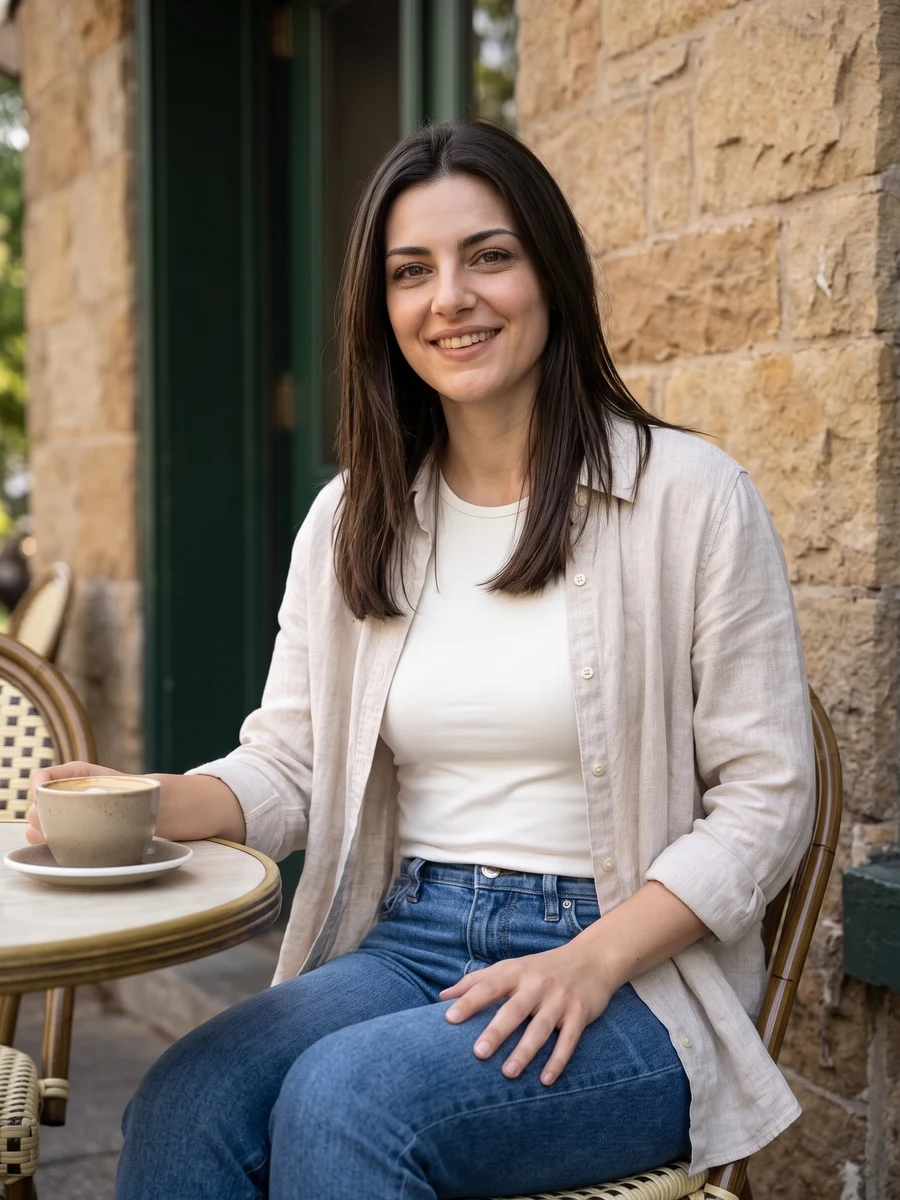
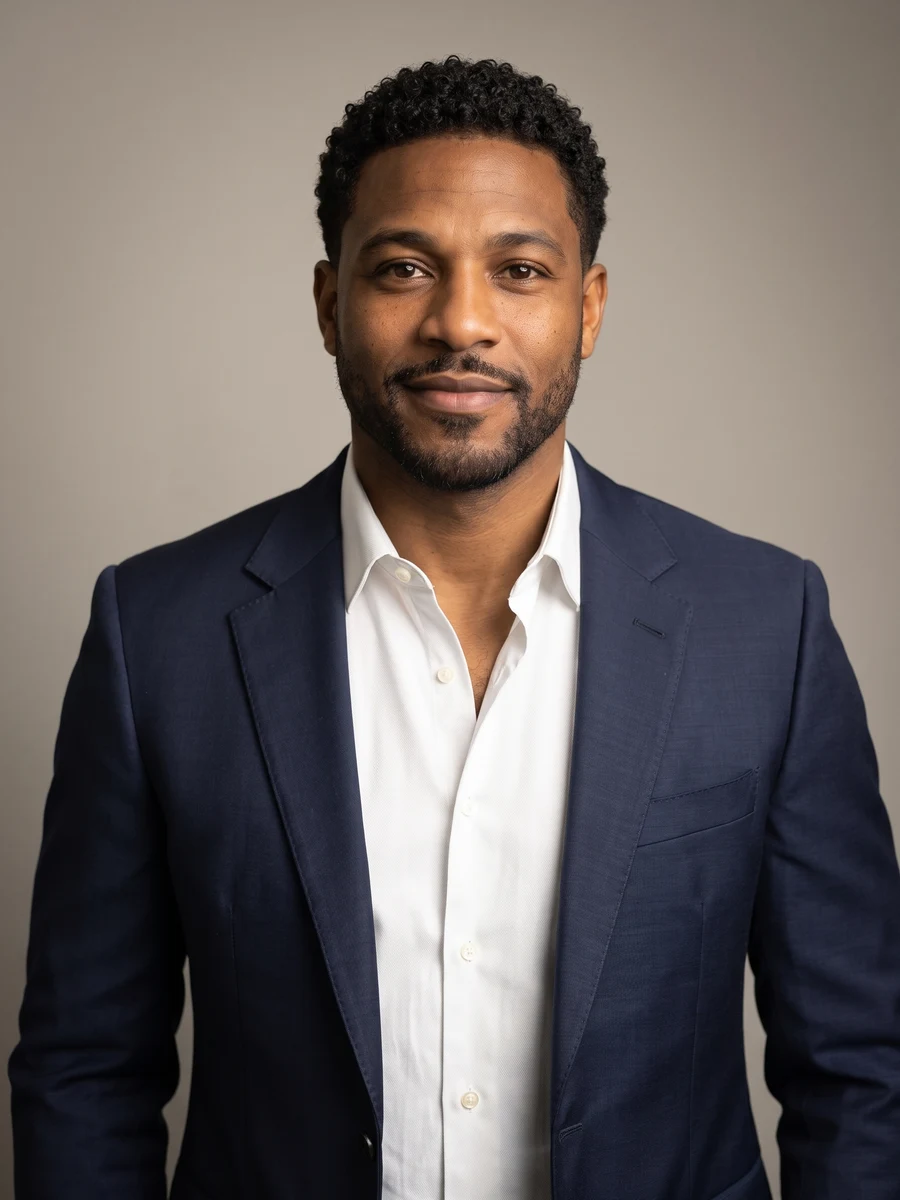
Look for a truthful expression, natural skin texture and enough shoulder space for your profile crop.
From photo to idea
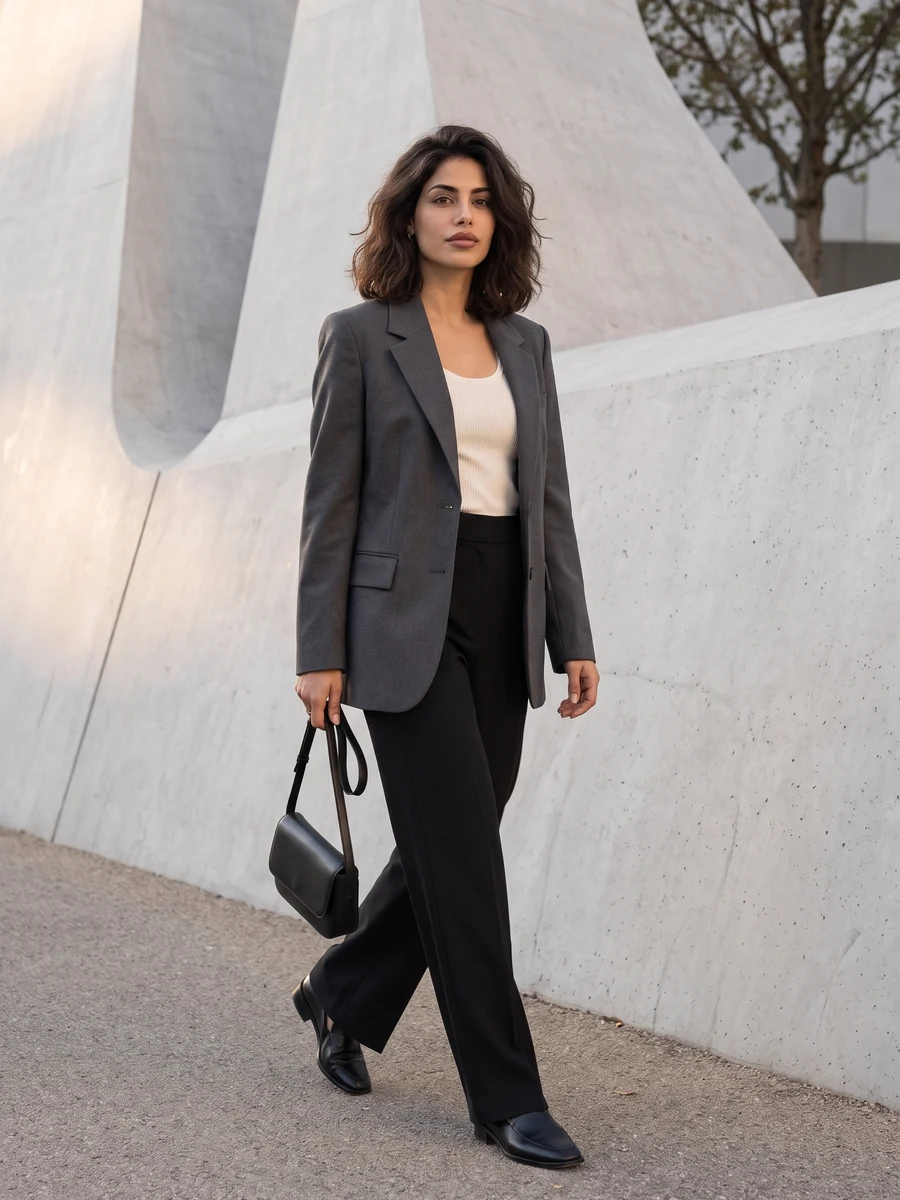
Match the styling to where the image will appear. A neutral studio setting suits a team directory; soft window light can feel more relaxed for a personal site. Keep clothing and facial expression consistent with how you want to introduce yourself.
Use a recent face photo without beauty filters; keep the eyes at a natural level.
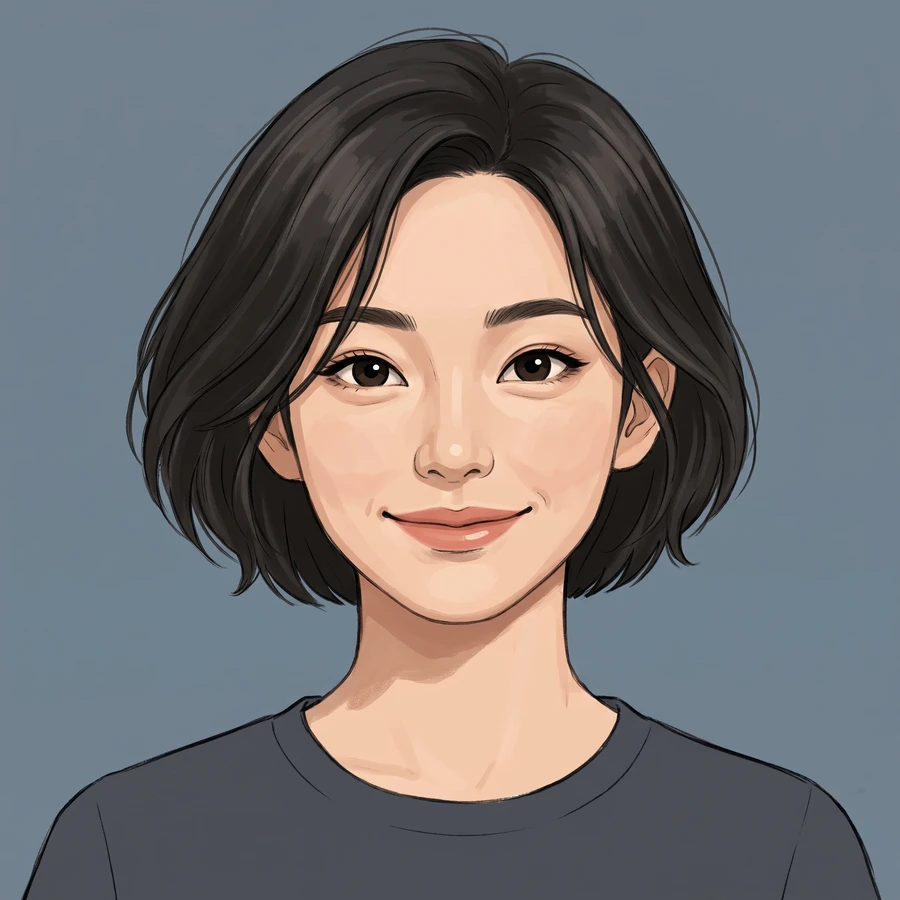
A work-profile portrait with your chosen level of formality. Review the expression at both full size and the crop used on your actual profile page.
Look for a truthful expression, natural skin texture and enough shoulder space for your profile crop.
Use a recent face photo without beauty filters; keep the eyes at a natural level.
Look for a truthful expression, natural skin texture and enough shoulder space for your profile crop.
Choose Full set for 6 different shots, or One shot for 1, 2 or 4 versions of one angle. The button shows the total credit quote. Images become available individually; failed jobs use the existing per-task credit-return flow.
The quote uses the selected settings. Account credits and plan terms are shown on the pricing page. Pricing
No results yet. Start a task in a creative tool; your saved results will appear here.