Start with a clear reference
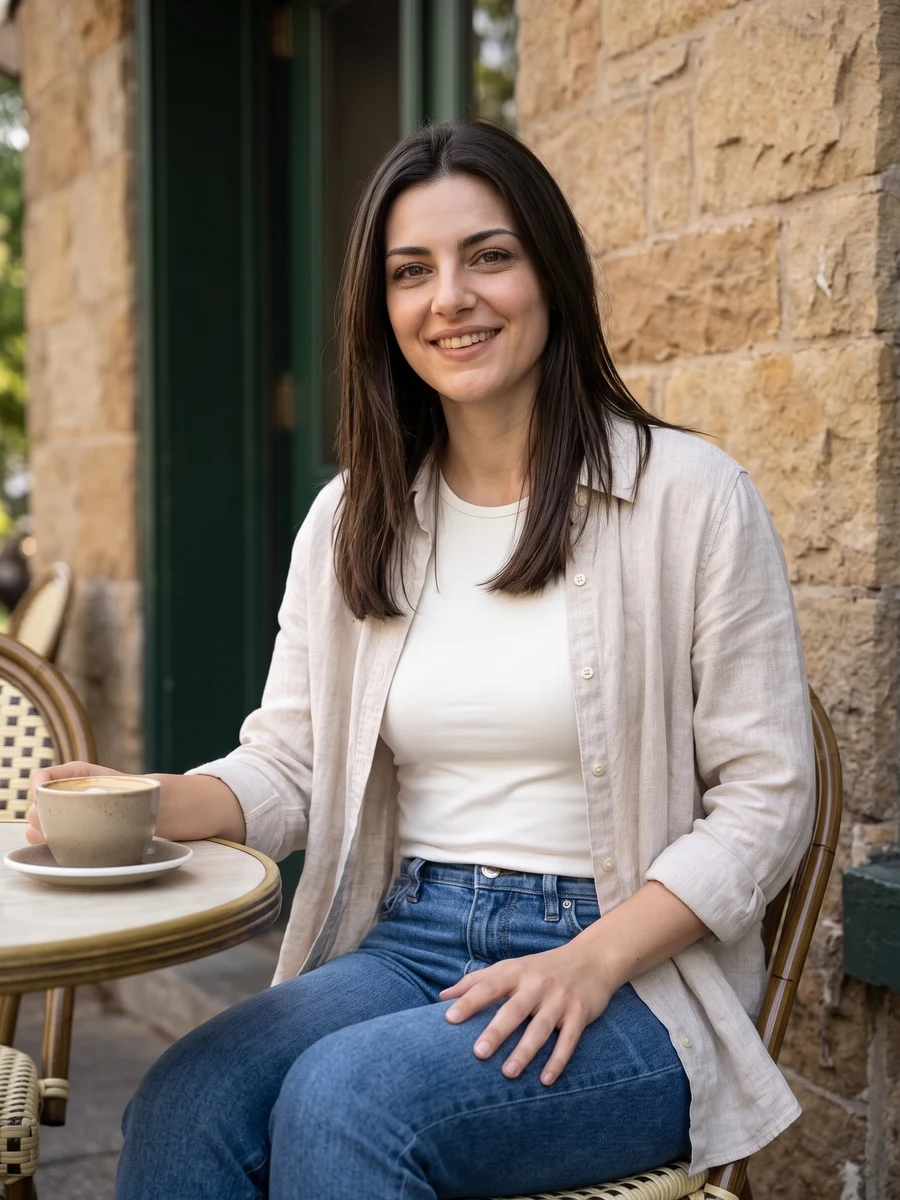
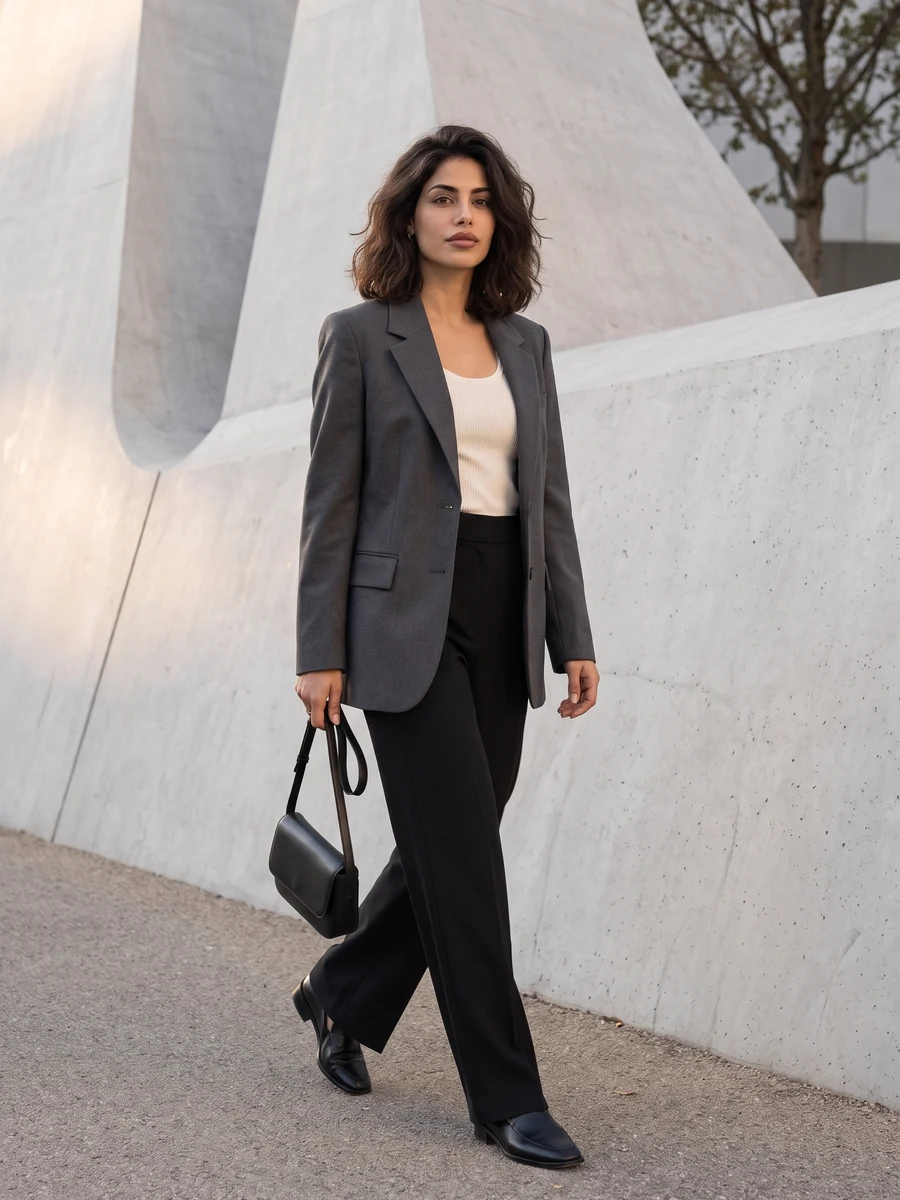
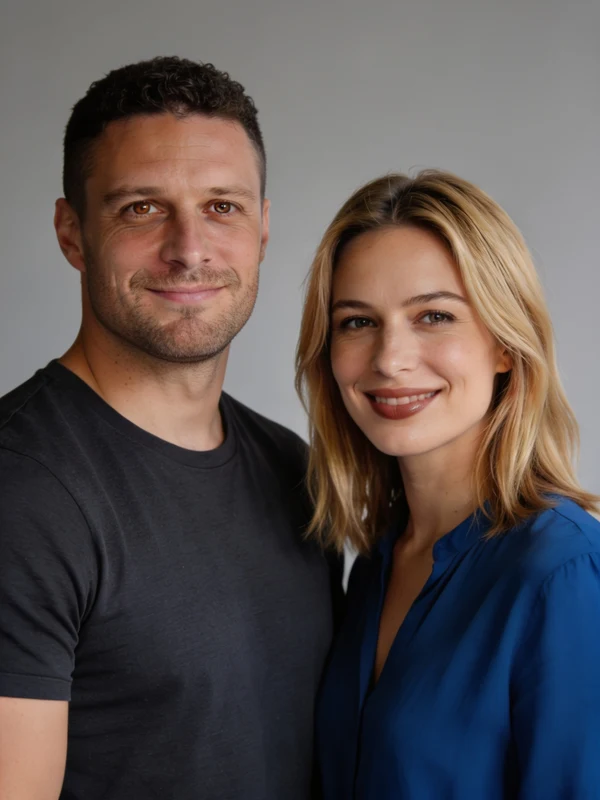
Use one clear photo per adult, or switch to Together for an existing couple photo. Match lighting where possible.
Couple portraits
Use one clear photo per adult, or switch to Together for an existing couple photo. Match lighting where possible.
Model: GPT Image 2
AI can redraw faces and fine details. Review the complete result before use.
 ↔
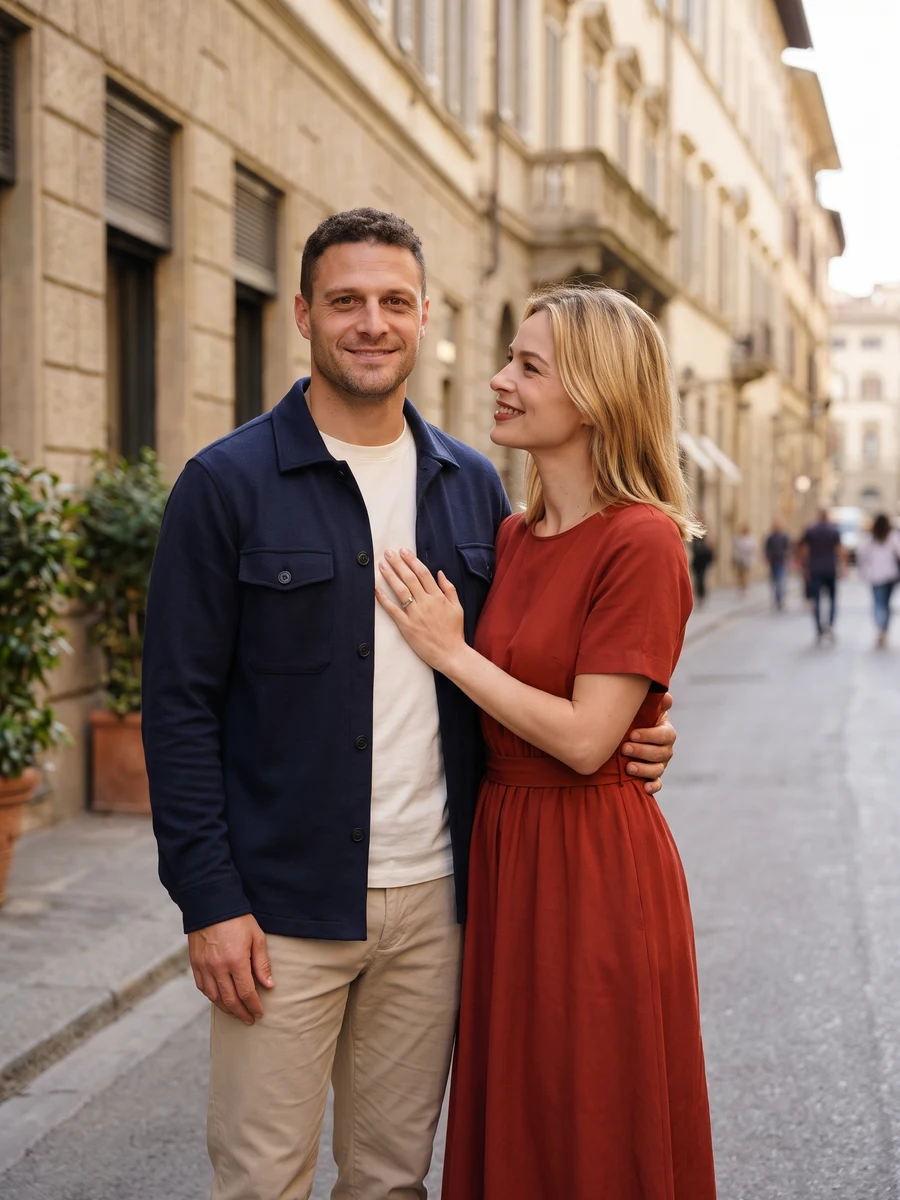
↔Check that both identities stay distinct, then inspect hands, height and overlapping clothing.
From photo to idea
The input choice changes the starting point. Separate portraits provide one reference for each person; an existing photo together also shows their relative pose. Pick a setting where both faces can remain visible, with uncomplicated gestures and room between overlapping hands.
Use one clear photo per adult, or switch to Together for an existing couple photo. Match lighting where possible.
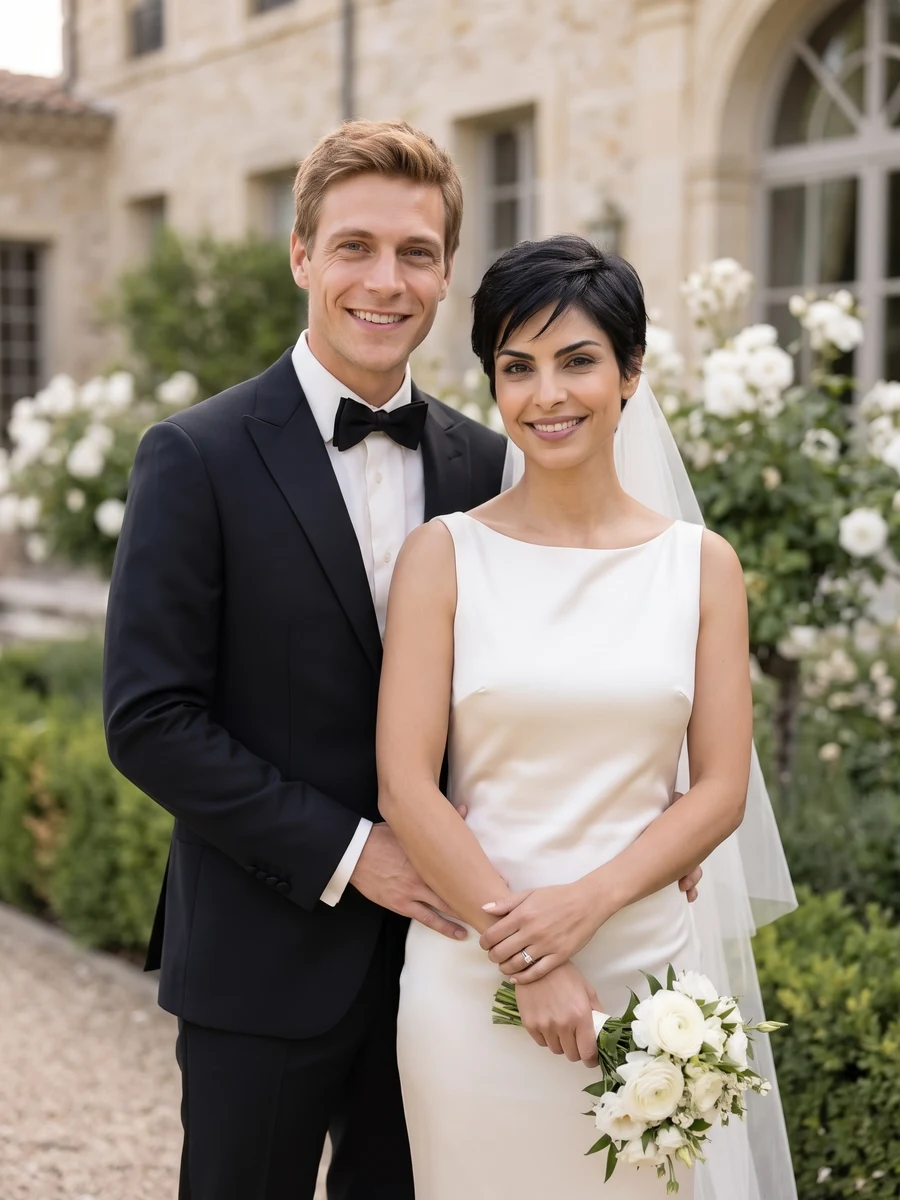
A shared portrait assembled from the chosen inputs. Compare both faces with their references and make sure the interaction reads naturally before keeping a version.
Check that both identities stay distinct, then inspect hands, height and overlapping clothing.
Use one clear photo per adult, or switch to Together for an existing couple photo. Match lighting where possible.
Check that both identities stay distinct, then inspect hands, height and overlapping clothing.
Choose Full set for 6 different shots, or One shot for 1, 2 or 4 versions of one angle. The button shows the total credit quote. Images become available individually; failed jobs use the existing per-task credit-return flow.
The quote uses the selected settings. Account credits and plan terms are shown on the pricing page. Pricing
No results yet. Start a task in a creative tool; your saved results will appear here.