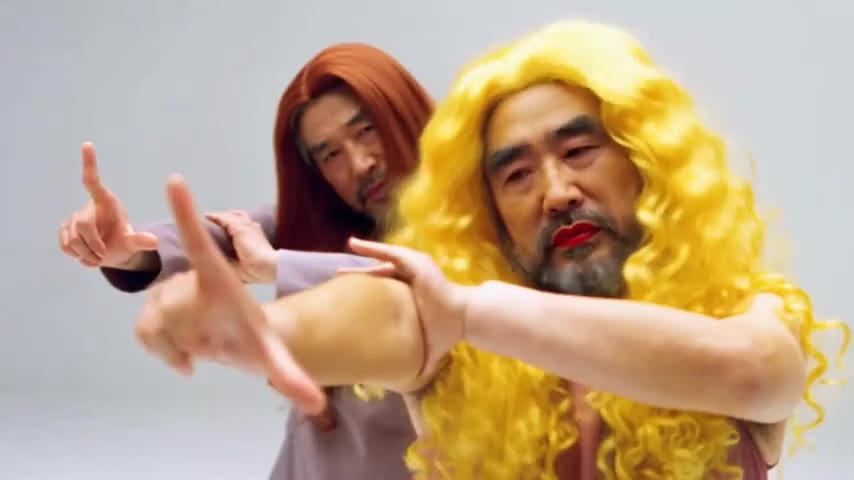
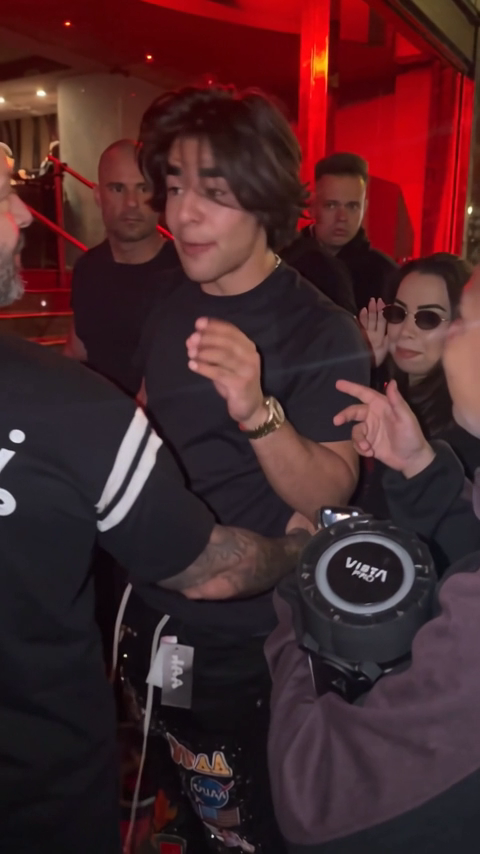
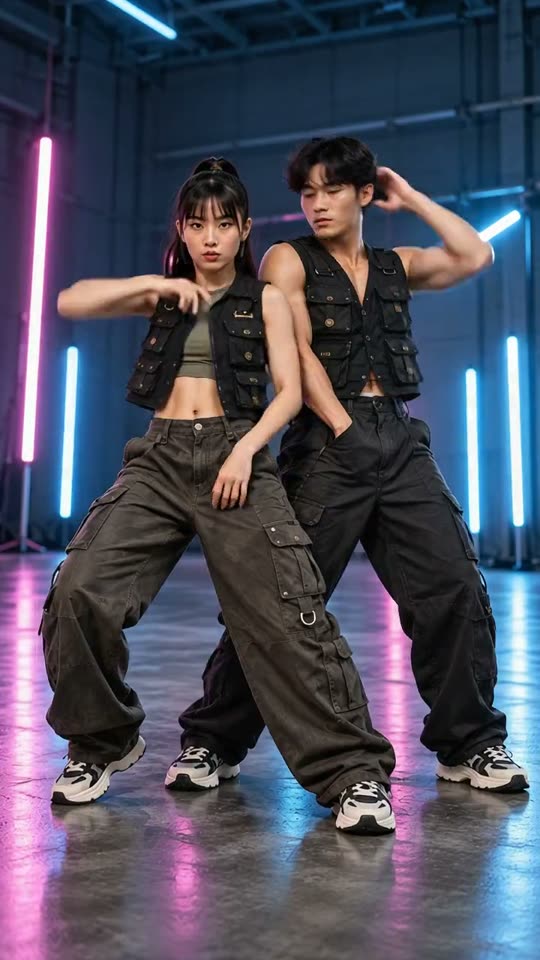
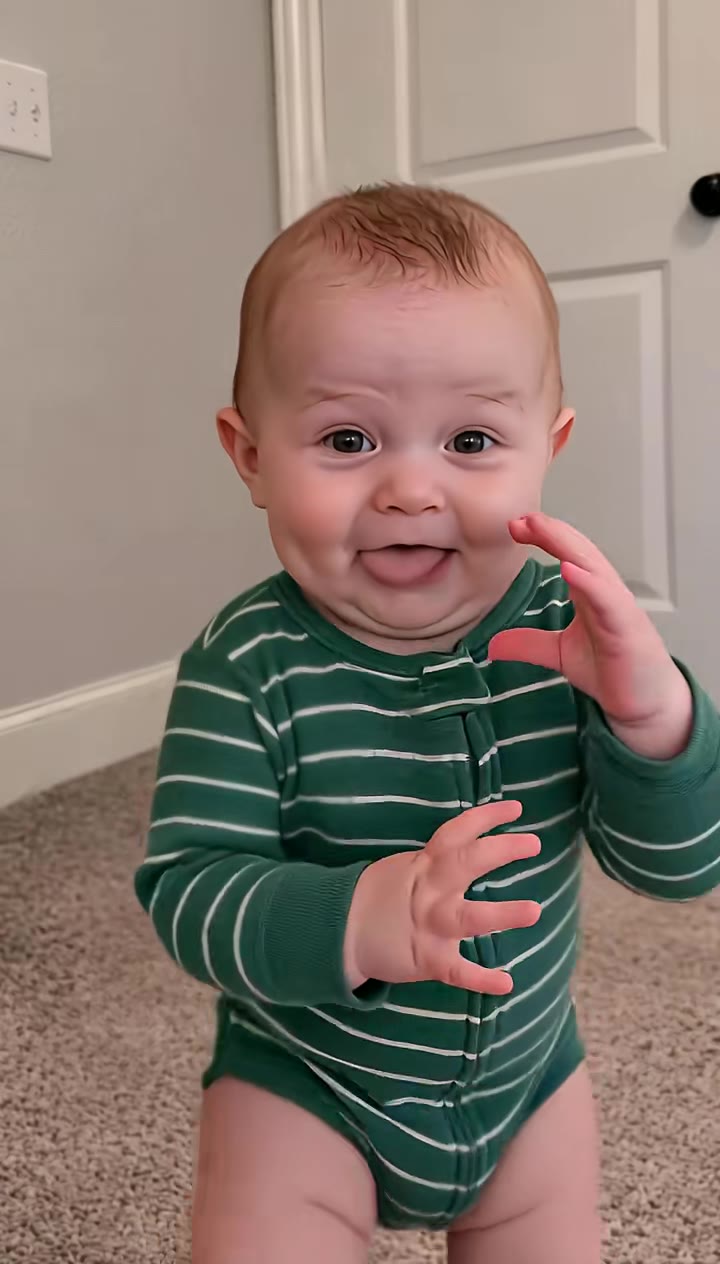
Start with a clear reference
Use a clear portrait; for a couple scene, upload one photo with both people. Keep the face evenly lit.
Window Peeper AI
Use a clear portrait; for a couple scene, upload one photo with both people. Keep the face evenly lit.
Model: Kling 3.0 Turbo
Video length follows the selected setting. Exact choreography and original music are not included.
Check the window frame, food, hands and curtain movement. Review the whole scene for unintended distortions before sharing.
From photo to idea
The scene starts outside a lit window, catches a small everyday moment and holds on an embarrassed look. A simple action works better than several competing jokes. Keep the setting fictional and consensual.
Use a clear portrait; for a couple scene, upload one photo with both people. Keep the face evenly lit.
A short window-scene interpretation in your selected format. Choose 10 seconds for a little more setup before the reveal.
Check the window frame, food, hands and curtain movement. Review the whole scene for unintended distortions before sharing.
No. This creates an invented scene from an authorized photo. It does not access cameras, real windows or anyone’s home. Use the effect as clearly labeled fictional comedy.
Use JPG, PNG or WebP, up to 10 MB per image. Choose a clear photo you own or have permission to use, without covered faces or heavy filters.
Tasks appear in the creations area and My creations. Preview and download a completed result there. If a task fails, check its status and your credit history.
The quote uses the selected settings. Account credits and plan terms are shown on the pricing page. Pricing
No results yet. Start a task in a creative tool; your saved results will appear here.