Free AI Anime Generator
Describe a character, choose a look, and the AI anime generator draws it: soft pastel cel shading, black-and-white manga with screentone, or a two-heads-tall chibi. Then build a 16:9 turnaround sheet and a 1:1 avatar.
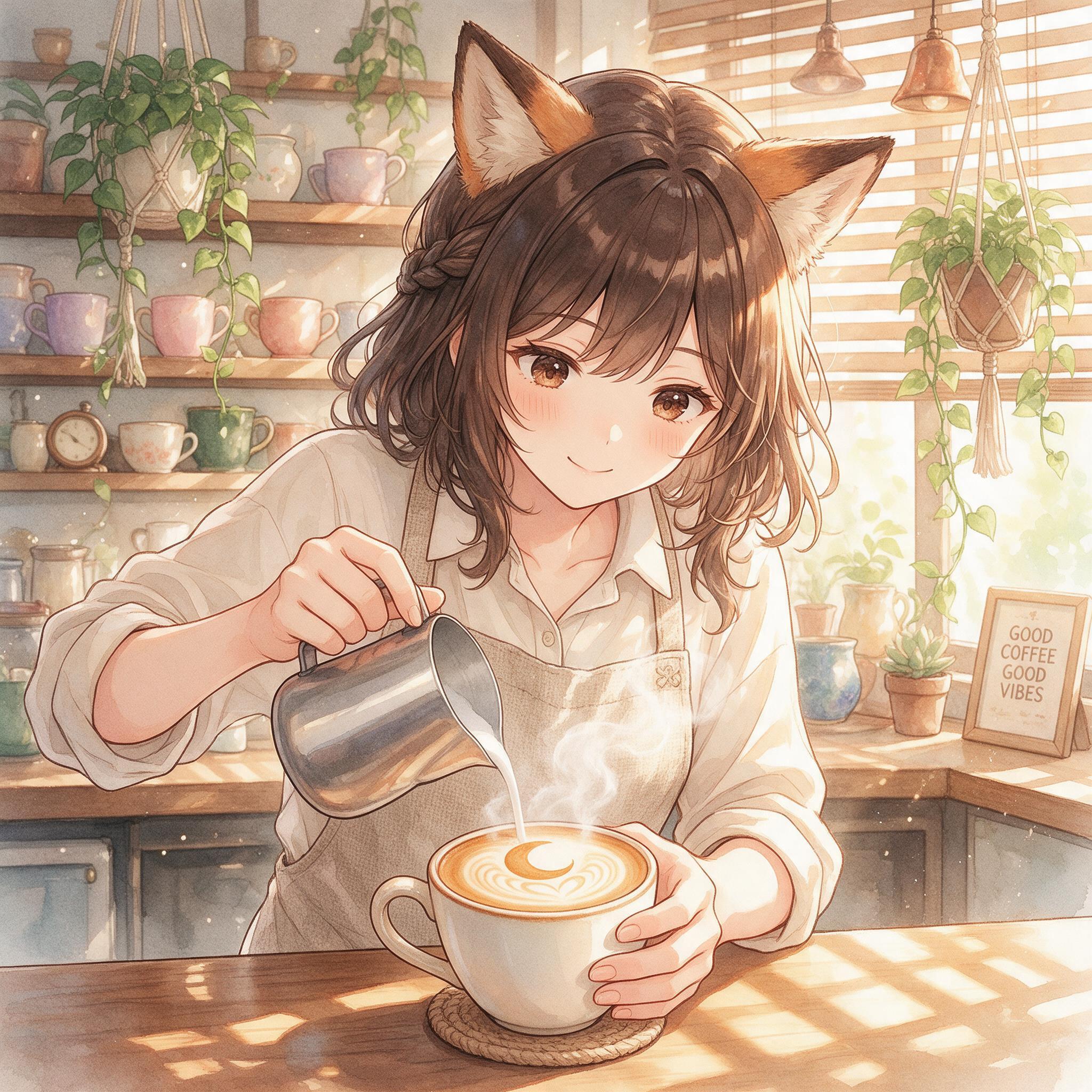
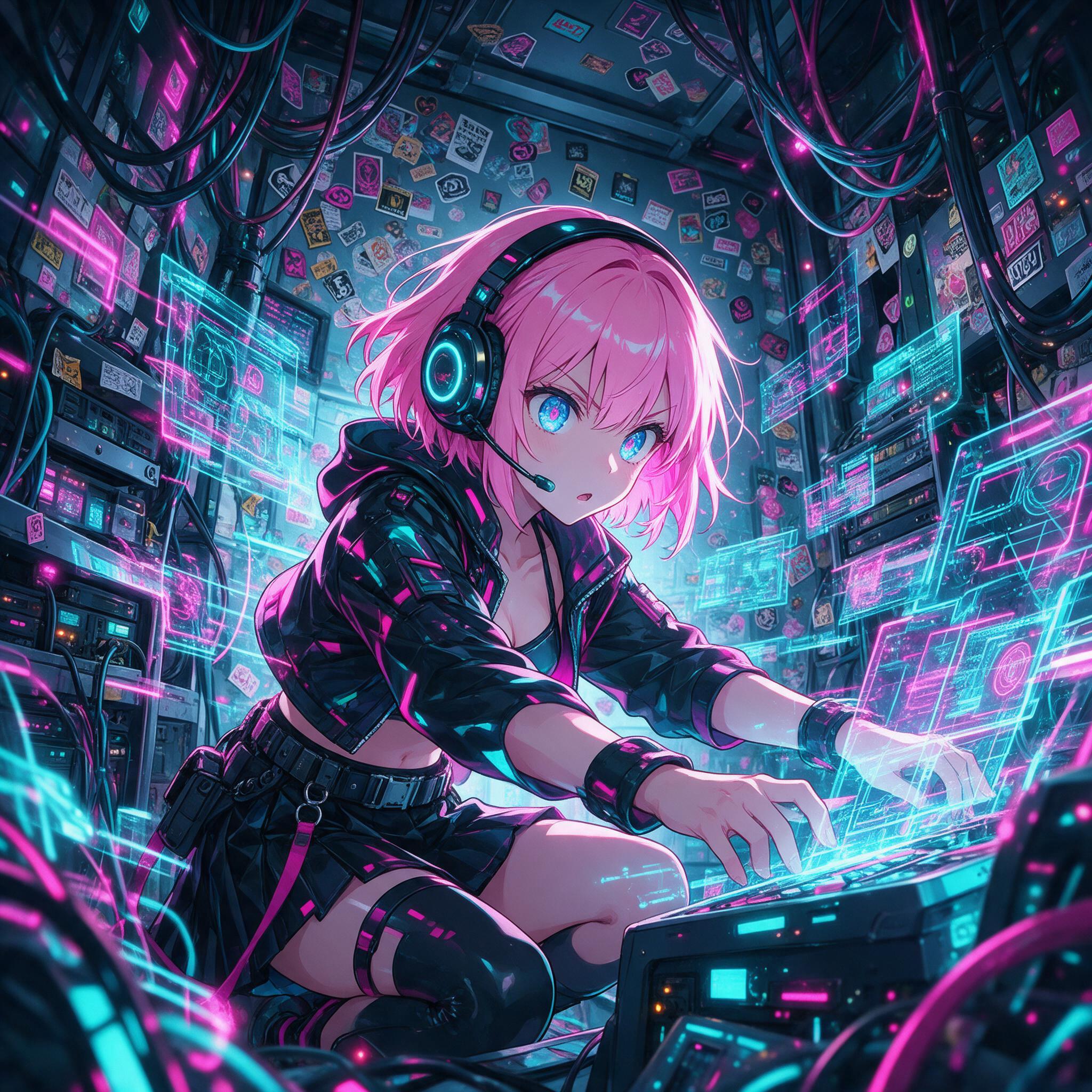
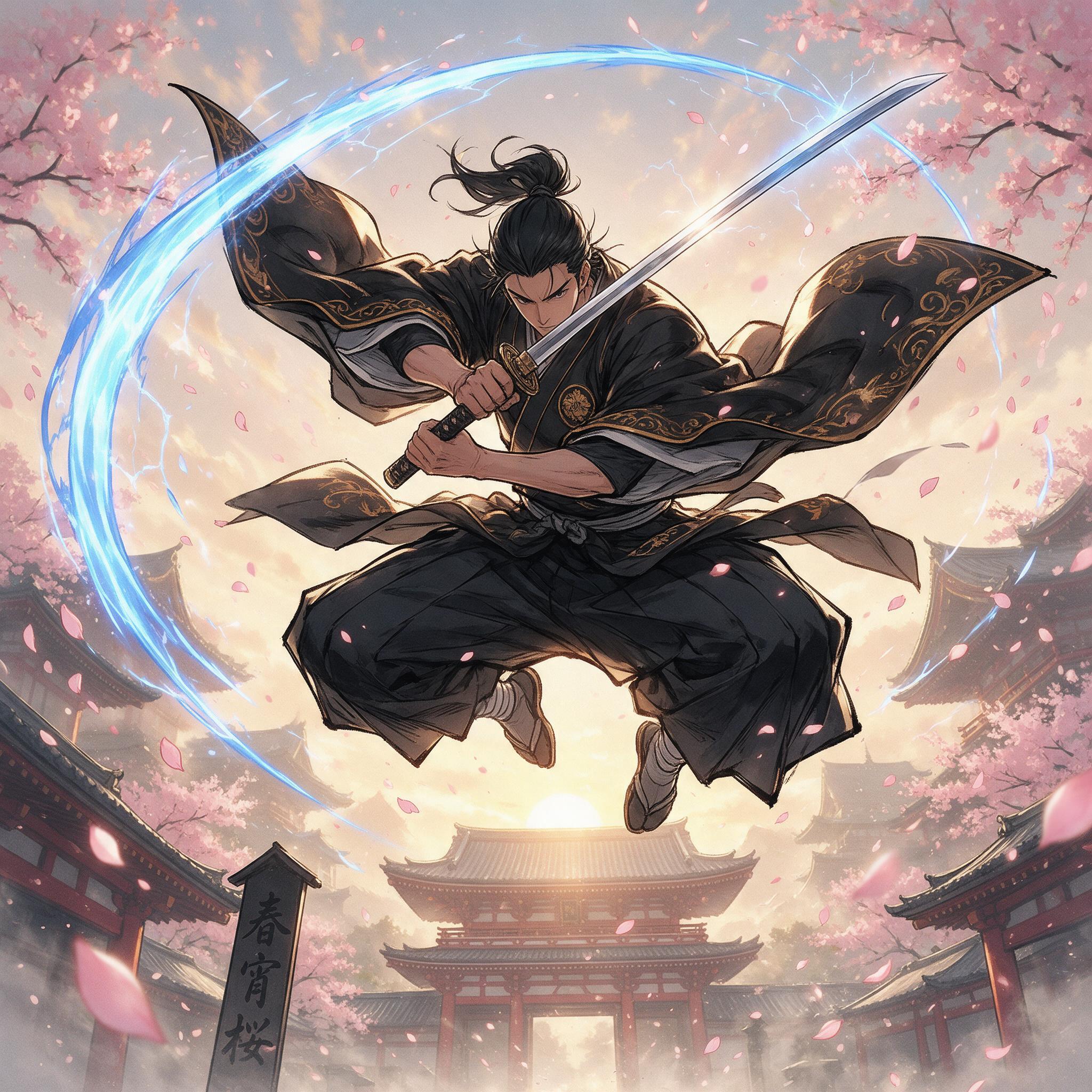
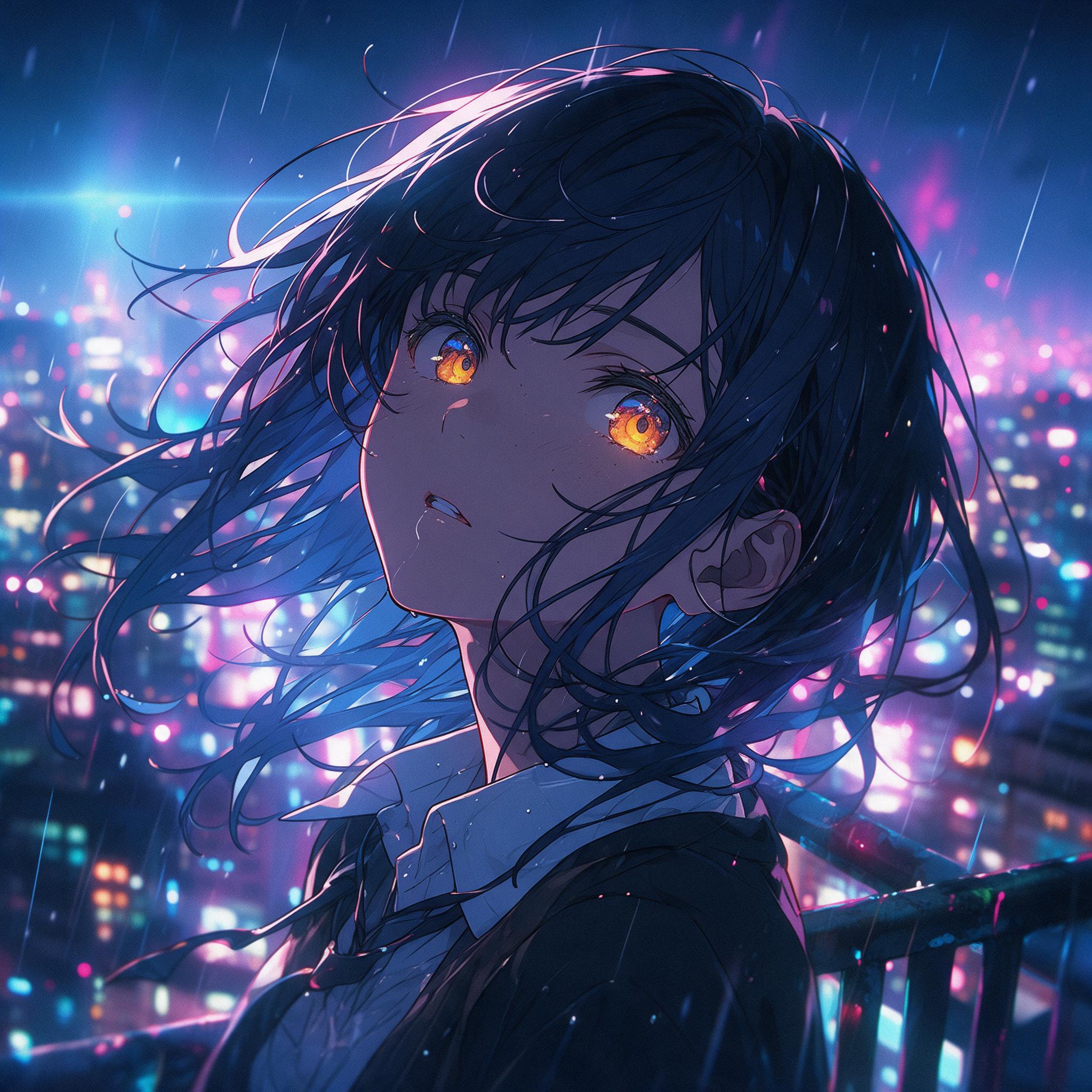
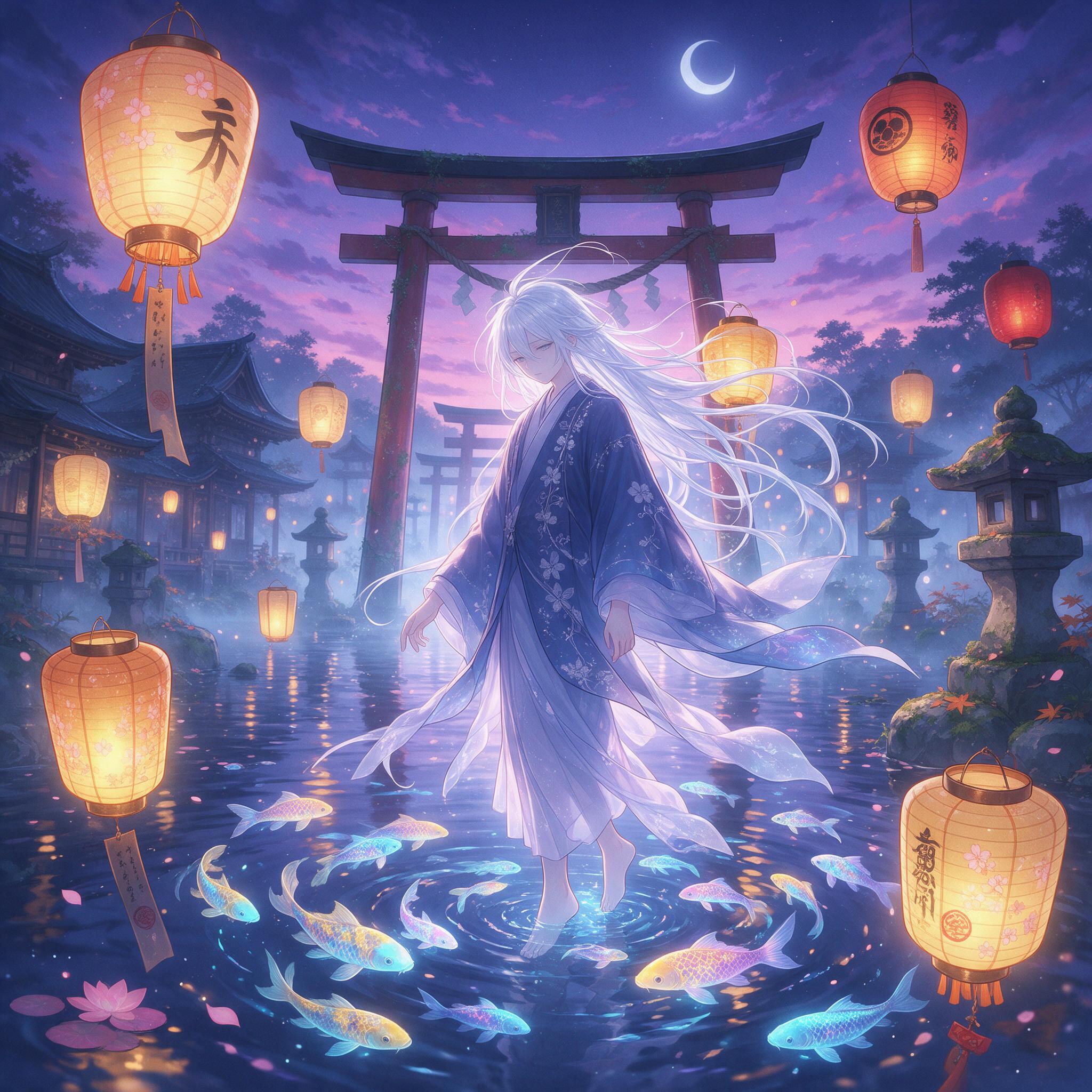
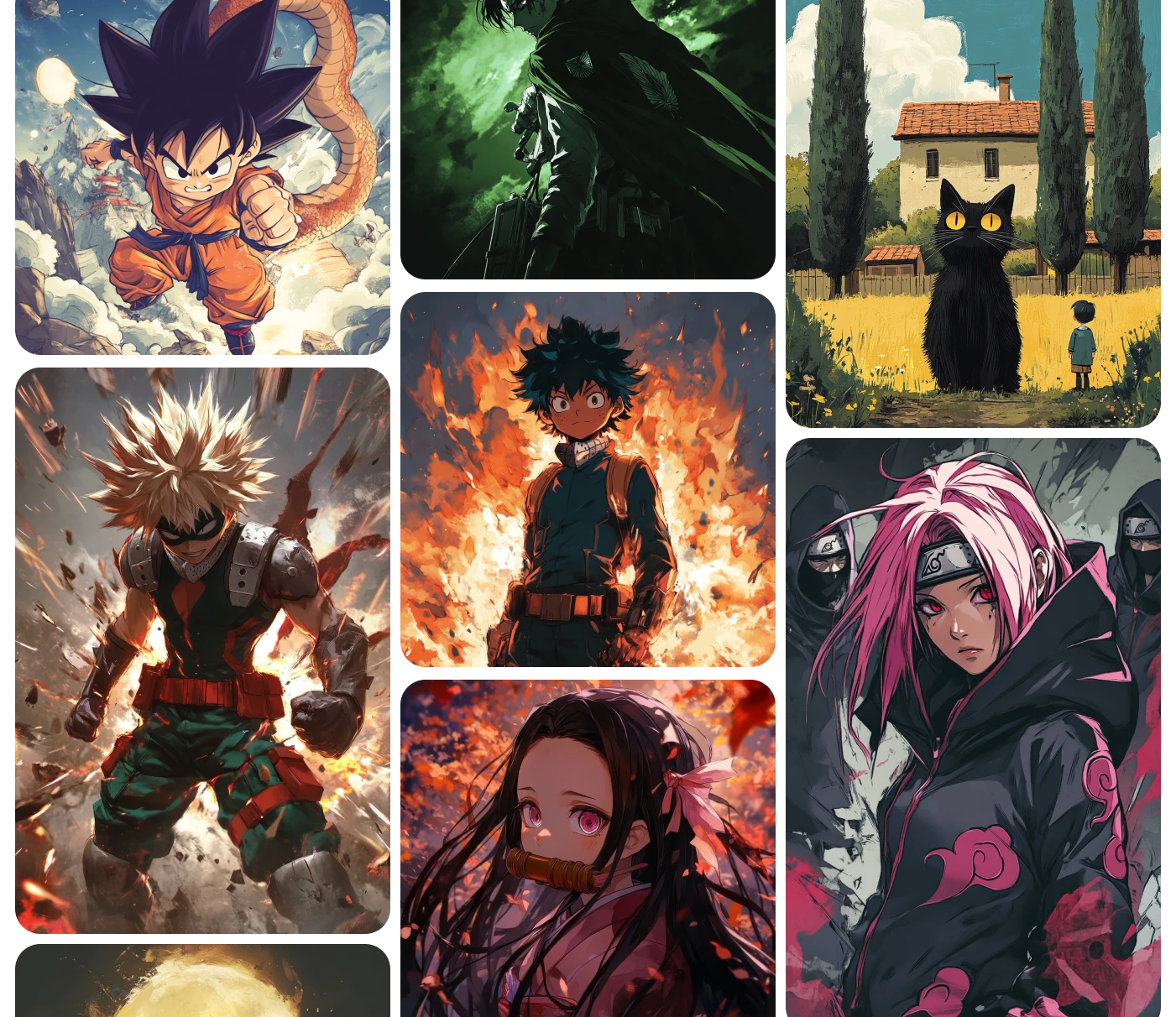
Anime art created by the imov Community
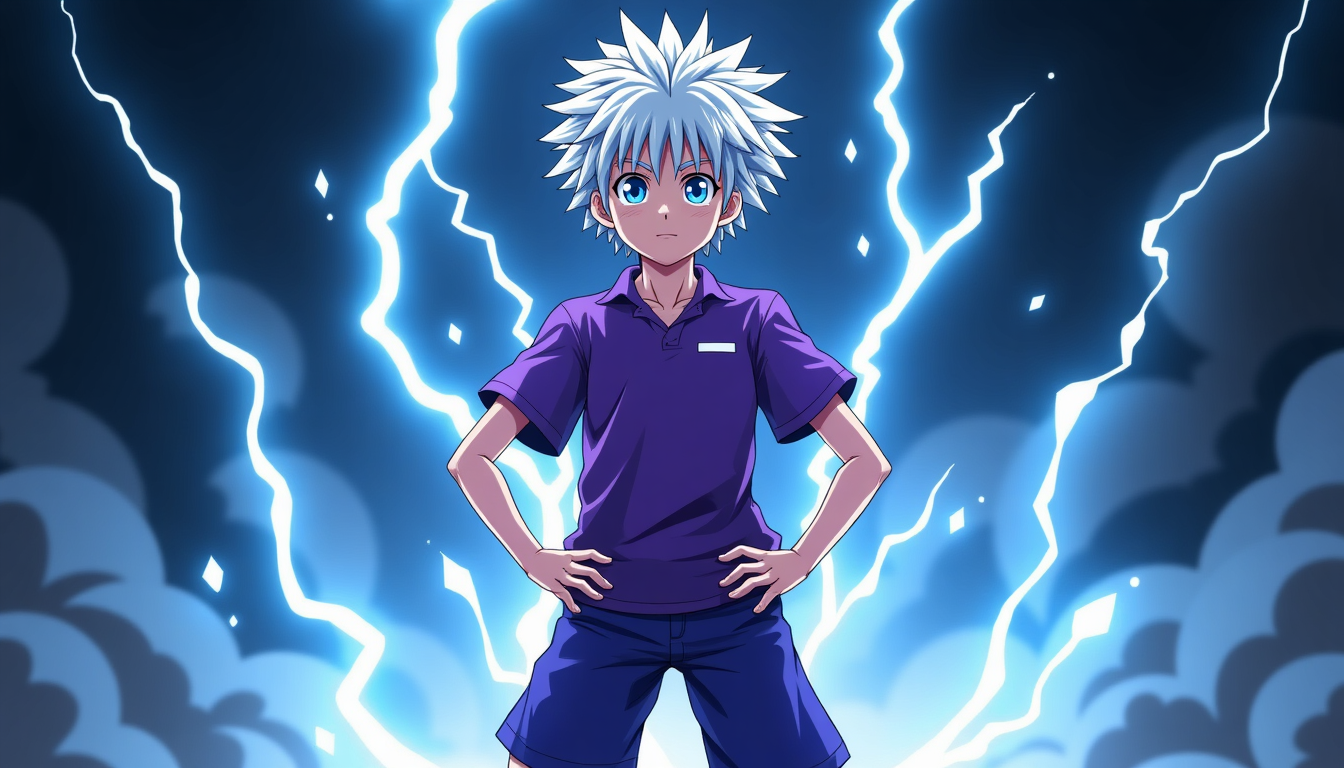
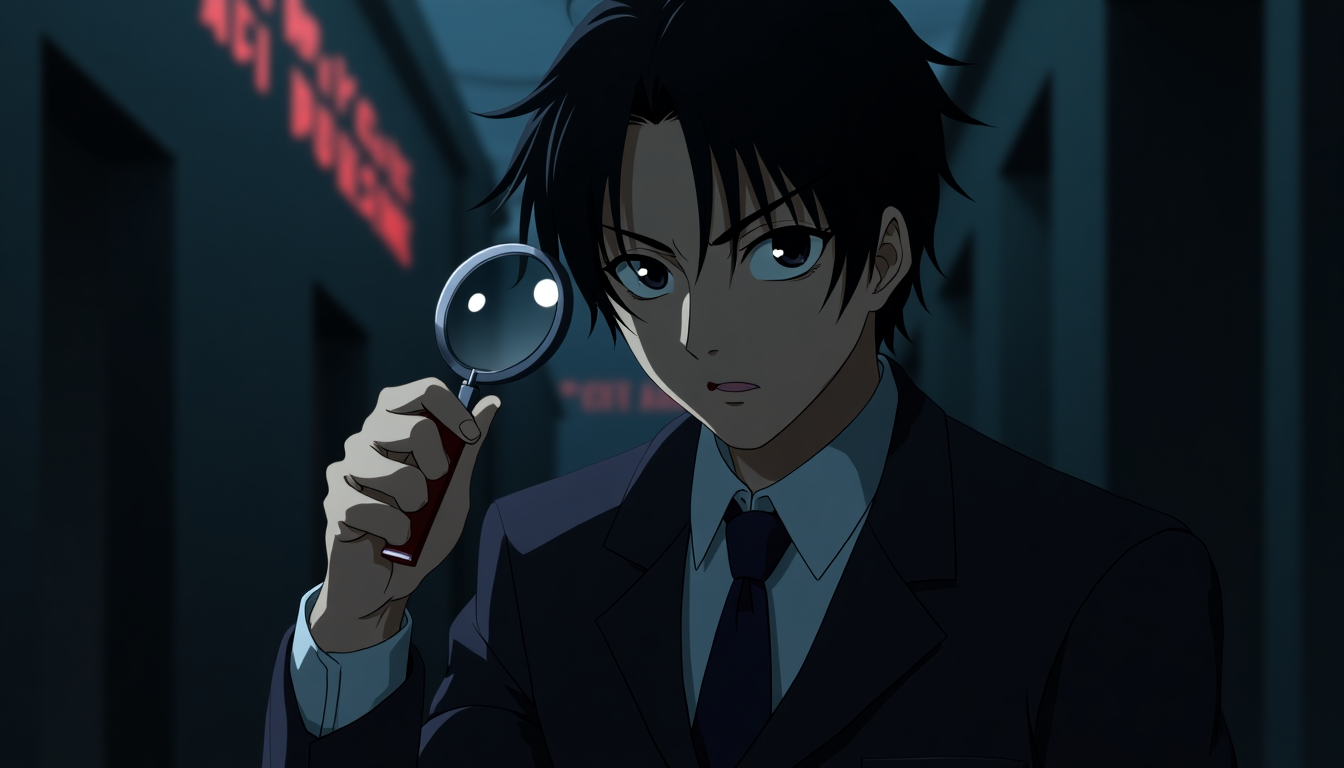
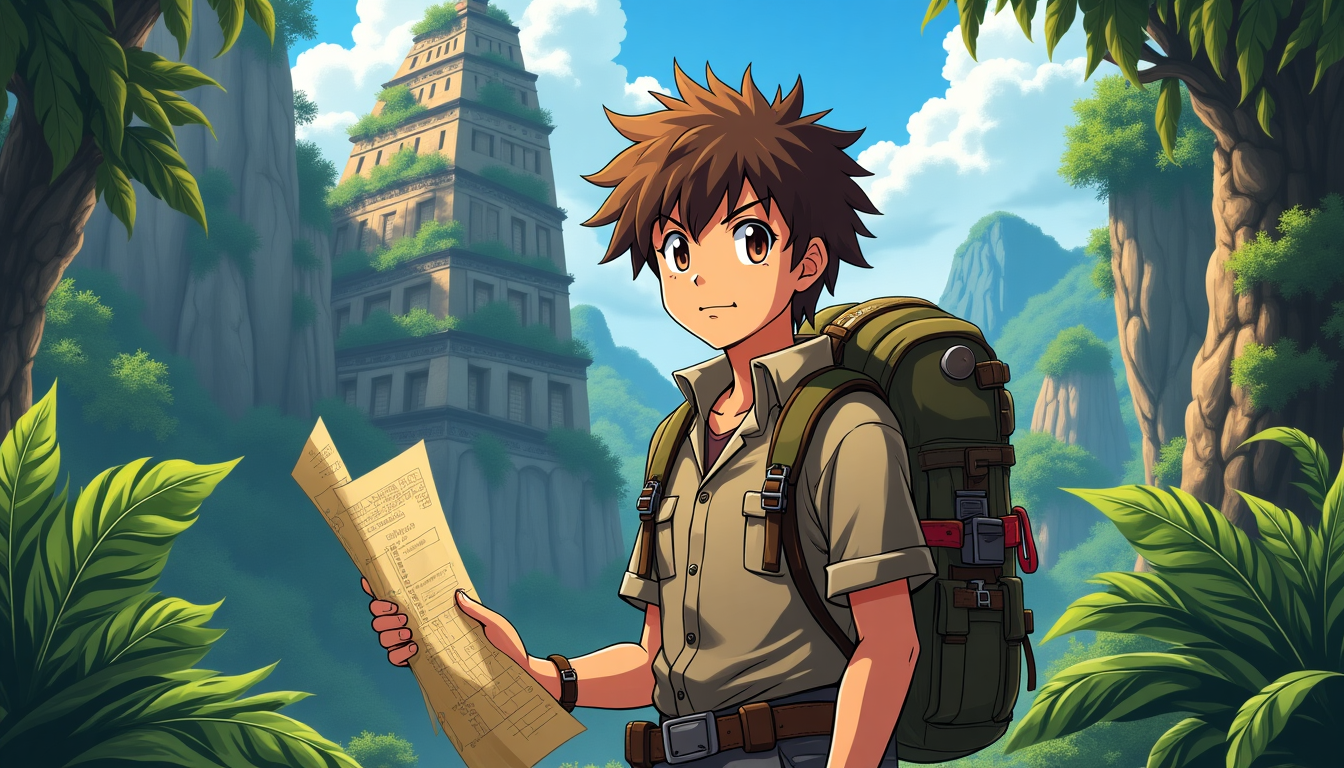
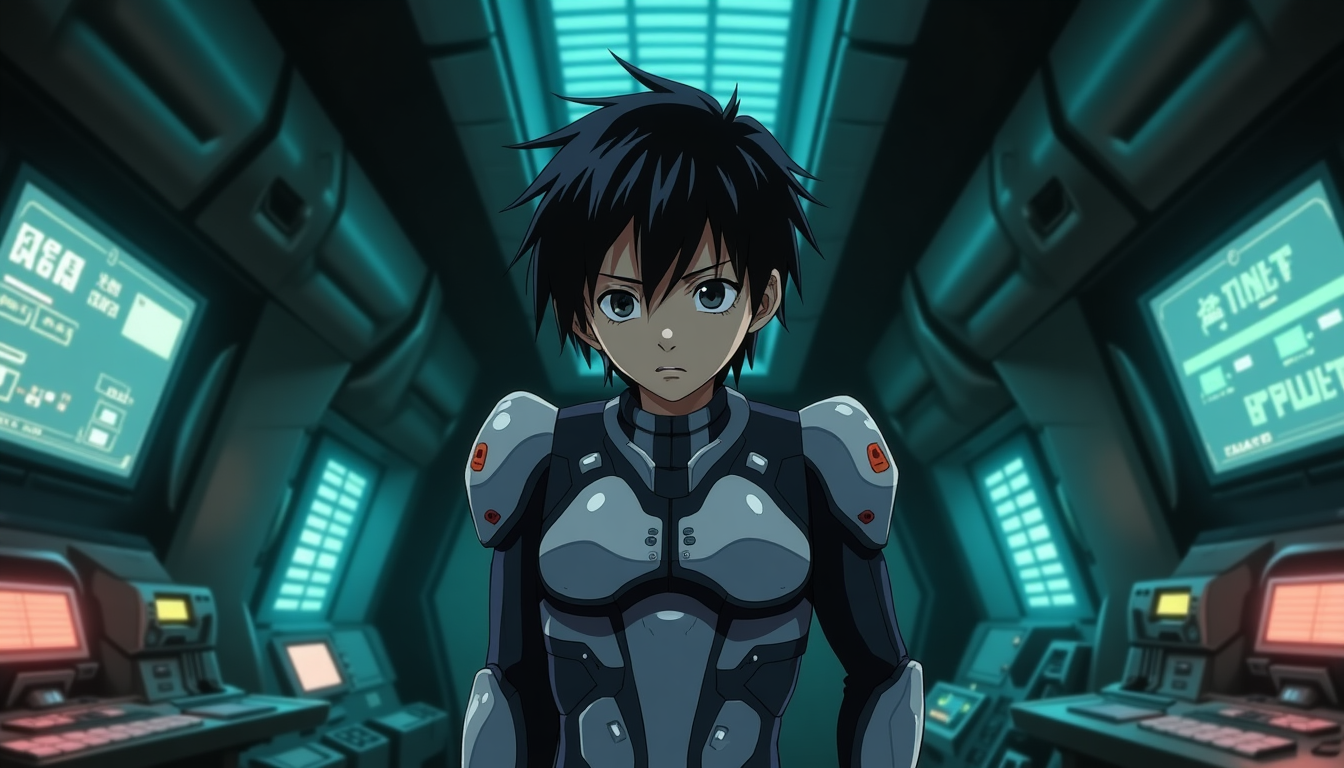
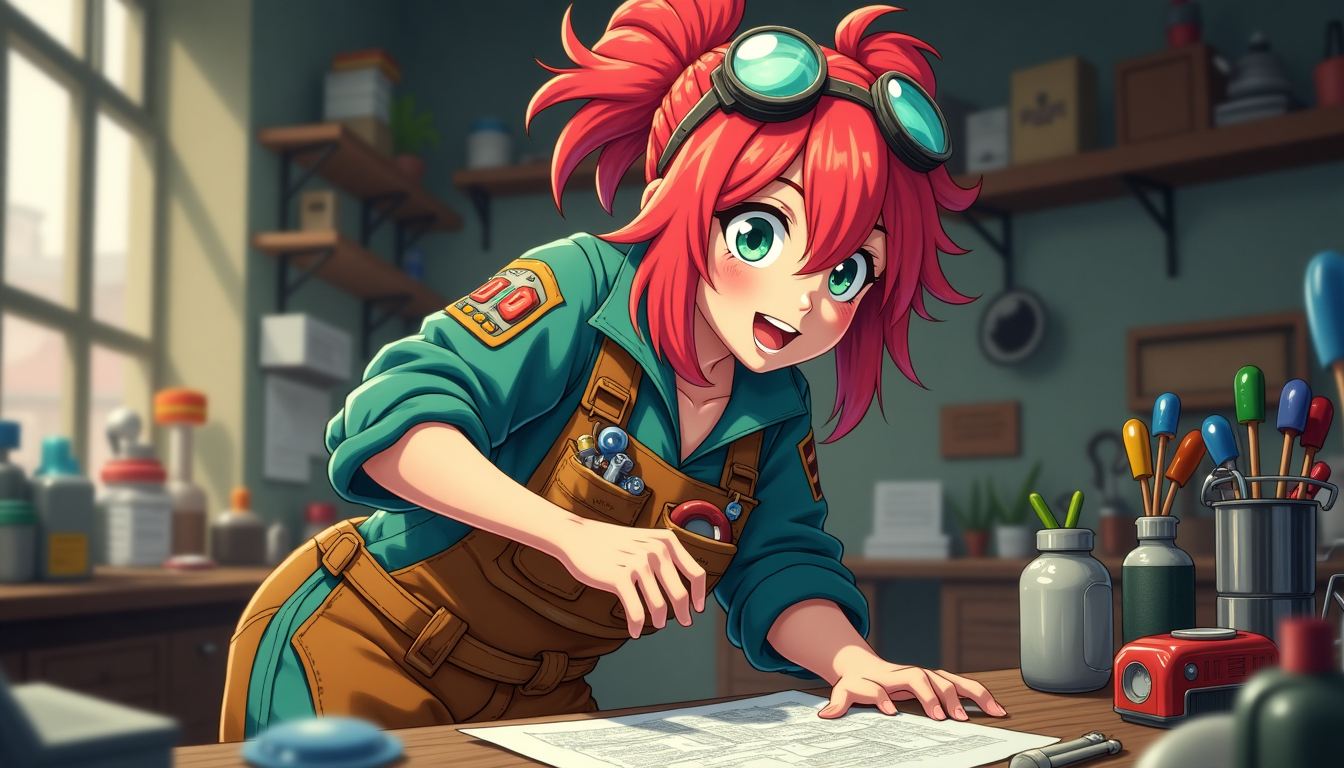

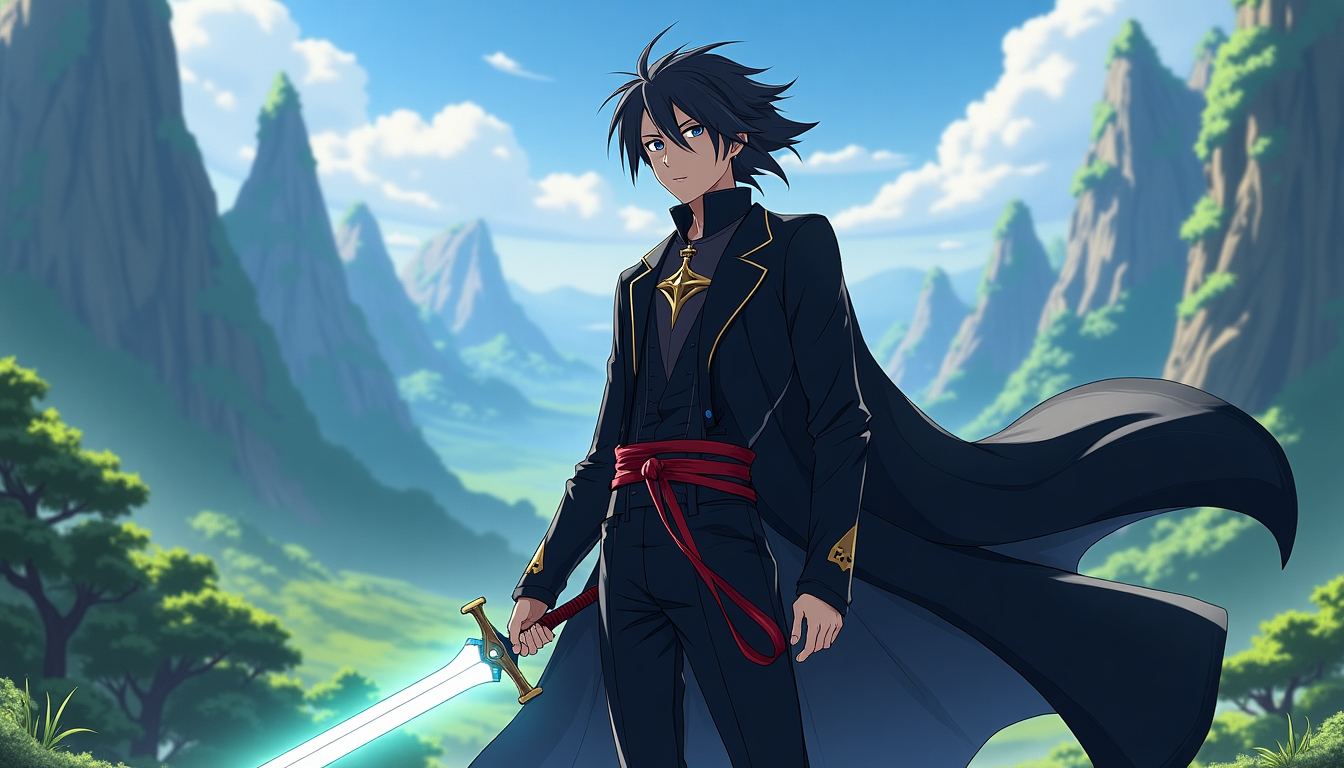
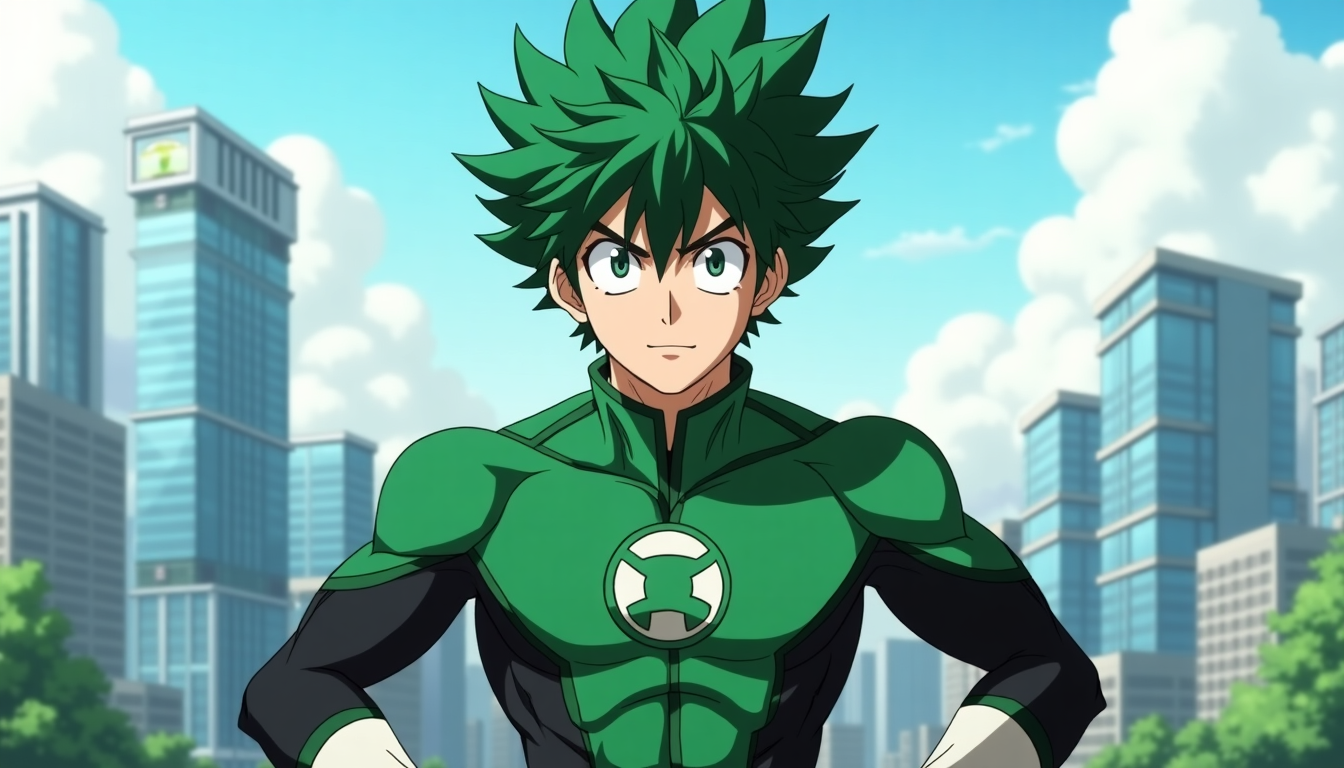
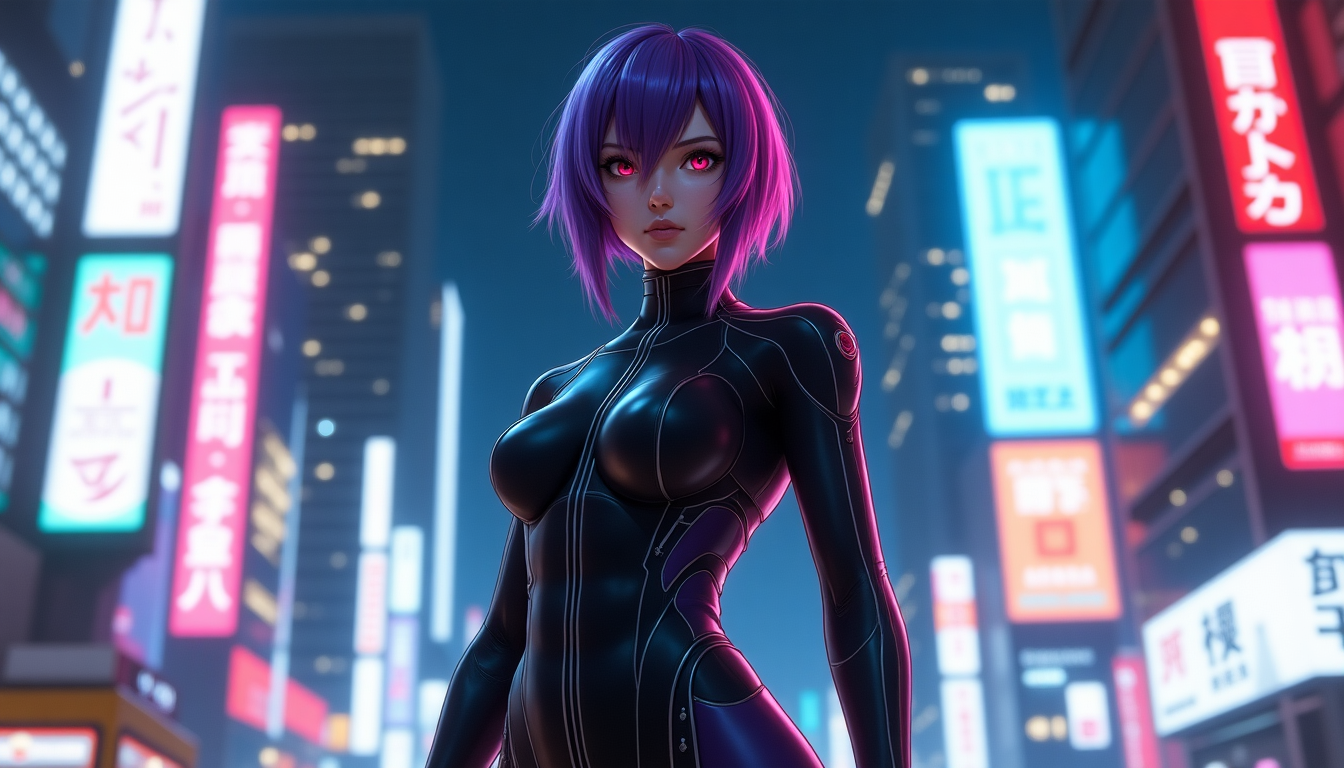
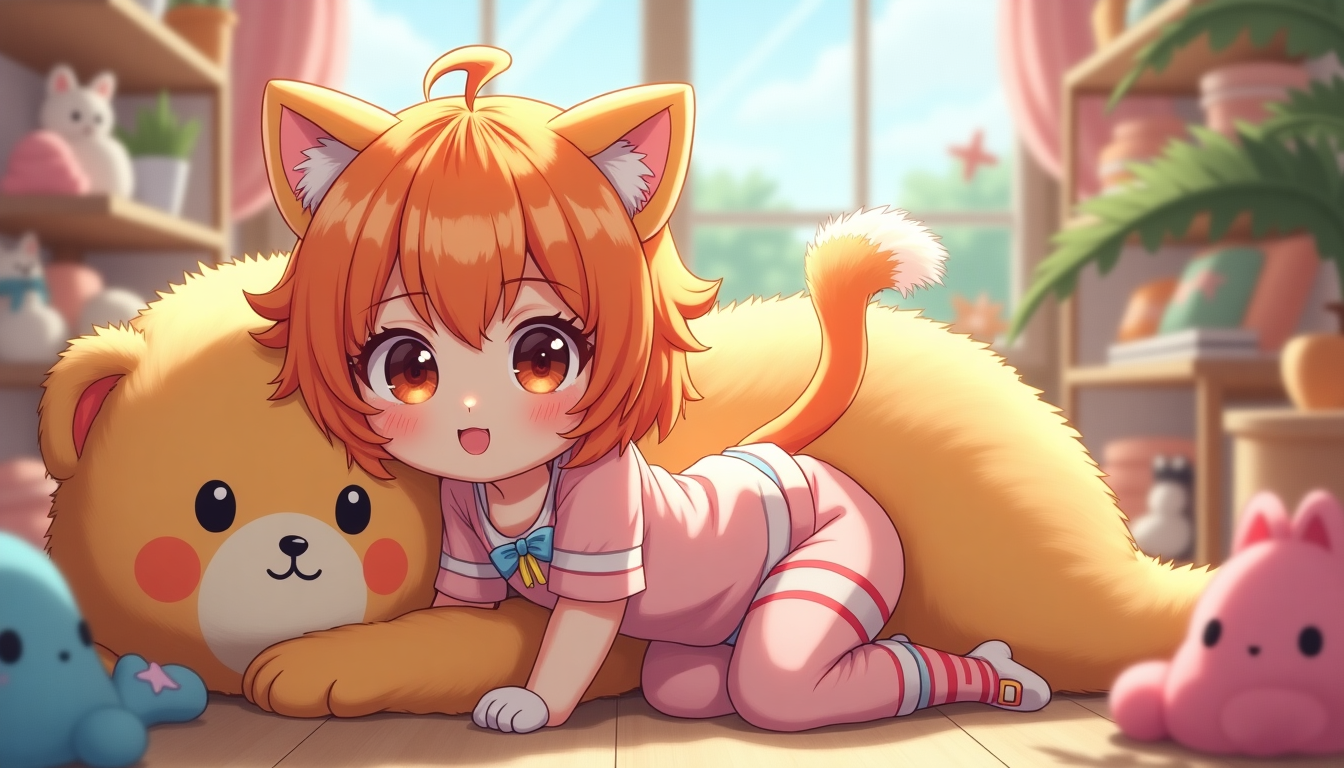
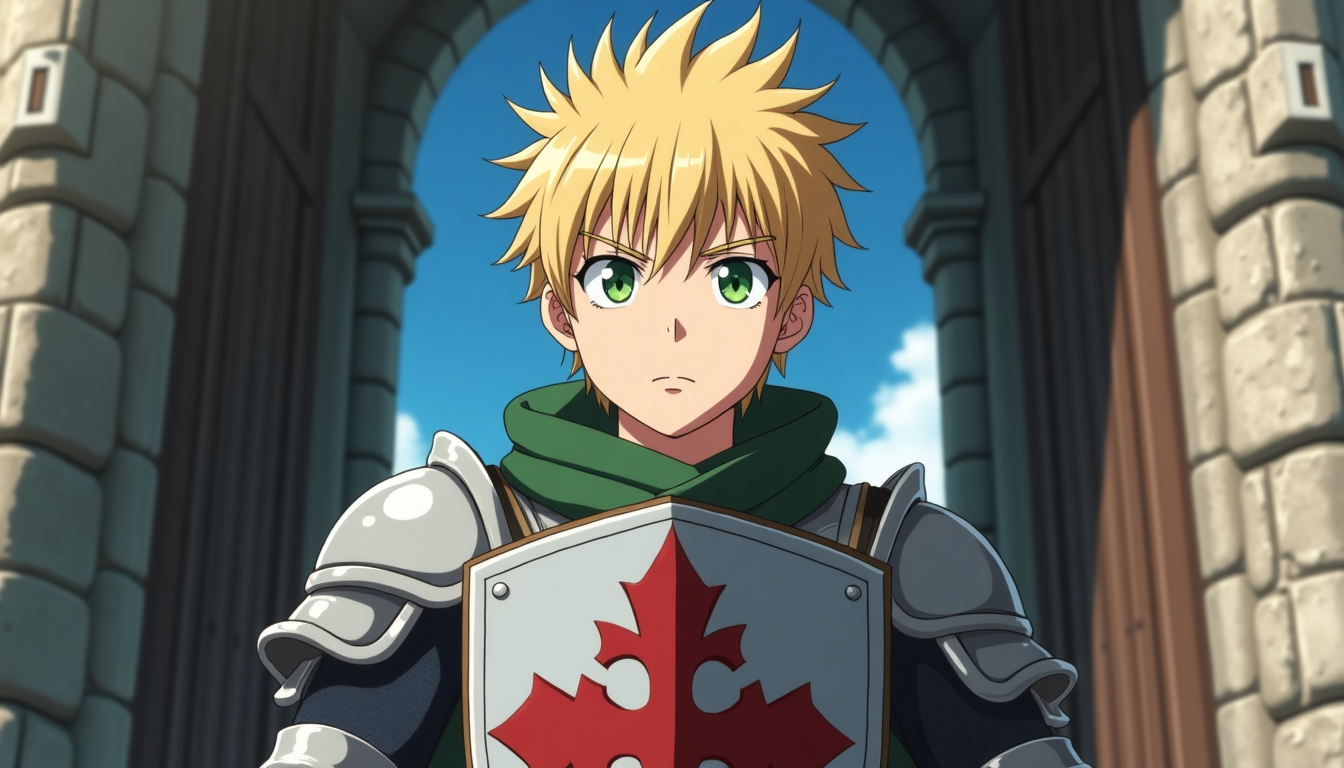
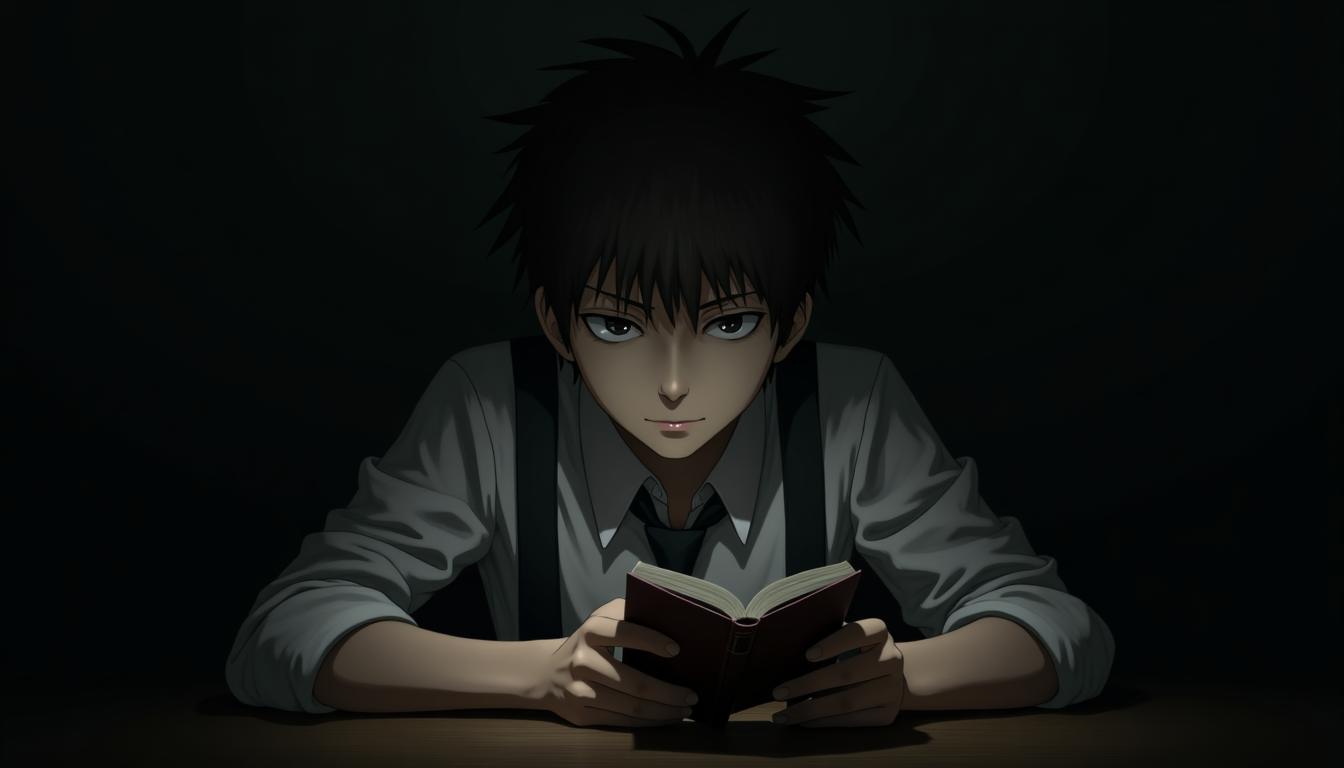
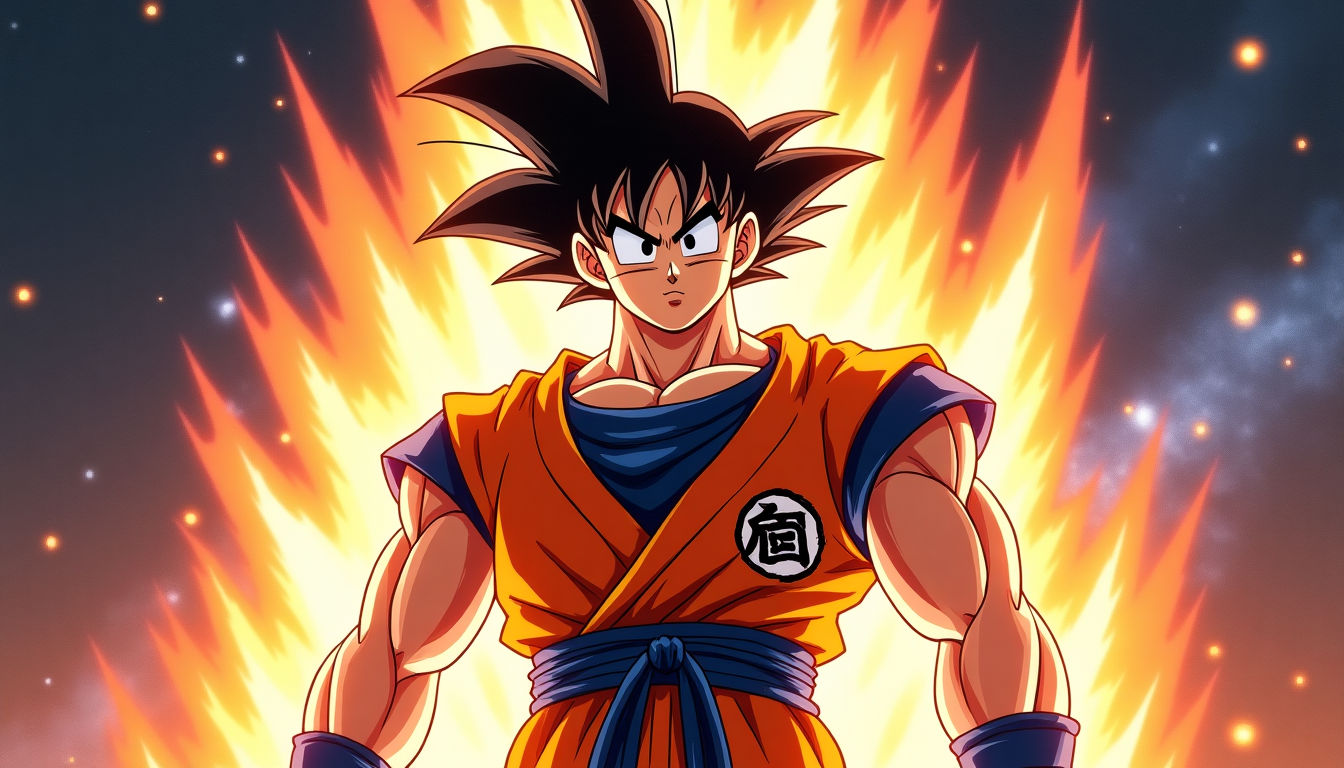
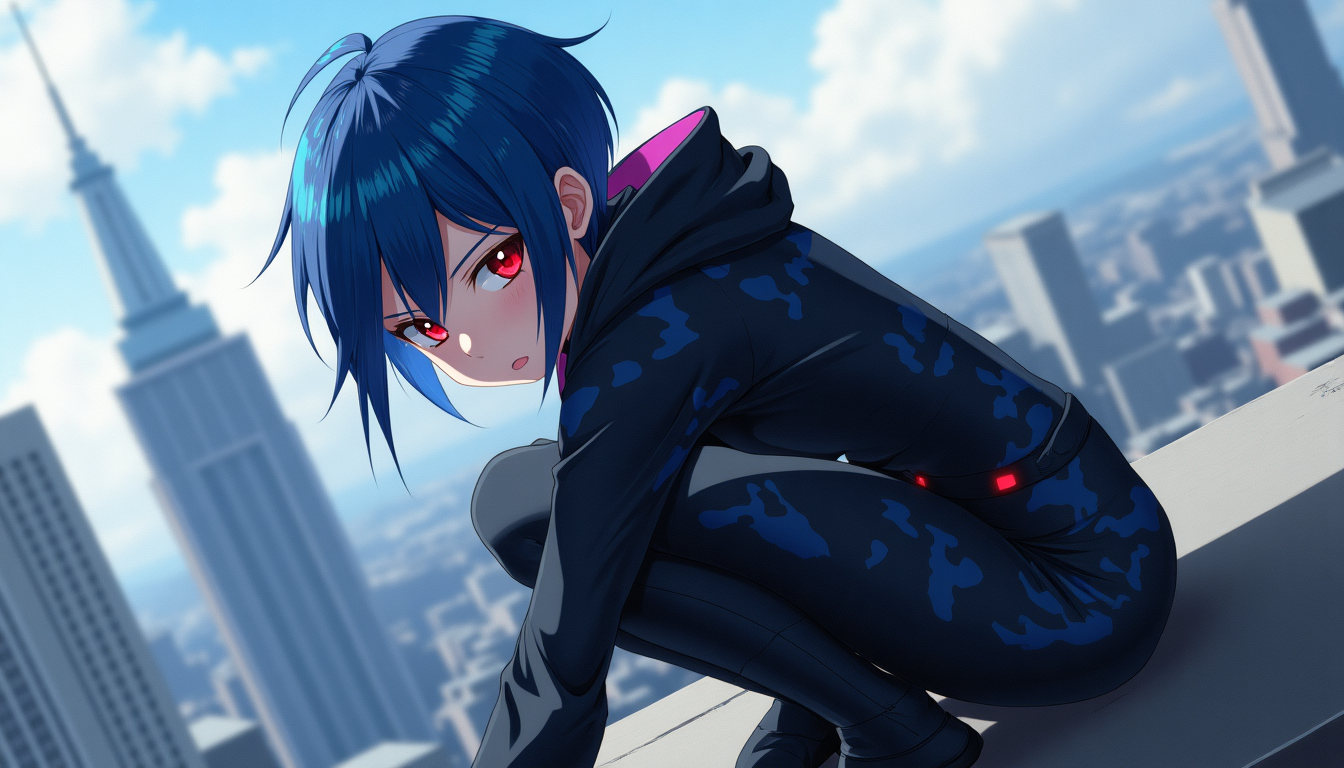
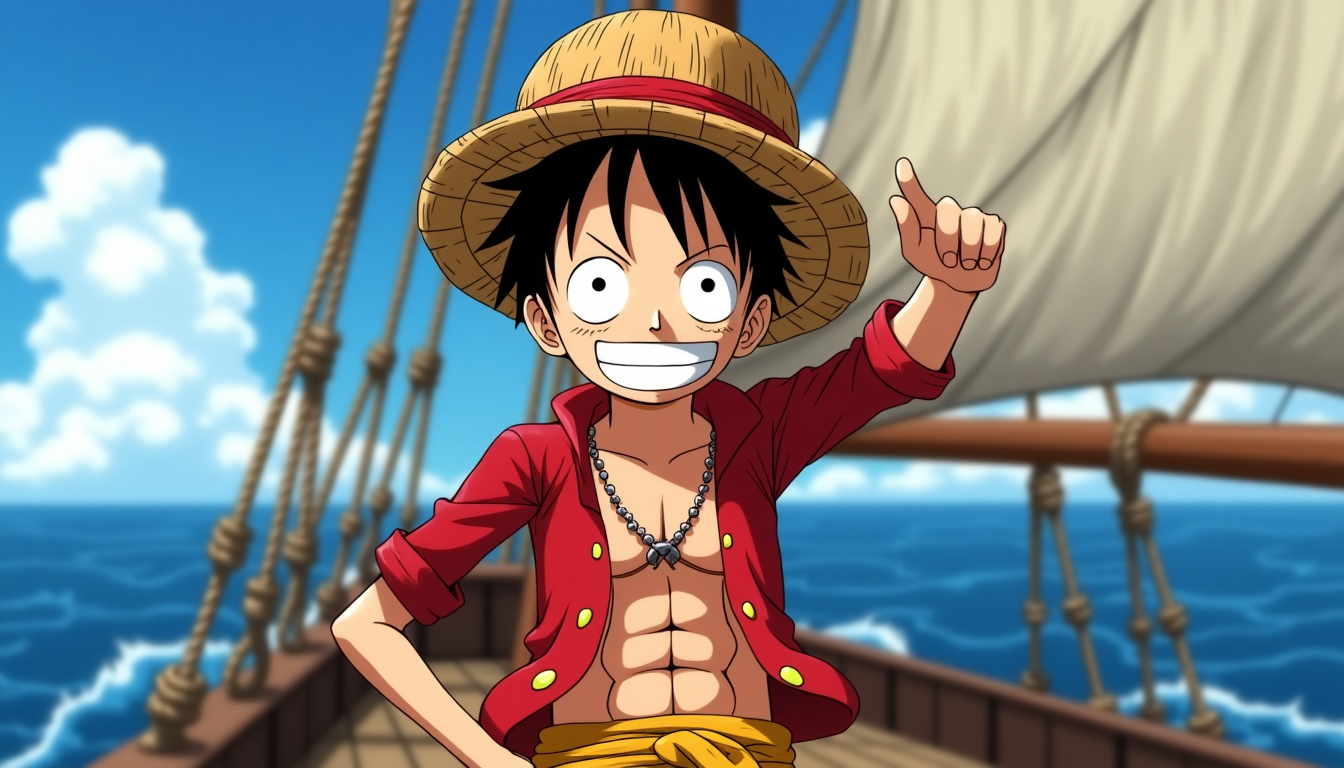
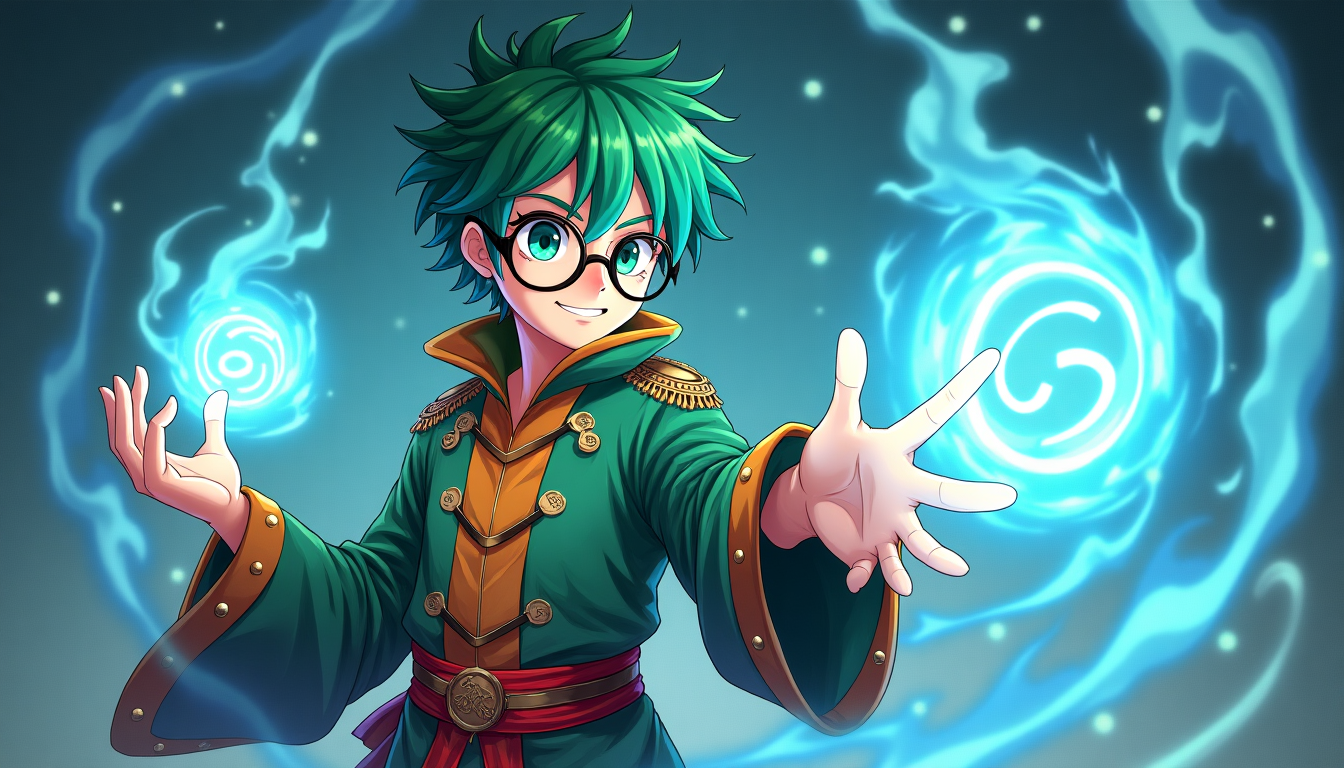
Introducing imov Anime Generator Tool
VTuber content hit 571.9 million watch hours in Q1 2026, a new record, and every one of those channels starts with a static character design before it ever becomes a persona. Same logic applies to Discord avatars, streaming overlays, and original character projects, the image comes first. Describe a character, pose, or scene, and get anime art that actually matches what you had in mind, not a rough approximation of it.
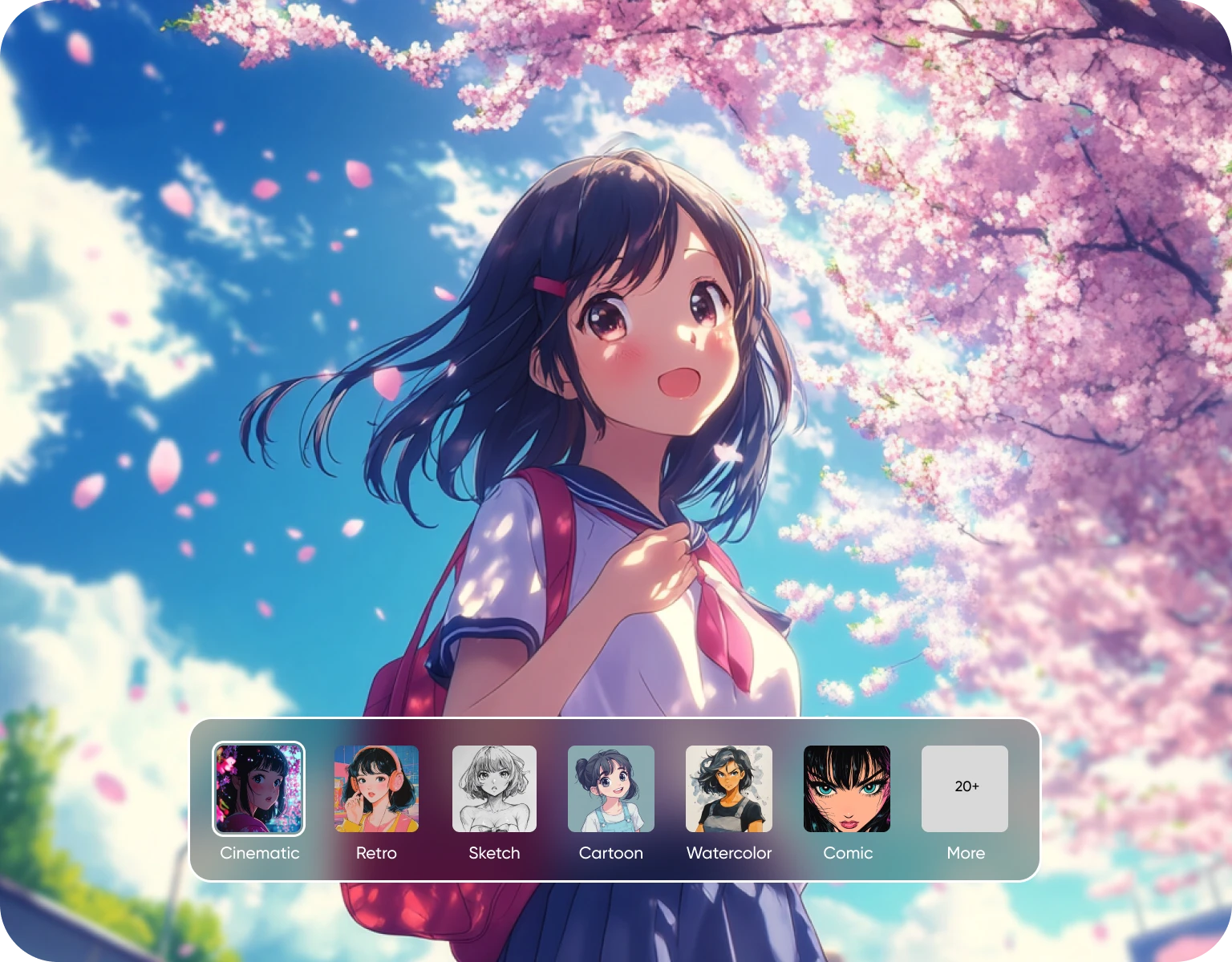
Characters that stay themselves across every image
Describe facial features, outfit, expression, and pose, and generate a character that stays visually consistent from one image to the next, the same face, the same design details, whether you're doing a single portrait or a full set of character sheets. Useful for building an OC for a story, a VTuber persona, or a profile picture that's actually yours instead of a repost. Once the design's locked in, bring it into AI Film Studio if you want to build full scenes or a movie around that same character later.
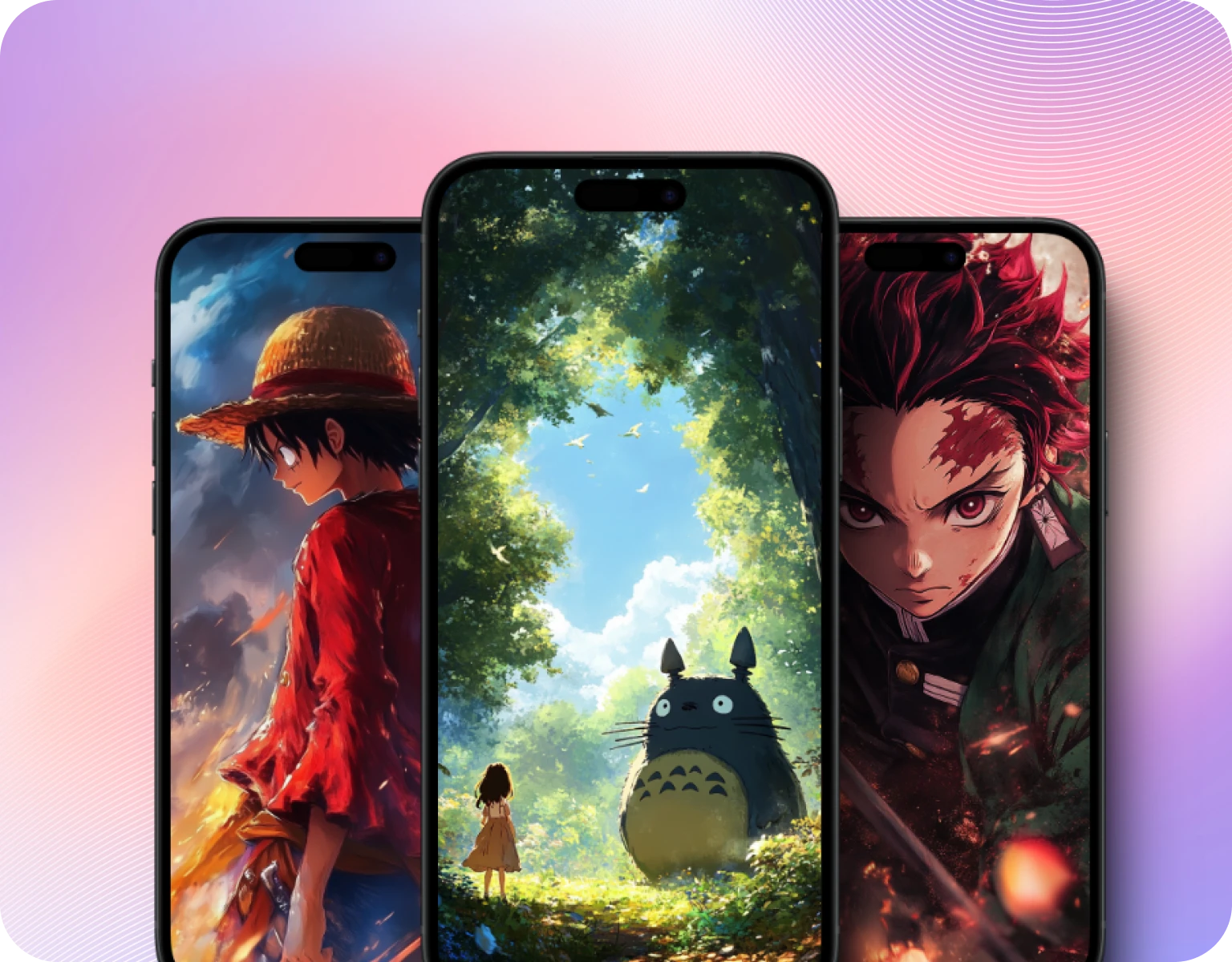
Chibi to Ghibli, same tool
Generate the same character across a genuinely wide style range, cute chibi proportions, soft Ghibli-style linework, sharper modern anime, without losing what makes the character recognizable. Explore different looks off the same base prompt instead of starting over for every style test. Want to push past anime specifically? The AI Image Generator gives you broader creative control without switching tools.
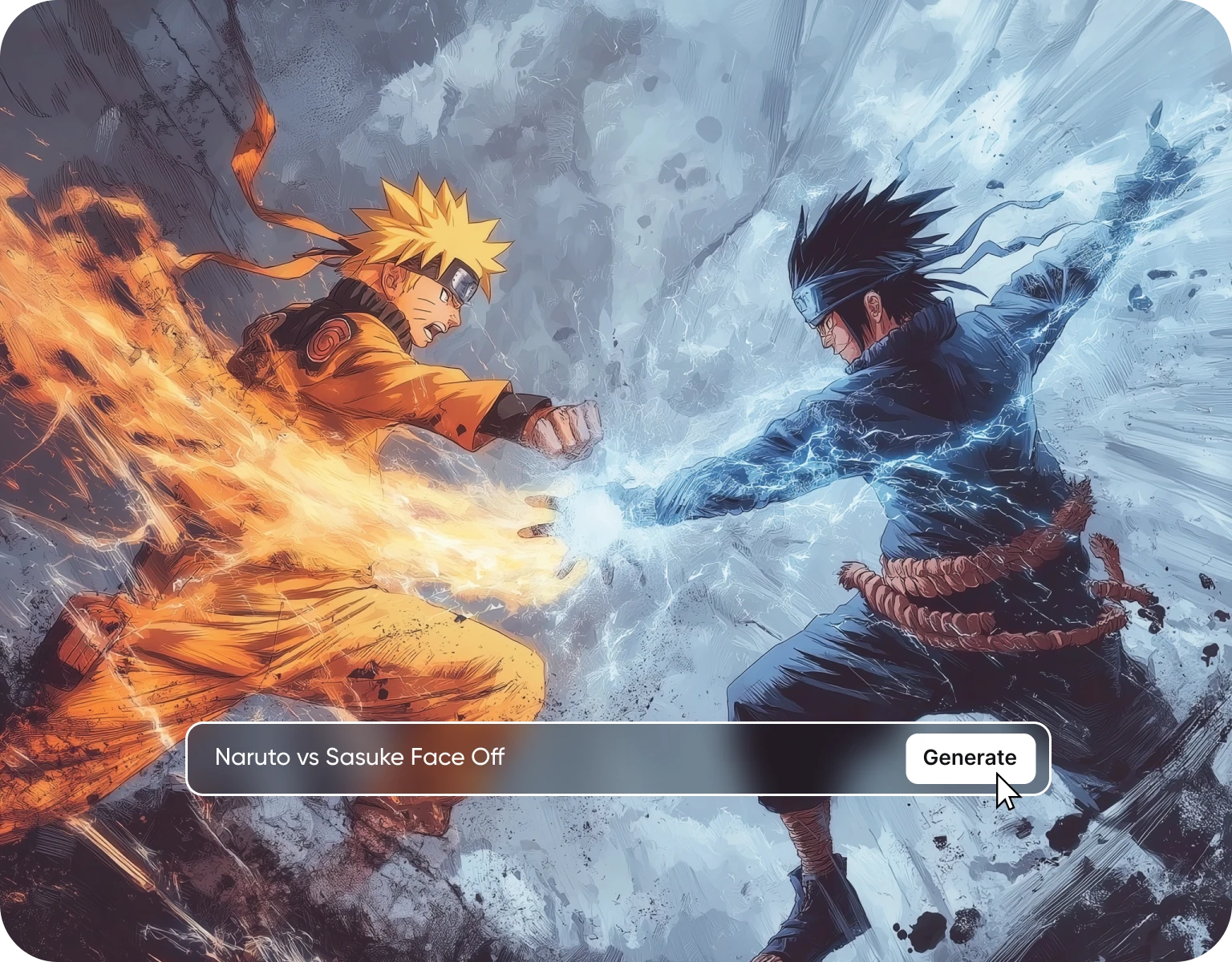
It generates what you actually described
Say what you want, style, mood, color palette, expression, and get output that matches it, not a random variation the AI decided was close enough. That precision matters most when you're trying to keep a character consistent across dozens of images rather than generating one-off pieces.
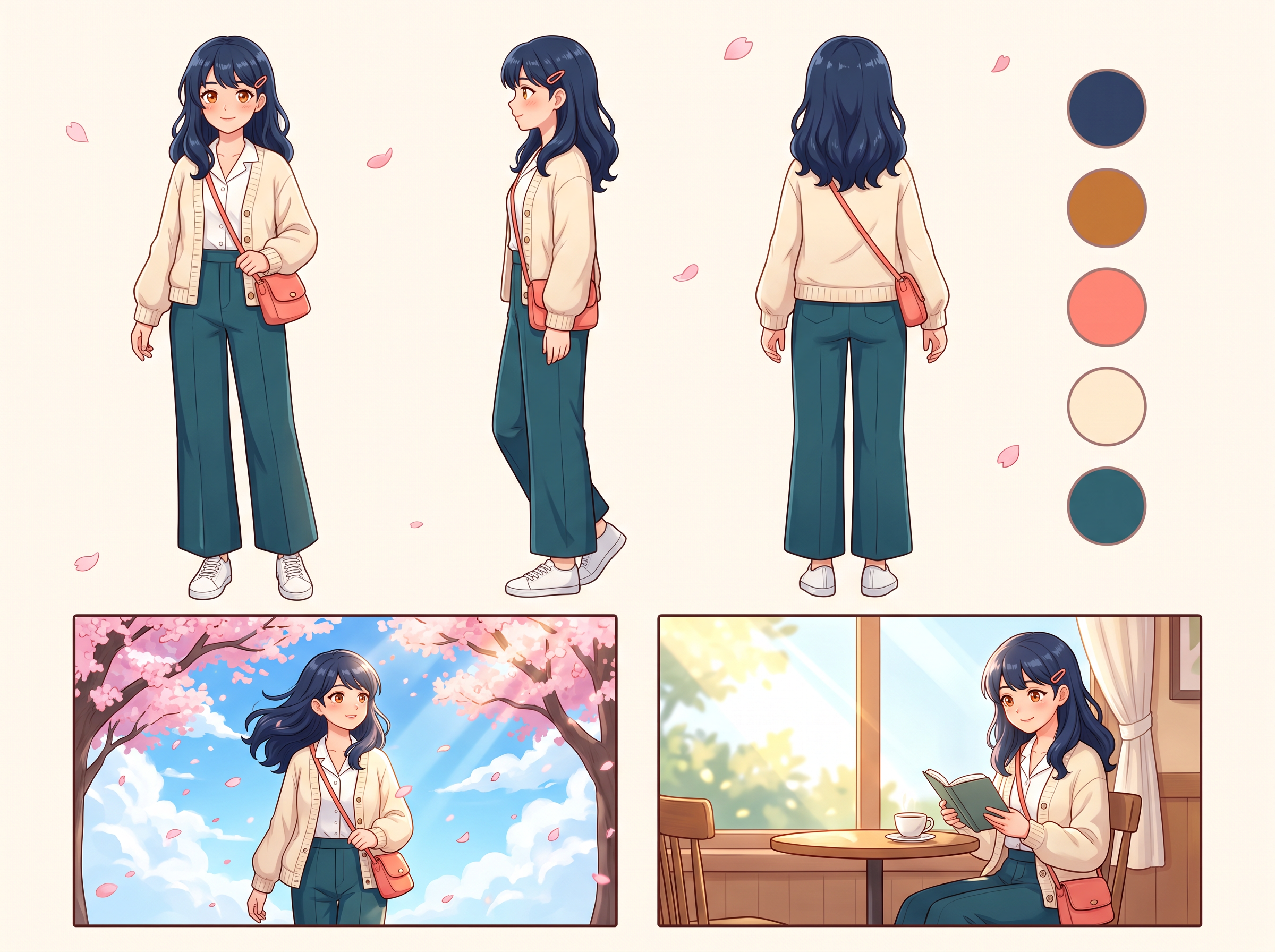
Keep one anime character across a whole sheet
An ai anime character generator is only useful if the character comes back looking the same. Start with a 1:1 bust you like. Then set 16:9 and prompt a reference sheet: front, side and back views plus color swatches, reusing the exact hair, eye and outfit words. For new scenes, add the sheet as a character reference so each image starts from it. Google says Nano Banana Pro can blend up to 14 images and keep up to 5 people consistent. Small details can still drift, so check every output.
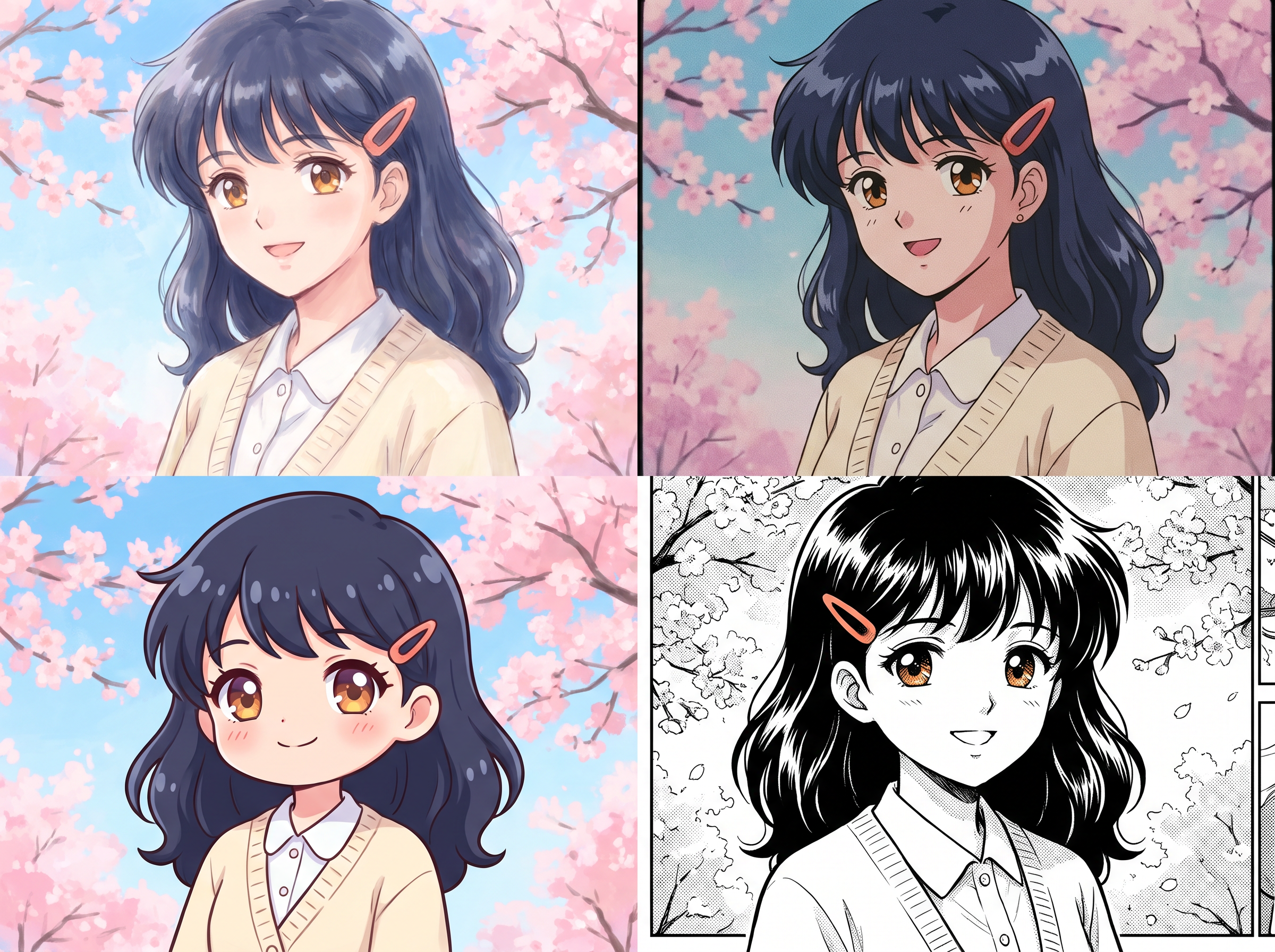
Four anime looks and the setting behind each
Most ai anime art generator pages list style names. Here each look comes with the words that make it. Soft and hand-painted: "soft anime illustration, pastel palette, clean linework, cel-shaded, large expressive eyes". 90s cel: "cel-shaded, film grain" at 4:3. Manga: "black-and-white manga, screentone, bold ink lines". Woodblock crossover: "ukiyo-e woodblock print, flat color, carved outlines". Prefer paint over line art? Swap the linework words for "painterly, visible brushstrokes".
How To Make Anime Art With AI
Step 1
Write The Character Before The Style
Give age, hair, eyes, outfit and one detail nobody else has, like a red scarf or a scar through one eyebrow. Add the look at the end: "soft anime illustration, pastel palette". Keep it original, no existing anime characters.
Step 2
Choose The Frame It Will Live In
Pick the ratio for where it ends up: 1:1 for an avatar, 9:16 for a phone wallpaper, 2:3 for a poster, 16:9 for a sheet. Google rates Nano Banana Pro up to 4K, for print.
Step 3
Generate And Lock The Description
Keep the best result and paste its exact description into every new prompt. When the face starts to wander, add that image as a character reference on every new image.
Why Use an AI Anime Generator
- Fast Anime Creation:Generate anime-style images in seconds using text prompts, without manual drawing or complex tools.
- Style Control:Create anime characters, scenes, and illustrations in different styles such as chibi, manga-inspired, or cinematic anime looks.
- No Drawing Skills Needed:Anyone can create anime art using simple descriptions. No illustration or design experience is required.
- High-Quality Anime Results:Produces clean, detailed anime visuals suitable for creative projects, social media, or inspiration.
- Cost-Effective Creativity:Removes the need for professional artists or expensive software for early concepts and ideas.
- Multiple Anime Styles:Experiment with a wide range of anime aesthetics while keeping characters visually consistent.
- Easy Refinements:Update your text prompt and regenerate variations until the anime image matches your vision.
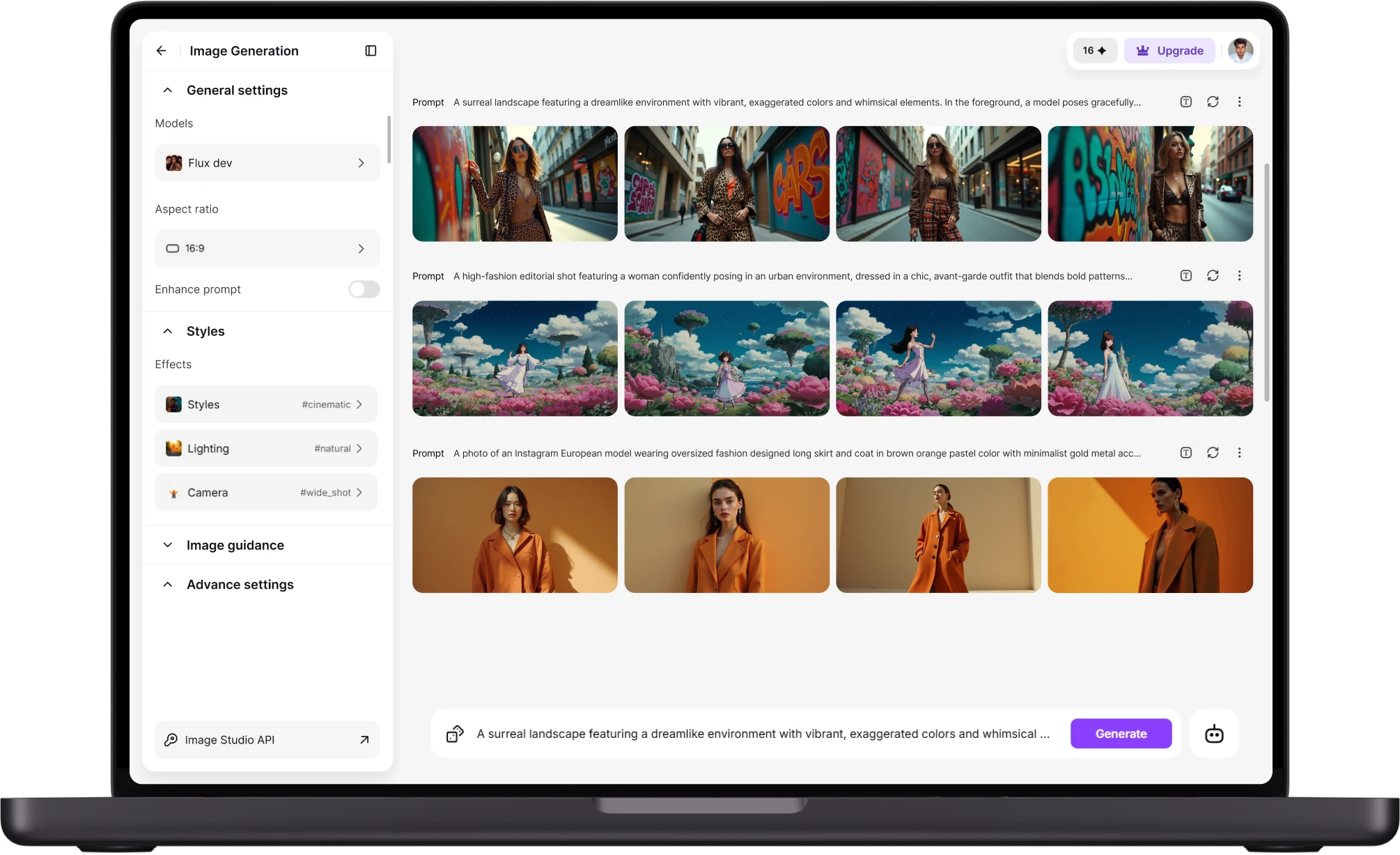
Four Things To Make From One Anime Face
- A 16:9 Model Sheet With Color Callouts:Anime model sheet of [character]: front, three-quarter and back, swatches for hair, eyes, skin and outfit, eye-highlight close-up in one corner
- A Reaction Grid In Anime Shorthand:Four chibi reaction faces of [character], 2×2: sweat drop, anger vein, sparkle eyes, waterfall tears
- A Full Chibi Version:[character] in chibi proportions, two heads tall, big eyes, tiny hands, soft anime illustration
- An Avatar That Survives The Crop:Discord and many social apps show profile pictures as a circle, so center the face at 1:1
AI Anime Generator Reviews
Learn what user says about imov AI anime creations.
“Using imagine has honestly been a great experience overall. The image quality is impressive, especially for cinematic and anime-style generations, and the platform feels smooth compared to many other AI tools. Prompt understanding is strong, and the renders usually come out detailed and visually appealing even without overly complex descriptions. One thing I really like is how easy the interface is to use. It doesn’t feel confusing for beginners, but still has enough features for advanced creators. The video and motion tools also have a lot of potential and can create very eye-catching content for reels and edits.”
“I've been using imagineArt to create real life artistic versions of anime characters, for a channel in youtube, and it works wonders for me, very good quality on the content! ”
“I’m absolutely blown away by the sheer range of possibilities on Imagine.Art. From image generation and video creation to music, avatars, and even translating your own drawings - the platform offers an incredible wealth of creative tools. I haven’t even scratched the surface of all the features yet, but I’m already thoroughly impressed. The videos are truly one of a kind, and the image quality is consistently excellent. The only thing I’ve yet to master is creating anime-style images exactly as I imagine them, but I’m confident I’ll get there with time and practice.”
“I recently started using ImageArt AI Photo Editor, and I’m beyond impressed! The AI-powered tools make editing effortless. The interface is intuitive, even for someone without advanced editing skills, and the results look professional. I especially love the high-quality filters with just a few clicks. I was using it mainly for anime style animation. The processing speed is fast, and the final images retain great detail. Highly recommend ImageArt AI for anyone looking for a powerful yet user-friendly online Editor.”
Have questions?
We have answers!
It turns a text description or a photo into an anime-style image. imov's anime ai generator runs on the Image tool, with the anime look written into your prompt, such as soft pastel cel shading or black-and-white manga with screentone.
AI Anime Generator has a wide range of applications, including creating avatars, social media content, artwork, cosplay references, wallpapers, and character designs.
You can create anything from anime characters to detailed backgrounds. The AI anime art generator allows you to input custom ideas, resulting in personalized anime images and animations.
Partly. Free accounts get 100 credits a day on specific models, such as imov 1.0 Lite and Flux Dev. Other models need a plan.
Make a reference sheet first, then add it as a character reference each time you generate a new scene. Paste one fixed line about hair, eyes and outfit into every prompt. Earrings and collars can still change, so compare each result to the sheet.
Yes, the AI allows you to create fully personalized anime characters by entering detailed descriptions such as outfits, facial expressions, and poses. The more specific your input, the more accurate the results will be.
Yes, in Edit Image. Upload your own photo, or one you have the rights to and the subject's permission for, then describe the anime look, such as soft pastel cel shading.
Use 1:1 for a profile picture with the face in the middle, because Discord and many social apps show avatars as a circle. For a character sheet, use 16:9 or 3:2 so the front, side and back views fit side by side.
Yes, on a paid plan. Merch, prints and monetized content count as commercial use, which paid plans cover; free-plan images are for personal use. Keep the character your own, not an existing one.
Create Your Own Anime World with Imagine
Start creating stunning anime art today! Try our AI Anime Generator for free and experience the future of digital art.