Start with a clear reference
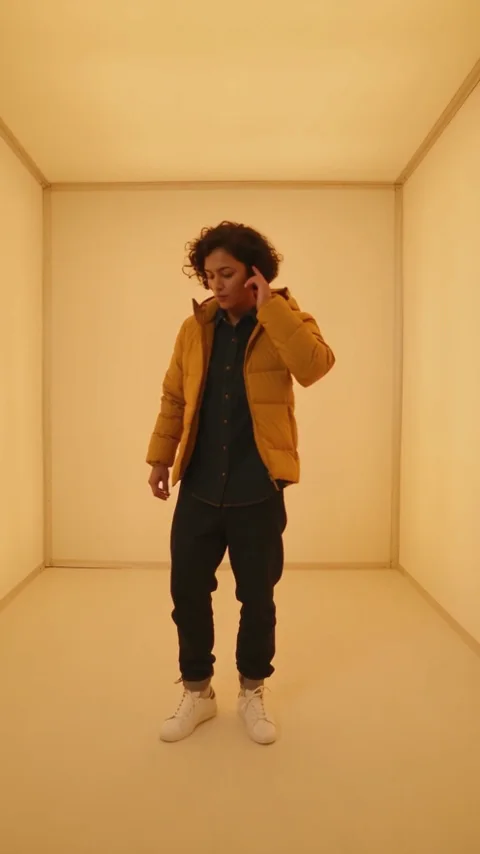
One adult per photo. Lead first, then left dancer, then right dancer. JPG, PNG or WebP, up to 10 MB each.
No Scrubs AI · 1–3 photos · 16s · 4:3
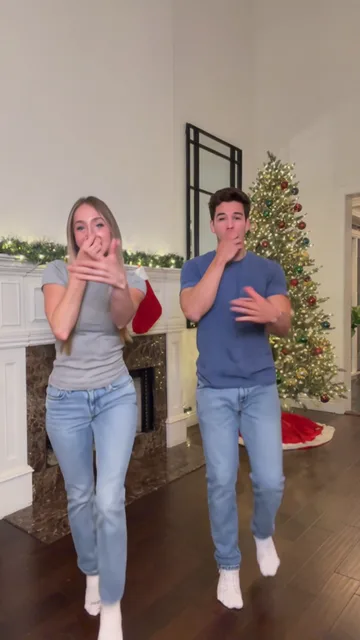
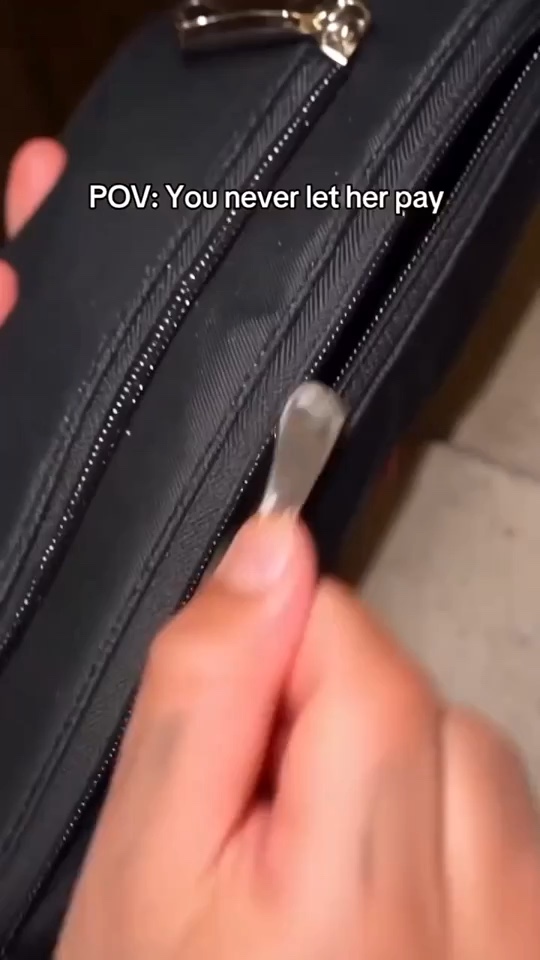
Video: Remake Your Meme. The paired photos are the source site’s sample inputs. This reference is not a generation made by this tool.
Open the reference site
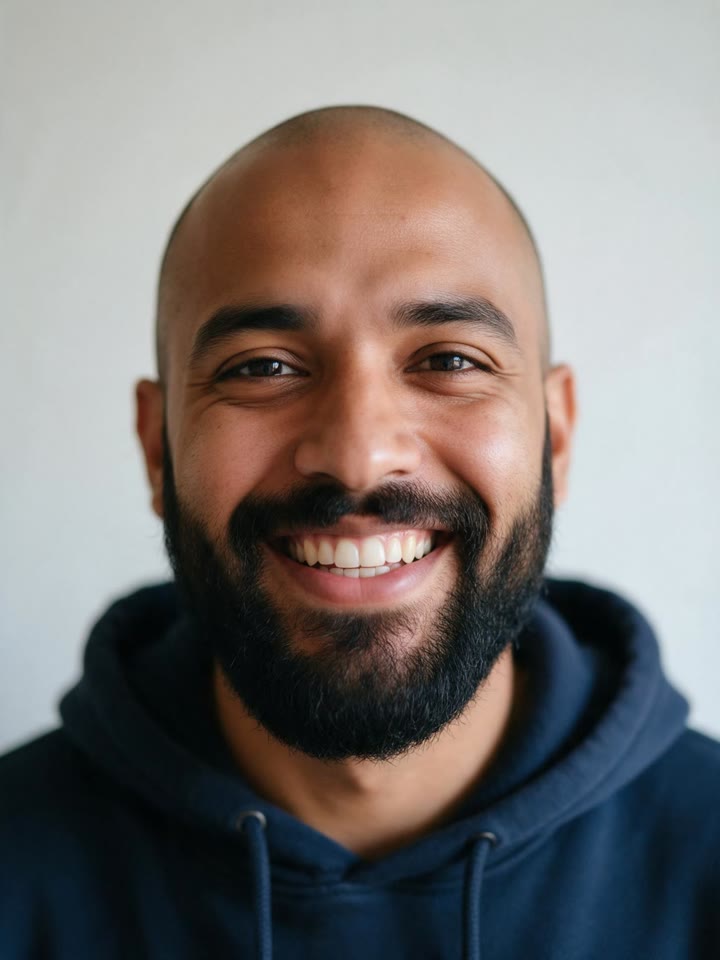 Original → Reference preview
From photo to idea
No Scrubs inspired AI videos borrow the visual idea of a futuristic silver performance set: a platform entrance, sharp close-ups and three dancers in a wide frame. Here the casting is explicit. One photo puts you in the middle with two fictional supporting dancers. Two photos replace the lead and the left dancer. Three photos cast the entire trio. The preset describes a new performance rather than replacing faces frame by frame in an existing music video.
One adult per photo. Lead first, then left dancer, then right dancer. JPG, PNG or WebP, up to 10 MB each.
The full take requests 16 seconds at 1080P in 4:3. Choose a 5-second take for a shorter idea. At 16 seconds, 2K is unavailable and the long-video credit multiplier applies. Check the center/left/right identities and the reflective-floor footwork.
Video: Remake Your Meme. The paired photos are the source site’s sample inputs. This reference is not a generation made by this tool.
One-time payment
Start with one trial video. Choose a subscription or one-time credits for more videos.
1 × 5s · 768P
Try one videoThe free trial covers one 5-second 768P clip, subject to account eligibility. Full-length scenes use the displayed general-credit quote. Existing credit-pack prices apply.
Choose a plan that fits your needsSolo needs one lead photo; Duo adds the left dancer; Full trio adds the right dancer. Choose the size first, then upload each adult to the labeled position.
The full scene is 16s, 4:3 and initially 1080P. A vertical crop can hide the side dancers. 2K is disabled at 16s, and the long-video multiplier is included in the displayed quote.
Watch the entrance, side close-ups, wide dance and overhead pose. Check that the lead stays in the middle and that the faces do not merge when the camera cuts.
A square-ish frame leaves breathing room on both sides of the lead. If your destination needs 9:16, plan a new vertical composition rather than cropping two friends out of a finished wide take. Keep the source sample separate from expectations for a new render.
Check cast size and upload order. Use similar lighting and clear solo photos. Complicated gestures and tiny background faces make identity tracking harder; request fewer overlapping movements.
Request a steady wide shot and slower steps. Mirror-like surfaces can create confusing reflections, so inspect the feet and reflections before sharing.
Choose Solo, Duo or Full trio. Photo 1 always guides the center lead; photo 2 guides the left dancer; photo 3 guides the right dancer. In Solo and Duo, the missing positions are fictional adults. Use one person per photo rather than a group picture.
No song is supplied with the generation request. The prompt asks for a new silver-set performance with an entrance, a trio dance and an overhead pose. Exact choreography, mouth timing and likeness are not guaranteed. Add a permitted soundtrack separately.
Metaso H3 supports 16 seconds at 480P, 768P and 1080P, while 2K is limited to 15 seconds. The full version keeps 16 seconds instead of silently shortening it. Its general-credit quote includes the above-15-second multiplier; the 5-second trial has separate conditions.
The free trial covers one 5-second 768P clip, subject to account eligibility. Full-length scenes use the displayed general-credit quote. Existing credit-pack prices apply. Pricing
No results yet. Start a task in a creative tool; your saved results will appear here.