Start with a clear reference
Two separate adult photos, one per dancer. Clear faces and visible legs help; JPG, PNG or WebP, up to 10 MB each.
Christmas Dance AI · 2 photos · 15s · 9:16
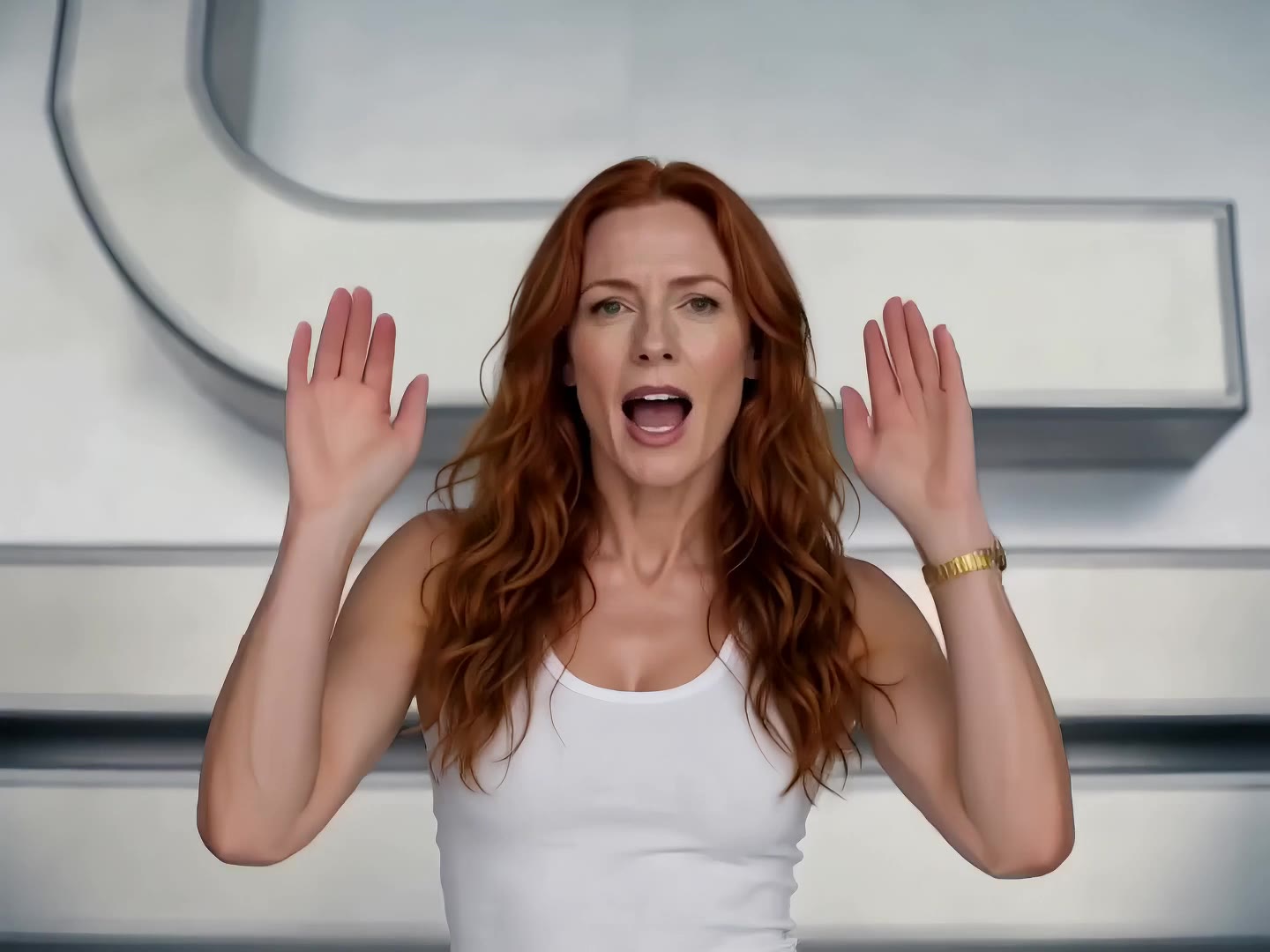
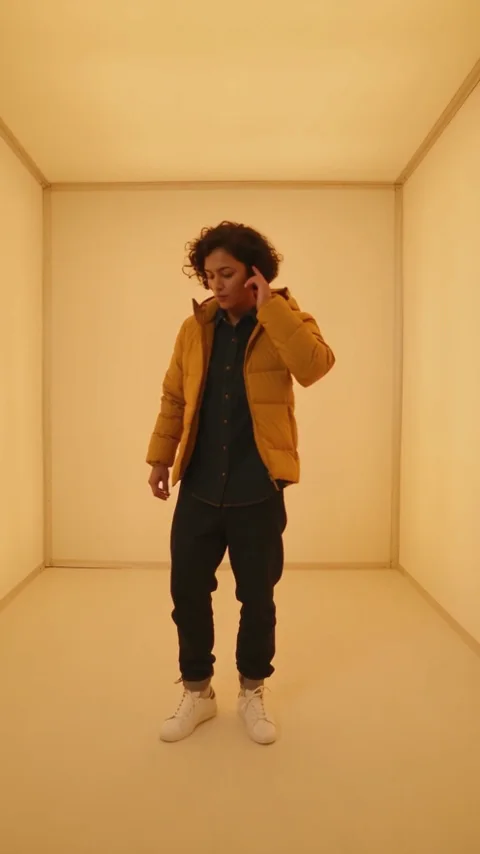
Reference video: RapVideo.ai. It shows the source scene, not a result generated by this tool. Open the credited source for its original context.
Open the reference siteFrom photo to idea
This Christmas dance AI page builds a two-person scene around a handshake, a side-to-side sway and a playful turn. Photo 1 guides the dancer on the left; photo 2 guides the dancer on the right. You do not need to photograph both people in the same room. Choose outfits in the source photos that you want the scene to retain, and leave room around the body so the model has a useful view of the stance.
Two separate adult photos, one per dancer. Clear faces and visible legs help; JPG, PNG or WebP, up to 10 MB each.
The full version requests 15 seconds in vertical 9:16, initially at 480P. A separate 5-second take is available in settings. Check both faces, the hand contact and the final turn before sharing; timing and likeness can vary.
Reference video: RapVideo.ai. It shows the source scene, not a result generated by this tool. Open the credited source for its original context.
One-time payment
Start with one trial video. Choose a subscription or one-time credits for more videos.
1 × 5s · 768P
Try one videoThe free trial covers one 5-second 768P clip, subject to account eligibility. Full-length scenes use the displayed general-credit quote. Existing credit-pack prices apply.
Choose a plan that fits your needsAdd one clear photo in each role. A front-facing face and a visible outfit are more useful than a tightly cropped selfie. Swap the photos if the order feels wrong.
Keep 15s for the holiday routine, or deliberately choose 5s for a shorter gesture. Review quality and credits in settings; a trial is only eligible at 5s and 768P.
Review the hands where the dancers meet, the direction of each knee lift and the finish. Download a result you like, then add permitted music in your posting app.
Matching pajamas are a choice, not a requirement. A plain top is easier to keep coherent than tiny lettering or a complex print. If you want coordinated outfits, choose coordinated source photos rather than asking the model to invent every detail.
Use distinct, evenly lit portraits. Keep one person per image and confirm the left/right order before submitting another take.
Use photos that show more of the body. Keep the prompt focused on a two-person full-body shot, with visible floor and one simple camera angle.
No. Upload two separate photos of consenting adults. Photo 1 is the left dancer and photo 2 is the right dancer. Use Swap roles if you want to reverse them. This page is a duet, so both photos are required.
The preset requests original room and movement sounds. It does not attach the reference clip or copy its song. Add music through a platform where you have permission to use it, then check the beat and apply the appropriate AI label.
The eligible account trial covers one 5-second 768P video. The 15-second version uses general credits at the quote shown in the tool. Select 5s and 768P to use an available trial. Review the current balance and price before submitting.
The free trial covers one 5-second 768P clip, subject to account eligibility. Full-length scenes use the displayed general-credit quote. Existing credit-pack prices apply. Pricing
No results yet. Start a task in a creative tool; your saved results will appear here.