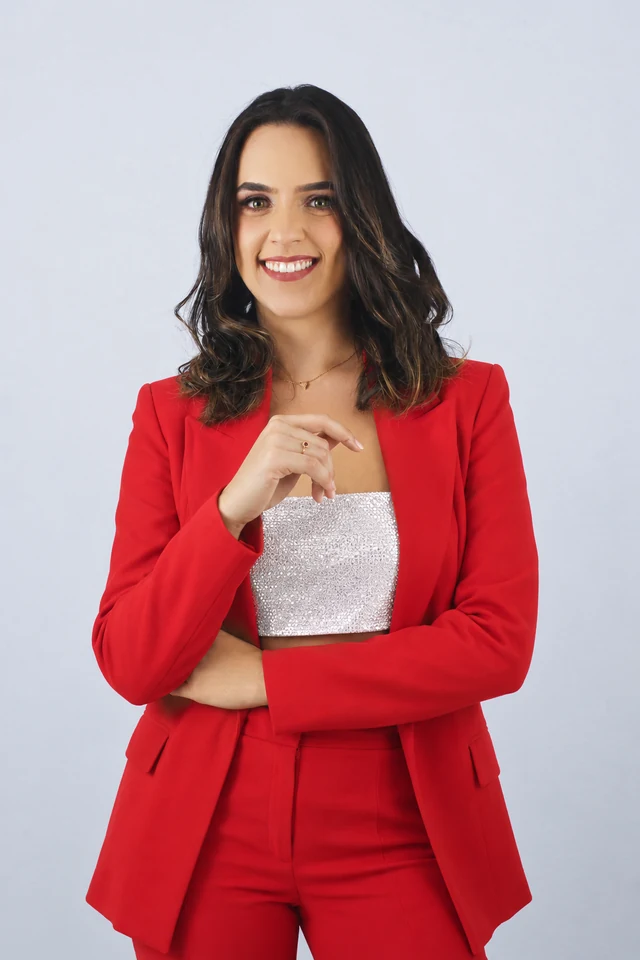
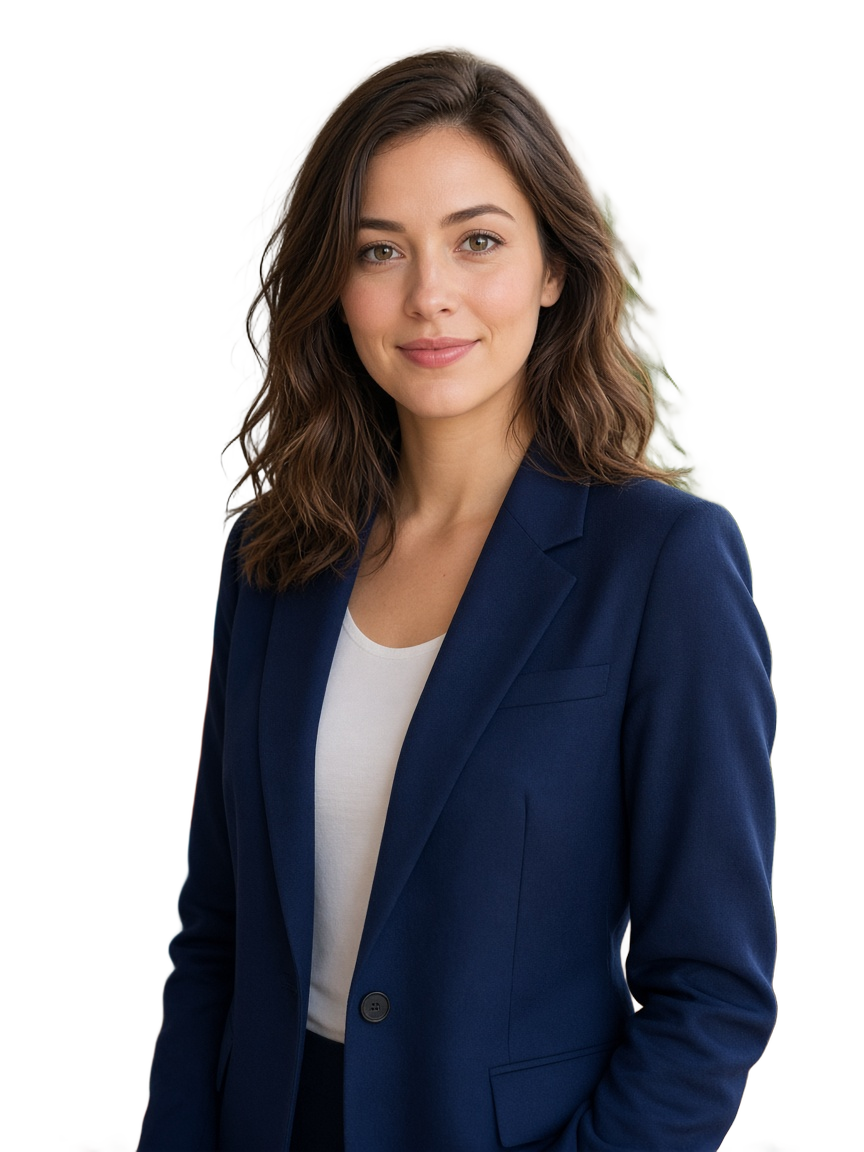
Start with a clear reference
Upload a sharp adult selfie with the whole face visible. For a couple portrait, add a second authorized photo.
Heretake
Upload a sharp adult selfie with the whole face visible. For a couple portrait, add a second authorized photo.
Model: GPT Image 2
AI can redraw faces and fine details. Review the complete result before use.
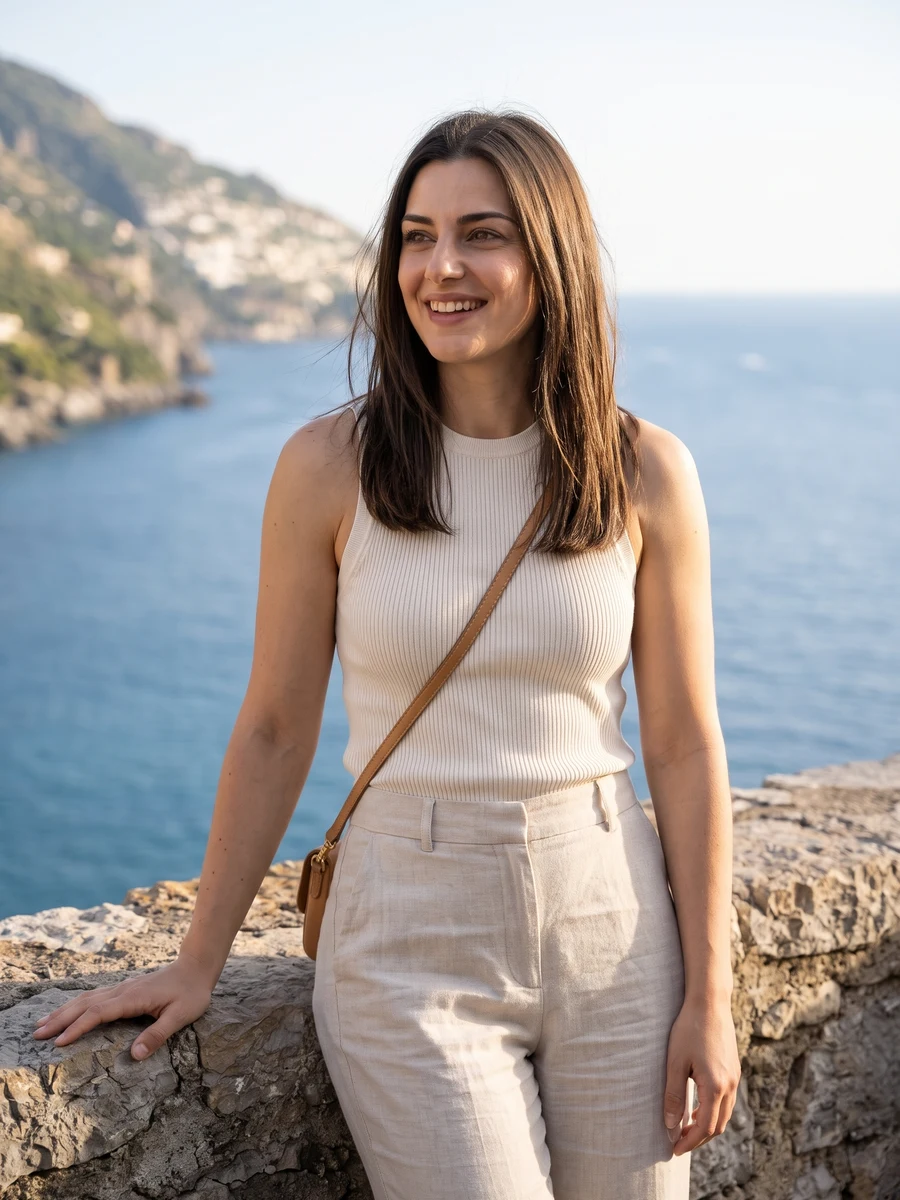
Compare the face, skin texture, jewelry and hands with the original. AI portraits can alter recognizable details.
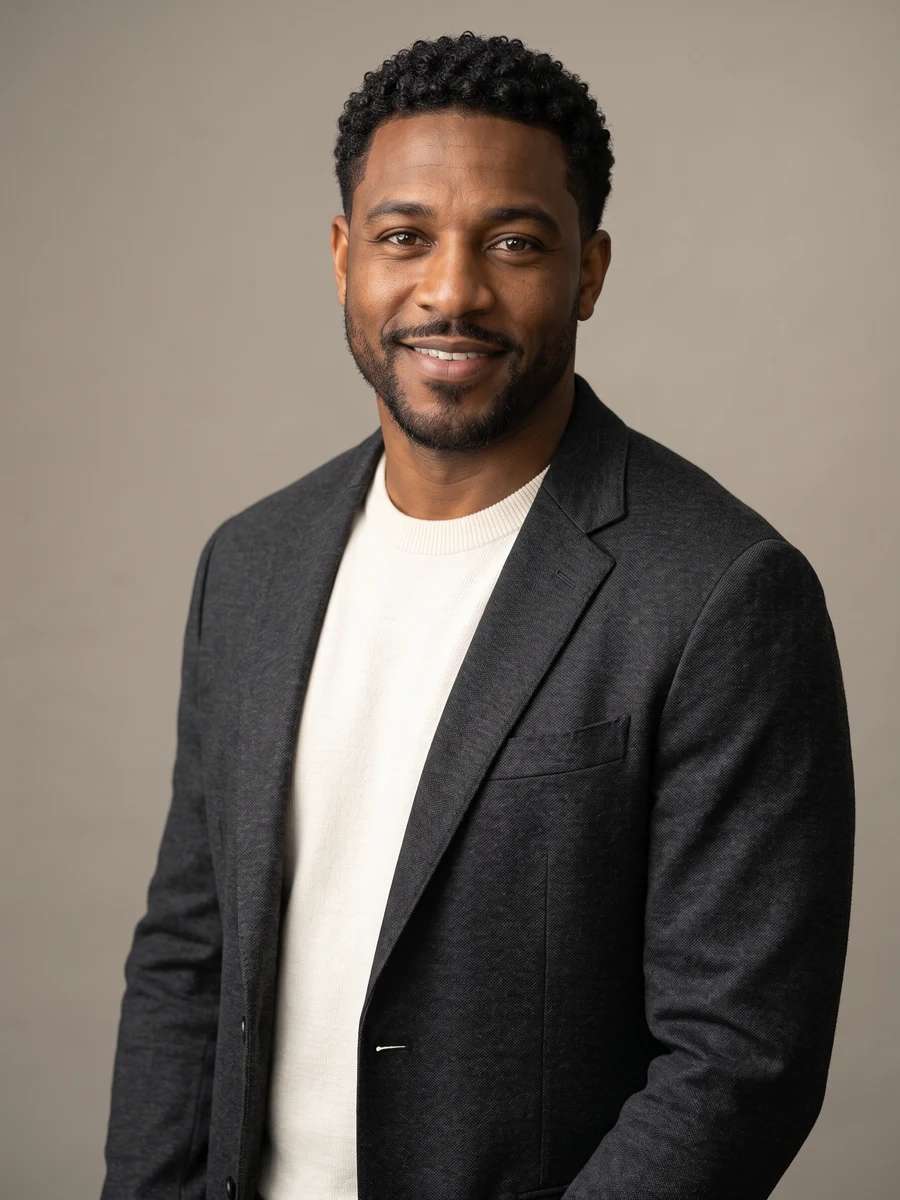
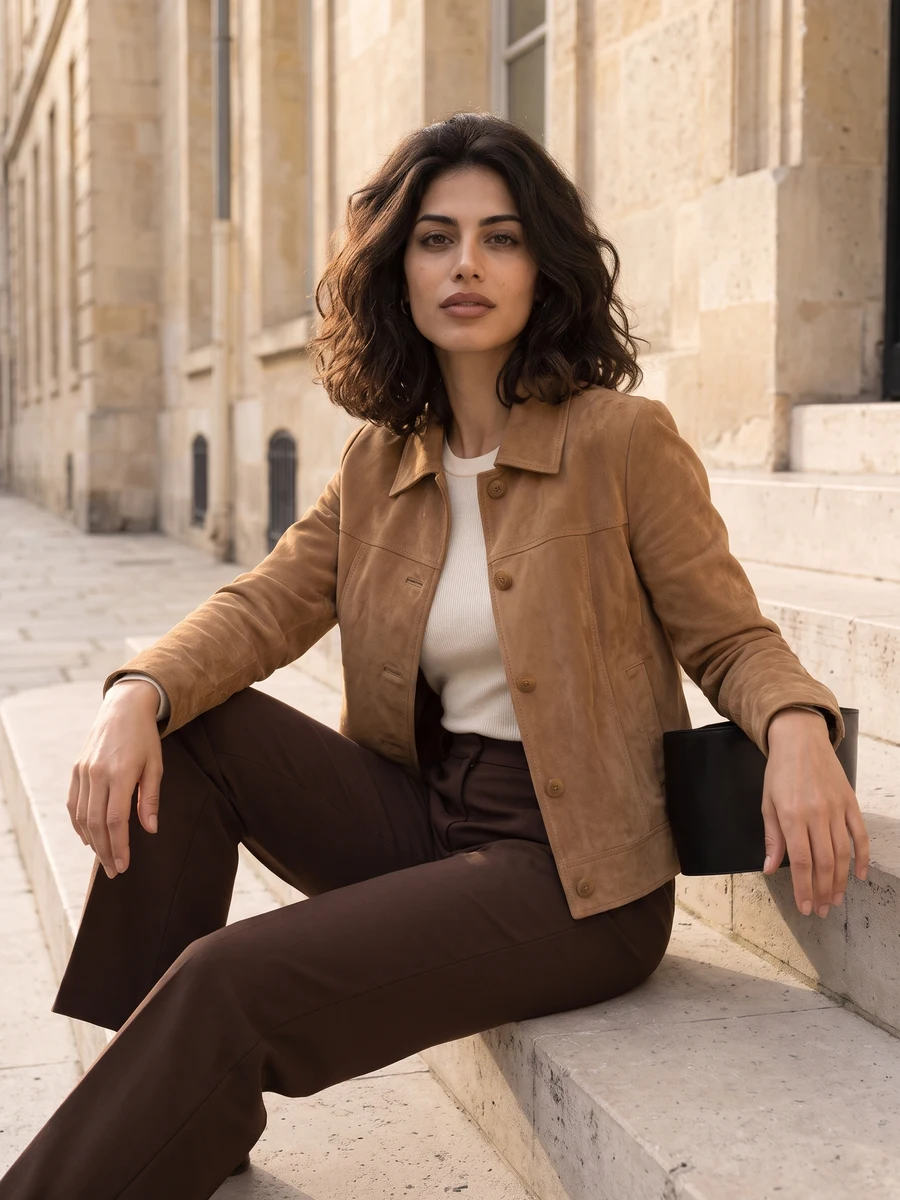
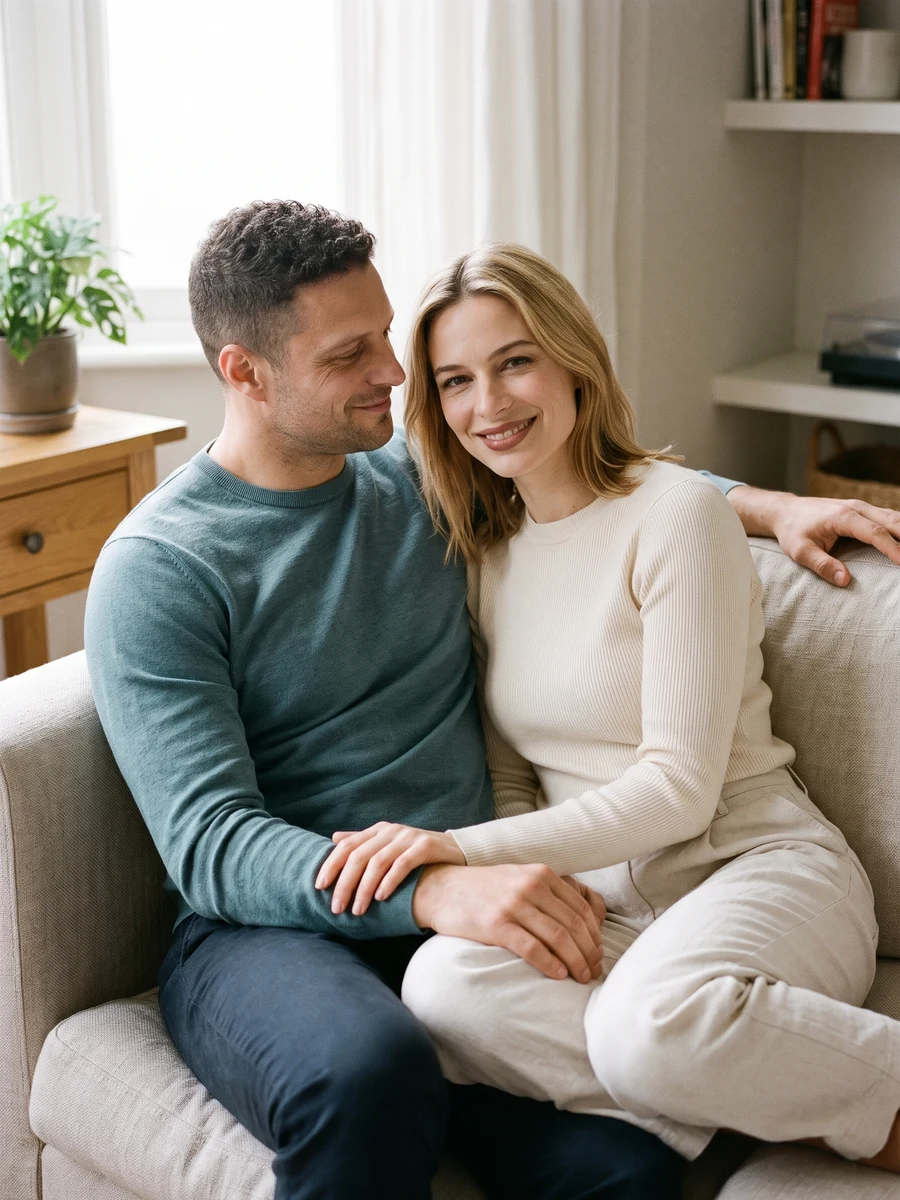
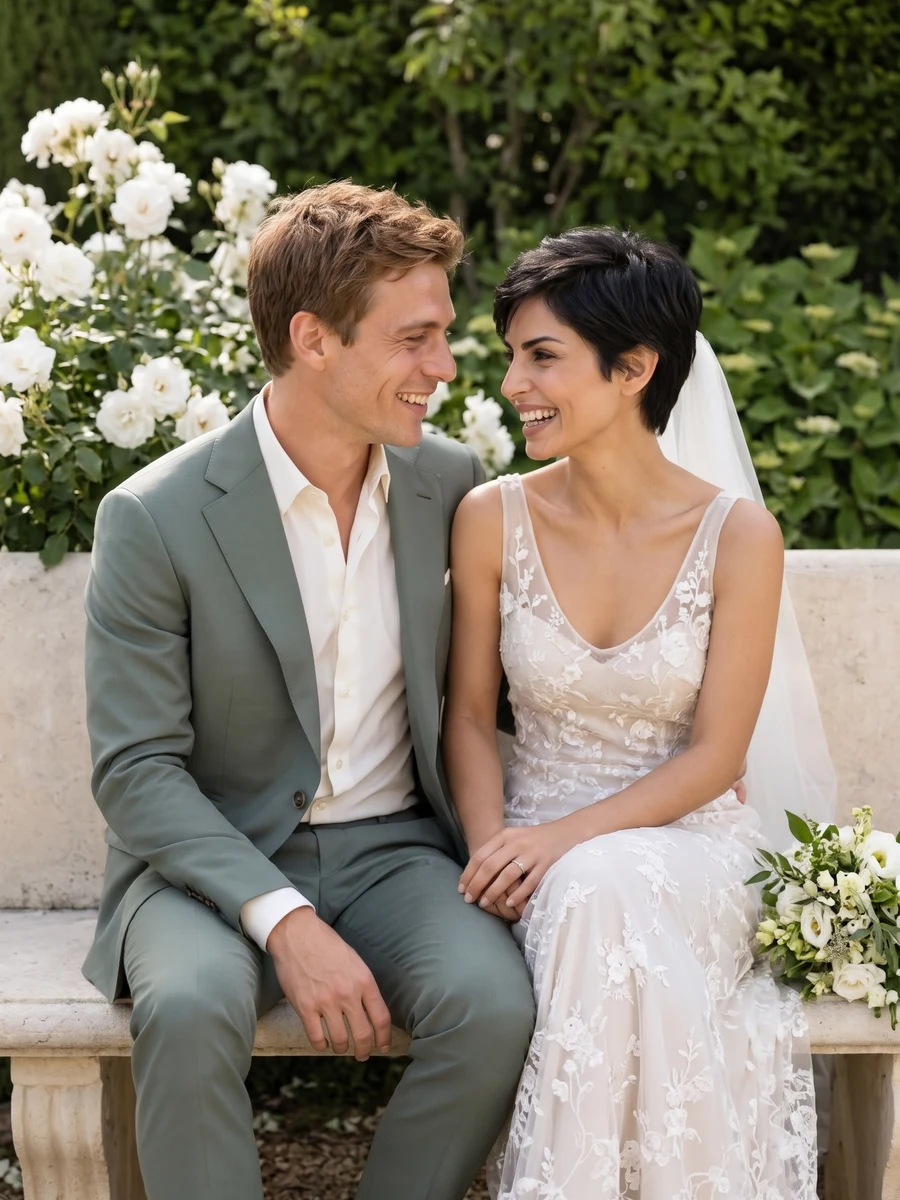
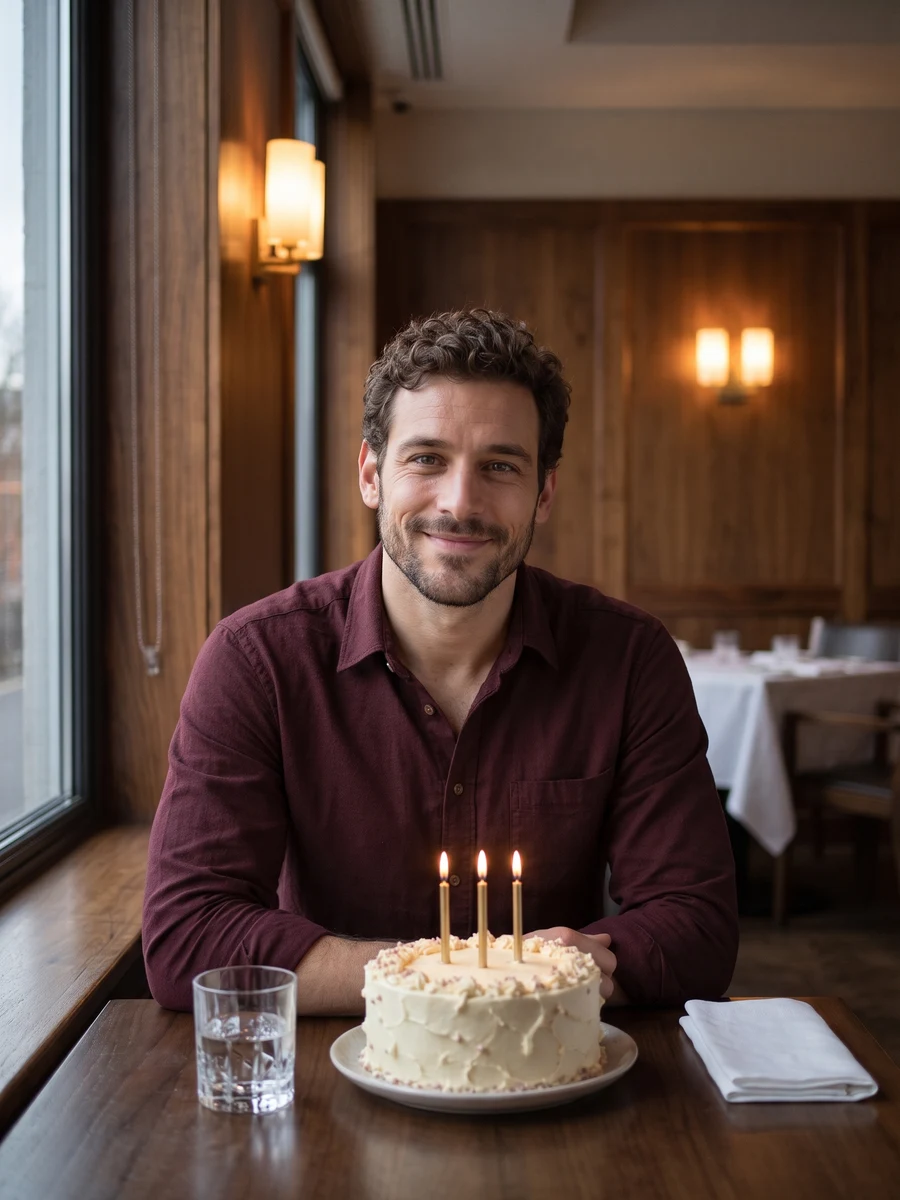
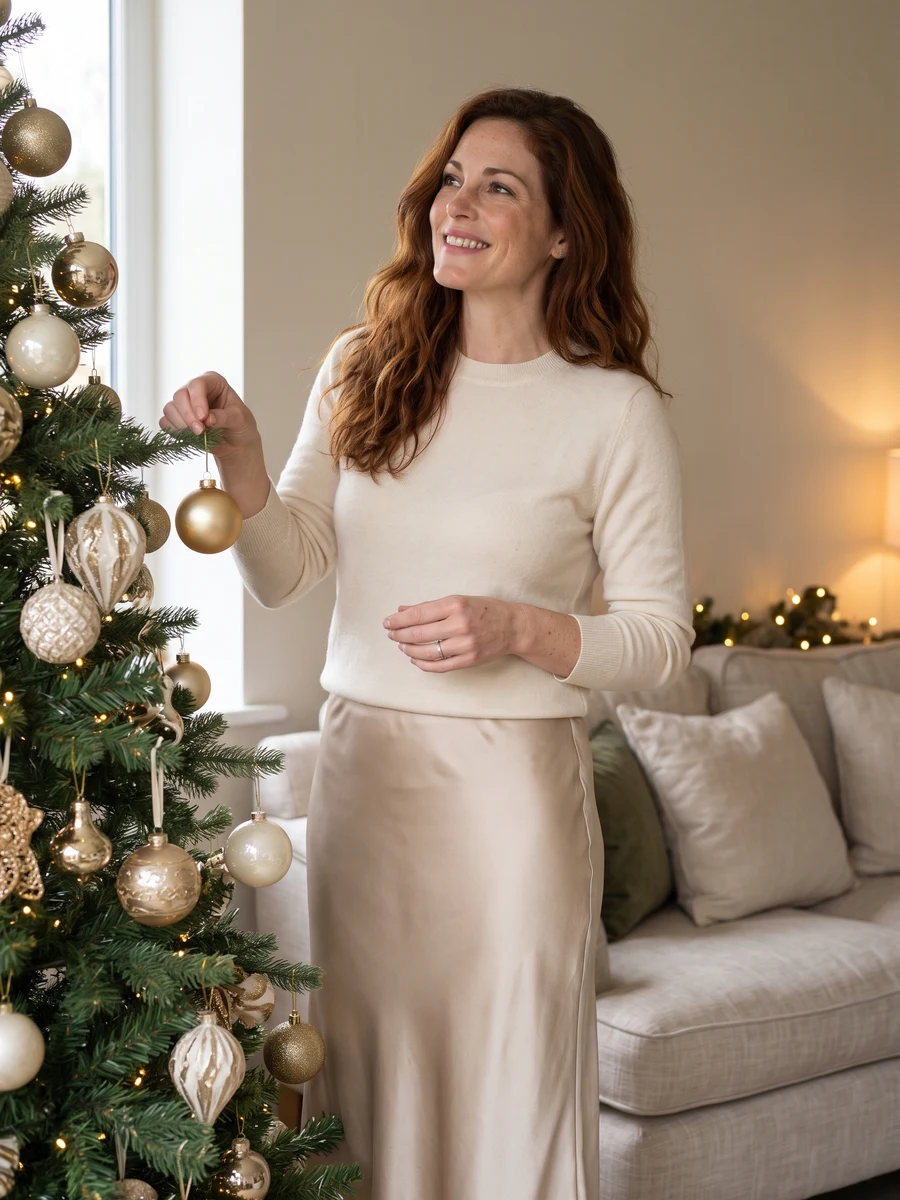
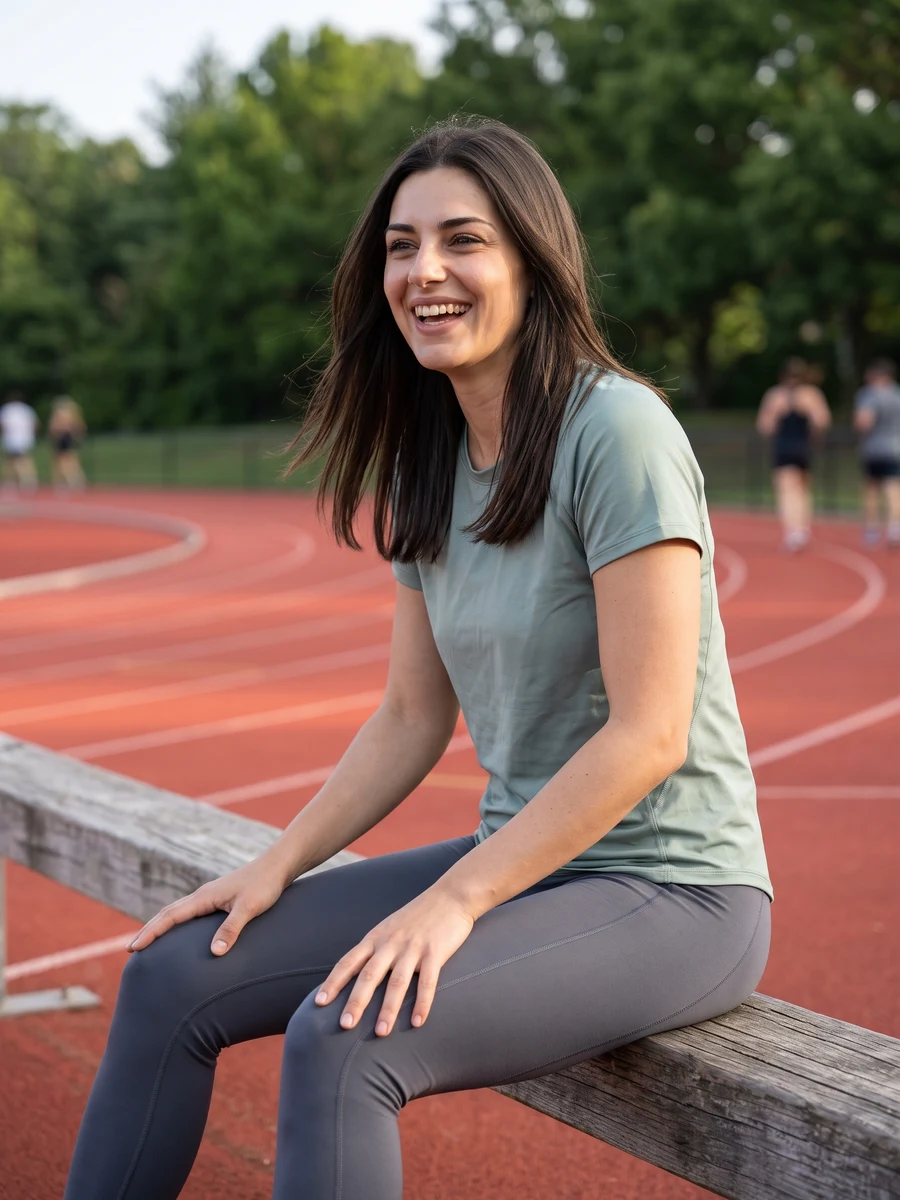
From photo to idea
A work profile needs a quiet background and direct eye contact. A birthday or wedding portrait can use more atmosphere. Choose the setting first, then describe lighting and framing rather than asking for a different face.
Upload a sharp adult selfie with the whole face visible. For a couple portrait, add a second authorized photo.
One portrait image for each generation. Choose another look for a new image; the displayed quote applies to one task.
Compare the face, skin texture, jewelry and hands with the original. AI portraits can alter recognizable details.
This page generates one image per task. Each additional look is a separate generation with its own credit cost. Review the first portrait before making a larger collection.
Use JPG, PNG or WebP, up to 10 MB per image. Choose a clear photo you own or have permission to use, without covered faces or heavy filters.
Tasks appear in the creations area and My creations. Preview and download a completed result there. If a task fails, check its status and your credit history.
The quote uses the selected settings. Account credits and plan terms are shown on the pricing page. Pricing
No results yet. Start a task in a creative tool; your saved results will appear here.