Start with a clear reference
Upload one JPG, PNG or WebP with a distinct subject. Keep hair, fur and product edges in focus.
Make PNG BG
Upload one JPG, PNG or WebP with a distinct subject. Keep hair, fur and product edges in focus.
Model: Recraft Background Remover
Review the cutout edges and the actual downloaded dimensions before using the file.

 ↔
↔Look for missing fine edges and leftover background patches. A checkerboard preview alone does not prove that the downloaded file has transparency.


From photo to idea
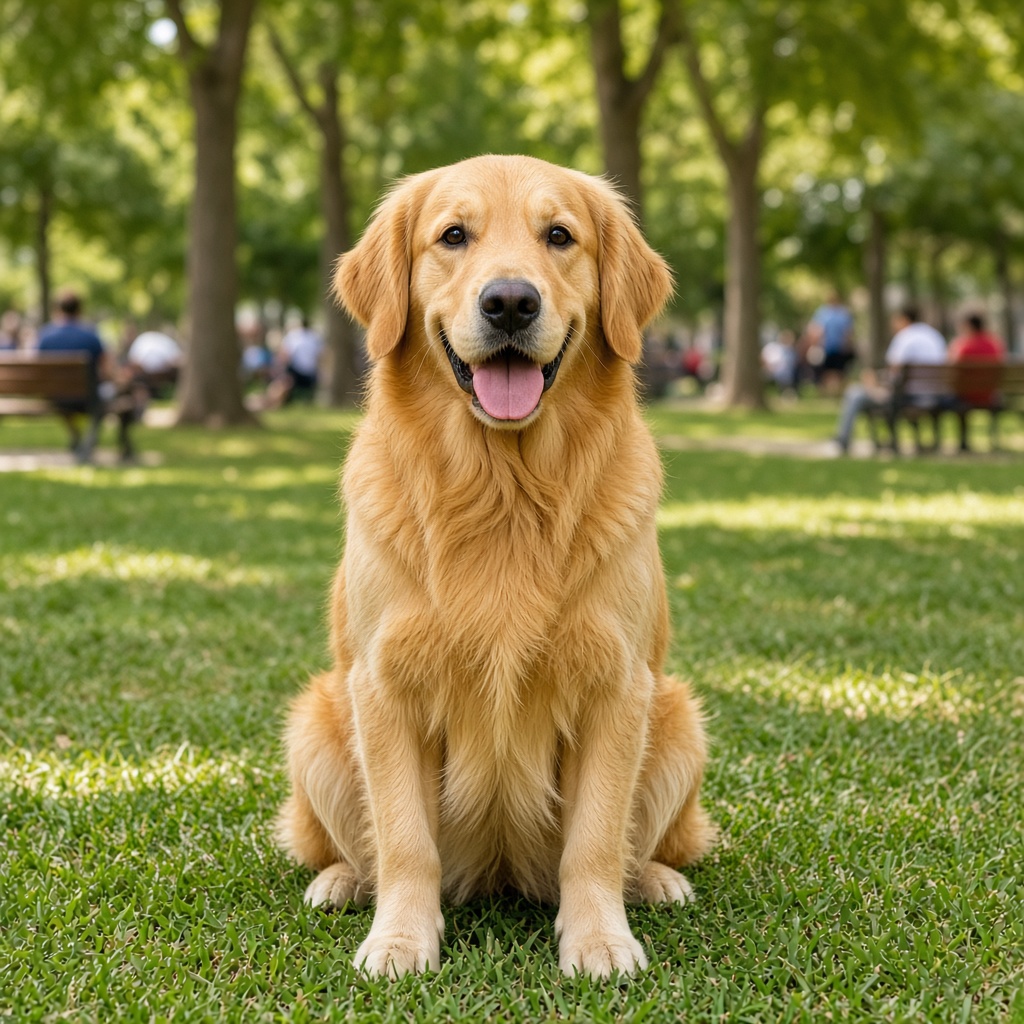
A cutout is useful when it keeps the details that define the subject. Compare hair against a contrasting background, check gaps between fingers and look for unwanted halos around packaging.
Upload one JPG, PNG or WebP with a distinct subject. Keep hair, fur and product edges in focus.
A background-removal task using the dedicated Recraft model. Review the actual downloaded image and its alpha channel.
Look for missing fine edges and leftover background patches. A checkerboard preview alone does not prove that the downloaded file has transparency.
No. A checkerboard can be part of an image. Open the downloaded file over another color and check that the background really shows through; inspect hair and translucent objects separately.
Use JPG, PNG or WebP, up to 10 MB per image. Choose a clear photo you own or have permission to use, without covered faces or heavy filters.
Tasks appear in the creations area and My creations. Preview and download a completed result there. If a task fails, check its status and your credit history.
The quote uses the selected settings. Account credits and plan terms are shown on the pricing page. Pricing
No results yet. Start a task in a creative tool; your saved results will appear here.