Start with a clear reference
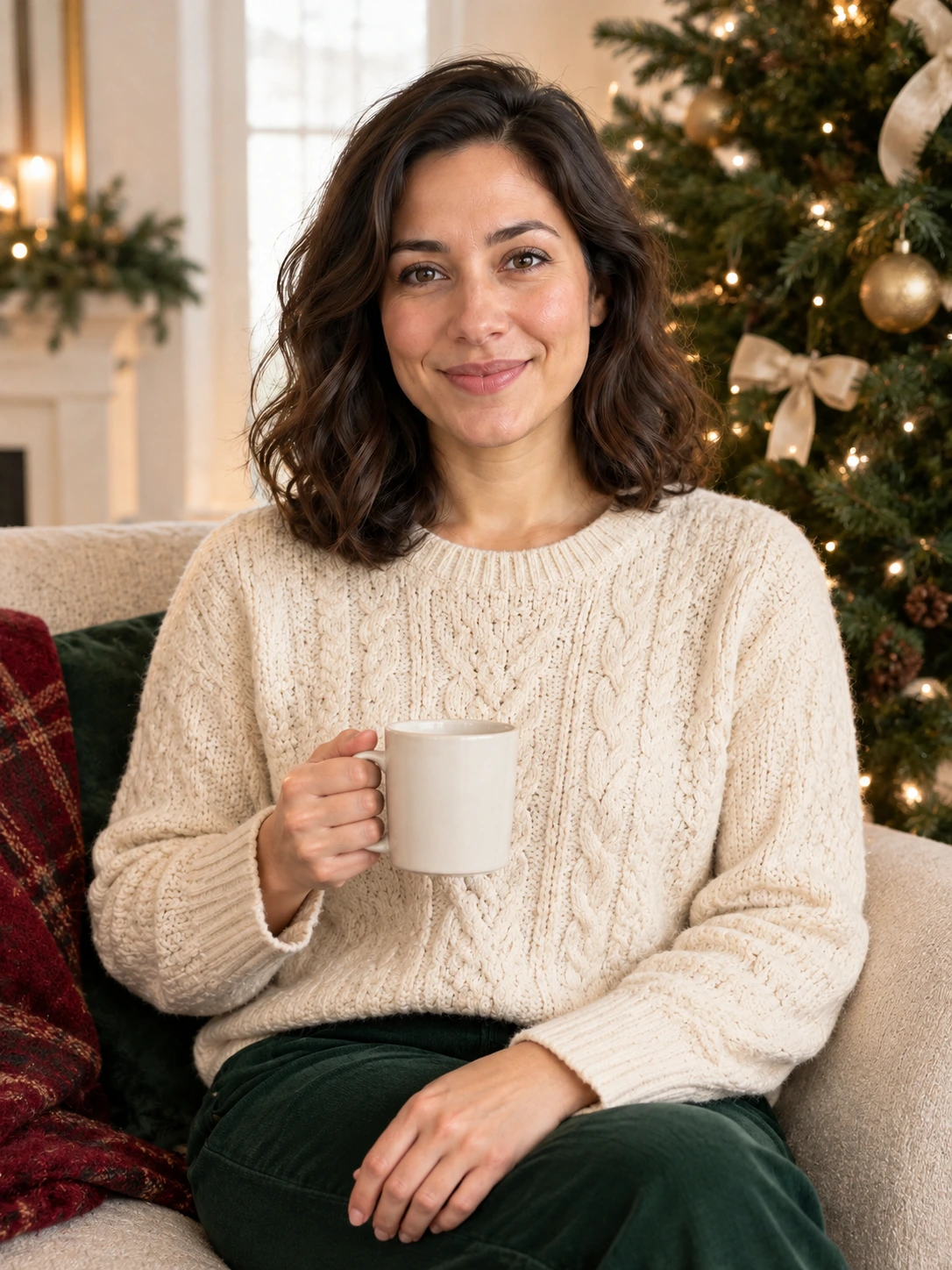
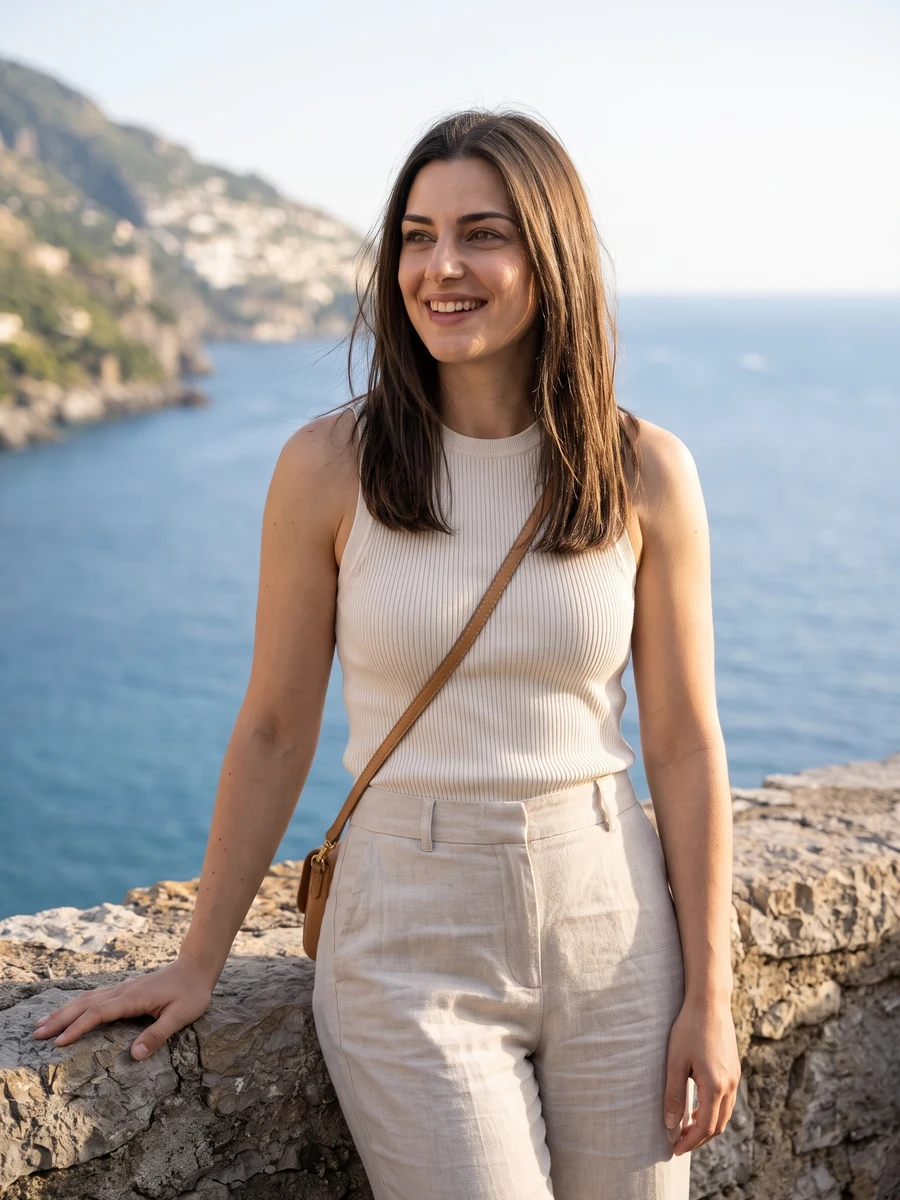
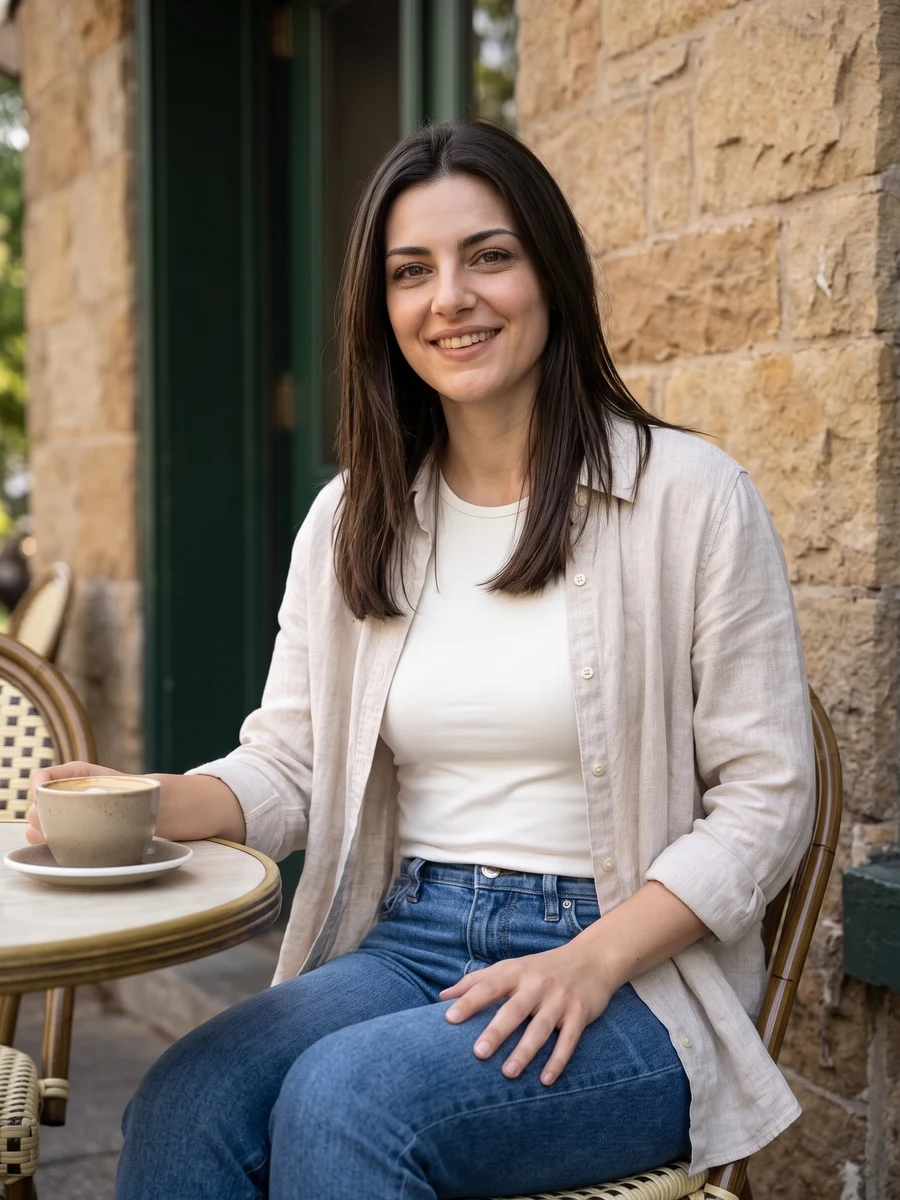
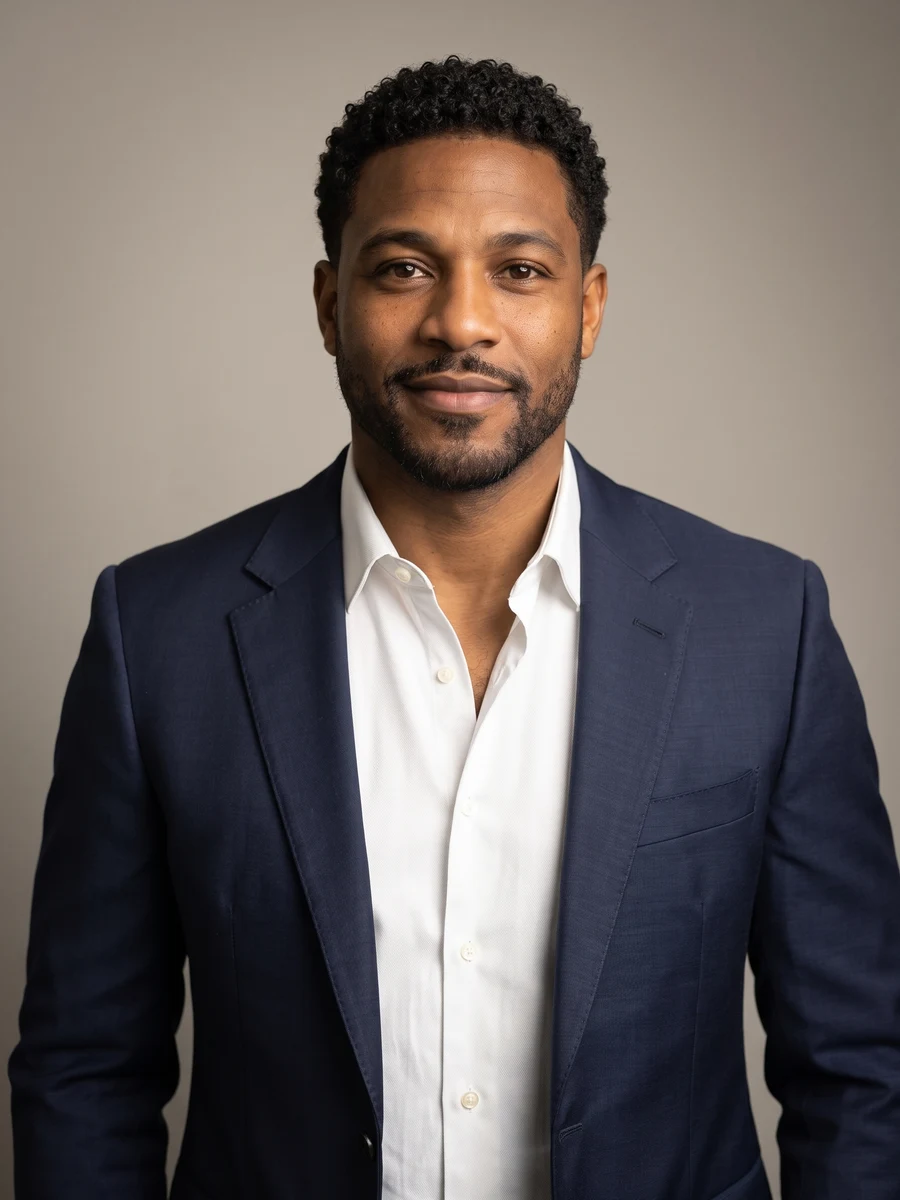
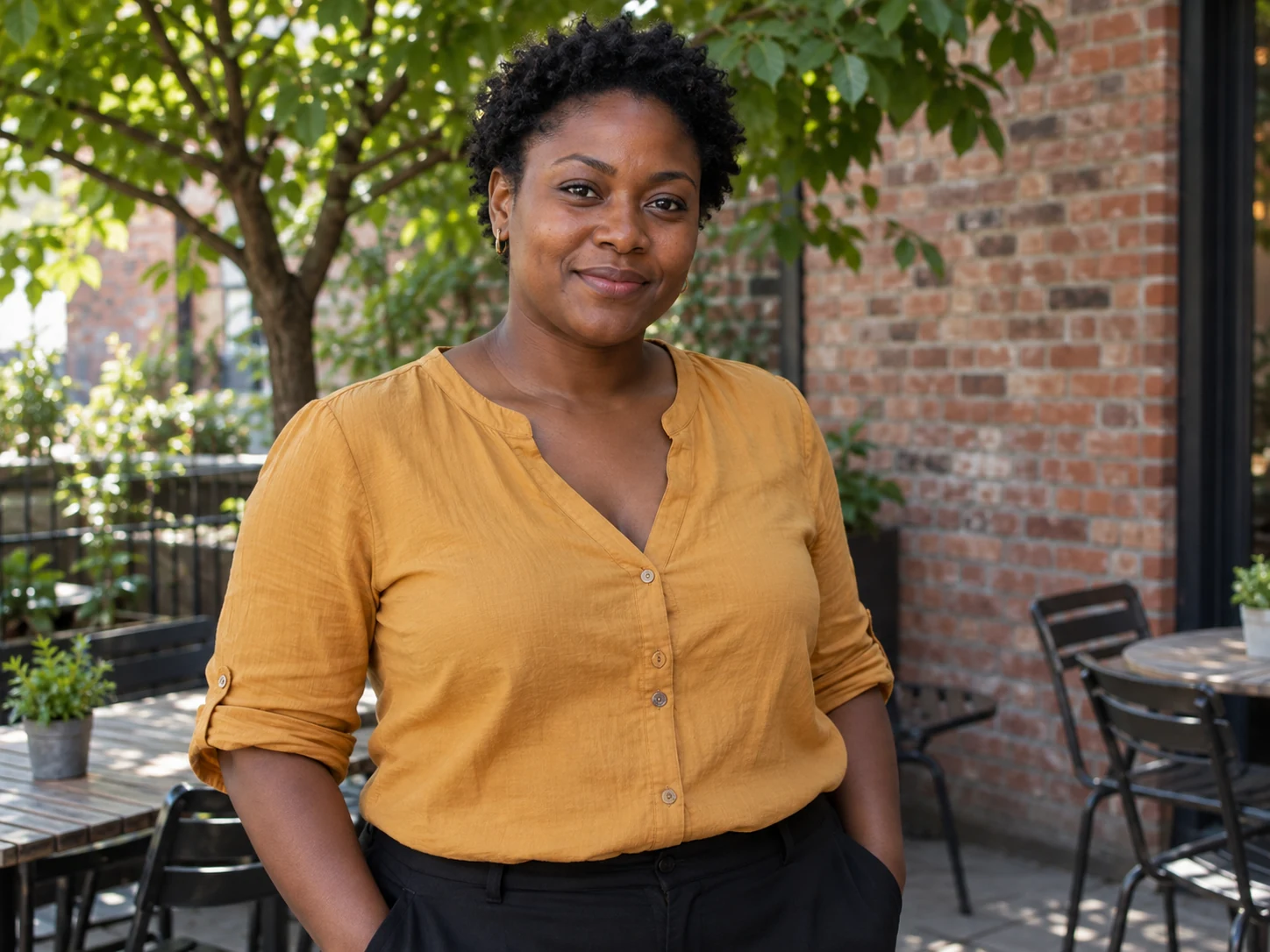
Use a bright portrait with an uncovered face. For crew scenes, upload one existing group photo with everyone visible.
Halloween portraits
Use a bright portrait with an uncovered face. For crew scenes, upload one existing group photo with everyone visible.
Model: GPT Image 2
AI can redraw faces and fine details. Review the complete result before use.
 ↔
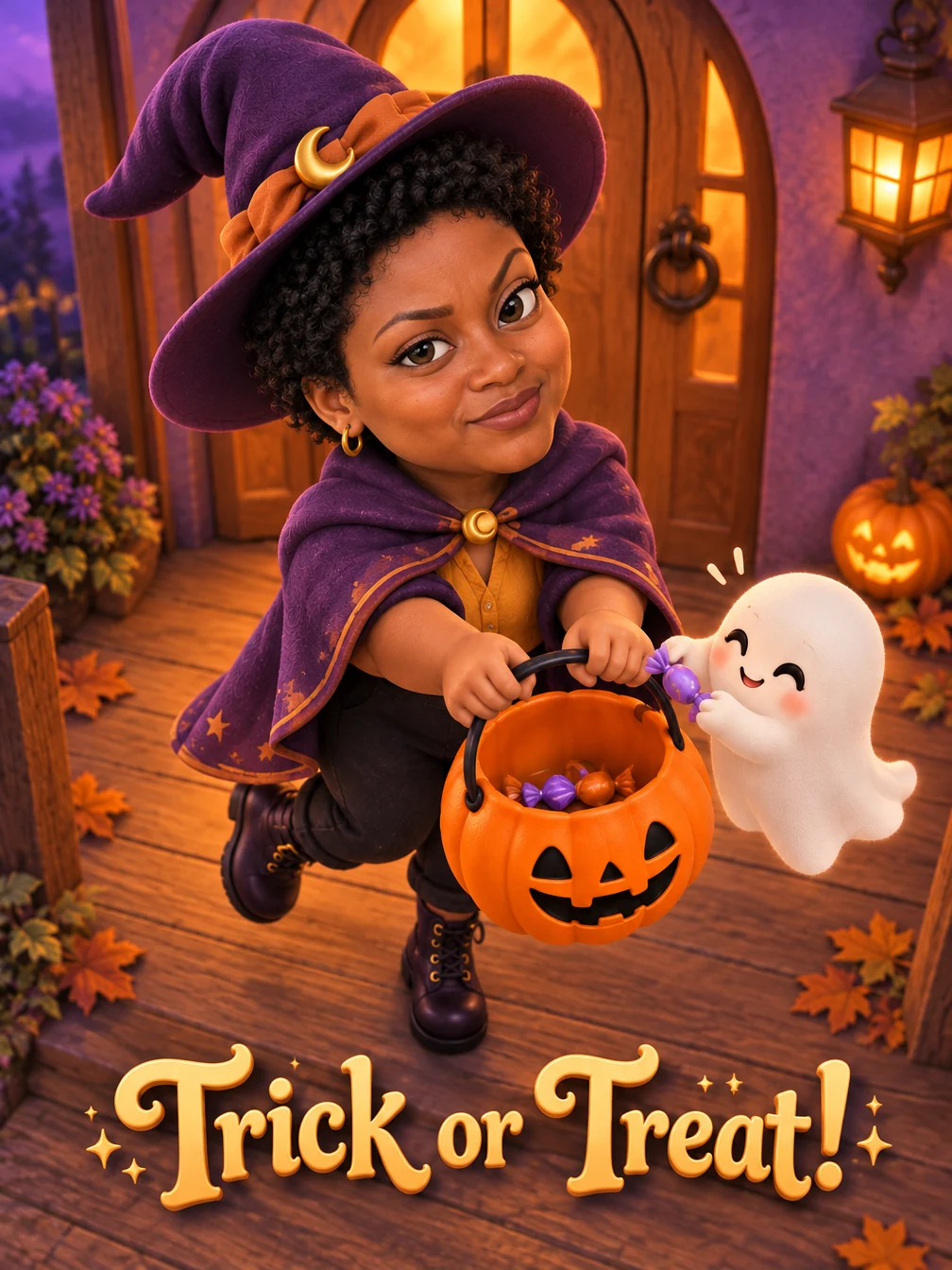
↔Check hands, candy props and every face before sharing your Halloween edit.
From photo to idea
Choose the scene before adding details. A close portrait suits soft ghost lighting; a wider photo gives costumes and props room. Group looks use the people already in your photo.
Use a bright portrait with an uncovered face. For crew scenes, upload one existing group photo with everyone visible.
A new still portrait with the selected Halloween setting. Add your own greeting after downloading for precise lettering.
Check hands, candy props and every face before sharing your Halloween edit.
Yes. Choose a crew look and upload one existing group photo. Keep every face separated and visible; preservation of every person is not guaranteed.
No. Ordinary clothing is enough. The selected look guides the costume, props and background. Avoid face-covering masks in the input.
You can request lettering in the optional instructions, but image models can misspell it. Add important names or greetings after export.
The quote uses the selected settings. Account credits and plan terms are shown on the pricing page. Pricing
No results yet. Start a task in a creative tool; your saved results will appear here.