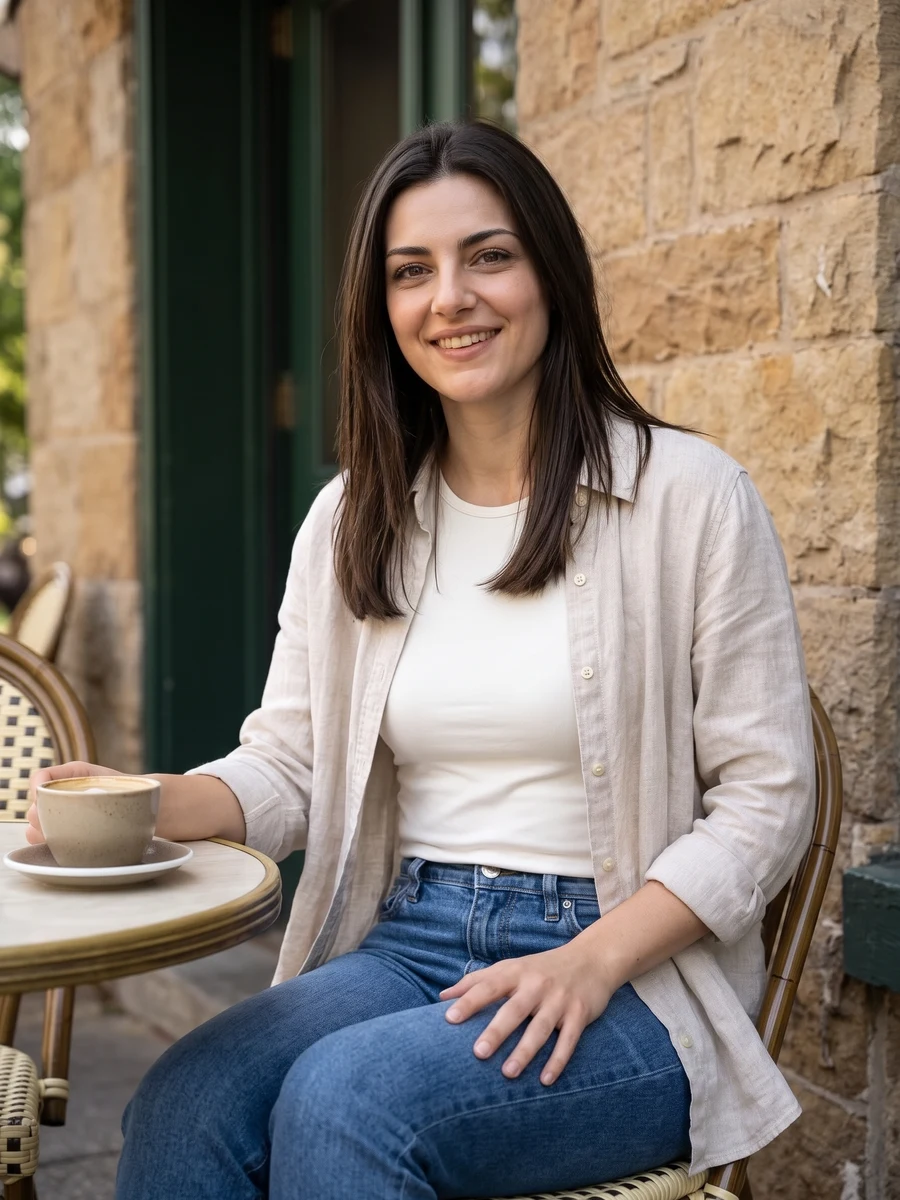
Start with a clear reference
Choose a recent, evenly lit portrait. Couple and friends looks work from one existing photo of everyone together.
Christmas photo studio
Choose a recent, evenly lit portrait. Couple and friends looks work from one existing photo of everyone together.
Model: GPT Image 2
AI can redraw faces and fine details. Review the complete result before use.
Inspect faces, fingers and decoration edges. Keep the original download before cropping a version for your card.
From photo to idea
Warm light and a clear face do more than a busy backdrop. Pick a knitwear scene for a casual greeting or a snow globe for a playful keepsake. Leave space around the people when preparing a card crop.
Choose a recent, evenly lit portrait. Couple and friends looks work from one existing photo of everyone together.
A festive still image guided by your chosen scene and photo, ready to review and download in My creations.
Inspect faces, fingers and decoration edges. Keep the original download before cropping a version for your card.
Choose a holiday scene that supports the photo instead of hiding the person behind decorations. The Christmas tool creates a still image; use a separate video workflow if you want motion.
Use a well-lit photo with clear faces and enough space around the group. A simpler background helps preserve the visual focus. For a group picture, check every face separately; a pleasing overall composition does not guarantee consistent details for each person.
Decide on a portrait or landscape crop before generating. Ask for empty space for a greeting, then add your final wording in an editor so you can control spelling and typography. Confirm the downloaded dimensions against your printer’s requirements rather than assuming a print size.
A cozy knitwear setting suits an informal greeting, a winter scene emphasizes the environment, and a snow-globe composition works as a playful keepsake. Keep the same source photo when comparing scenes so you can judge the scene change rather than a different input.
Keep the person recognizable in a cozy holiday portrait, warm window light, subtle evergreen decorations and a simple cream sweater. Leave clear space at the top for a greeting. No generated text.
Review faces, fingers and decoration edges before sharing. Only upload photos you have permission to use. No specific likeness or printing result is guaranteed.
This collection favors playful transformations, including a snow globe and Santa styling. The Christmas portraits scene focuses on photographic lighting and interior styling.
Use the Christmas-for-two look with a clear existing couple photo. This collection takes one source photo rather than merging separate portraits.
The tool creates a digital image. Download it, add any precise text in your editor and check your printer’s resolution and bleed requirements.
The quote uses the selected settings. Account credits and plan terms are shown on the pricing page. Pricing
No results yet. Start a task in a creative tool; your saved results will appear here.