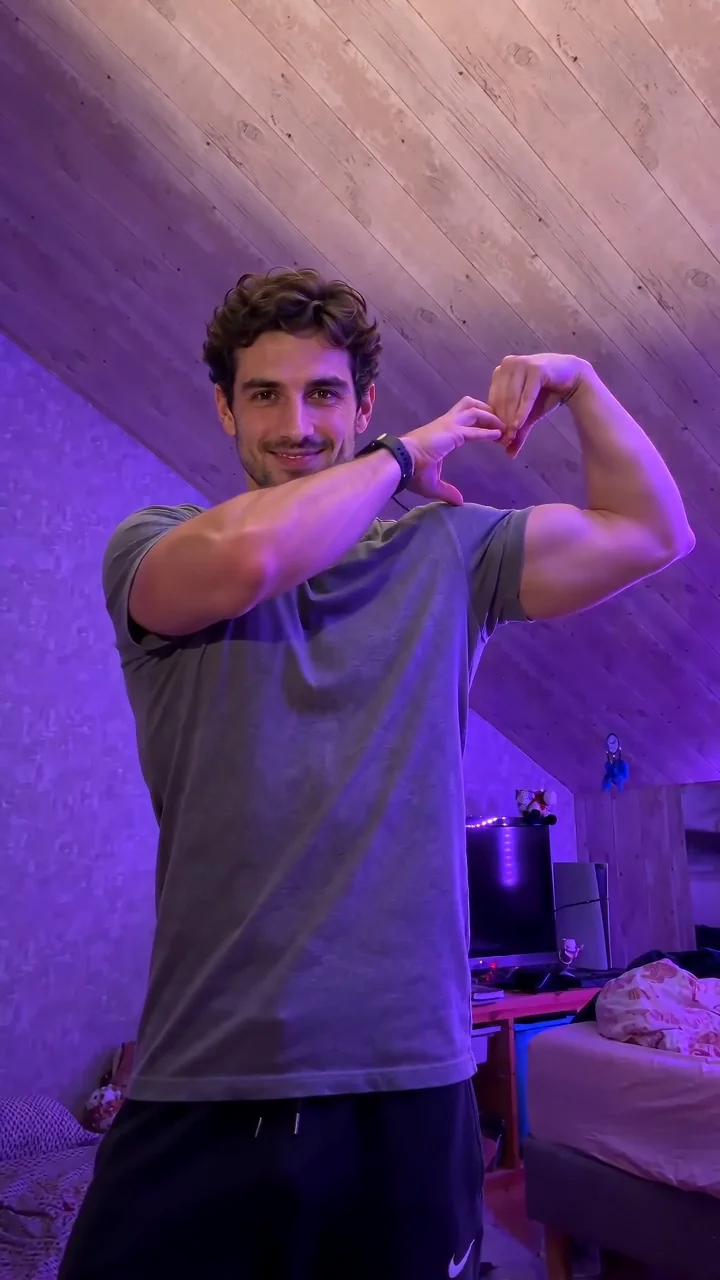
Start with a clear reference
Add one portrait, one two-person photo, or two separate portraits. With one portrait, Pixany invents the second guest.
Fancy Cafe
Add one portrait, one two-person photo, or two separate portraits. With one portrait, Pixany invents the second guest.
Model: Seedance 2.5
Choose the length and resolution before you generate. The button shows the current Pixany credit cost.
Look for a clear table, a readable glance and a small slide onto the bench.
Open the reference site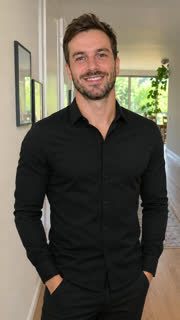 Original → Reference preview
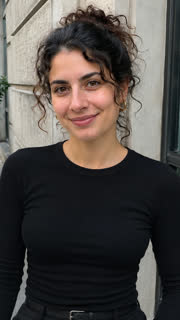
 Original → Reference preview
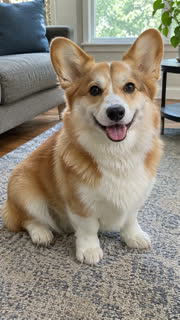 Original → Reference preview
From photo to idea
The table should read as a table before the guest realizes the mistake. A steady view of the bench and both guests gives the reaction time to land.
Add one portrait, one two-person photo, or two separate portraits. With one portrait, Pixany invents the second guest.
The default is a 15-second vertical video. Settings let you change the length, frame or resolution before you commit credits.
Look for a clear table, a readable glance and a small slide onto the bench.
Use the two-photo mode for separate portraits. Photo 1 is the guest at the wrong seat. Photo 2 is the friend who shows them where to sit.
Yes. Choose One photo and use a group shot with two clearly visible faces. The person on the left sits at the wrong spot, and the person on the right takes the bench.
Any well-lit portrait works as a starting point. The café setting comes from the scene.
The current quote is shown on the Create button. Your Pixany balance and checkout are shared with the other tools. Pricing
No results yet. Start a task in a creative tool; your saved results will appear here.