Bicep Heart

Flex an arm. Make a heart.

Turn a portrait into a flex and a little hand heart. In the pet preset, a heart appears beside a lifted front paw.
Input
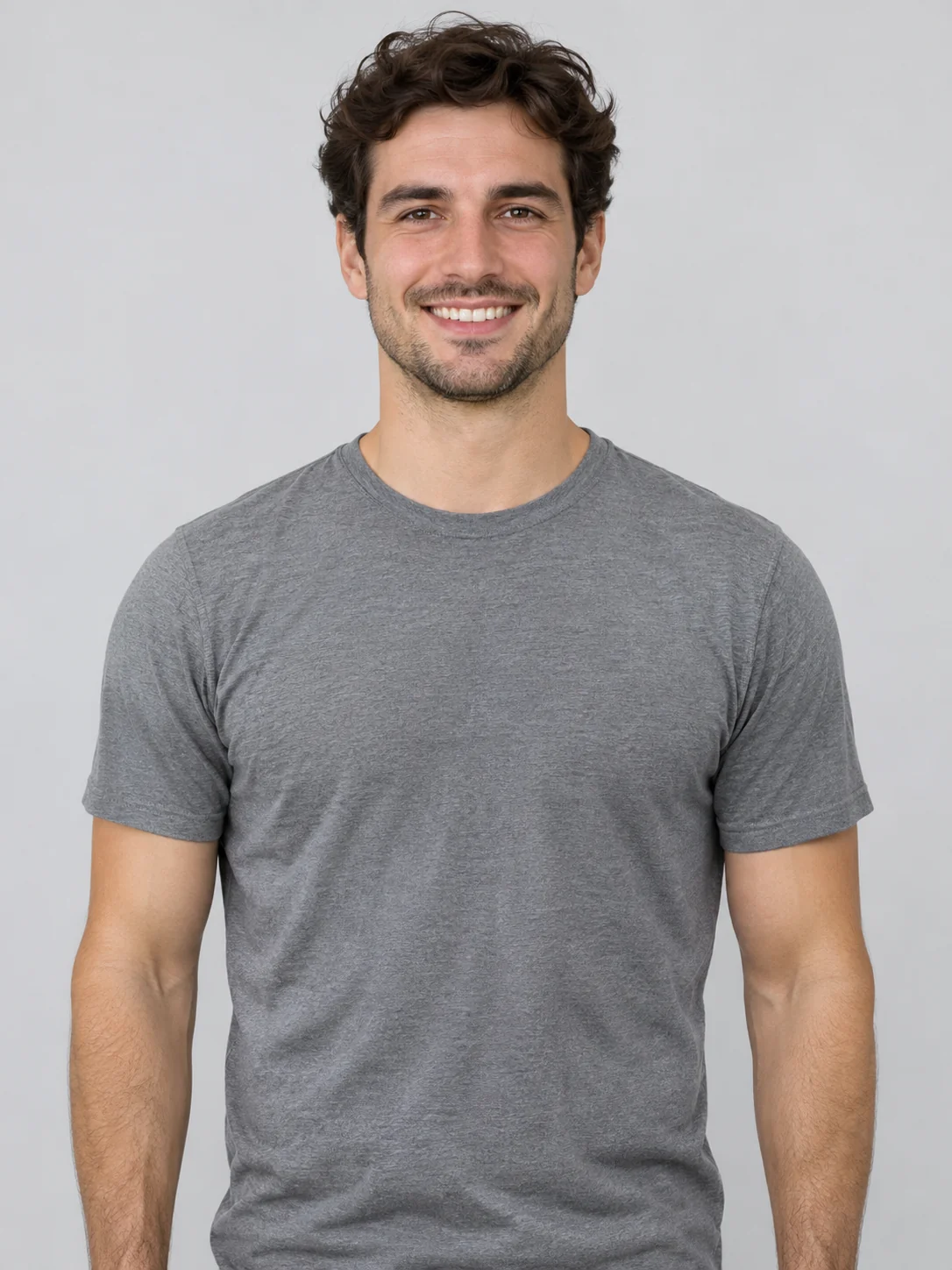
One waist-up portrait or a pet photo with front paws visible
Default video
7 seconds · 720p · 9:16
Make it yours7s / 9:16 · 720P

Choose a waist-up portrait with visible shoulders and independent elbow silhouettes. Leave extra space on the flexing side. A plain wall or evenly lit background makes the fingers easier to see. For a pet photo, frame the head and both front paws and keep the foreground clear.
Choose your scene
Settings & instructions

Model: Seedance 2.5

Choose the length and resolution before you generate. The button shows the current Pixany credit cost.

Private generationPricing
The lookReference preview
The flex-and-heart gesture · Related scene demo. Your generated result will vary.

Explore the possibilities

Review the existing flex-and-heart clip at normal speed, then pause on its final pose. Check whether the curved hand is distinct from the flexed arm and the face remains visible. In your own clip, try one short hold and a still camera if the gesture passed too quickly to read.

Open the reference site

From photo to idea

How to make the Bicep Heart gesture read clearly

Start by choosing the person or pet preset. For the person version, upload a waist-up portrait and keep both elbows inside the crop. Look at the example clip and its source image above. The shot stays on the upper body, so you can compare how a still portrait becomes a flex and a held heart gesture. For a prompt of your own, try “Waist-up portrait with a fixed camera and plain wall. The subject faces the camera and flexes their right arm. The other hand curves beside the bicep to form a small heart. Hold for a beat and keep the face unobstructed.” The first sentence sets the framing, the second identifies which arm moves first, and the third prevents the two hands from competing for space. The last beat gives you a frame to inspect before exporting. Once the result is ready, pause during the flex and then again at the hold. Check the arm outline and finger placement at both points. For a clean loop, trim after the heart has been visible long enough to recognize.

Start with a clear reference

Choose a waist-up portrait with visible shoulders and independent elbow silhouettes. Leave extra space on the flexing side. A plain wall or evenly lit background makes the fingers easier to see. For a pet photo, frame the head and both front paws and keep the foreground clear.

Choose what to create

Choose person or pet. Pixany requests a 720p vertical clip and offers generated audio or a silent export.

Keep the details that matter

Review the existing flex-and-heart clip at normal speed, then pause on its final pose. Check whether the curved hand is distinct from the flexed arm and the face remains visible. In your own clip, try one short hold and a still camera if the gesture passed too quickly to read.

Bicep Heart

A few things to know.

Visit the help center
Can I start with a tight selfie?

A selfie can work if it includes the upper arms and hands. If the crop cuts just below the chin, pick a wider photo so the arm positions can follow the original pose. For a one-photo brief, choose side lighting that still separates skin from the background. Keep the chosen side of the frame open. Try a still final pose before adding a turn or a zoom. You can use the last frame to check the hand shape without scrubbing through the whole clip.

How is the pet pose different?

The pet preset asks for one lifted front paw with an illustrated heart beside it. Use a photo from the animal’s eye level showing the front paws. A seated pose with an unobstructed foreground gives the raised paw a clear outline. Keep the request to one small movement. Watch the result through the hold to check the number of visible paws and the markings around the face and forelegs.

Can I add my own sound?

Choose silent before submitting if you want to edit the clip to a track you have permission to use. Drop a marker at the moment the hand completes the heart. Move the clip so that moment falls on the beat, and leave enough of the hold for the viewer to recognize the pose. Test the final crop, including the thumbnail. On a vertical crop, a wrist near the edge can disappear even if it was visible in a wider preview.

How much does a render cost?

The current quote is shown on the Create button. Your Pixany balance and checkout are shared with the other tools. Pricing

My creations

Recent Creations

No recent creations yet

No results yet. Start a task in a creative tool; your saved results will appear here.