Start with a clear reference
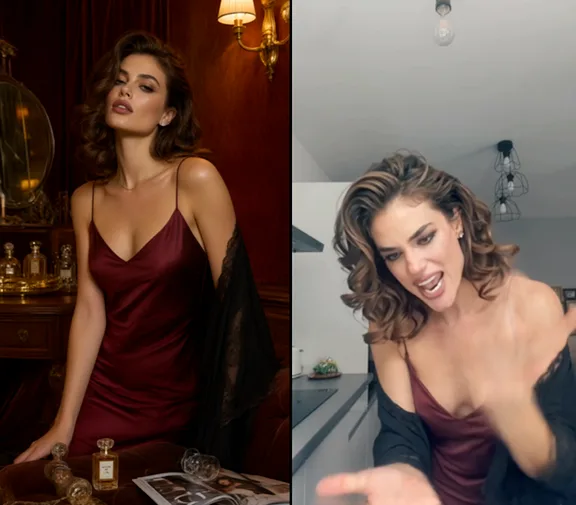
Use one front-facing adult or pet photo with room around the arms and legs. For a duo, use one photo of both adults.
Toc Toc Dance AI
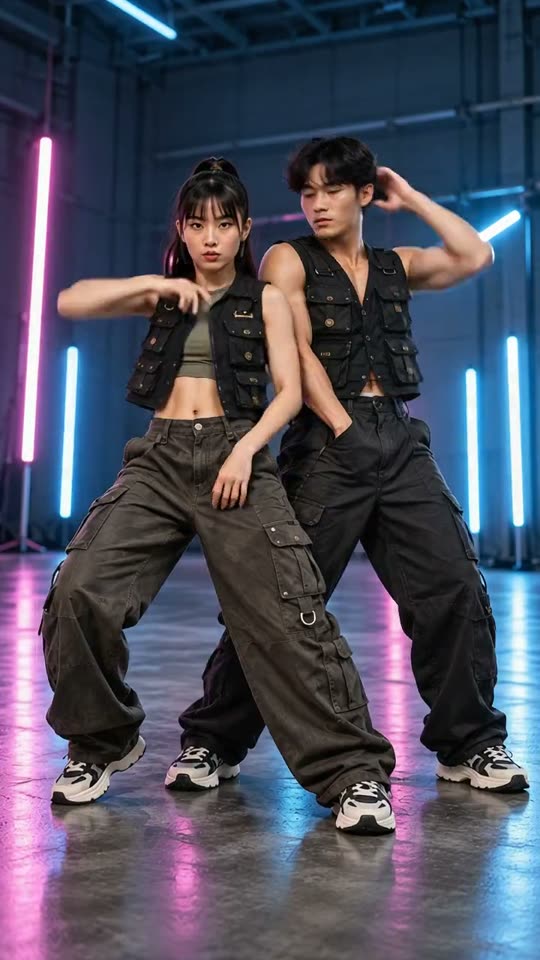
Watch the knocking hand, foot placement and facial consistency. Busy group scenes can introduce extra limbs.
From photo to idea
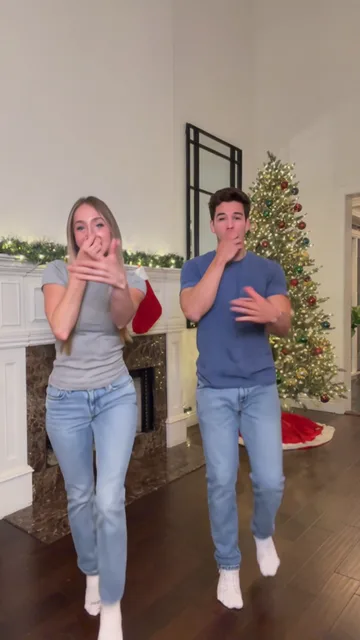
A small hop, an imaginary knock and a long stare make a readable comic sequence. Choose a wig-and-suit look for a costume version, or keep the original outfit for a more familiar face in the routine.
Use one front-facing adult or pet photo with room around the arms and legs. For a duo, use one photo of both adults.
MiniMax-H3 creates one five-second video per video allowance. The trial and all packs allow 768P; the 10- and 30-video packs also offer 2K, subject to provider acceptance, which is not yet tested. Results are saved to your library for preview and download.
Watch the knocking hand, foot placement and facial consistency. Busy group scenes can introduce extra limbs.
One-time payment
Start with one trial video. Choose a subscription or one-time credits for more videos.
1 × 5s · 768P
Try one videoYour trial or a previously purchased video allowance is used first. You can also pay with general credits.
Choose a plan that fits your needsBlond bob and White suit request a wig and costume. Own outfit asks to retain the starting hair and clothing. Inspect the result because AI can still change fine facial and wardrobe details.
Use JPG, PNG or WebP, up to 10 MB per image. Choose a clear photo you own or have permission to use, without covered faces or heavy filters.
Tasks appear in the creations area and My creations. Preview and download a completed result there. If a task fails, check its status and your credit history.
Your trial or a previously purchased video allowance is used first. You can also pay with general credits. Pricing
No results yet. Start a task in a creative tool; your saved results will appear here.