Start with a clear reference
Use one front-facing person with the torso and legs visible. A simple background helps keep the body outline clear.
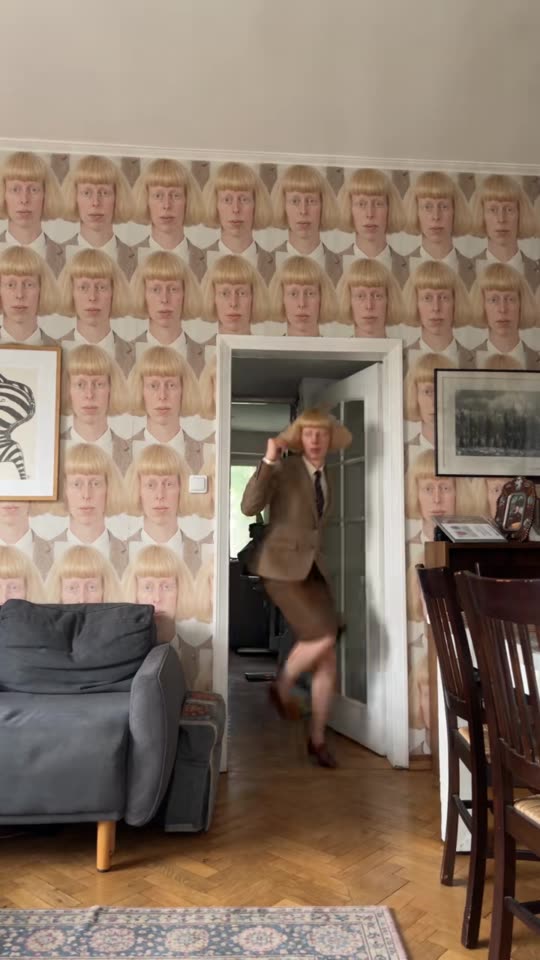
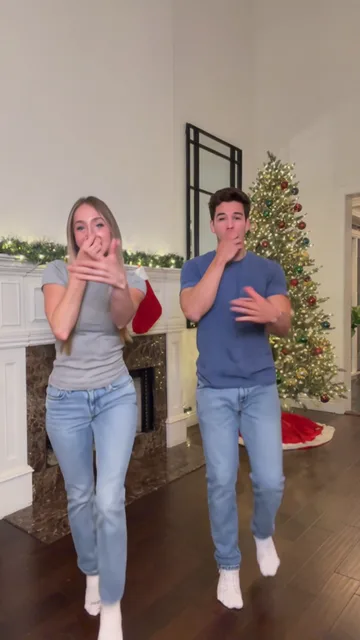
Angry dance filter
Look for believable joints, feet that stay grounded and a face that remains recognizable from start to finish.
From photo to idea
Choose a template for the number of people and the type of movement you want. Use a full-body photo for footwork, or a wider portrait for upper-body gestures. The template controls show the supported photo count, duration and credit cost. After generating, watch the clip at normal speed and check that feet, hands and faces stay clear through the final pose.
Use one front-facing person with the torso and legs visible. A simple background helps keep the body outline clear.
MiniMax-H3 creates one five-second video per video allowance. The trial and all packs allow 768P; the 10- and 30-video packs also offer 2K, subject to provider acceptance, which is not yet tested. Results are saved to your library for preview and download.
Look for believable joints, feet that stay grounded and a face that remains recognizable from start to finish.
One-time payment
Start with one trial video. Choose a subscription or one-time credits for more videos.
1 × 5s · 768P
Try one videoYour trial or a previously purchased video allowance is used first. You can also pay with general credits.
Choose a plan that fits your needsThis is a new scene based on the selected dance direction and your identity photo. The sample is a preview, not an automatic motion-transfer input. Review faces, hands and movement in the result.
Try a wider, sharper photo with separated arms and visible legs. Reduce turns, jumps and camera changes in the optional direction.
Choose the pet look and upload one clear animal photo. Keep the movement gentle and review paws, ears and body shape.
Your trial or a previously purchased video allowance is used first. You can also pay with general credits. Pricing
No results yet. Start a task in a creative tool; your saved results will appear here.