Most picture upscalers run one a single model on every image and let the same algorithm handle a portrait, a screenshot, a digital painting, and a low-resolution scan. imov AI image upscaler runs Topaz Gigapixel, which uses nine specialized models: Standard, High Fidelity, Low Res, Text and Shapes, Art and CG, Recover, Redefine, and Face Recovery. Each model is built for a specific image type, so the right photo enhancement is applied to the right content - sharper results, fewer artifacts, no one-size-fits-all processing.
Free AI Image Upscaler & Photo Enhancer
Increase image resolution and enhance photo quality in seconds with imov AI Image Upscaler. Convert photos, portraits, and AI-generated images to 4K resolution and print quality. No manual editing, no quality loss.
How to Upscale an Image in 3 Steps
Upload Image for Upscaling
Upload the image you want to enhance directly to imov photo enhancer. It accepts all image formats, including JPG, JPEG, PNG, WebP, GIF, and AVIF. Upload from your device or select an existing image from your imov generation history.
See moreEnhance Photo Quality
Press the ‘Generate’ button, and the imov upscale AI processes your image in the cloud, automatically analyzing the content and applying the most appropriate photo enhancement for your image type, whether that is a portrait, a landscape, a compressed photo.
See moreDownload Upscaled Images
Your upscaled image is ready in seconds. Preview the result and download in full quality, with sharper details and 4K resolution. The output is yours to use immediately for print, client delivery, social media, or continued use inside your imov workflow.
See more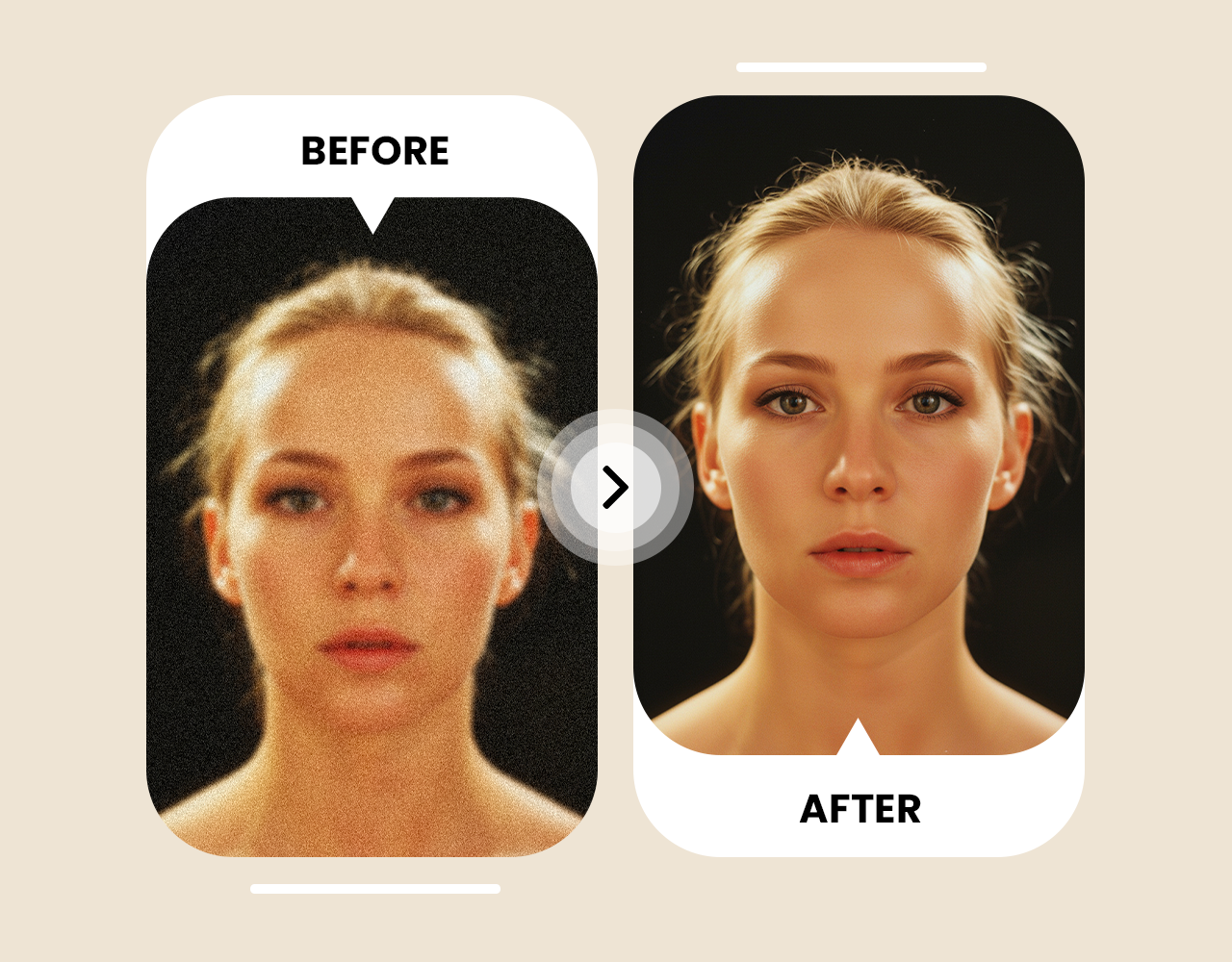
Upscaling Tool Built for Every Image Type
Face Recovery That Preserves Identity
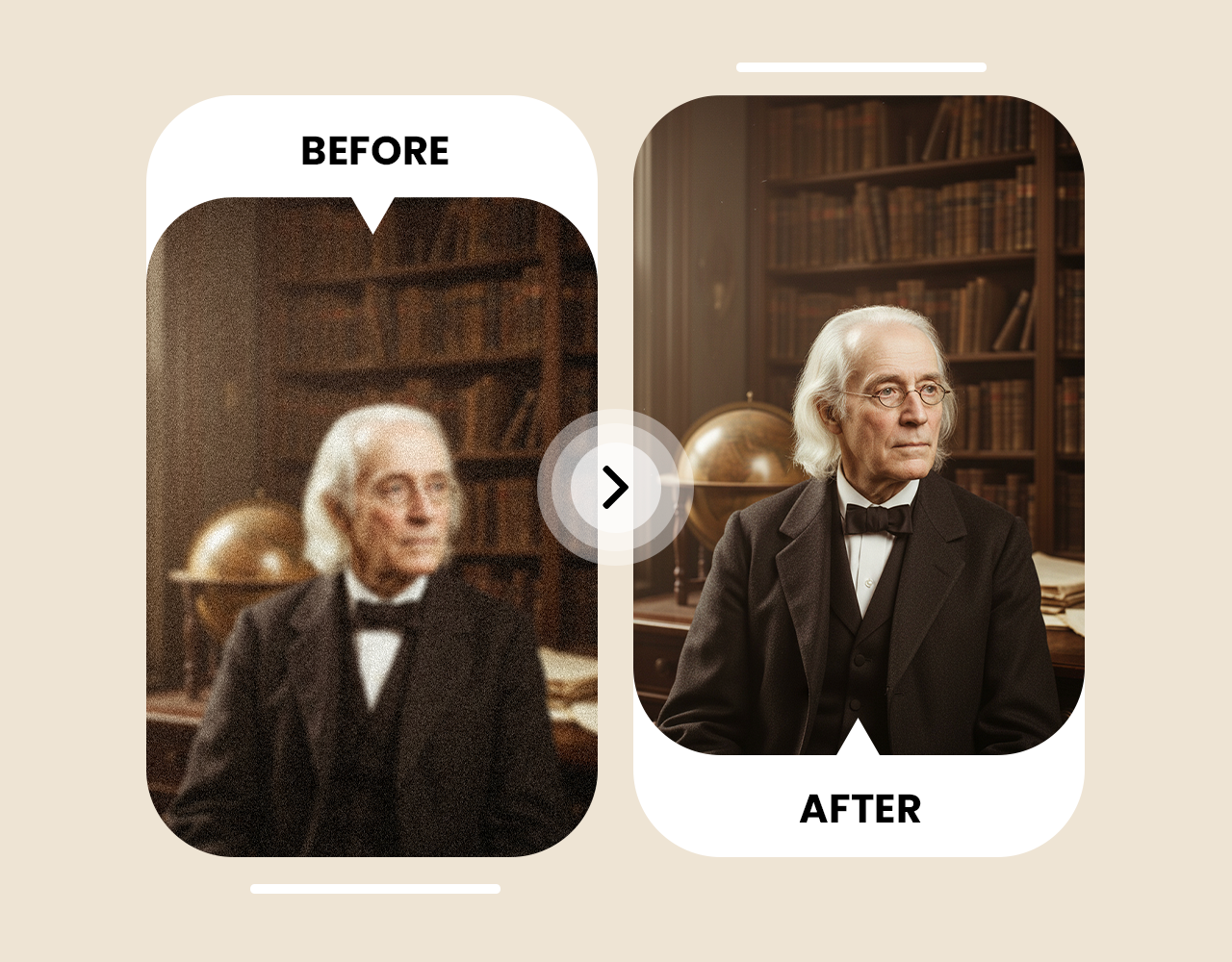
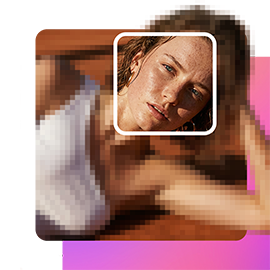
Most photo upscalers apply uniform sharpening across the entire image, which smooths over distinctive facial features and adds artefacts around eyes, mouth, and hairline. imov's Face Recovery model detects facial structure separately, then enhances photo quality around individual features without flattening what makes the face recognizable. Old photos, low-resolution portraits, and scanned prints come out sharper without the over-smoothed look common to generic AI photo enhancers.
Restore Old Photos and Increase Image Resolution
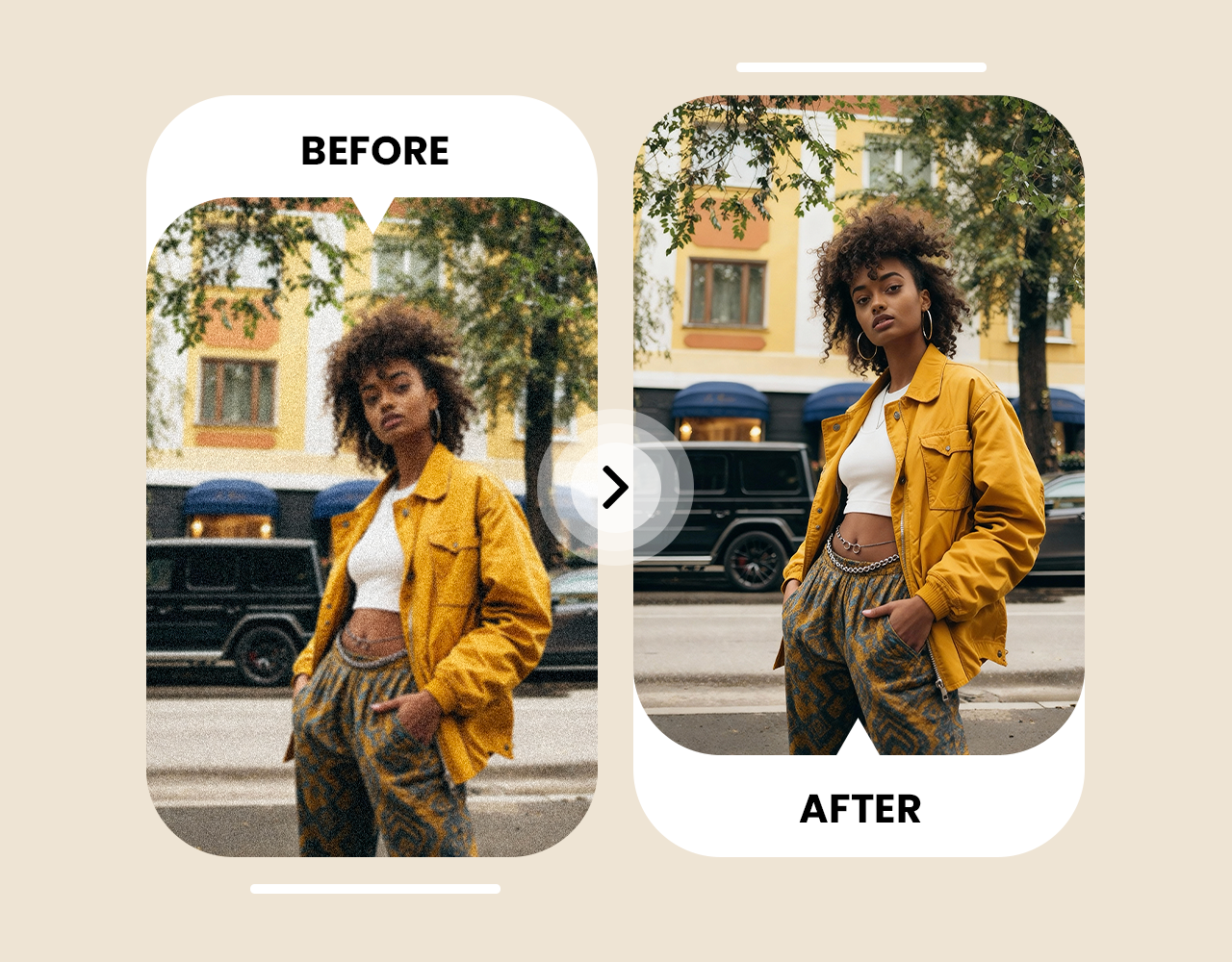
Old film prints, scanned negatives, and early digital photos lose detail to grain, compression, and age. imov AI image upscaler rebuilds lost detail in damaged or degraded images, increasing resolution and enhancing photo quality without the plastic smoothing that standard AI image enhancers produce. Upload a faded family print, a compressed old portrait, or a low-resolution scan and upscale image to 4K.
Choose a plan that fits your needs
Upgrade to get access to pro features and generate more and better
Kling
ByteDance
Minimax
Nano Banana
Gemini
Claude
Qwen
GPT Image
Runway
Grok
Trusted by Professionals and Creators from top Brands and Companies
Hear From imov Users
I just tried imov AI Image Upscaler on some old blurry photos, and wow, they actually look clear now. It’s crazy how fast it works, and I didn’t have to do anything complicated.
Anya Petrova
For my small business, imov AI Image Upscaler is a lifesaver. My product pics used to look grainy online, but now they look sharp and professional in seconds.
Ben Harris

As someone who loves creating digital art for fun, imov AI Image Upscaler makes my work pop. Even tiny details I missed before are now super clear.
Isabelle Kim

I used imov AI Image Upscaler for a client project, and it totally saved me time. The images came out sharp, high-res, and presentation-ready without extra editing.
Michael Chenn

Frequently Asked Questions About AI Image Upscaling
AI image upscaling uses machine learning to analyze an image and add realistic detail as it enhnces it, with sharper details. AI image enhancers reconstruct detail that wasn't present in the original file, without stretching existing pixels and creating blur. The result is a higher-resolution image that looks like it was photographed at higher or 4K resolution.
You can use Topaz AI Image Upscaler to convert low-resolution images into 4K. Simply upload your photo, select 4K, and the AI enhances details and sharpness instantly for print or social media. The resulting image is ready to download or share immediately.
imov AI Image Upscaler works directly in your browser. Upload any image, choose the resolution, and the AI enhances it automatically without downloads or installation. You can process multiple images at once for efficiency.
Yes, AI Image Upscaler supports JPG and PNG formats. It enlarges images while preserving proportions, colors, and textures so nothing looks stretched or pixelated. The enhanced images maintain their natural look at any size.
imov AI image upscaler supports upscaling up to 16x the original image dimensions, producing outputs suitable for large-format print, billboard production, and high-density display use. The exact output resolution depends on your source image size, a 1000px image upscaled 16x produces a 16,000px output.
imov AI Image Upscaler detects blurry areas and restores fine details. Your photos become crisp and clear without losing natural textures or colors. It works for both photos and digital graphics.
No, imov AI Image Upscaler preserves the original look of your photo while enhancing resolution and sharpening details, so results stay realistic and natural. The AI ensures every image keeps its authentic color and texture.
Upload Instagram photos to imov AI Image Upscaler. The AI improves resolution, sharpness, and color vibrancy, making your posts look professional and ready to share. You can post instantly after enhancement.
Yes, imov AI Image Upscaler can enhance screenshots. It boosts clarity, improves text readability, and sharpens UI details in seconds. This works for app screenshots, game captures, or web pages.
imov AI Image Upscaler is a fast, browser-based, free tool. It increases image resolution while preserving details, colors, and textures. There’s no software installation or login required.
Anyone can use imov AI Image Upscaler to enhance low-resolution images, artwork, product photos, or screenshots. It’s perfect for social media, prints, or personal projects. It’s also useful for students, creators, and designers.
Upload your vacation photos to AI Image Upscaler. It sharpens blurry areas, restores details, and improves resolution so your memories look perfect. Enhanced images can be shared or printed immediately.
Yes, AI Image Upscaler works in mobile browsers, letting you enhance images on your phone while keeping them crisp and detailed. It’s convenient for editing photos on the go.
imov AI Image Upscaler can restore old or scanned family photos. It recovers details, sharpens edges, and enhances resolution to bring them back to life. The results are suitable for prints, albums, or digital sharing.
Absolutely. imov AI Image Upscaler enhances resolution and sharpens fine details in digital drawings or illustrations while keeping the original style and colors intact. You can then use the enhanced images for sharing, printing, or portfolio display.
Yes. imov processes your uploaded images securely and does not store or share your files after processing is complete. Your photos are not used to train models or shared with third parties.