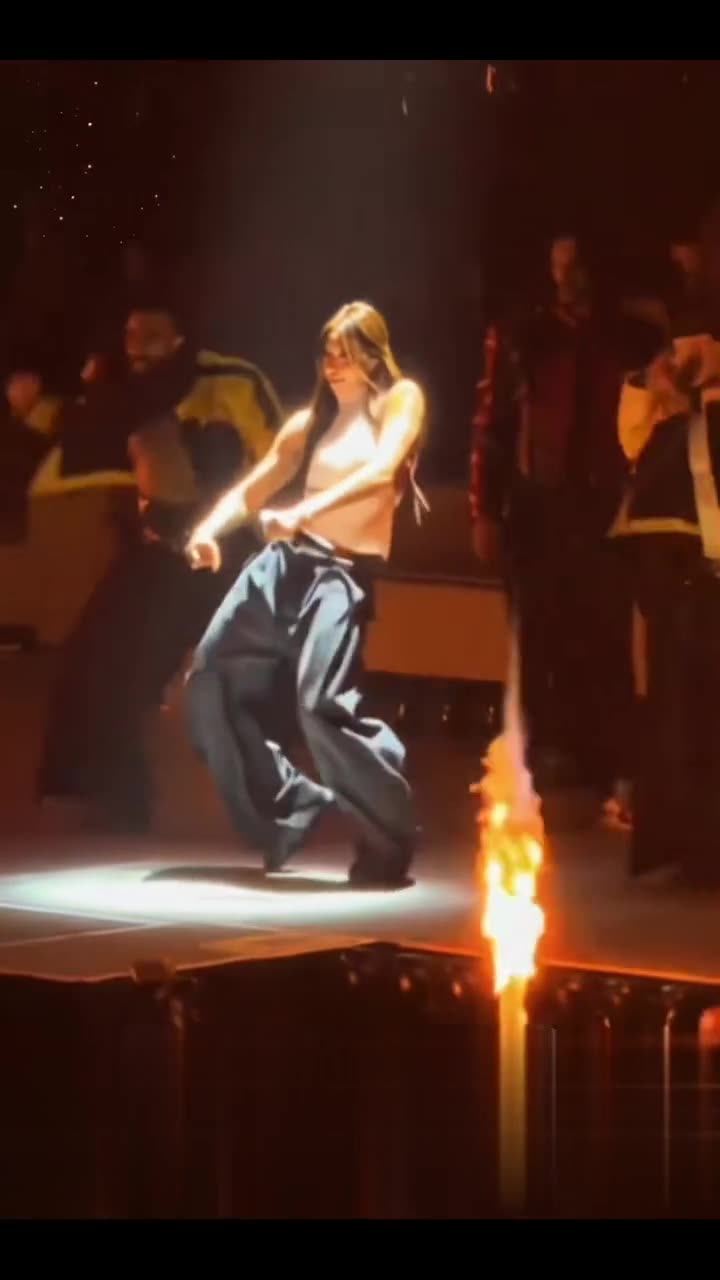
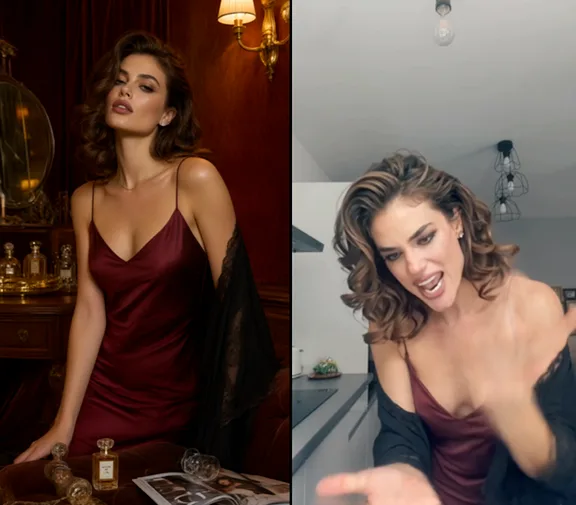
Start with a clear reference
Add one adult per slot: first-shot left, keys and right; then the lead; finally the sax player. Keep faces and clothing clearly visible.
Tiny Desk performance
Check every face and instrument, especially when people overlap. This preset does not reproduce a particular recorded performance or soundtrack.
From photo to idea
Upload five separate photos in order: left vocalist, keyboard player, right vocalist, lead performer, saxophone player. The initial release creates a new five-second scene. Samples are previews; their shot sequence and soundtrack are not promised.
Add one adult per slot: first-shot left, keys and right; then the lead; finally the sax player. Keep faces and clothing clearly visible.
MiniMax-H3 creates one five-second video per video allowance. The trial and all packs allow 768P; the 10- and 30-video packs also offer 2K, subject to provider acceptance, which is not yet tested. Results are saved to your library for preview and download.
Check every face and instrument, especially when people overlap. This preset does not reproduce a particular recorded performance or soundtrack.
One-time payment
Start with one trial video. Choose a subscription or one-time credits for more videos.
1 × 5s · 768P
Try one videoYour trial or a previously purchased video allowance is used first. You can also pay with general credits.
Choose a plan that fits your needsUpload in the displayed role order. Each photo is sent as a separate identity reference together with the performance video; none is used as a last frame or dropped from the request.
This page uses five identity photos as references. Download the result and add music you have permission to use. The initial release has no separate mute control and does not promise to reproduce the sample recording.
Use sharp individual photos with an unobstructed face and consistent lighting. The request assigns each identity to its own role, but you should still review every person for drift or swaps.
Your trial or a previously purchased video allowance is used first. You can also pay with general credits. Pricing
No results yet. Start a task in a creative tool; your saved results will appear here.