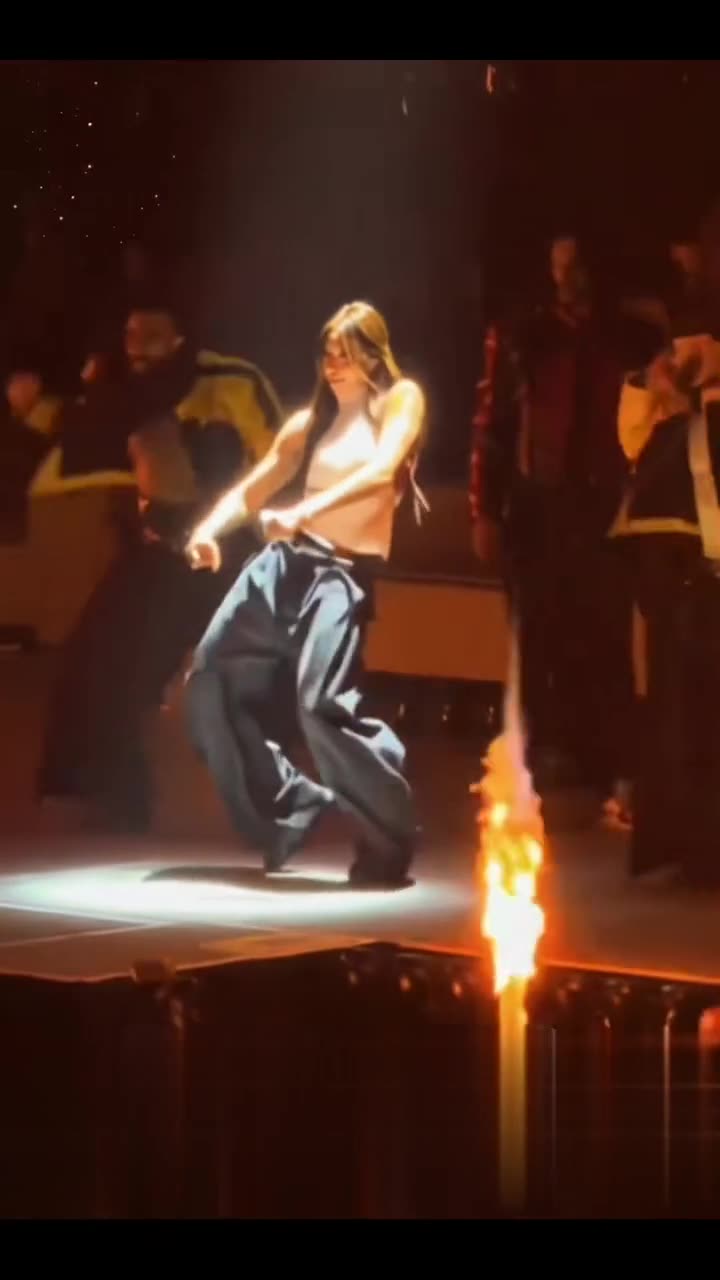
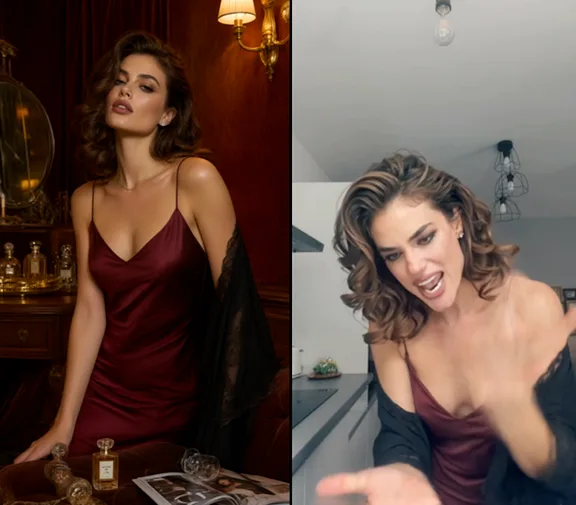
Start with a clear reference
Show one face clearly. For pets, keep the ears, eyes and muzzle inside the frame; avoid a tight crop.
Hit the Road Dude
Show one face clearly. For pets, keep the ears, eyes and muzzle inside the frame; avoid a tight crop.
Model: Seedance 2.5 Reference
The selected video guides the motion and camera. Review faces, timing and audio; exact replication is not guaranteed.
Watch the full clip for face changes, steering-wheel contact and the ending. Sound and exact dialogue depend on the selected model.
From photo to idea
The joke works best when the subject stays recognizable and the exchange is easy to read. Start with a steady close view, then request a glance or small gesture instead of several camera changes.
Show one face clearly. For pets, keep the ears, eyes and muzzle inside the frame; avoid a tight crop.
A 15-second roadside scene using your photo and the selected vehicle reference. The request keeps identity input separate from the motion clip.
Watch the full clip for face changes, steering-wheel contact and the ending. Sound and exact dialogue depend on the selected model.
The selected clip now guides the exchange, camera and timing. The request can include synchronized audio, but exact wording, voice and lip sync can still vary.
Yes. Use a sharp photo of one pet with an unobstructed face. Animal anatomy and the steering-wheel pose need a careful review.
This template requests 15 seconds. Resolution and the full credit quote are shown before submission, including the selected reference video.
The quote uses the selected settings. Account credits and plan terms are shown on the pricing page. Pricing
No results yet. Start a task in a creative tool; your saved results will appear here.