Start with a clear reference
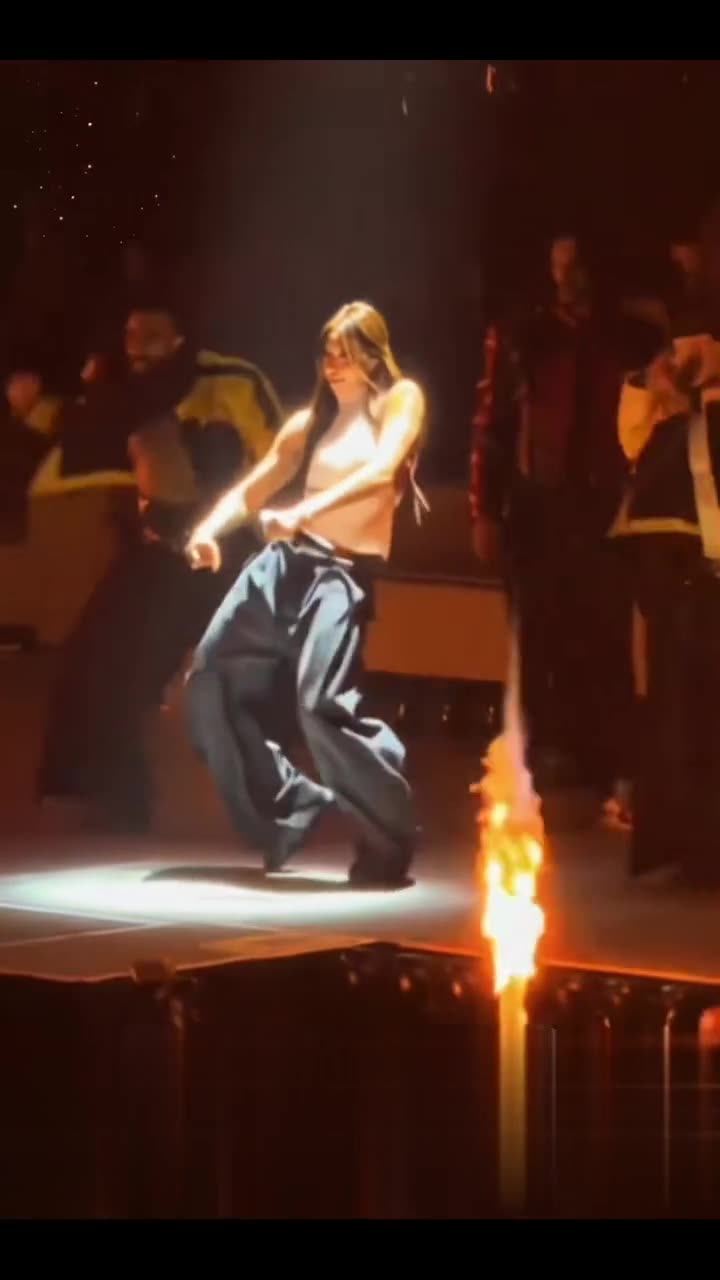
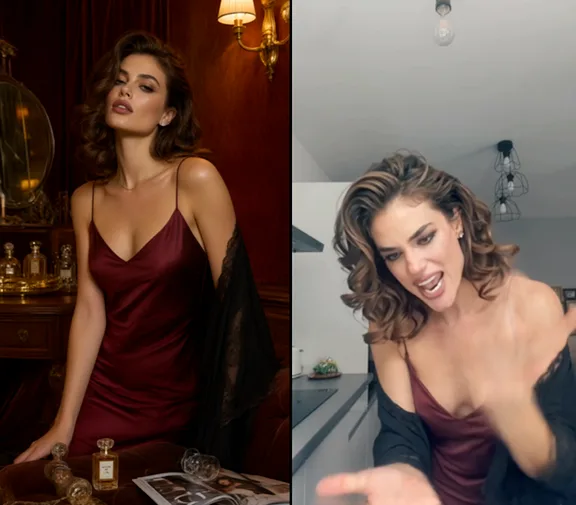
Upload a consenting adult’s full-body photo. Leave space above the head and keep both hands visible.
Bama Bound video
Check the banner text and hand placement. Do not present a generated scene as evidence of admission or university affiliation.
From photo to idea
The field, banner and upward glance make the scene readable. A logo-free red banner keeps the visual simple. Generated wording can be imperfect, so add exact text after export when necessary.
Upload a consenting adult’s full-body photo. Leave space above the head and keep both hands visible.
MiniMax-H3 creates one five-second video per video allowance. The trial and all packs allow 768P; the 10- and 30-video packs also offer 2K, subject to provider acceptance, which is not yet tested. Results are saved to your library for preview and download.
Check the banner text and hand placement. Do not present a generated scene as evidence of admission or university affiliation.
One-time payment
Start with one trial video. Choose a subscription or one-time credits for more videos.
1 × 5s · 768P
Try one videoYour trial or a previously purchased video allowance is used first. You can also pay with general credits.
Choose a plan that fits your needsNo university affiliation is claimed. It is a fictional fan scene; avoid official seals and do not describe it as an acceptance notice.
The prompt can request wording, but image-to-video models may distort letters. Add precise text in an editor if it is essential.
Use a well-lit full-body adult photo with visible hands and room above the head. Avoid photos already cropped tightly around the face.
Your trial or a previously purchased video allowance is used first. You can also pay with general credits. Pricing
No results yet. Start a task in a creative tool; your saved results will appear here.