Start with a clear reference
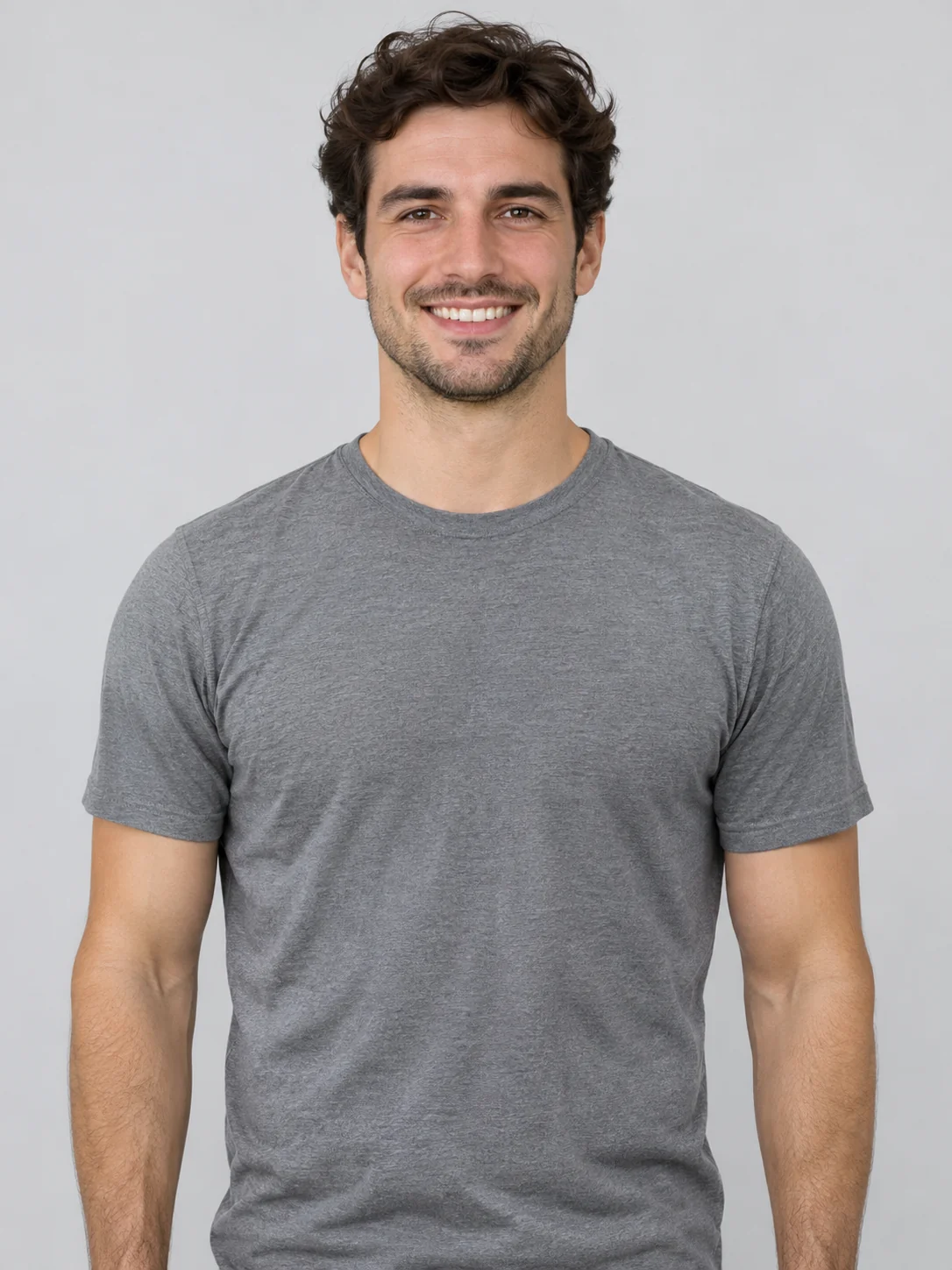
One adult who agreed to appear. Choose a sharp upper-body photo with both arms and hands visible. Skip crossed arms, heavy face filters and objects covering the chest.
Bicep Heart AI
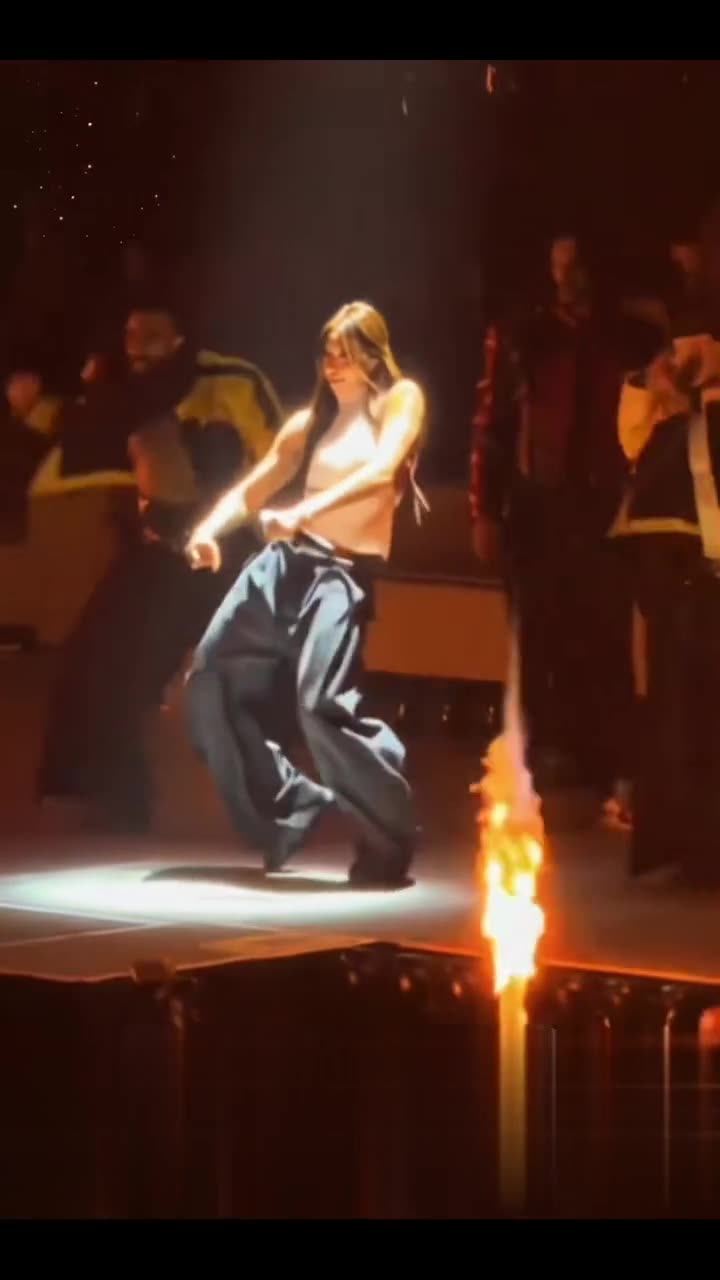
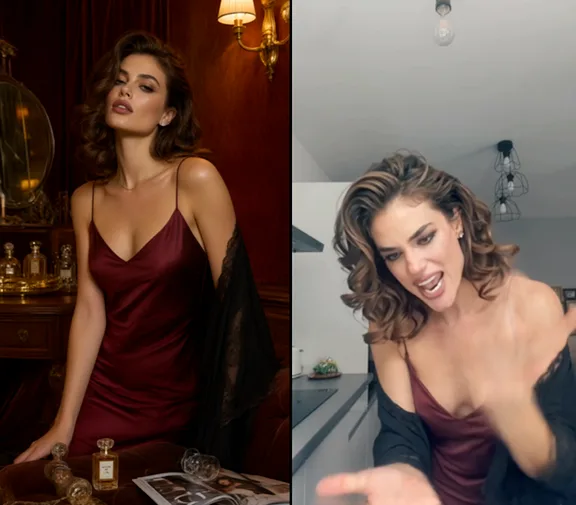
The original reference-site example is shown with its input portrait and original duration. It is not a test of this integration. In your own clip, check fingers, wrist shape, face and any details the AI may have changed.
 Original → Reference preview
From photo to idea
Start with a relaxed, front-facing portrait. The model is directed to flex one arm and bring the opposite hand toward the bicep to suggest a heart. Leave both hands and the shoulders inside the frame; a busy background or tightly cropped elbows can make the movement harder to read.
One adult who agreed to appear. Choose a sharp upper-body photo with both arms and hands visible. Skip crossed arms, heavy face filters and objects covering the chest.
MiniMax-H3 creates one five-second video per video allowance. The trial and all packs allow 768P; the 10- and 30-video packs also offer 2K, subject to provider acceptance, which is not yet tested. Results are saved to your library for preview and download.
The original reference-site example is shown with its input portrait and original duration. It is not a test of this integration. In your own clip, check fingers, wrist shape, face and any details the AI may have changed.
One-time payment
One allowance makes one 5-second video, shared across all scene video tools.
1 × 5s · 768P
Try one video3 × 5s · 768P
10 × 5s · 2K
30 × 5s · 2K
2K is available with the 10- and 30-video packs. Provider acceptance and final output quality have not yet been tested.
Keep both arms and hands visible, with a little space around the shoulders. A simple smile and a fixed camera are clearer directions than several gestures at once. You do not need a gym photo or large muscles.
You can add an audio file in References mode as a direction for the model. This is not a promise of exact soundtrack reproduction. No licensed trend song is added by the app; check the returned audio and use music you have permission to share.
Keep the saved task or request ID and check it again. A timeout does not prove that generation stopped, so the app does not submit a second job automatically. Confirmed failed or cancelled jobs return the allowance once.
Each generation uses one video allowance. 768P is available for the trial and all video packs; 2K requires the 10- or 30-video pack. Confirmed failures return the allowance. Pricing
No results yet. Start a task in a creative tool; your saved results will appear here.