Find prompts for product shots, portraits, design and imagined places. Copy one as text or open it as an editable draft in the image studio.
In the library
9 prompts across 4 categories
Browse the prompt library
9 prompts
Products · 4:3
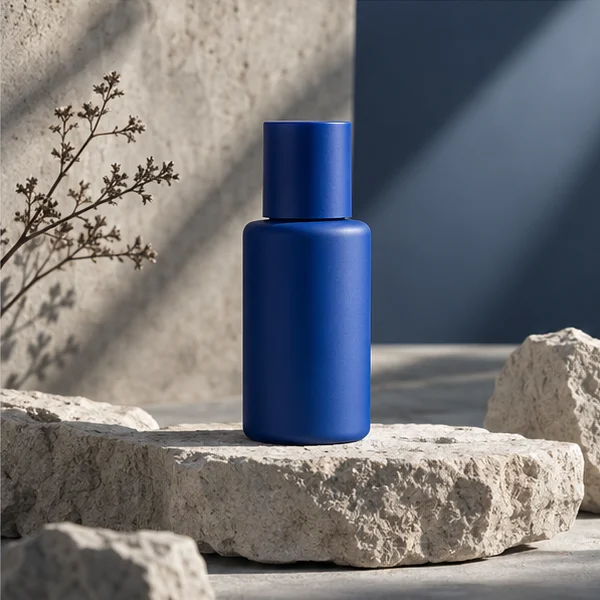
Product shot with a clean rim light
Photograph a matte amber glass bottle on a pale stone plinth. Use a narrow strip light from behind to pick out the shoulder and a large softbox at camera left. Keep the label area blank. Leave quiet space at right for a headline.
Portraits · 3:4
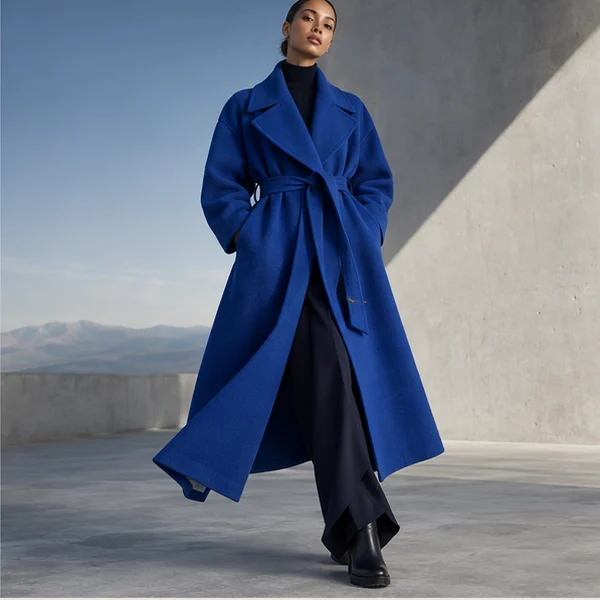
Window-lit fashion portrait
Create a waist-up fashion portrait beside a tall north-facing window. Style the subject in a rust linen jacket with visible woven texture. Add a soft blue shadow on a plain plaster wall. Keep the hands low and the pose relaxed.
Portraits · 1:1
Editorial headshot, natural expression
Make an editorial headshot with a charcoal backdrop and a broad light source above eye level. Frame from mid-chest. Preserve natural skin texture and a slight smile. Leave enough space above the hair for a square crop.
Design · 3:4
Two-color festival poster
Design a portrait poster with only ultramarine and warm cream. An abstract hand holds a crescent above a low horizon. Use rough screen-print edges, keep the top quarter clear, and leave the date and title for later typesetting.
Design · 1:1
Rounded app icon for a field notebook
Create a square app icon for a field notebook. Use a single cream compass needle folded like paper on a moss-green background. Center it, keep wide margins, and make the outline legible at 32 pixels. Avoid letters and fine detail.
Places and worlds · 4:3
Small reading room at dusk
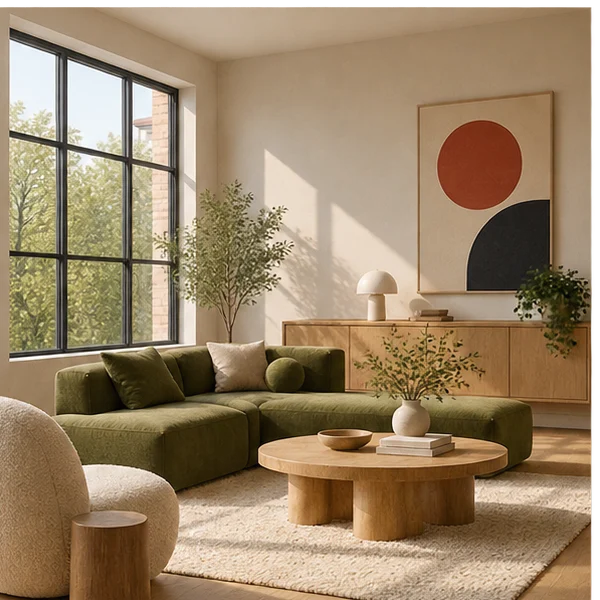
Render a modest reading room from the doorway at dusk. Place an oak chair near the corner lamp and a low shelf under a wide window. Use warm light on the chair, cooler light outside, and a realistic amount of floor space.
Places and worlds · 1:1
Isometric pixel-art night market
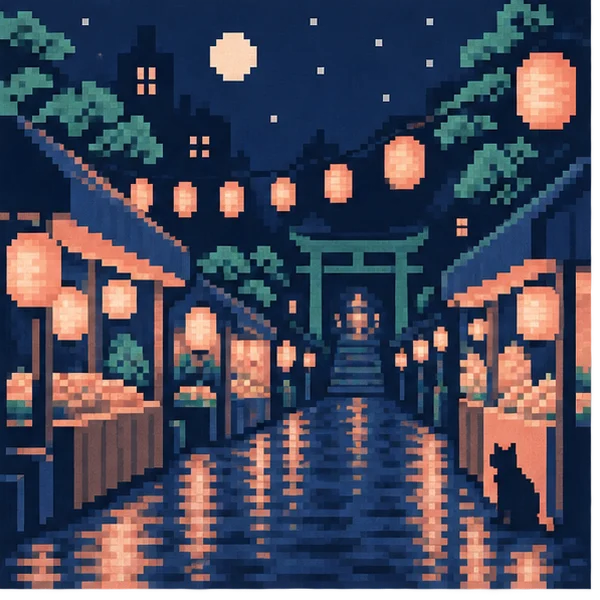
Build a small isometric pixel-art night market on one square tile. Use a navy palette with a few amber lanterns. Show one tea stall, a bicycle and a short alley. Keep object silhouettes distinct and use consistent pixel scale.
Design · 3:4
Raincoat character concept
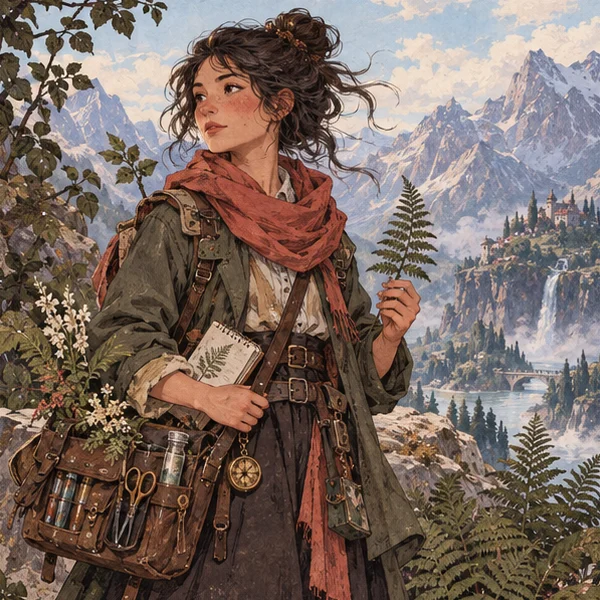
Draw a friendly fictional delivery character with a round yellow raincoat and oversized rubber boots. Pose them mid-step with a folded map. Use simple block colors, clean readable shapes, and a pale background for a character sheet.
Products · 1:1
Ceramics studio label concept
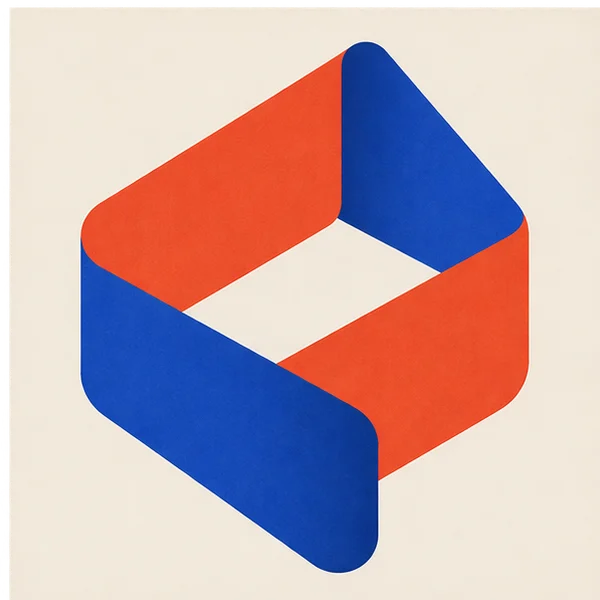
Design an unlettered stamp for a small ceramics studio. Combine a shallow clay bowl and one wavy line in a single dark indigo mark. Use an off-white paper background and test the silhouette at both sticker and business-card scale.
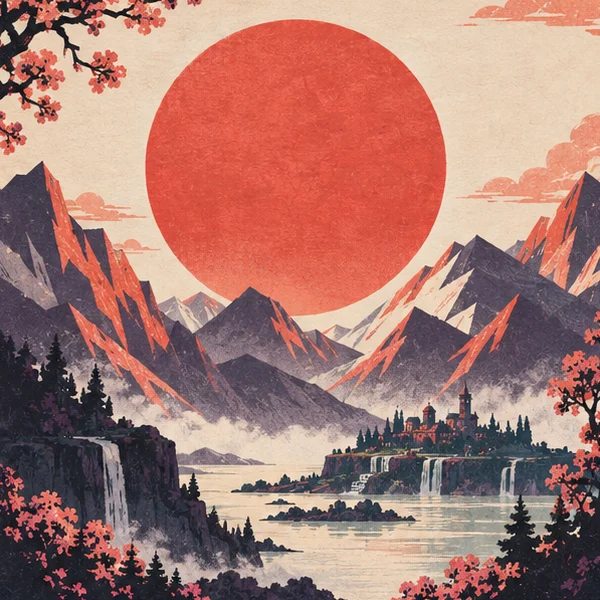
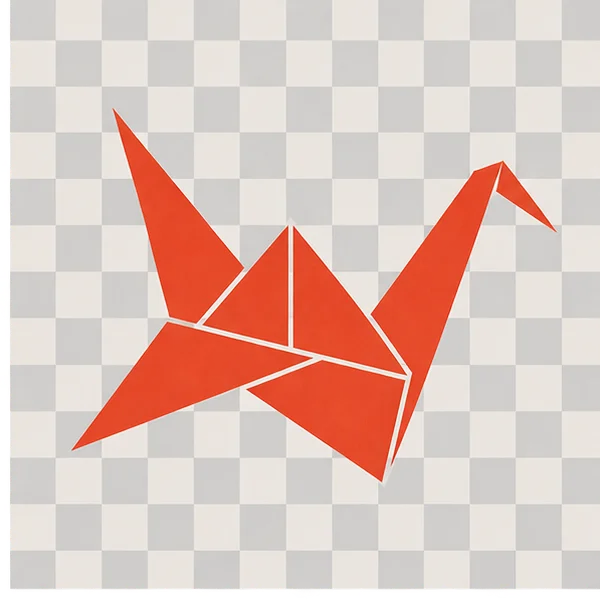
The card images illustrate each category. The studio opens your editable prompt in GPT Image 2.5 Flare.
Prompt library FAQ
Is it free to use the prompt library?
Browsing and copying prompts is free. If you generate an image, the image studio shows the credit cost for your settings before you start.
What opens when I select Use in studio?
The image studio opens an editable draft with the prompt text, GPT Image 2.5 Flare selected, and the recipe’s aspect ratio. You can change those settings before generating.
Which prompts should I try for a product shot or headshot?
For a product shot, try Product shot with a clean rim light, a 4:3 layout with space for a headline. For a headshot, try Editorial headshot, natural expression, a square crop with a charcoal backdrop.